Food Ordering System in Django with PayPal Integration
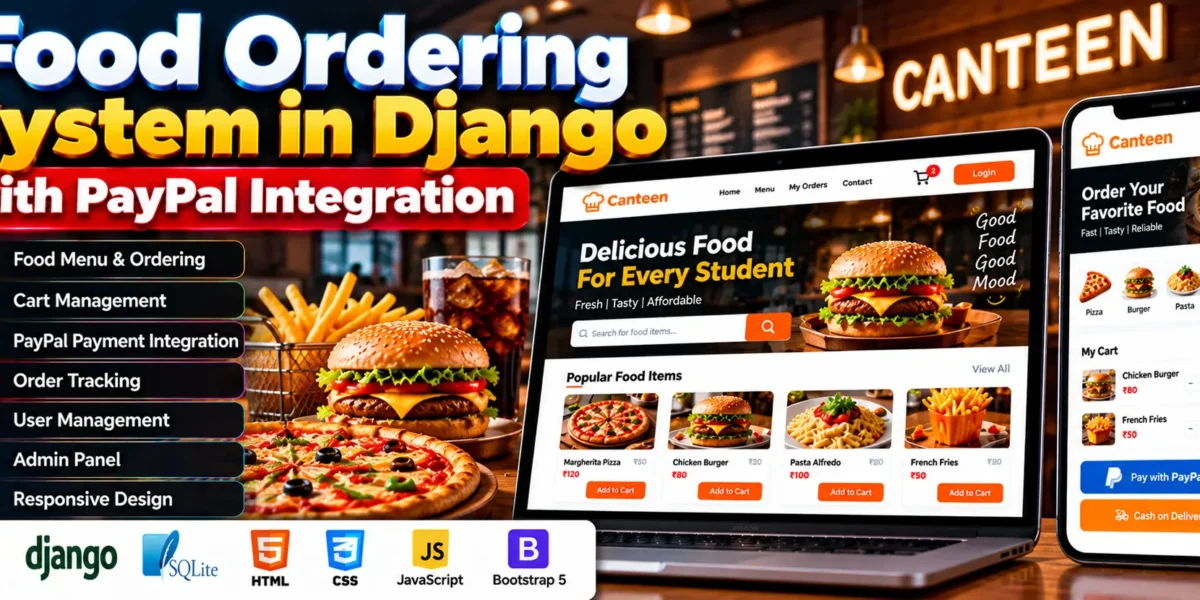
The Food Ordering System in Django with PayPal Integration is a web application developed using Python and Django to help users manage food orders online. It allows users to browse available food items, add products to their cart, and place orders. Administrators can manage users, menu items, and orders through Django’s built-in admin panel.
The system uses HTML, CSS, JavaScript, Bootstrap 5, and SQLite to provide a responsive food ordering interface. It includes dynamic cart management, order tracking, order details, and payment options through PayPal or Cash on Delivery.
Complete Advance AI Topics: Click Here
Real Time Projects on YouTube:- DecodeIT
What Is a Food Ordering System in Django with PayPal Integration?
A Food Ordering System in Django with PayPal Integration is a web application that allows users to browse food items, manage their cart, and place orders online. It provides PayPal and Cash on Delivery as payment options.
The application uses Django for backend functionality and SQLite for database storage. Its frontend uses Django Template Language, JavaScript, Bootstrap 5, HTML, and CSS.
What Are the Project Details?
The project combines Python and Django with SQLite and frontend technologies to support online food ordering and order management.
| Project Information | Details |
|---|---|
| Project Name | Food Ordering System in Django with PayPal Integration |
| Programming Language | Python |
| Framework | Django |
| Database | SQLite |
| Frontend Technologies | HTML, CSS, JavaScript, Bootstrap 5 |
| Template Engine | Django Template Language (DTL) |
| Payment Options | PayPal, Cash on Delivery |
What Are the Main Features of This Project?
The system provides food ordering, cart management, checkout, order tracking, and administrative management functionality.
What Features Are Available for Users?
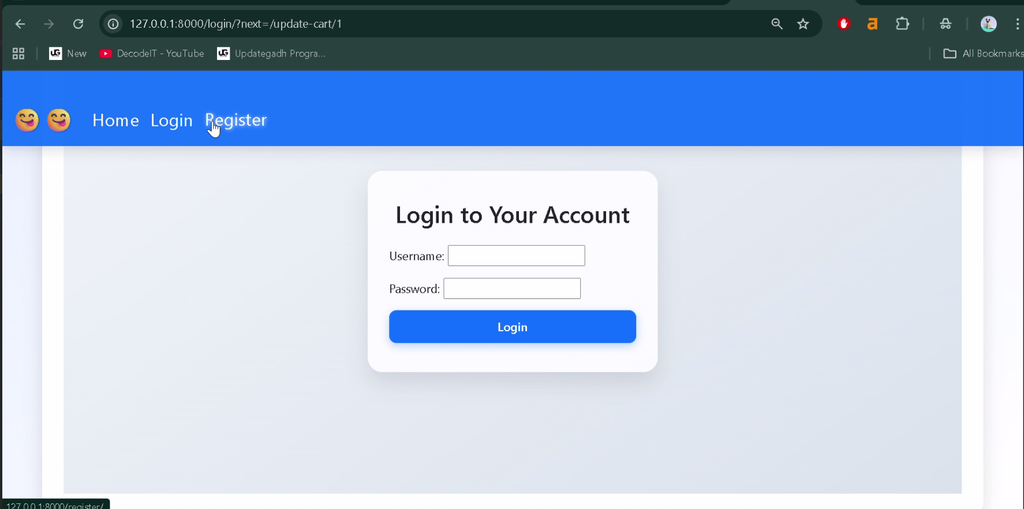
- User Registration and Login: Users can register and log in using Django’s built-in authentication system.
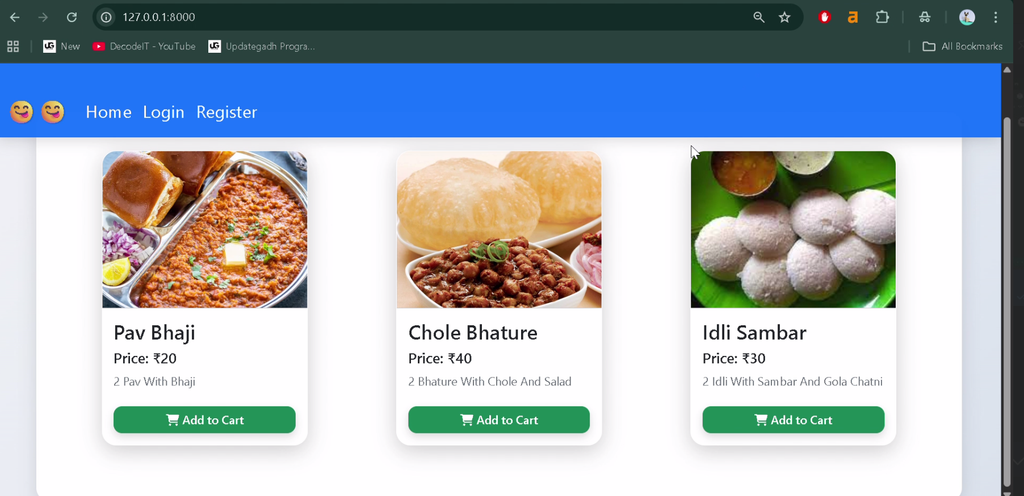
- Dynamic Food Listing: Displays food items with Add to Cart functionality.
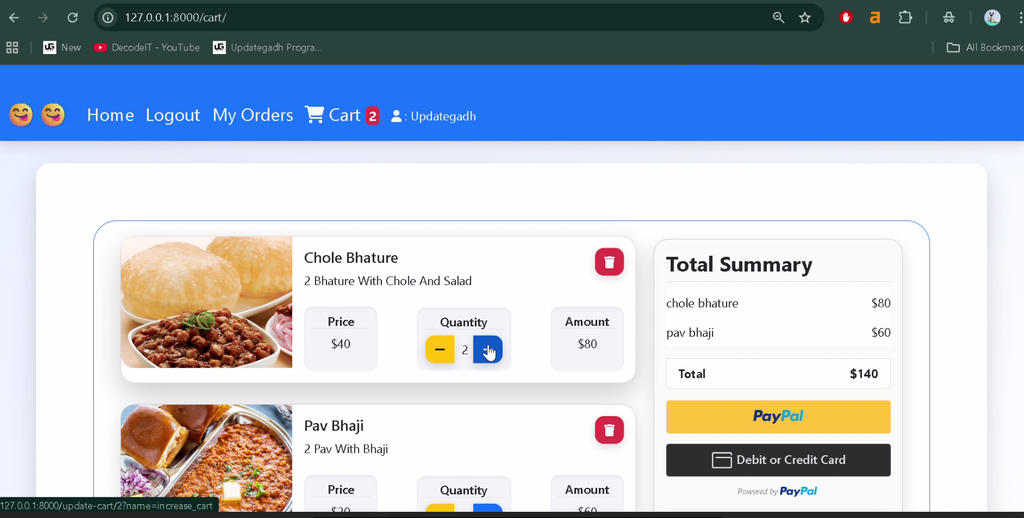
- Cart Management: Users can increase or decrease item quantities and update or delete cart items.
- Navbar Cart Count: Displays the current cart item count in the navigation bar.
- Checkout Process: Supports PayPal payments and Cash on Delivery.
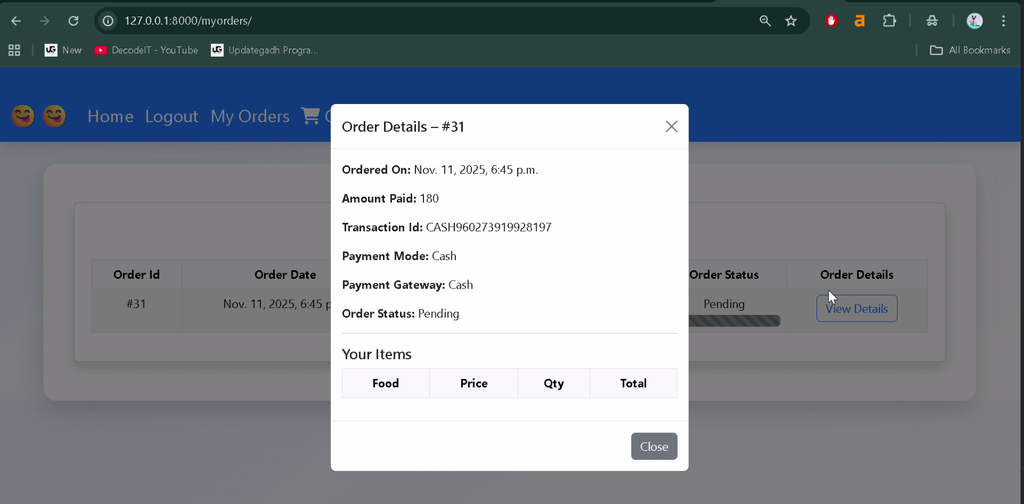
- Order Tracking: Users can view current and previous orders and check status updates.
- Order Details: Displays ordered items, total cost, and order status information.
What Features Are Available for Administrators?
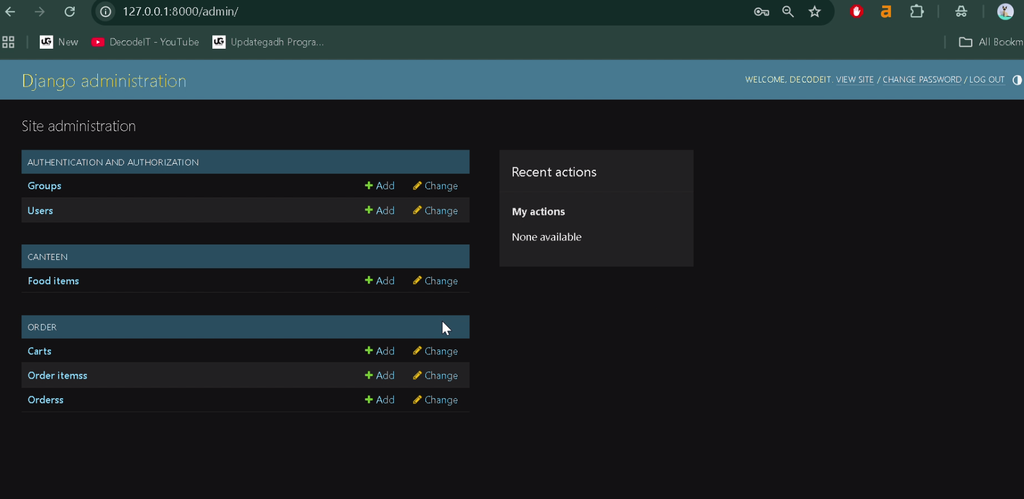
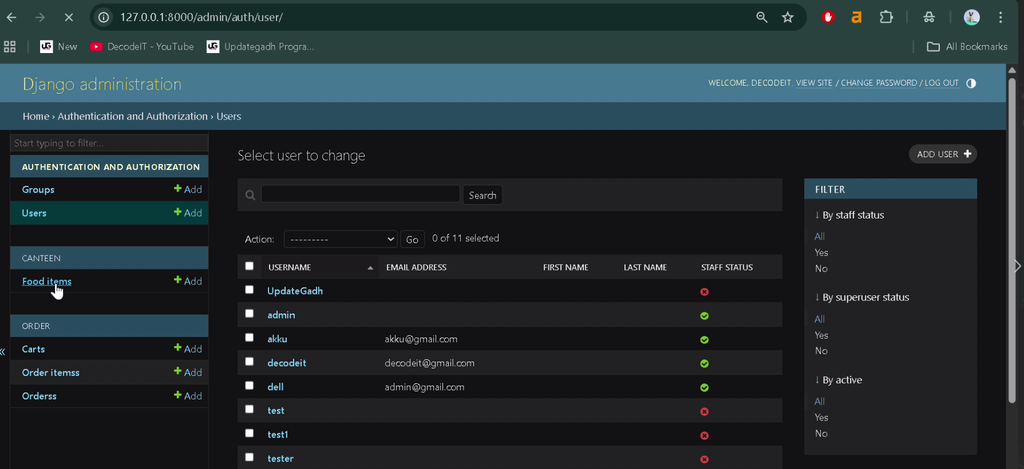
- Admin Interface: Manages users, menu items, and orders through Django’s built-in admin panel.
- Menu Management: Administrators can add, update, or delete food items.
- Order Management: Administrators can view, track, and update order statuses.
- User Management: Supports management of user accounts and activity.
- Order Review: Provides an overview of pending and completed orders.
- Feedback and Communication: Supports receiving feedback and monitoring customer interactions.
Which Technologies Are Used in the Project?
The application uses Django, SQLite, and frontend technologies to provide its food ordering functionality.
- Django: Handles backend development and application logic.
- SQLite: Stores users, food items, orders, and related data.
- Django Template Language: Integrates backend data into dynamic web pages.
- JavaScript: Supports dynamic cart updates and item counters.
- Bootstrap 5: Provides responsive interface components.
- HTML and CSS: Structure and style frontend pages.
How Does PayPal Integration Work?
PayPal integration provides an online payment option during checkout. Users can select PayPal or choose Cash on Delivery as an alternative payment method.
The payment functionality depends on the PayPal integration and configuration included in the project.
What Software Is Required to Run the Project?
The project requires Python, Django and its dependencies, a code editor, and a web browser. The installed package versions should be compatible with the project files.
- Python
- Visual Studio Code
- pip
- Project source code and required dependencies
- Web browser
How to Download
The complete package is available so you can run, study, and submit it with confidence. It includes:
- Full Source Code
Screenshot
How to Install and Run the Project in VS Code?
To run the project, open its source folder in VS Code, create a virtual environment, install the required dependencies, and start the Django development server.
- Install Python and Visual Studio Code.
- Extract the project folder and open it in VS Code.
- Open the terminal using Terminal > New Terminal.
- Create a virtual environment:
python -m venv venvActivate the virtual environment on Windows:
venv\Scripts\activateIf the project includes a requirements.txt file, install its dependencies:
pip install -r requirements.txtApply database migrations:
python manage.py migrateIf required, create an administrator account:
python manage.py createsuperuserStart the development server:
python manage.py runserverOpen the application in your browser:
http://127.0.0.1:8000/These are standard Django commands. Additional setup may depend on the supplied project configuration and dependencies.
Conclusion
The Food Ordering System in Django with PayPal Integration provides food browsing, cart management, checkout, order tracking, and administrative functionality. It supports PayPal and Cash on Delivery and uses Django’s built-in admin panel to manage users, food items, and orders.
Frequently Asked Questions
1. Which framework is used in this project?
The project uses Python and the Django framework.
2. Which database is used?
The application uses SQLite for database storage.
3. Which payment options are available?
The project supports PayPal and Cash on Delivery.
4. Does the project include an admin panel?
Yes, Django’s built-in admin panel is used to manage users, menu items, and orders.
5. How can I run the project locally?
Install the required dependencies, apply database migrations, and run python manage.py runserver.
Keywords: Food Ordering System in Django with PayPal Integration, food ordering system Django, online food ordering system in Python Django, Django food ordering project, PayPal integration Django project, canteen ordering system, food ordering system with source code, Django SQLite food ordering application