Posture Detection Using Machine Learning and Python
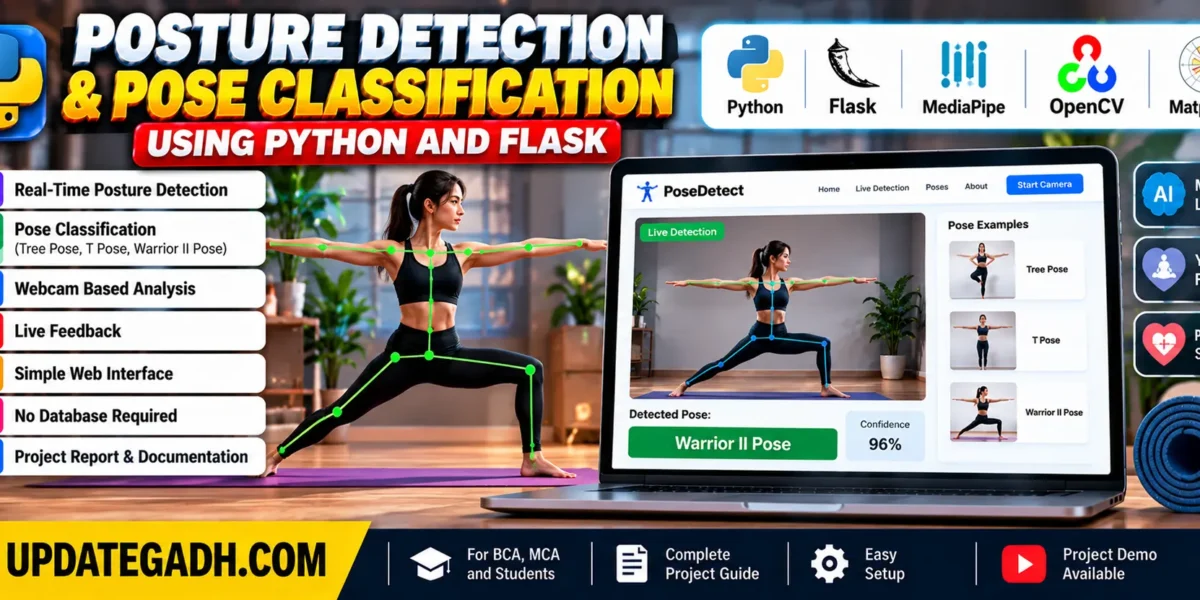
The Posture Detection Using Machine Learning in Python and Pose Classification project is a computer vision application developed using Python and the Flask web framework. Its primary objective is to analyze human body posture in real time and classify different yoga and exercise poses using computer vision and machine learning techniques.
Maintaining the correct posture during yoga, exercise, and fitness activities is important for body alignment and movement awareness. This project provides a technology-based approach to observing body positions through webcam input. It detects body landmarks, processes their coordinates, and classifies predefined poses through a web-based interface.
The project combines Python, Flask, MediaPipe, OpenCV, and machine learning concepts in one application. It is suitable for students and developers interested in artificial intelligence, computer vision, and web application development.
Complete Advance AI Topics: Click Here
Project Overview of the Posture Detection Using Machine Learning
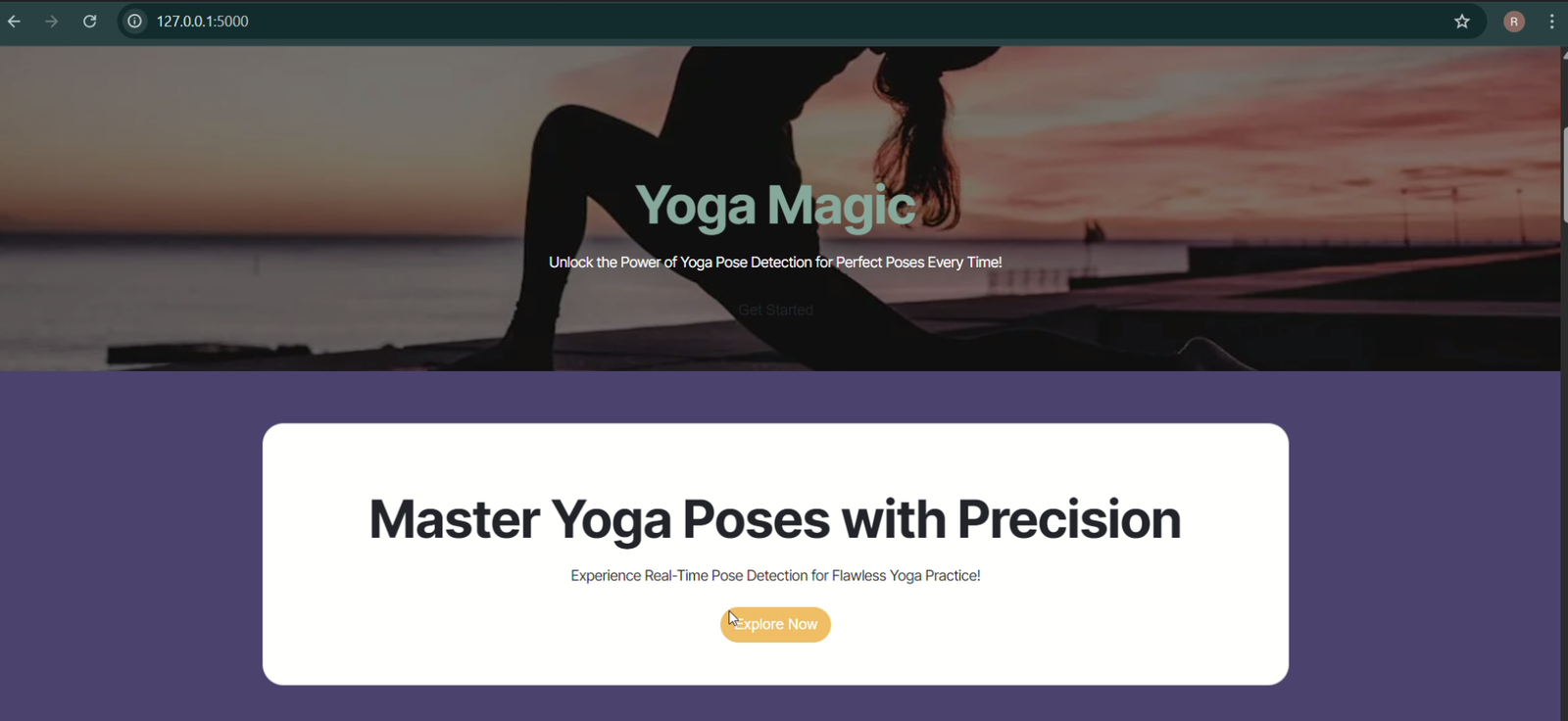
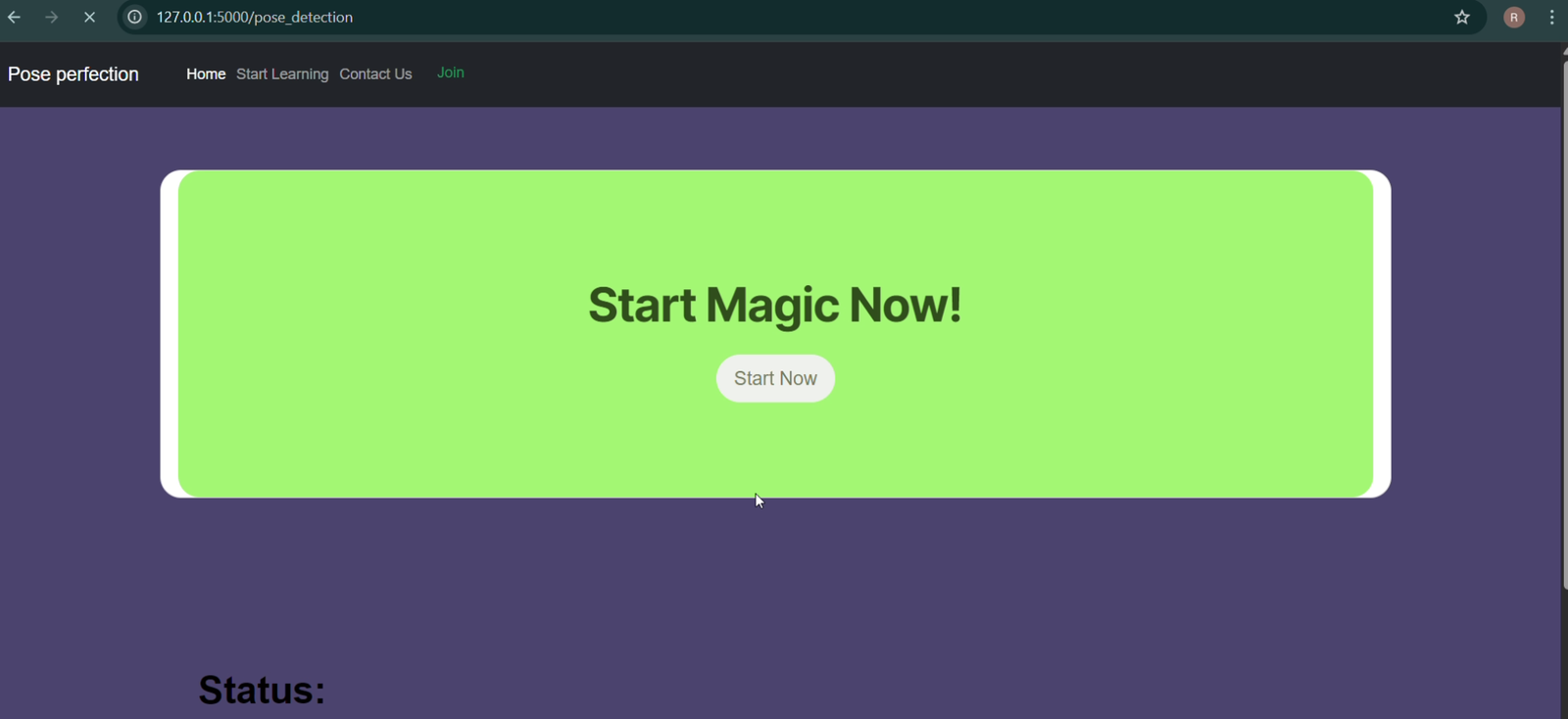
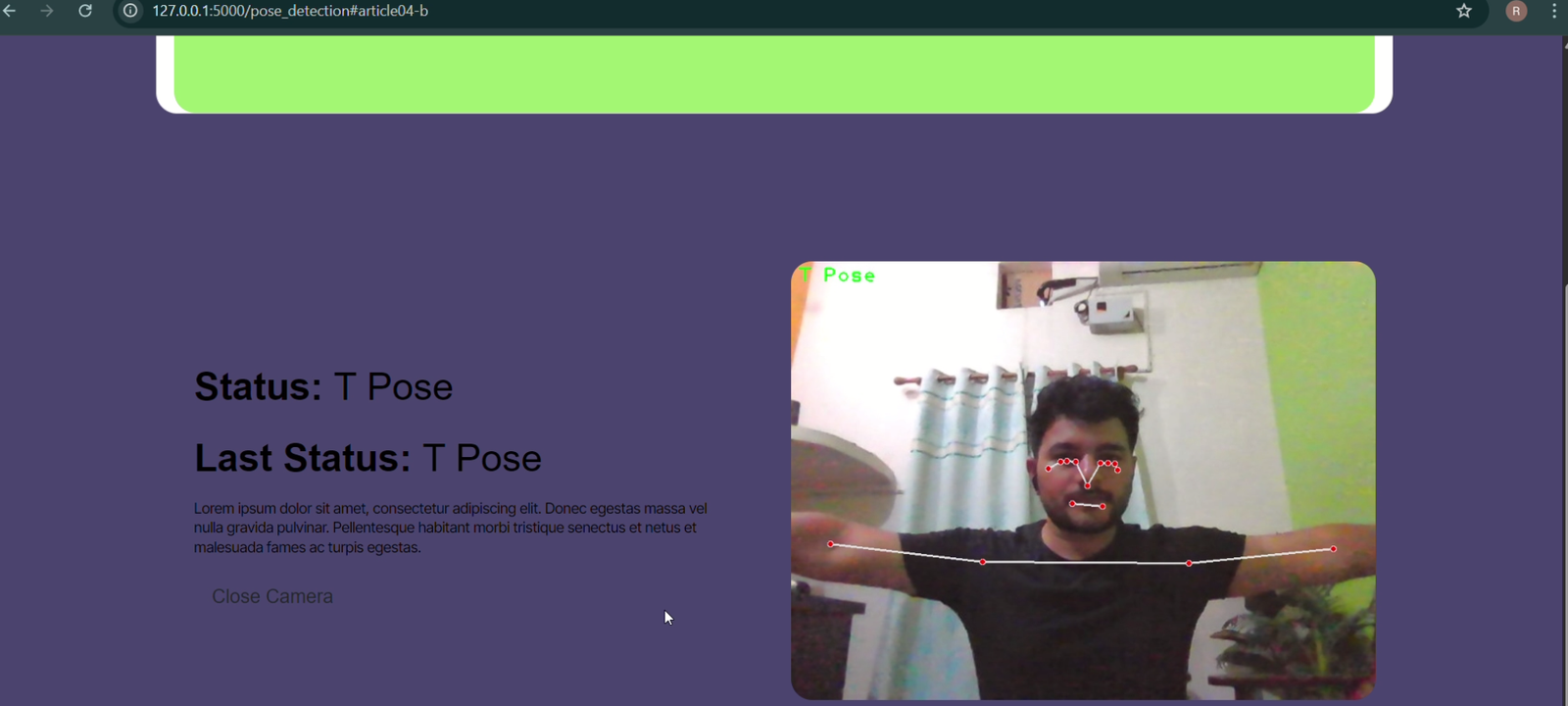
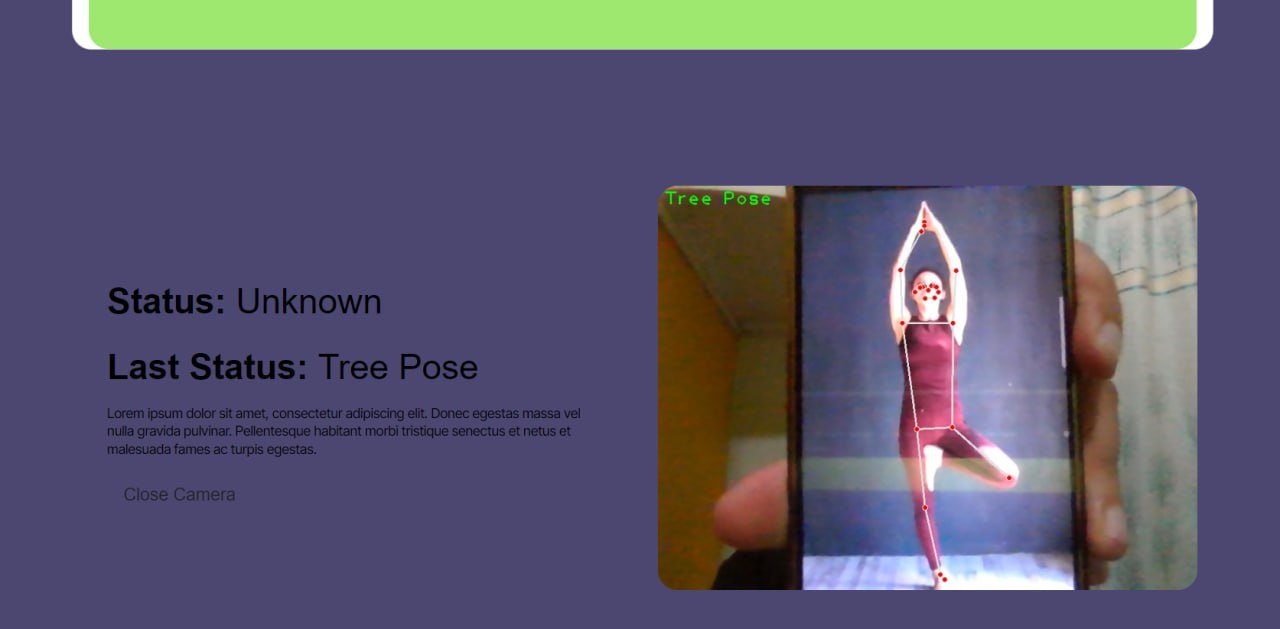
The Posture Detection and Pose Classification system allows users to open a web application, activate their webcam, and receive real-time pose classification results. The application identifies predefined poses such as Tree Pose, T Pose, and Warrior II Pose.
Using MediaPipe, the system detects body landmarks such as the shoulders, elbows, hips, and knees. The detected landmarks are converted into numerical coordinates, which can be processed by a machine learning model. The resulting classification is displayed through the Flask web interface.
The project is designed without requiring an external database. This keeps the described application architecture relatively lightweight and reduces the need for database configuration during setup. The included project report and documentation can help students understand the system’s structure and implementation.
Overview Table
| Project Details | Description |
|---|---|
| Project Name | Posture Detection and Pose Classification |
| Language/s Used | Python |
| Framework | Flask |
| Computer Vision Library | OpenCV |
| Pose Detection Library | MediaPipe |
| Visualization Library | Matplotlib |
| Project Type | Computer Vision and Machine Learning Web Application |
Download New Real Time Projects :- Click here
How Does the System Work?
The application processes webcam video through a sequence of input capture, body landmark detection, feature extraction, pose classification, and result display. Each stage contributes to identifying the pose visible in the video.
Oral Cancer Detection Using Deep Learning :- Click Here
1. Webcam Input
The system begins by capturing live video from the user’s webcam. The video frames provide the visual information needed for posture analysis. The application processes these frames to examine the user’s body position during an exercise or yoga pose.
2. Body Landmark Detection
MediaPipe is used to detect and track relevant human body landmarks. These landmarks can include the shoulders, elbows, hips, knees, and other body points. Their positions provide information about the arrangement of different body parts.
Landmark detection is an important stage because the subsequent classification process relies on the information extracted from the detected body position.
3. Feature Extraction
After detecting body landmarks, the system converts their positions into numerical coordinates. These values serve as features for the classification process. Instead of relying only on the raw video image, the application uses the extracted landmark information to represent the user’s body position.
4. Pose Classification
The machine learning model processes the extracted information and classifies the pose into one of the predefined categories. The project description identifies Tree Pose, T Pose, and Warrior II Pose as supported examples.
5. Feedback and Display
The classification result is displayed through the Flask-powered web interface. Users can observe which predefined pose the application identifies from the webcam input. This provides a way to monitor body positioning during practice.
6. Optional Visualization
Matplotlib can be used for optional visualization of body landmark points. These visualizations can support analysis, observation, and reporting while learning how the system represents human poses numerically.
Gesture Mouse Using Python :- Click Here
Technologies and Libraries Used to Posture Detection Using Machine Learning
- Python: The primary programming language used for backend processing, feature handling, and machine learning logic.
- Flask: A lightweight Python web framework used to serve the application and provide its web interface.
- MediaPipe: Used to detect and track human body landmarks from visual input.
- OpenCV: Handles webcam video capture, frame processing, and image processing operations.
- Matplotlib: Supports optional visualization and analysis of pose landmarks.
- Machine Learning: Processes extracted landmark information to classify predefined body poses.
How to Download
The complete package is available so you can run, study, and submit it with confidence. It includes:
- Full Source Code
- Project Report
- Synopsis
- PPT Presentation
Screenshot
What Are the Key Features of the Posture Detection Using Machine Learning?
- Real-Time Posture Detection: Analyzes human body posture using webcam input.
- Pose Classification: Identifies predefined poses, including Tree Pose, T Pose, and Warrior II Pose.
- Web-Based Interface: Provides access to the application through a Flask-powered web interface.
- Body Landmark Detection: Uses MediaPipe to identify relevant body points for pose analysis.
- Lightweight System: Does not require an external database for the described workflow.
- Documentation Included: The supplied project information states that a project report and documentation are included.
- Visualization Support: Matplotlib can be used to visualize landmark points for analysis and reporting.
What Are the Use Cases of the Posture Detection Using Machine Learning?
1. Fitness and Yoga
The application can support posture observation during yoga and exercise sessions by identifying predefined poses. It provides a way to observe the pose detected by the system while practicing movements.
2. Health and Physiotherapy
Pose detection technology can be explored in physiotherapy-related applications for observing body positions during exercises. Any clinical or rehabilitation use would require appropriate validation and professional oversight.
3. E-Learning and Remote Coaching
Computer vision-based pose classification can serve as a foundation for online fitness learning and remote coaching applications. It can help developers explore ways to combine video input with digital learning interfaces.
4. Human-Computer Interaction
Body poses and gestures can be used in research into gesture-based commands and human-computer interaction. The landmark detection and classification workflow offers a starting point for exploring how body movements can be represented as input.
5. Research and Development
The project provides a practical starting point for studying computer vision, pose estimation, landmark-based features, and activity recognition. Students can use it to understand how visual information can be processed and classified by machine learning techniques.
Why Is This Project Valuable for Students?
- Machine Learning: Students can learn how classification models use numerical features to identify categories.
- Computer Vision: The project demonstrates webcam input, frame processing, and body landmark detection.
- AI Libraries: Students can explore MediaPipe for human pose detection and tracking.
- Web Development: Flask demonstrates how Python processing can be connected to a web-based interface.
- Data Representation: Landmark coordinates provide an example of converting visual information into numerical features.
- Practical Implementation: The project connects AI concepts with a recognizable application involving yoga and exercise poses.
Frequently Asked Questions (FAQs)
1. What is the Posture Detection and Pose Classification project?
It is a Python-based computer vision application that uses webcam input to detect body landmarks and classify predefined yoga and exercise poses.
2. Which technologies are used in this project?
The project uses Python, Flask, MediaPipe, OpenCV, and Matplotlib for web development, body landmark detection, video processing, and visualization.
3. Which yoga poses can the system identify?
According to the project description, the system can classify Tree Pose, T Pose, and Warrior II Pose.
4. Is a database required for this project?
No external database is required for the described application, making the setup simpler.
5. How does the system detect and classify body poses?
The application captures webcam video, detects body landmarks using MediaPipe, extracts numerical coordinates, and processes the information through a machine learning model to classify predefined poses.
The Posture Detection and Pose Classification project combines Python, Flask, MediaPipe, OpenCV, and machine learning to classify predefined human poses using webcam input. Its workflow covers video capture, body landmark detection, feature extraction, pose classification, and result display.