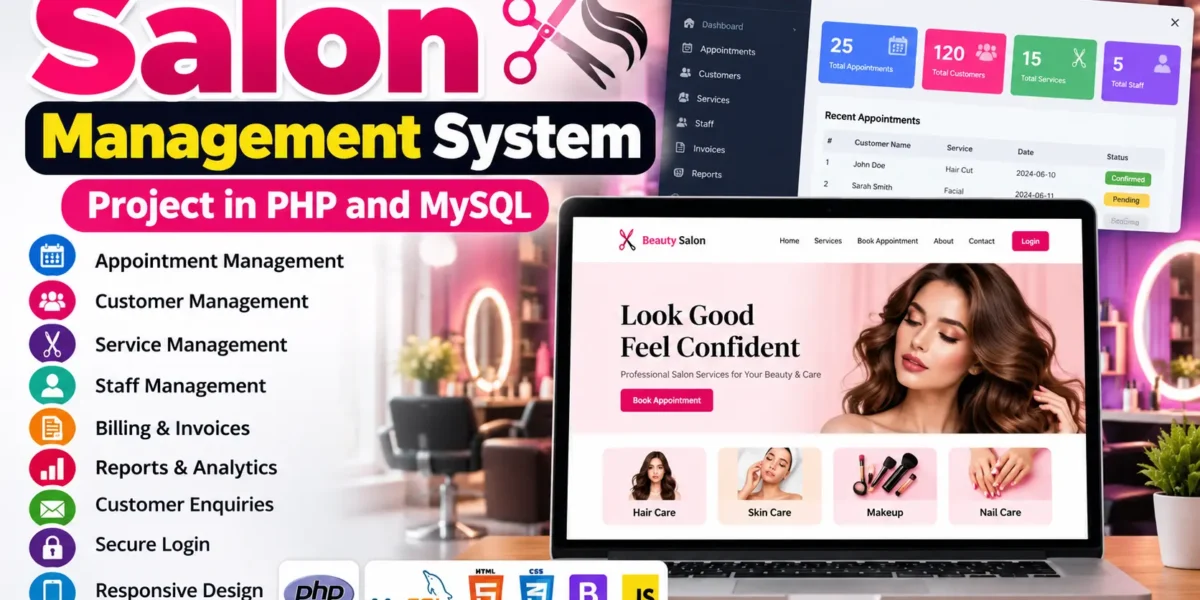
Salon Management System Project in PHP and MySQL
The Salon Management System Project in PHP and MySQL is a web-based application designed to simplify salon operations such as appointment booking, customer management, service management, billing, and sales reporting. It helps salon owners and staff manage daily activities through a centralized digital platform.
Developed using PHP, MySQL, HTML, CSS, Bootstrap, and JavaScript, this project provides separate functionalities for administrators and customers. It is suitable for BCA, MCA, and other computer application students who want to understand how a real-world business management system works.
Complete Advance AI Topics: Click Here
Real Time Projects on YouTube:- DecodeIT
What Is a Salon Management System?
A Salon Management System is a web application that helps salon owners manage appointments, customers, services, staff records, invoices, and sales reports. It replaces manual record-keeping with a centralized system that makes everyday salon operations easier to organize.
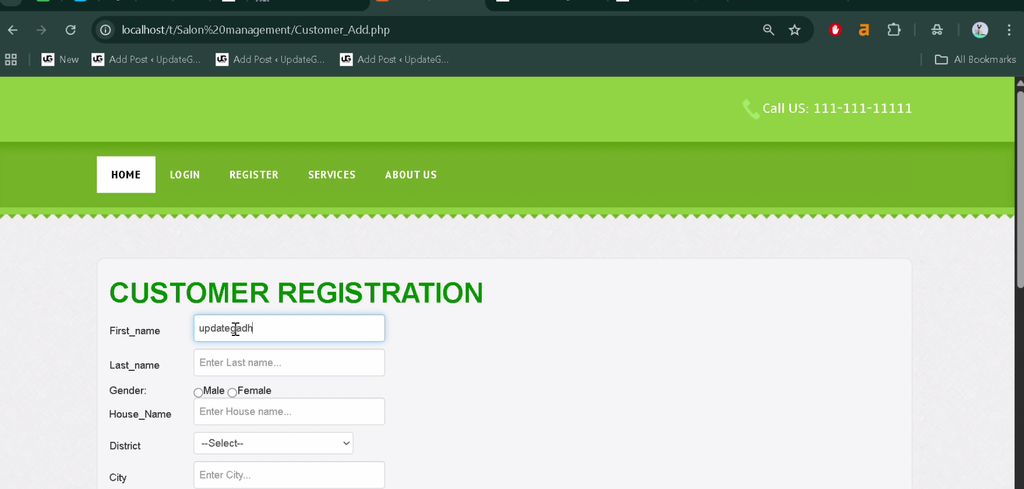
The administrator can manage salon services, customer information, appointments, billing, and reports. Customers can register, log in, book appointments, view their appointments, manage their profiles, and contact the salon.
What Are the Project Details?
The Salon Management System uses PHP for backend processing and MySQL for database management. Bootstrap, HTML, CSS, and JavaScript are used to build a responsive and user-friendly interface.
| Project Details | Description |
|---|---|
| Project Name | Salon Management System |
| Languages Used | PHP, HTML, CSS, JavaScript |
| Framework | Bootstrap |
| Database | MySQL |
| Project Type | Web Application |
How Does the Salon Management System Work?
The system connects customers and administrators through a web interface. Customers can book appointments and manage their profiles, while administrators control services, customer records, appointments, staff information, invoices, and reports.
PHP processes application requests and interacts with the MySQL database to store and retrieve information. This structure demonstrates how frontend pages, backend logic, and database operations work together in a management application.
What Are the Available Features?
The project includes appointment booking, customer management, service management, staff records, billing, reporting, customer enquiries, login functionality, and a responsive interface. These modules help manage the main operational requirements of a salon.
1. Appointment Management
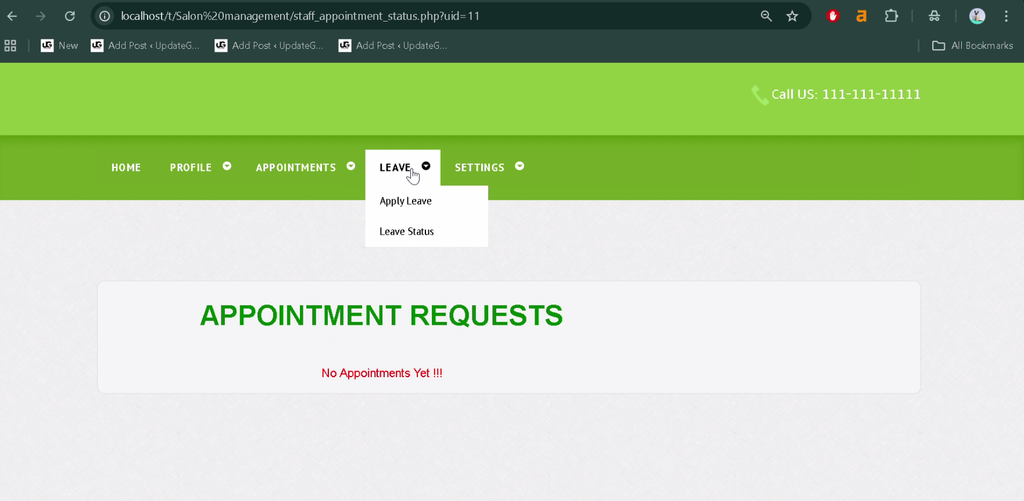
Customers can book and view salon appointments online. Administrators can review appointment details and update appointment statuses as required.
2. Customer Management
Administrators can view and edit customer information and review customer history. Maintaining these records helps the salon organize customer details and provide more personalized services.
3. Service Management
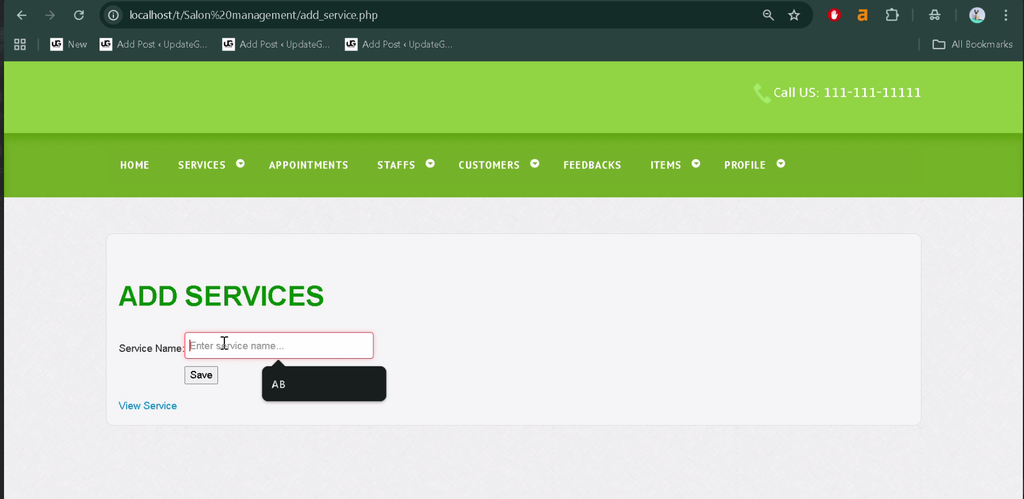
Administrators can add, edit, and delete salon services and update their prices. Customers can view the available services and their listed prices.
4. Staff Management
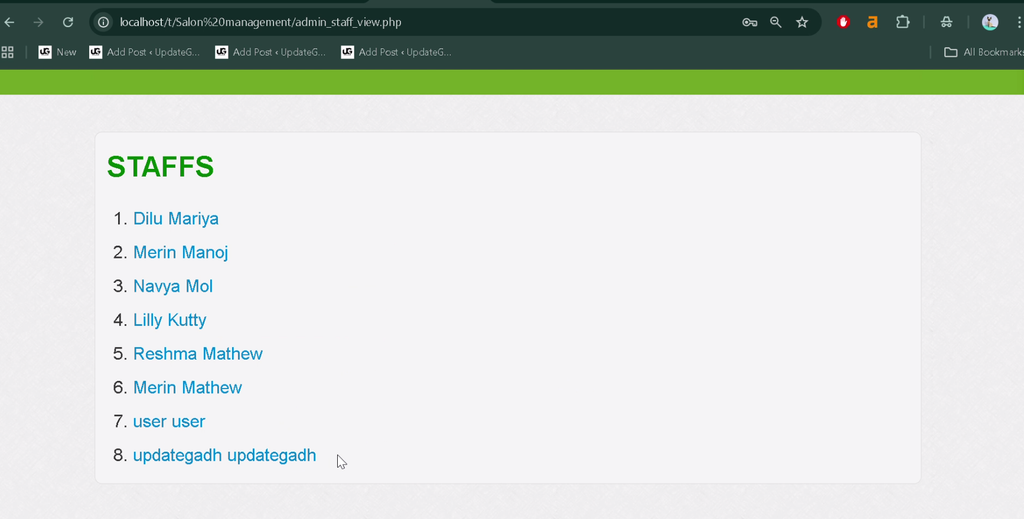
The staff management module allows administrators to maintain staff records and review information about assigned services, appointments, and performance through available reports.
5. Billing and Invoices
The billing module supports invoice management after services are completed. Administrators can view previous invoices and print receipts when required.
6. Reporting and Analytics
Administrators can generate daily sales reports and reports covering selected date ranges. These reports help salon owners review business performance and revenue trends.
7. Customer Enquiry Management
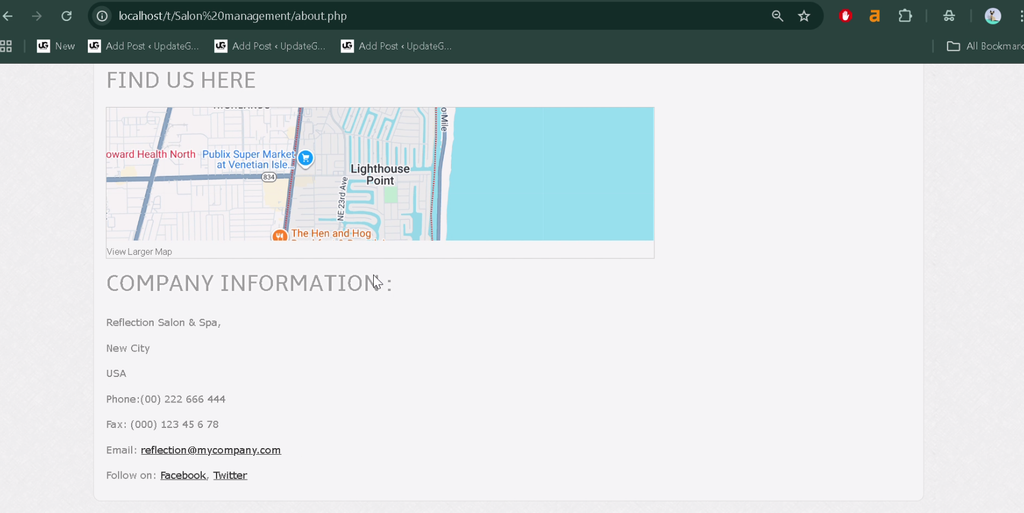
Customers can contact the salon through contact and enquiry forms. Administrators can review customer messages from the admin dashboard.
8. Login and Authentication
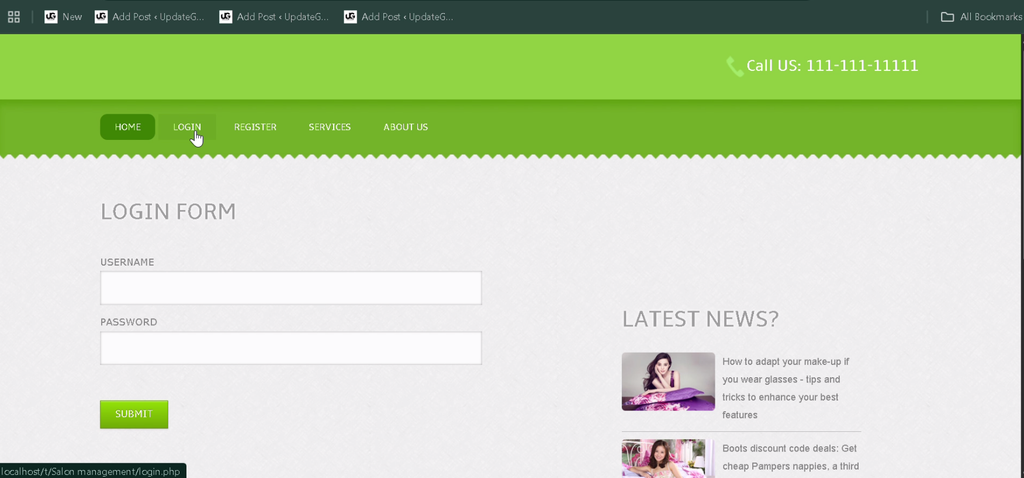
The system provides separate login portals for customers and administrators. Password management and session handling support controlled access to the application.
9. Responsive User Interface
The application uses Bootstrap to support different screen sizes. Customers and administrators can navigate the interface on compatible desktop and mobile browsers.
How to Download
The complete package is available so you can run, study, and submit it with confidence. It includes:
- Full Source Code
- Project Report
- Synopsis
- PPT Presentation
Screenshot
How to Install the Salon Management System in VS Code?
You can run the project locally using XAMPP, Visual Studio Code, and a web browser. XAMPP provides the Apache web server and MySQL database environment required for the PHP application.
Step 1: Install the Required Software
Install the following tools before starting:
- XAMPP Server
- Visual Studio Code
- A modern web browser such as Google Chrome or Microsoft Edge
Step 2: Extract the Project Files
Extract the project folder into the XAMPP htdocs directory. For example, on Windows, the path may look like this:
C:\xampp\htdocs\Salon-Management-SystemStep 3: Start Apache and MySQL
Open the XAMPP Control Panel and start both Apache and MySQL. These services are required to run the PHP application and access its database.
Step 4: Create the Database
Open phpMyAdmin in your browser using the following address:
http://localhost/phpmyadminCreate a database named msmsdb. Import the SQL file supplied with the project from the Database/msmsdb.sql folder path, if that file is included.
Step 5: Configure the Database Connection
Open includes/config.php in VS Code and check the database credentials. The following values are examples based on the original project instructions:
$host = 'localhost';
$user = 'root';
$password = '';
$dbname = 'msmsdb';
Update the values if your local MySQL configuration uses different credentials.
Step 6: Run the Project
Open your browser and visit the local project URL:
http://localhost/Salon-Management-System/If the project folder and database configuration are correct, the salon homepage should open.
Step 7: Open the Admin Panel
Use the admin-panel URL provided by the project files or documentation. The original instructions mention the following default credentials, but they should be verified against the supplied project:
Username: admin
Password: admin
How to Use the Salon Management System?
The application has two main user roles: Administrator and Customer. Each role provides access to the functions needed to manage salon operations or use customer-facing services.
Administrator Role
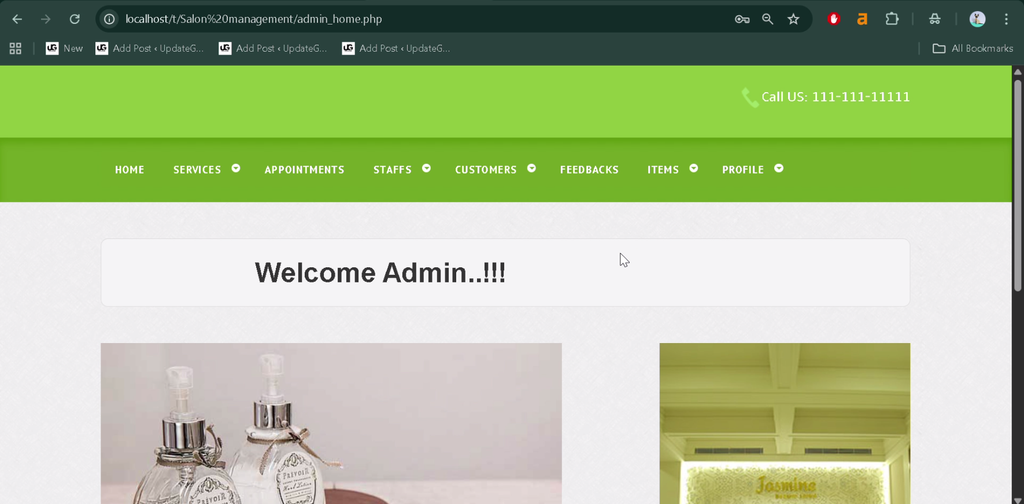
The administrator manages the salon’s main operations through the admin dashboard. Available tasks include:
- Add, edit, or delete salon services and update prices.
- Manage customer information and review booking history.
- View appointments and update their statuses.
- Manage invoices and print receipts.
- Generate sales and performance reports.
- Review customer enquiries.
- Change login credentials using the password-management feature.
Customer Role
Customers use the main application interface to access salon services. Their available activities include:
- Registration and Login: Create an account and sign in.
- Appointment Booking: Book salon appointments online.
- Profile Management: View and update profile information.
- Appointment History: Check upcoming and previous appointments.
- Contact and Feedback: Send enquiries or feedback through the available forms.
Why Is This Project Useful for College Students?
The Salon Management System is a practical learning project for students who want to understand PHP and MySQL application development. It combines database operations, user authentication, responsive interfaces, and business-oriented modules in one application.
- PHP and MySQL Practice: Learn database connectivity and CRUD operations.
- Full-Stack Development: Understand how frontend pages communicate with backend logic.
- Database Management: Explore how customer, appointment, service, and invoice information is organized.
- Responsive Design: Learn how Bootstrap supports layouts across screen sizes.
- Real-World Application: Understand how software can help automate everyday salon operations.
- Project Customization: Extend the system with additional modules according to academic requirements.
What Improvements Can Be Added to the Project?
The existing system can be extended with additional features to support more salon workflows. Possible improvements include online payment integration, staff attendance tracking, automated appointment reminders, and additional reporting options.
Frequently Asked Questions (FAQs)
1. Which technologies are used in the Salon Management System?
The project uses PHP, MySQL, HTML, CSS, Bootstrap, and JavaScript.
2. Which database is used in this project?
MySQL is used to store and manage the application’s data.
3. What are the main modules of the Salon Management System?
The main modules include appointment management, customer management, service management, staff management, billing, reporting, customer enquiries, and login functionality.
4. Can this project run in VS Code?
Yes. You can edit the project in Visual Studio Code and run it locally using XAMPP with Apache and MySQL configured correctly.
5. Is the Salon Management System suitable for BCA students?
Yes. It is suitable for BCA, MCA, and other computer application students who want practical experience with PHP, MySQL, database operations, and web application development.
Final Thoughts
The Salon Management System Project in PHP and MySQL demonstrates how a web application can organize appointments, customer records, salon services, invoices, and sales reports. For college students, it offers practical experience with frontend development, backend programming, database connectivity, and CRUD operations.