Online Course Registration System Using PHP and MySQL
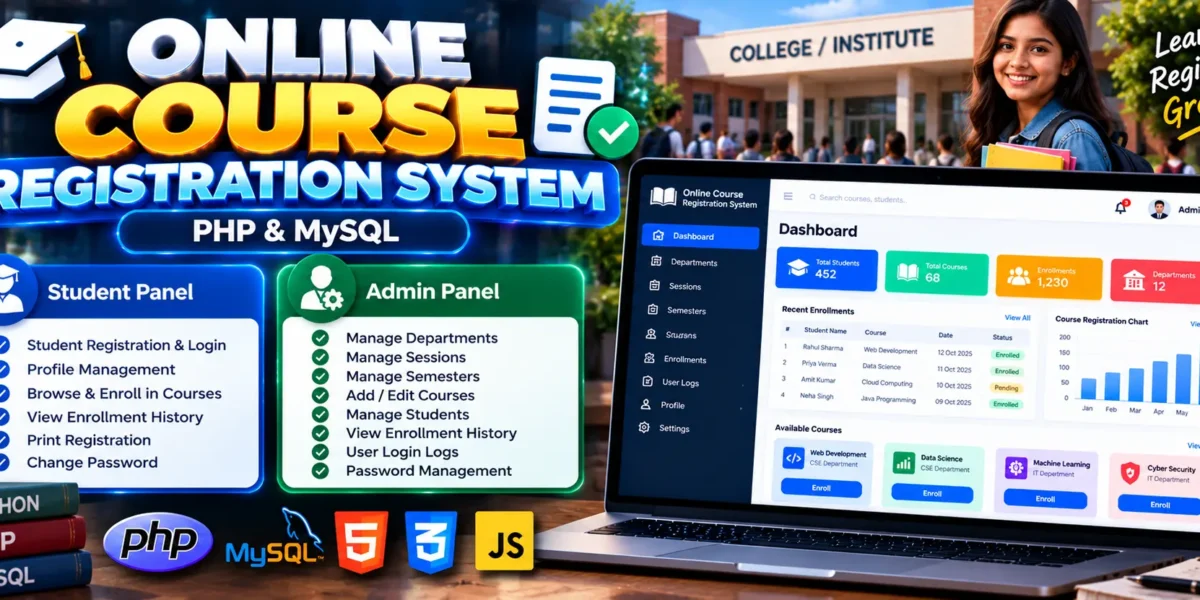
The Online Course Registration System Using PHP and MySQL is a web-based application designed to simplify course enrollment for students and college administrators. Developed using PHP, HTML, CSS, JavaScript, and MySQL, the system allows students to register for courses online while administrators manage academic information through a dedicated admin panel.
The application organizes departments, academic sessions, semesters, courses, student records, and enrollment history in one place. With separate admin and student panels, it demonstrates how database-driven web applications can support academic administration and reduce the effort involved in traditional course registration.
This project is suitable for computer science students looking for practical experience with PHP development, MySQL database management, authentication, and CRUD operations.
Complete Advance AI Topics: Click Here
Real Time Projects on YouTube:- DecodeIT
What Is an Online Course Registration System?
An Online Course Registration System is an application that allows students to enroll in available courses according to their department and semester. Administrators can configure academic sessions, manage courses and departments, maintain student information, and review registration records.
The system also provides student profile management, enrollment history, password management, user activity logs, and course registration printing functionality.
Online Course Registration System Project Overview
| Project Details | Description |
|---|---|
| Project Name | Online Course Registration System |
| Language/s Used | PHP, HTML, CSS, JavaScript |
| PHP Version (Recommended) | 5.6.3, 7.4.12 |
| Database | MySQL |
| Type | Web Application |
What Are the Available Features?
The project includes two main modules: an administrator panel for managing academic information and a student panel for registration and course enrollment.
1. Admin Panel Features
The admin panel provides tools to manage academic records, student registrations, and system activity.
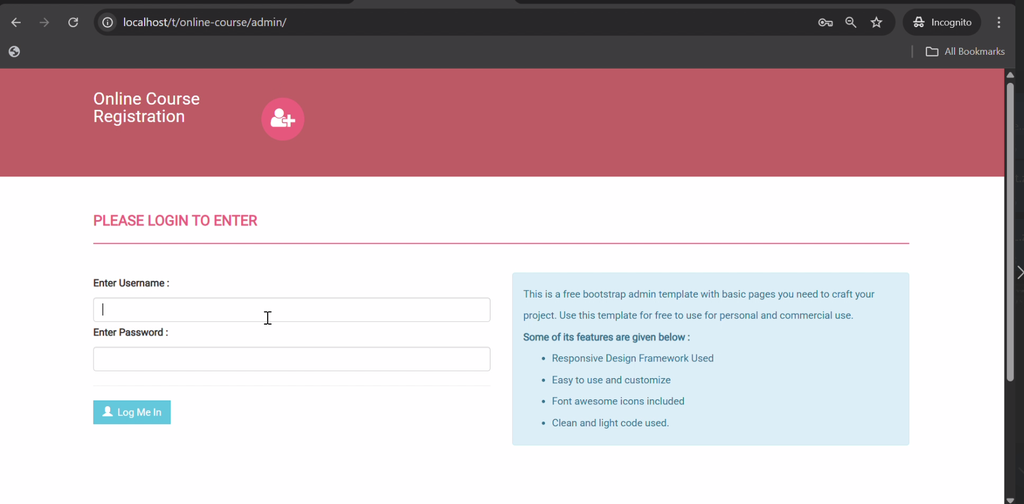
- Admin Authentication: Log in securely to access administrative functions.
- Department Management: Add, edit, and delete departments.
- Session Management: Configure and manage academic sessions.
- Semester Management: Manage semester information.
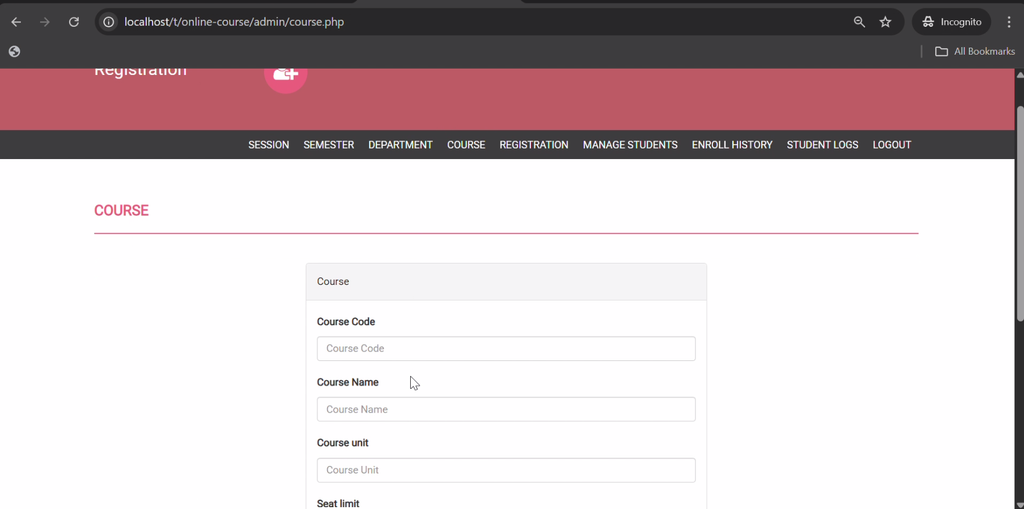
- Course Management: Create and edit course records.
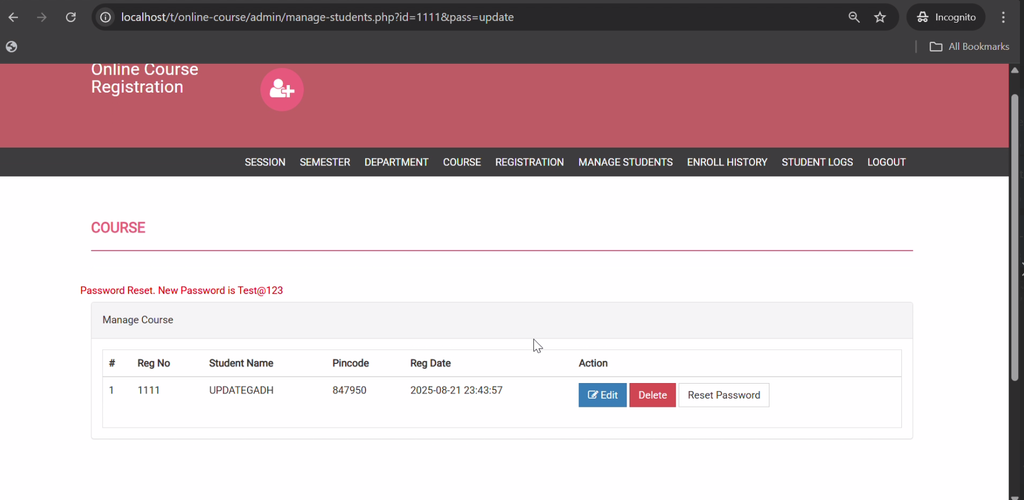
- Student Registration Management: View and manage student enrollments.
- Enrollment History: Monitor course registration records.
- User Login Logs: View user activity logs for monitoring purposes.
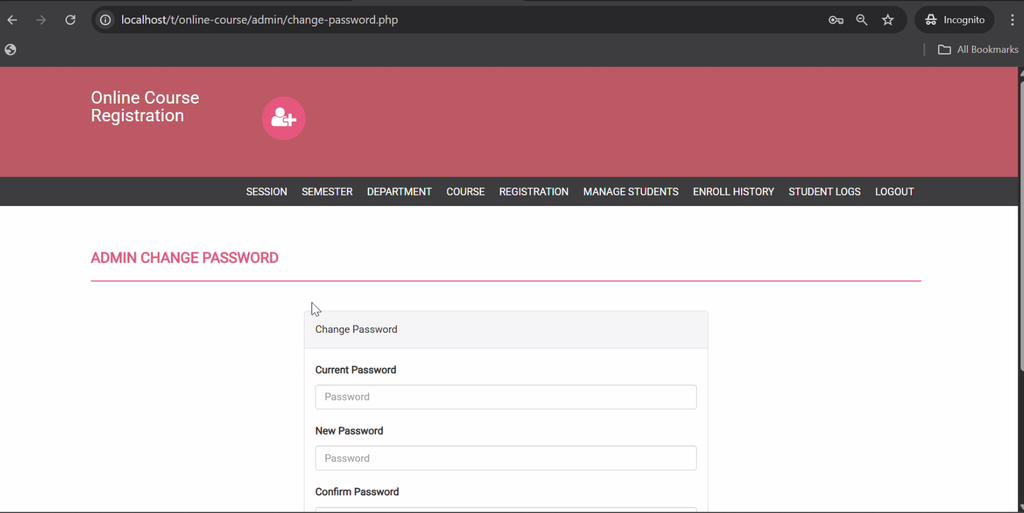
- Password Management: Manage the administrator’s password.
2. Student Panel Features
The student panel enables students to maintain their profiles, enroll in courses, and access registration records.
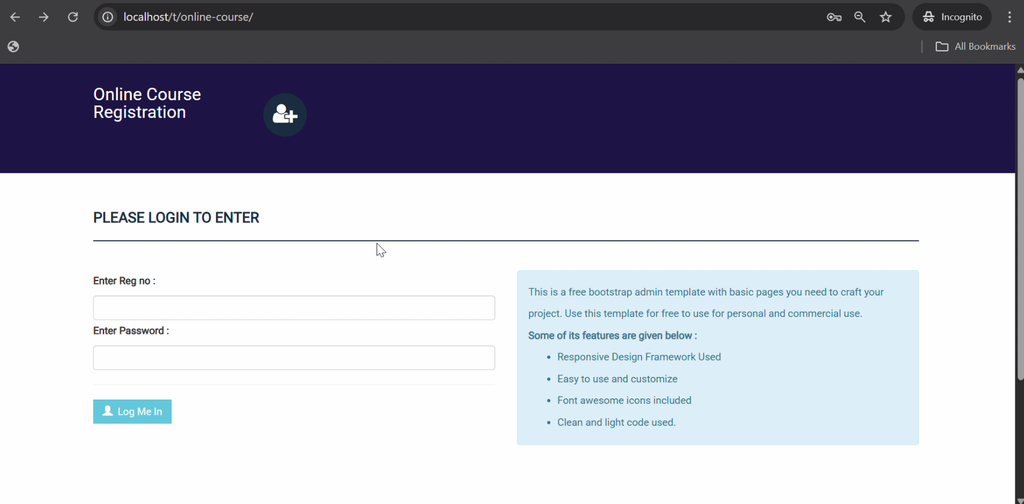
- Student Registration and Login: Create an account and access the student panel.
- Profile Management: Manage personal profile information.
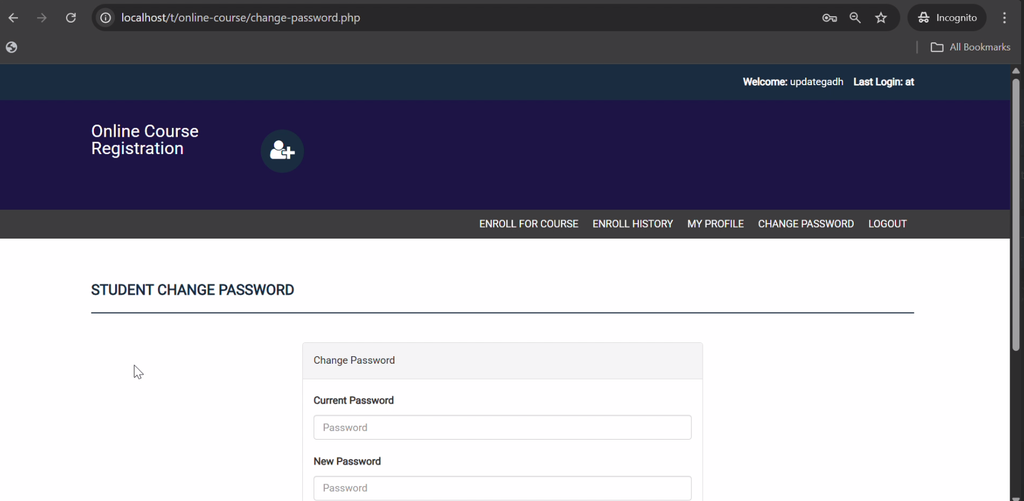
- Password Management: Change the account password.
- Course Enrollment: Register for available courses according to department and semester.
- Enrollment History: Review previous course registrations.
- Print Registration: Print course enrollment information or confirmation.
3. Authentication and Database Management
The system includes login and logout functionality, user activity logs, and a MySQL database for storing application information. The supplied SQL file, onlinecourse.sql, provides the database structure needed for project setup.
Which Technologies Are Used in This Project?
- PHP: Handles server-side functionality and application logic.
- MySQL: Stores student, department, session, semester, course, and enrollment information.
- HTML: Structures the web pages.
- CSS: Styles the user interface.
- JavaScript: Supports client-side interactions.
What Is Included in the Project Structure?
The project directory contains PHP files for application functionality, CSS files under assets/css, fonts and icons for interface styling, and the SQL database file.
- Admin Panel: Academic configuration and enrollment management.
- Student Panel: Student accounts and course registration.
- Database File:
onlinecourse.sql. - PHP Files: Backend pages and application functions.
- Assets: CSS, fonts, and icons used by the interface.
What Software Is Required?
- XAMPP: Provides the Apache web server and MySQL environment.
- Visual Studio Code: Used to view and edit project files.
- Web Browser: Used to access the application.
How to Download
The complete package is available so you can run, study, and submit it with confidence. It includes:
- Full Source Code
- Project Report
- Synopsis
- PPT Presentation
Screenshot
How to Install the Online Course Registration System in VS Code
Follow these steps to set up the project locally using XAMPP.
- Install XAMPP: Install XAMPP and open its Control Panel.
- Start Services: Start Apache and MySQL.
- Extract the Project: Copy the extracted project folder into the XAMPP
htdocsdirectory, for example,C:\xampp\htdocs\OnlineCourseRegistration. - Open phpMyAdmin: Visit
http://localhost/phpmyadmin/in your browser. - Create the Database: Create a database using the name expected by the project’s database connection configuration.
- Import the SQL File: Select the database and import
onlinecourse.sql. - Open in VS Code: Open the extracted project folder in Visual Studio Code.
- Check Database Settings: Locate the database connection file and configure the MySQL host, username, password, and database name as required by the project.
- Run the Application: Open
http://localhost/OnlineCourseRegistration/in your browser, replacing the folder name with the actual project directory name.
Note: The exact database name, connection file, and default login credentials should be verified from the supplied project files before running the application.
How to Use the Online Course Registration System
Administrator
Log in to manage departments, academic sessions, semesters, courses, student registrations, enrollment history, login logs, and administrator password settings.
Student
Register or log in to manage the student profile, browse available courses, enroll according to department and semester, view enrollment history, and print registration information.
Why Is This Project Useful for Students?
This project provides practical experience with PHP programming, MySQL database connectivity, authentication, CRUD operations, and role-based application design. It also demonstrates how academic records and course enrollment information can be managed through a web application.
Students can study the existing modules to understand database relationships, form processing, and user access. The project is particularly useful for computer science students seeking hands-on experience with a database-driven academic application.
Final Thoughts
The Online Course Registration System Using PHP and MySQL is a practical academic project that demonstrates how technology can simplify course enrollment and academic administration. Its separate admin and student panels organize academic records and registration activities within a single application.
Frequently Asked Questions
1. What is an Online Course Registration System?
It is a web application that allows students to enroll in courses while administrators manage departments, sessions, semesters, courses, and enrollment records.
2. Which programming languages are used in this project?
The project uses PHP, HTML, CSS, and JavaScript, with MySQL as the database.
3. Which database file is included?
The project includes an SQL file named onlinecourse.sql for database setup.
4. Can students view and print their course registration?
Yes. Students can view enrollment history and print course registration information or confirmation.
5. What can the administrator manage?
The administrator can manage departments, sessions, semesters, courses, student registrations, enrollment history, login logs, and administrator password settings.
Keywords: Online Course Registration System Using PHP and MySQL, Online Course Registration System PHP Project, Course Registration Project in PHP, PHP MySQL Course Enrollment System, Student Course Registration System, Online Course Registration Web Application