Node.js Zlib Module
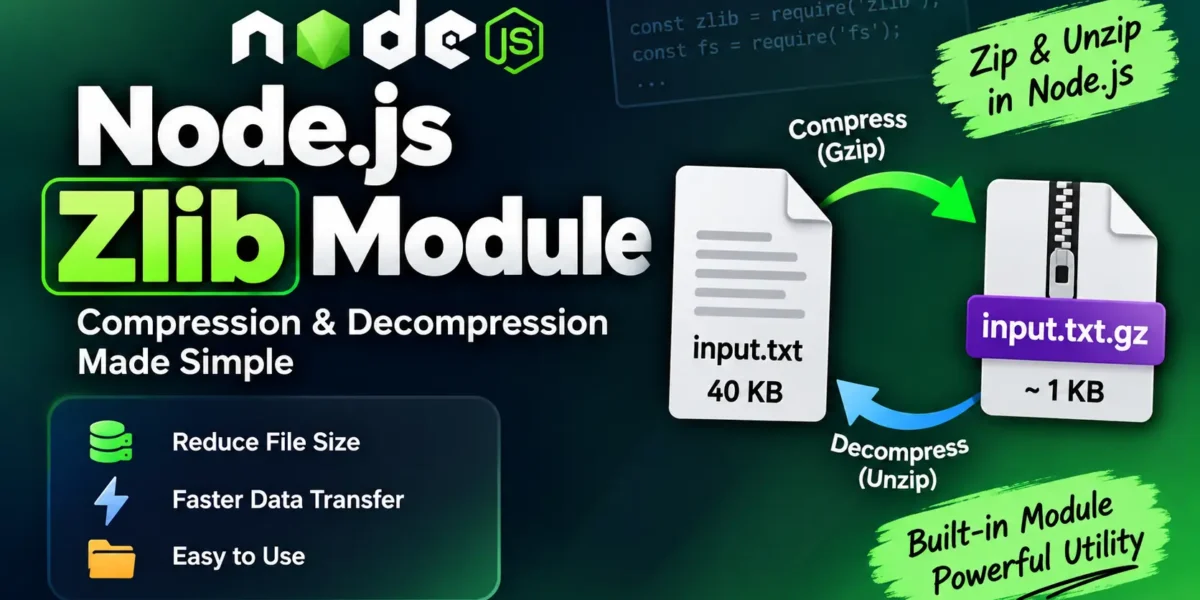
The Node.js Zlib module is a built-in module used for data compression and decompression. It supports popular compression algorithms such as Gzip and Deflate, helping developers reduce file sizes and improve data transfer efficiency.
You can import the Zlib module using:
const zlib = require('zlib');Example: Compress a File
// zlib_example1.js
const zlib = require('zlib');
const fs = require('fs');

const gzip = zlib.createGzip();
const inp = fs.createReadStream('input.txt');
const out = fs.createWriteStream('input.txt.gz');

inp.pipe(gzip).pipe(out);

// Run: node zlib_example1.js
This example reads input.txt, compresses its contents using Gzip, and creates a compressed file named input.txt.gz.
Complete Advance AI Topics: Click Here
SQL Tutorial: Click Here
Example: Decompress a File
// zlib_example2.js
const zlib = require('zlib');
const fs = require('fs');

const unzip = zlib.createUnzip();
const inp = fs.createReadStream('input.txt.gz');
const out = fs.createWriteStream('input2.txt');

inp.pipe(unzip).pipe(out);

// Run: node zlib_example2.js
Here, the compressed input.txt.gz file is read and decompressed back into a regular text file named input2.txt.
Synchronous Compression Methods
For small amounts of in-memory data, Node.js Zlib provides synchronous methods such as gzipSync() and gunzipSync().
const zlib = require('zlib');

const compressed = zlib.gzipSync('Hello UpdateGadh');
const original = zlib.gunzipSync(compressed).toString();

console.log(original); // Hello UpdateGadh
The gzipSync() method compresses the data, while gunzipSync() decompresses it back to its original form.
Compression can significantly reduce the size of text-based data, making it useful for storage optimization and faster data transmission.
Download New Real Time Projects:- Click here
Conclusion
The Node.js Zlib module provides an easy way to compress and decompress data. Developers can use its streaming APIs for files and large data or synchronous methods for smaller in-memory operations. By reducing data size, Zlib can help save storage space and improve data transfer performance.
Keywords
Node.js Zlib Module, Node.js Zlib, Node.js Compression, Node.js Decompression, Gzip in Node.js, Deflate in Node.js, Node.js gzipSync, Node.js gunzipSync, Node.js File Compression