Node.js REPL
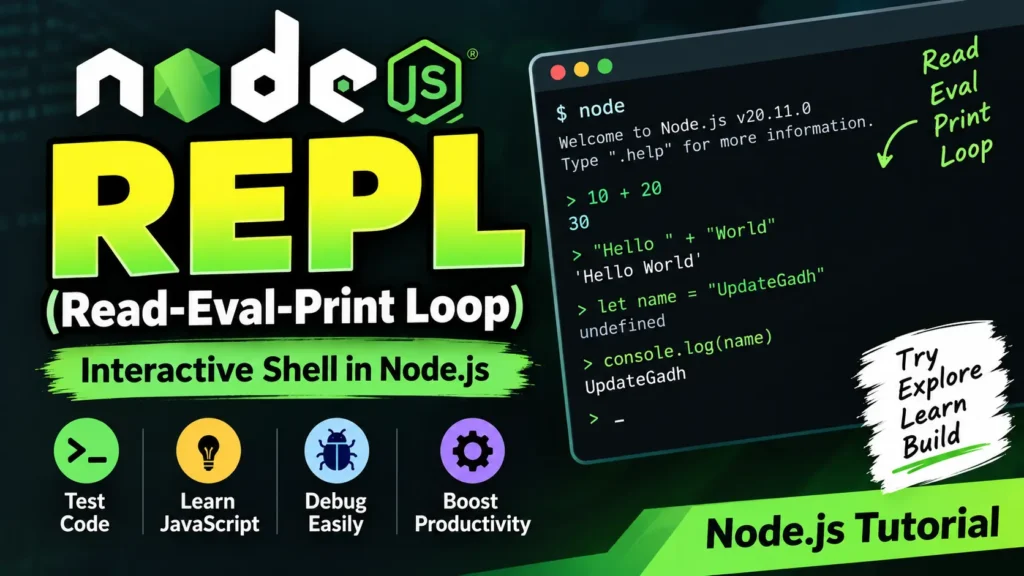
Node.js provides an interactive command-line environment called REPL, which stands for Read-Eval-Print Loop. It allows you to execute JavaScript code line by line and instantly view the output. REPL is especially useful for learning JavaScript, testing small code snippets, and debugging.
Complete Advance AI Topics: Click Here
SQL Tutorial: Click Here
How Node.js REPL Works
- Read: Reads the input provided by the user.
- Eval: Evaluates the JavaScript expression.
- Print: Displays the result.
- Loop: Continues accepting input until the REPL is exited.
Start the Node.js REPL
Open your terminal or command prompt and run:
nodeAfter starting the REPL, you can enter JavaScript code directly:
> 10 + 20
30

> "Hello " + "World"
'Hello World'
Working with Variables
You can create variables and use them directly inside the REPL:
> let name = "UpdateGadh"
undefined

> console.log(name)
UpdateGadh
undefined
Multi-line Expressions
Node.js REPL also supports multi-line JavaScript expressions. For example:
> let x = 0
undefined

> do {
... x++;
... console.log("x:", x);
... } while (x < 3);
x: 1
x: 2
x: 3
The Underscore Variable (_)
The _ variable stores the result of the last evaluated expression. This can be useful when you want to reuse a previous result.
> 5 + 10
15

> _ * 2
30
Useful Node.js REPL Commands
.help– Displays available REPL commands..break– Exits the current multi-line expression..clear– Clears the current REPL context..save filename– Saves the current REPL session to a file..load filename– Loads JavaScript code from a file.Ctrl+Ctwice orCtrl+D– Exits the REPL.Tab– Provides autocomplete suggestions.
Download New Real Time Projects:- Click here
Conclusion
The Node.js REPL is a simple yet powerful environment for experimenting with JavaScript. It allows developers to quickly test expressions, variables, functions, and small code snippets without creating a separate JavaScript file. Learning common REPL commands can make development, testing, and debugging faster and more convenient.
Keywords
Node.js REPL, Node.js REPL Tutorial, Read Eval Print Loop, Node.js interactive shell, Node.js commands, Node.js terminal, Node.js JavaScript testing, Node.js debugging