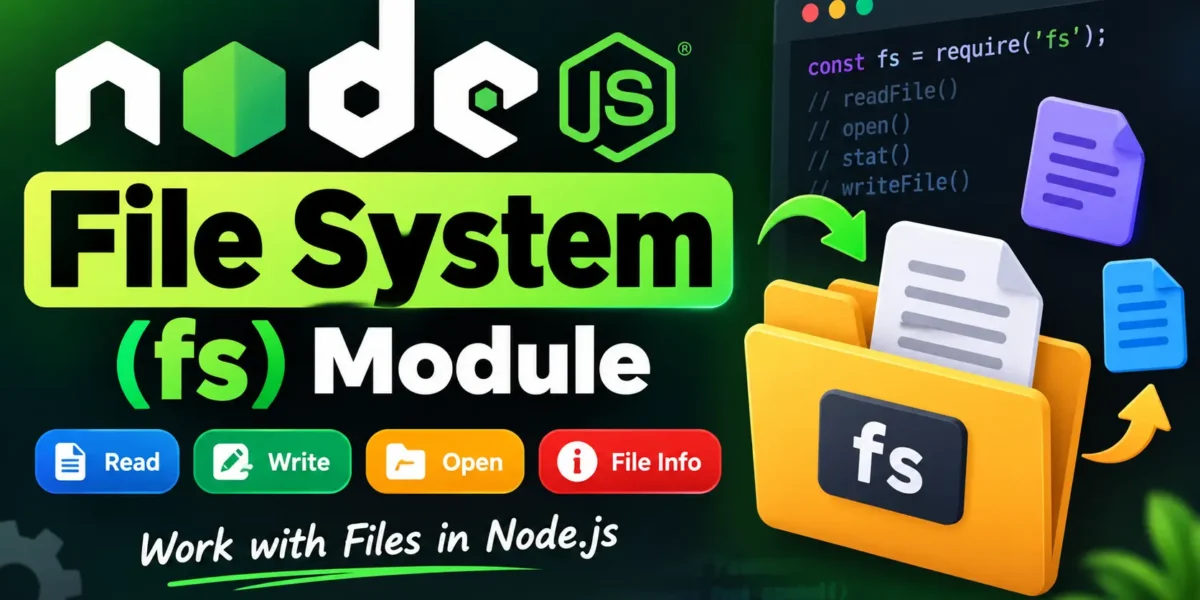
Node.js File System
In Node.js, file input and output operations are handled using the built-in File System (fs) module. It provides a simple way to work with files and directories, including reading, writing, opening, updating, and deleting files.
Table of Contents
The File System module can be imported using the following syntax:
var fs = require("fs");Node.js FS Reading a File
Methods in the Node.js fs module are available in both synchronous and asynchronous forms.
- Asynchronous methods: These methods use a callback and allow other operations to continue while the file operation is in progress. They do not block the Node.js event loop.
- Synchronous methods: These methods block program execution until the file operation has completed.
Asynchronous file operations are generally preferred in server-side applications because they provide better performance and scalability.
Complete Advance AI Topics: Click Here
SQL Tutorial: Click Here
Example: Reading a File in Node.js
First, create a text file named input.txt and add the following content:
File: input.txt
UpdateGadh is one of the best online tutorial websites to learn different technologies
in a very easy and efficient manner.
Now create a JavaScript file named main.js and add the following code:
File: main.js
var fs = require("fs");

// Asynchronous read
fs.readFile('input.txt', function (err, data) {
   if (err) {
       return console.error(err);
   }
   console.log("Asynchronous read: " + data.toString());
});

// Synchronous read
var data = fs.readFileSync('input.txt');
console.log("Synchronous read: " + data.toString());

console.log("Program Ended");
Run the program from the Node.js terminal using:
node main.jsNode.js Opening a File
The fs.open() method can be used to open a file asynchronously.
Syntax:
fs.open(path, flags[, mode], callback)Parameters of fs.open()
- path: Specifies the name or path of the file.
- flags: Specifies how the file should be opened, such as for reading, writing, or appending.
- mode: Defines file permissions. The default value is
0666. - callback: A function that receives
errandfd, wherefdis the file descriptor.
Common File Open Flags
| Flag | Description |
|---|---|
r | Opens the file for reading. An error occurs if the file does not exist. |
r+ | Opens the file for reading and writing. An error occurs if the file does not exist. |
rs | Opens the file for reading in synchronous mode. |
rs+ | Opens the file for reading and writing in synchronous mode. |
w | Opens the file for writing. Creates the file if it does not exist or truncates it if it already exists. |
wx | Works like w, but fails if the file already exists. |
w+ | Opens the file for reading and writing. Creates or truncates the file as needed. |
wx+ | Works like w+, but fails if the file already exists. |
a | Opens the file for appending. Creates the file if it does not exist. |
ax | Works like a, but fails if the file already exists. |
a+ | Opens the file for reading and appending. Creates the file if it does not exist. |
ax+ | Works like a+, but fails if the file already exists. |
Example: Opening a File Asynchronously
File: main.js
var fs = require("fs");

console.log("Going to open file!");

fs.open('input.txt', 'r+', function(err, fd) {
   if (err) {
       return console.error(err);
   }

   console.log("File opened successfully!");
});
Run the program using:
node main.jsNode.js File Information
The fs.stat() method can be used to retrieve detailed information about a file or directory.
Syntax:
fs.stat(path, callback)Parameters of fs.stat()
- path: Specifies the name or path of the file.
- callback: A function that receives
errandstats. Thestatsobject is an instance offs.Statsand provides information about the file.
Common fs.Stats Methods
| Method | Description |
|---|---|
stats.isFile() | Returns true if the path represents a regular file. |
stats.isDirectory() | Returns true if the path represents a directory. |
stats.isBlockDevice() | Returns true if the path represents a block device. |
stats.isCharacterDevice() | Returns true if the path represents a character device. |
stats.isSymbolicLink() | Returns true if the path represents a symbolic link. |
stats.isFIFO() | Returns true if the path represents a FIFO. |
stats.isSocket() | Returns true if the path represents a socket. |
Example: Getting File Information
YT:- DecodeIT
File: main.js
var fs = require("fs");

console.log("Going to get file info!");

fs.stat('input.txt', function (err, stats) {
   if (err) {
       return console.error(err);
   }

   console.log(stats);
   console.log("Got file info successfully!");
   console.log("isFile ? " + stats.isFile());
   console.log("isDirectory ? " + stats.isDirectory());
});
Run the script using:
node main.jsConclusion
The Node.js fs module provides essential functionality for working with files and directories. Using methods such as readFile(), readFileSync(), open(), and stat(), developers can efficiently read files, open file descriptors, and retrieve file information in Node.js applications.
Keywords
Node.js File System, Node.js fs module, Node.js File System Module, Node.js fs, Node.js read file, Node.js open file, Node.js file information, Node.js fs.stat, Node.js fs.open, Node.js file handling, Node.js file operations, Node.js tutorial Node.js File System, Node.js fs Module, Node.js File System Module, Node.js fs, Node.js File Handling, Node.js Read File, Node.js Open File, Node.js fs.stat, Node.js fs.open, Node.js File Operations, Node.js Tutorial