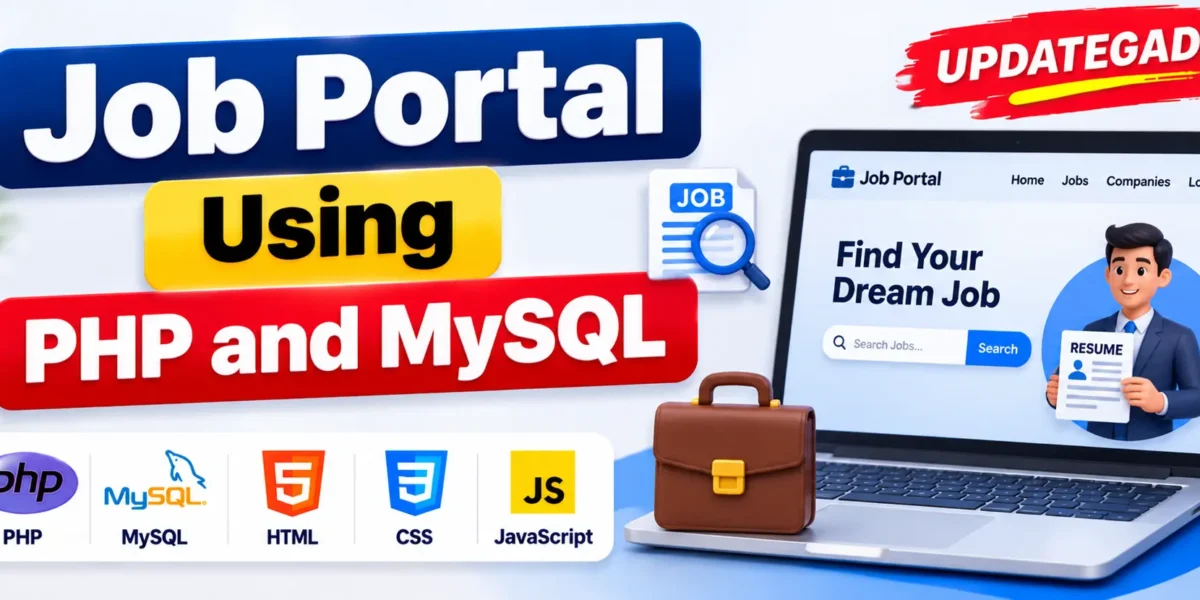
Job Portal Using PHP and MySQL
Job Portal Using PHP and MySQL is a web-based recruitment application designed to connect job seekers with employers through an online platform. It simplifies the hiring process by allowing employers to publish job vacancies, review applications, shortlist candidates, and send interview invitations. Job seekers can create accounts, search for jobs, upload resumes, and track their application status.
Developed using PHP and MySQL, the system provides separate functionalities for Admin, Employer, and Job Seeker roles. It also includes job search and filtering, resume uploads, application management, and automated email notifications to support recruitment activities.
Real Time Projects on YouTube:- DecodeIT
Project Overview
The Job Portal System provides a centralized platform for managing job vacancies and recruitment activities. Administrators manage users and job listings, employers handle recruitment, and job seekers search and apply for suitable opportunities.
| Project Details | Description |
|---|---|
| Project Name | Job Portal System |
| Programming Language | PHP (Core PHP or Laravel) |
| Frontend | HTML, CSS, JavaScript, Bootstrap |
| Database | MySQL |
| Additional Technologies | AJAX, jQuery |
| Web Server | Apache |
| Development Environment | XAMPP |
| Project Type | Web-Based Recruitment System |
What Are the Main Features of Job Portal System?
The application provides features for three user roles: Admin, Employer, and Job Seeker. Each role has specific functionalities for managing job listings, applications, and recruitment activities.
Job Portal Web Application in PHP MySQL :- Click Here
1. Admin Module
The Admin module provides control over users, job postings, and website content.
- User Management: Manage job seeker and employer accounts.
- Job Listing Management: Manage job postings available on the platform.
- Job Post Approval: Approve or reject job postings submitted by employers.
- Activity Monitoring: Monitor activities performed by job seekers and employers.
- Website Management: Manage website settings and content.
2. Employer Module
The Employer module allows companies and recruiters to manage job vacancies and handle candidate applications.
- Employer Registration: Create an employer account to access recruitment functionality.
- Job Posting: Add new job vacancies to the portal.
- Job Management: Edit and remove existing job listings.
- Application Review: View and review applications submitted by job seekers.
- Candidate Shortlisting: Shortlist suitable candidates based on their applications.
- Interview Invitations: Send interview invitations to shortlisted applicants through email notifications.
3. Job Seeker Module
The Job Seeker module provides functionality for candidates to find job opportunities and manage their applications.
- Job Seeker Registration: Create an account and register on the job portal.
- Profile Management: Create and manage a personal profile.
- Job Search: Search for available jobs based on category, location, and required skills.
- Resume Upload: Upload resumes while applying for job opportunities.
- Job Applications: Apply for available job vacancies through the platform.
- Application Tracking: Track the status of submitted job applications.
- Interview Notifications: Receive interview invitations through email.
How Does the Job Portal System Work?
The system connects employers and job seekers through job posting, application submission, candidate review, and interview communication.
1. User Registration and Login
Job seekers and employers can register for accounts and log in to access their respective functionalities.
2. Job Posting
Employers can add new job vacancies and manage their existing listings. Administrators can approve or reject job postings.
3. Job Search and Application
Job seekers can search for jobs using categories, locations, and required skills. They can upload their resumes and apply for suitable vacancies.
4. Application Review
Employers can review applications received for their job listings and shortlist suitable candidates.
5. Interview Invitations
Employers can send interview invitations to shortlisted candidates through email notifications.
How Does the Email Notification System Work?
The Job Portal System includes email notifications to keep users informed about important account and recruitment activities.
- Job Application Alerts: Job seekers receive notifications after applying for a job.
- Interview Invitations: Employers can send interview invitations to shortlisted applicants through email.
- Account Verification: Users receive an email after successful registration for account verification.
Which Technologies Are Used in This Project?
The project combines PHP and MySQL for backend and database functionality with frontend technologies for building the recruitment website.
| Technology | Purpose |
|---|---|
| PHP | Backend development and server-side functionality |
| MySQL | Database management |
| HTML | Webpage structure |
| CSS | Interface styling |
| JavaScript | Frontend interactivity |
| Bootstrap | Interface design |
| AJAX | Dynamic web interactions |
| jQuery | Frontend scripting |
| Apache | Web server |
| XAMPP | Local development environment |
College Alumni System Project PHP MySQL :- Click Here
How to Download
The complete package is available so you can run, study, and submit it with confidence. It includes:
- Full Source Code
- Project Report
- Synopsis
- PPT Presentation
Demo Video
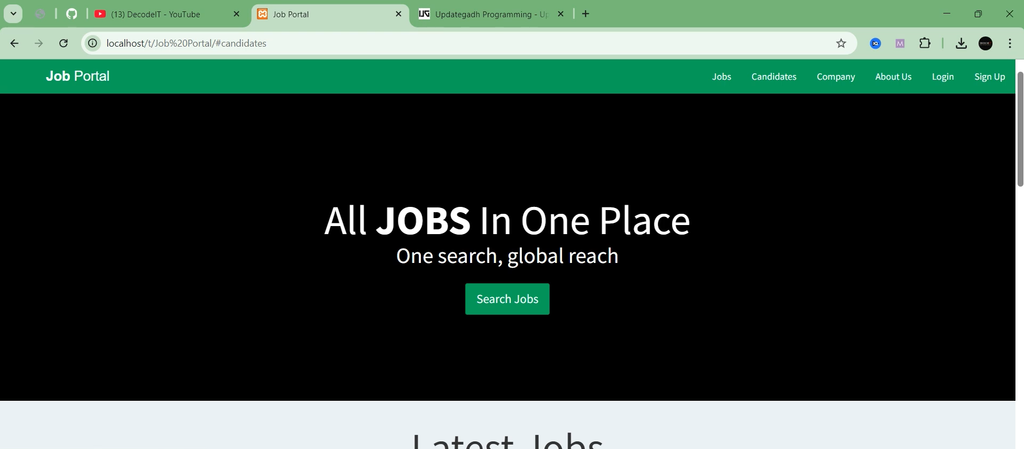
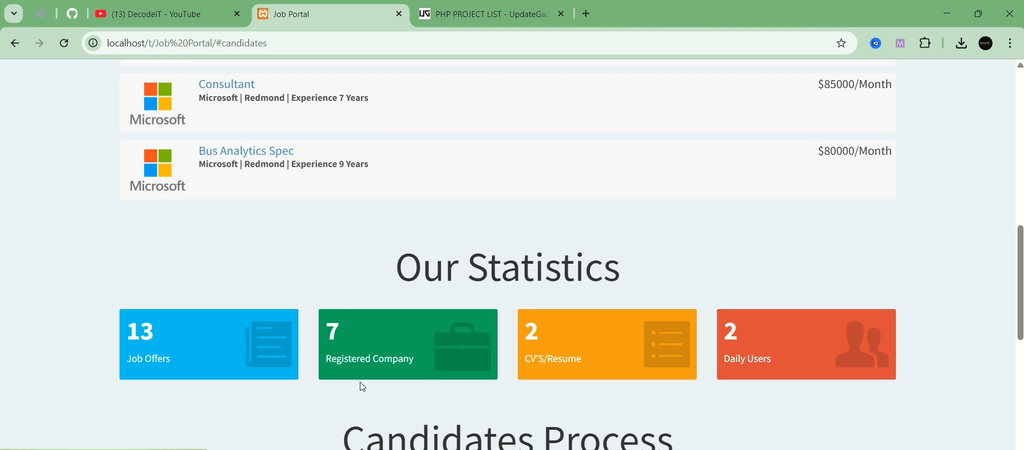
Screenshot
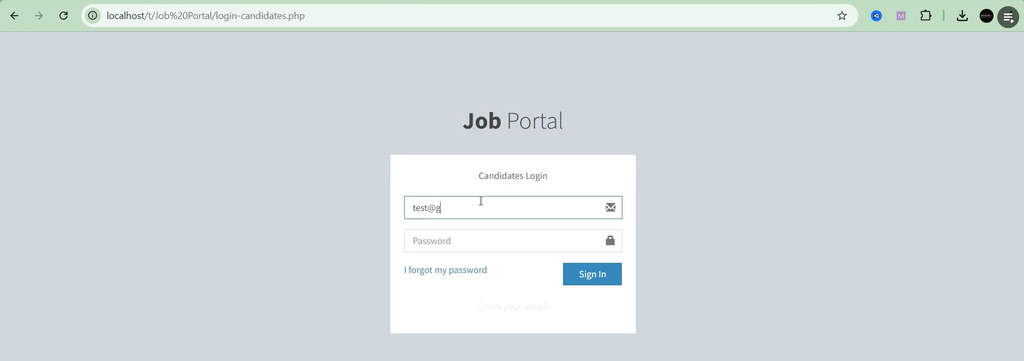
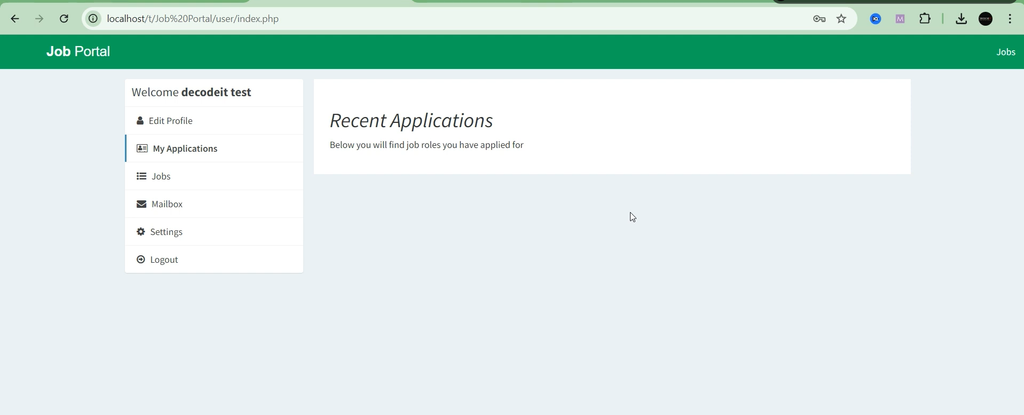
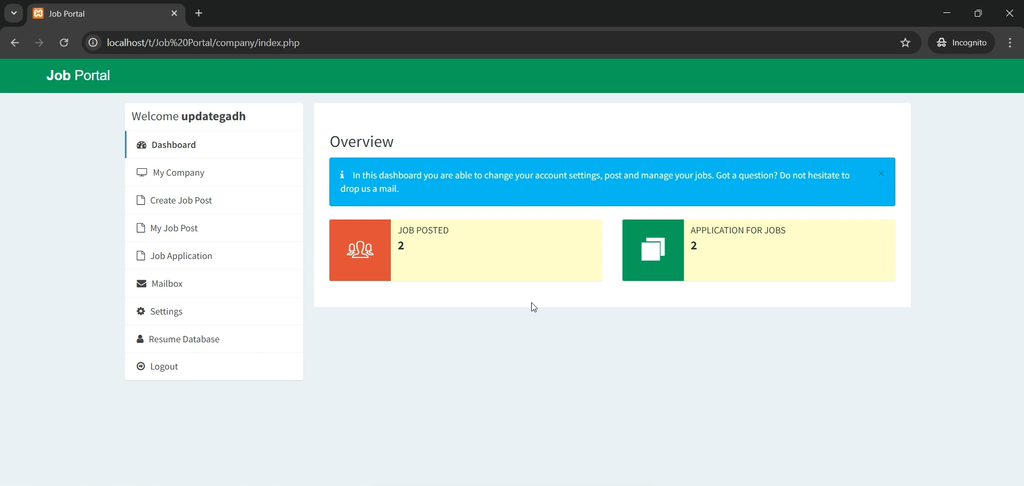
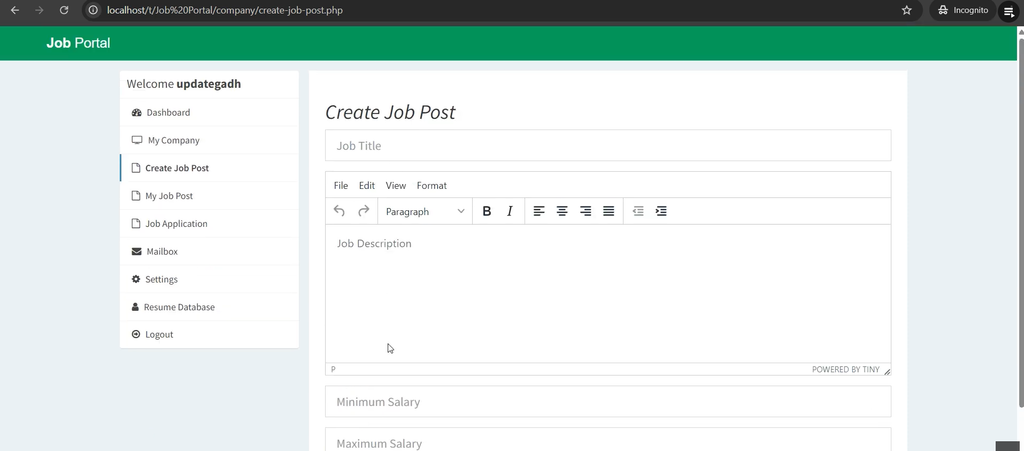
How to Install and Run the Job Portal System?
Follow these steps to configure and run the project on your local computer using XAMPP.
Step 1: Install Required Software
Download and install XAMPP to set up the Apache, PHP, and MySQL environment on your computer.
Step 2: Extract the Project
Extract the downloaded project ZIP file and place the project folder inside the XAMPP htdocs directory.
C:\xampp\htdocs\job-portal
Step 3: Configure the Database
- Open XAMPP Control Panel and start Apache and MySQL.
- Visit
http://localhost/phpmyadmin/. - Create a new database.
- Import the SQL file provided with the project.
Step 4: Configure the Project
Open the database connection file in your code editor and update the database name, username, and password according to your local MySQL configuration.
Step 5: Run the Project
Open your browser and navigate to the project folder using its localhost address:
http://localhost/job-portal/
Step 6: Login Credentials
Use the following demo credentials provided in the project description:
| User Role | Password | |
|---|---|---|
| Admin | admin@jobportal.com | admin123 |
| Employer | employer@company.com | employer123 |
| Job Seeker | jobseeker@example.com | jobseeker123 |
Frequently Asked Questions
1. What is Job Portal System in PHP and MySQL?
It is a web-based recruitment application that connects employers with job seekers and manages job postings, applications, and recruitment activities.
2. Which programming language is used?
The project uses PHP for backend development, along with HTML, CSS, JavaScript, and Bootstrap for the frontend.
3. Which database is used?
MySQL is used to manage user information, job listings, and applications.
4. What user roles are available?
The system provides three roles: Admin, Employer, and Job Seeker.
5. Can employers post and manage jobs?
Yes, employers can add, edit, and remove job listings.
6. Can job seekers upload resumes?
Yes, job seekers can upload their resumes and apply for available jobs.
7. Does the system support email notifications?
Yes, email notifications are available for job applications, interview invitations, and account verification.
Final Thoughts
Job Portal Using PHP and MySQL is a practical web development project for understanding online recruitment, user management, job posting, resume uploads, and application tracking. With separate Admin, Employer, and Job Seeker modules, the application provides an organized platform for managing hiring activities. It is also useful for students learning PHP, MySQL, Bootstrap, and database-driven web application development.