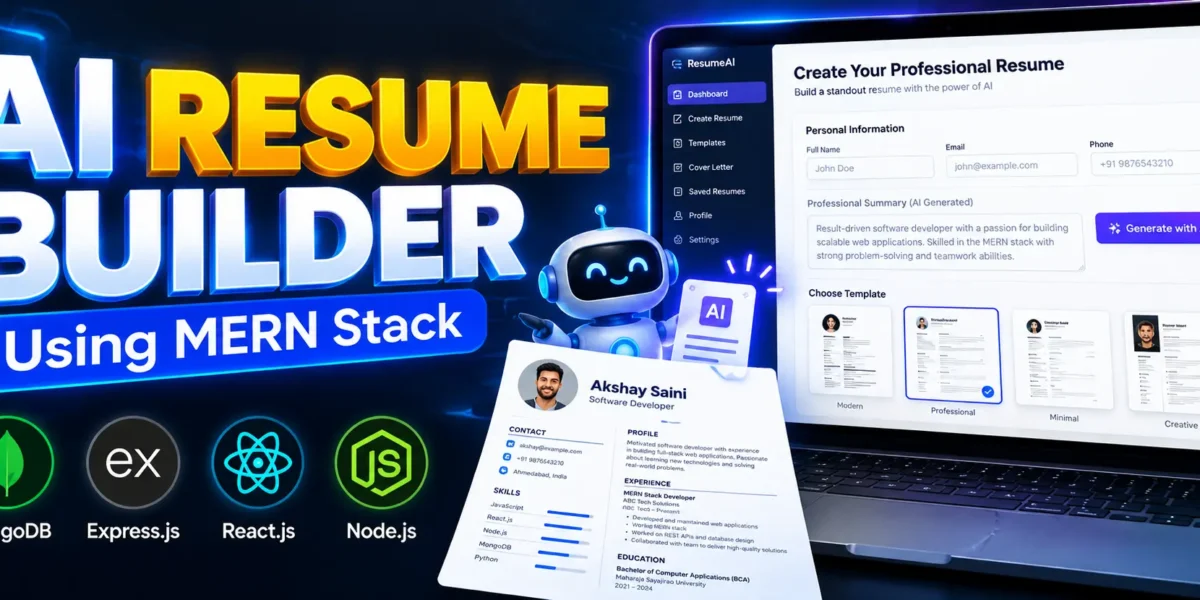
AI Resume Builder Using MERN Stack
If you are a student and still confused about what project to make for your resume or college submission, then this project idea will really help you. Today I am sharing an amazing and trending project called AI Resume Builder a smart web application that helps users create professional resumes using Artificial Intelligence.
Table of Contents
Complete Advance AI Topics: Click Here
Real Time Projects on YouTube:- DecodeIT
What is AI Resume Builder?
AI Resume Builder is a full-stack web application that allows users to build professional resumes with the help of artificial intelligence. Instead of writing everything manually, the system suggests smart content for resume sections like skills, experience, education, and summary.
This makes resume creation faster, smarter, and more professional, especially for freshers who dont know how to write strong resumes.
Why This Project is Perfect for Students
This project is highly recommended for:
- Final year students
- Beginners in full-stack development
- Students preparing portfolio projects
- Anyone interested in AI-based applications
It is not a basic CRUD project. It includes authentication, AI integration, real-time preview, PDF generation, and modern UI, which makes it stand out during interviews.
Technologies Used in This Project
This project uses modern industry-level technologies:
Frontend:
- React.js
- Tailwind CSS
- Redux Toolkit
Backend:
- Node.js
- Express.js
- JWT Authentication
Database:
- MongoDB
Extra Tools:
- AI API integration
- PDF generation system
- Docker support
Learning this stack gives you real industry exposure, not just college-level coding.
Key Features of AI Resume Builder
1. Secure User Login System
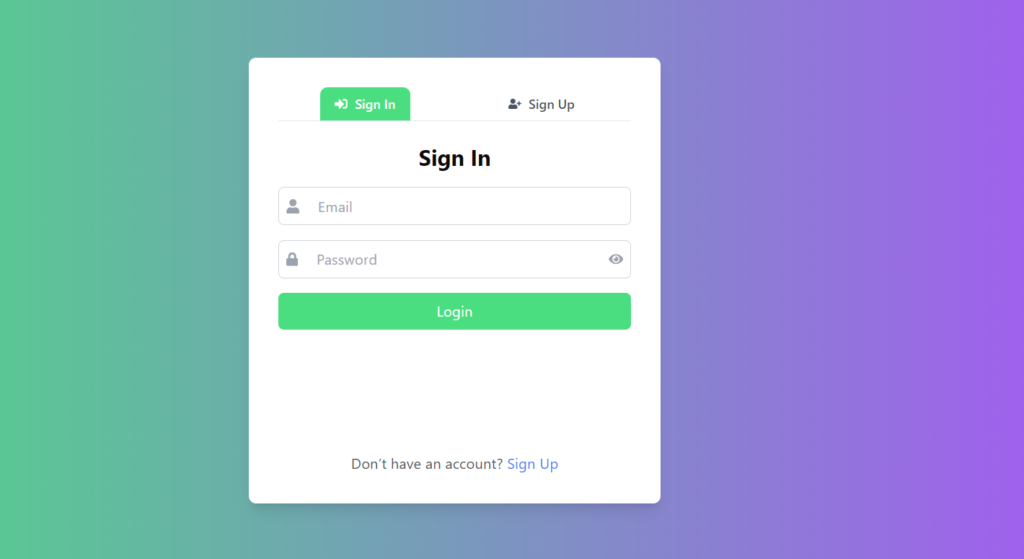
Users can register and login securely. Passwords are encrypted and authentication is handled using JWT tokens.
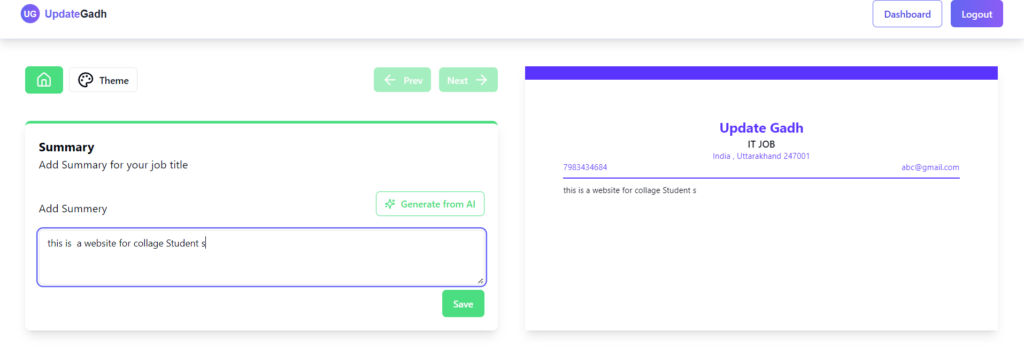
2. AI-Based Resume Content Generator
The system uses AI to generate professional resume content automatically. This is very useful for students who struggle with writing.
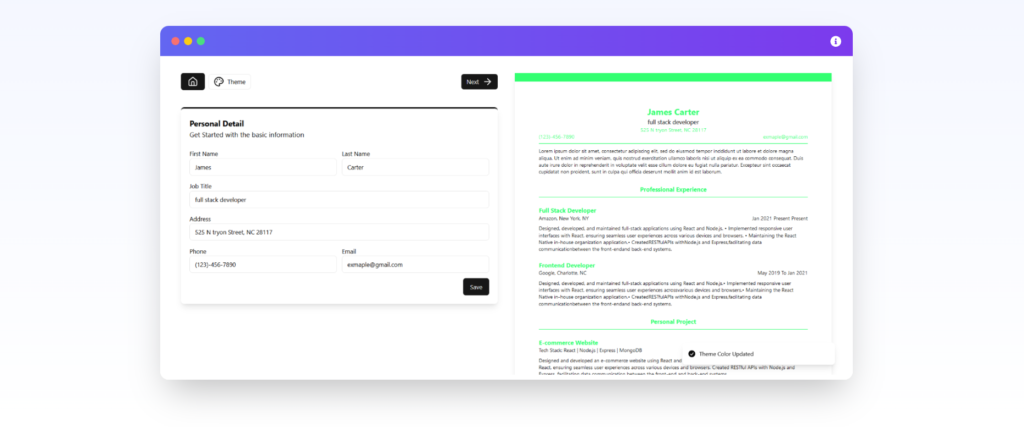
3. Real-Time Resume Preview
As users enter their details, the resume updates instantly on screen. This helps in making quick improvements.
4. Multiple Resume Templates
Users can select different resume designs based on their preference and job role.
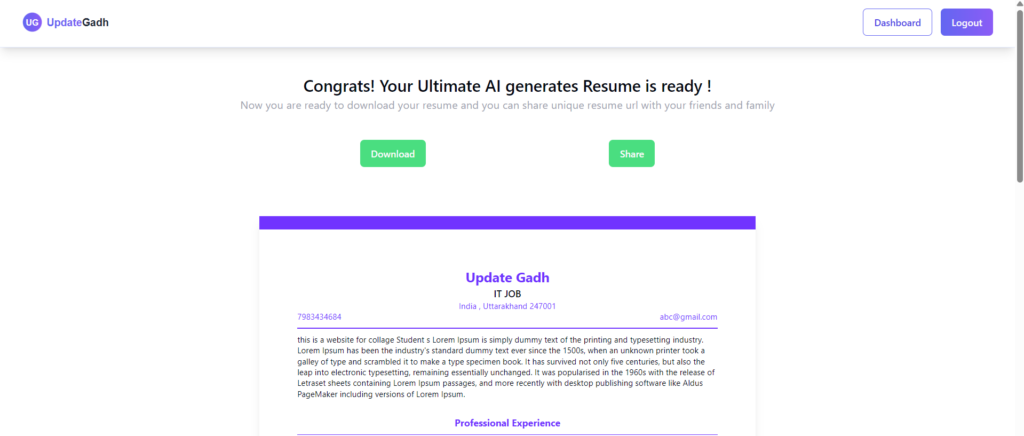
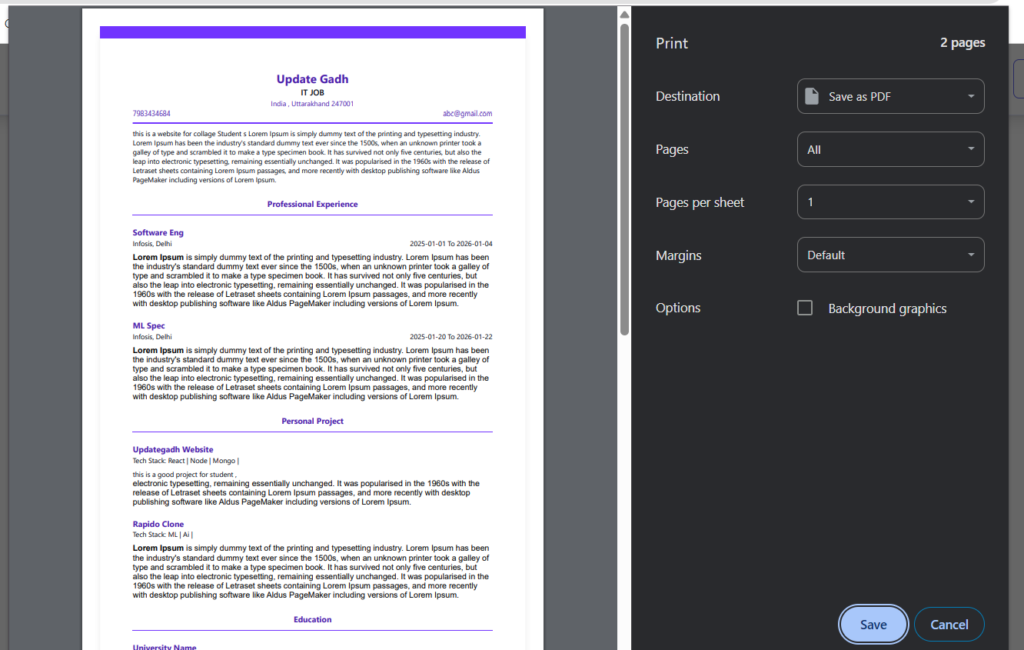
5. Download Resume as PDF
Once completed, users can export their resume in PDF format and use it for job applications.
- User Authentication (Sign In/Sign Up)
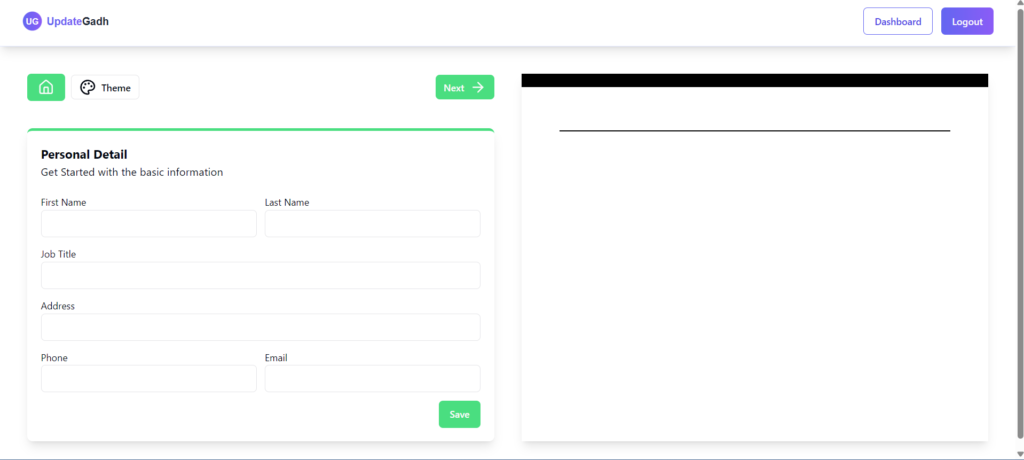
- Dashboard to manage resumes
- Customizable resume templates
- AI-powered content suggestions (requires Gemini API key)
- Live preview
- PDF export
How the System Works
- User creates an account and logs in
- Enters personal, education, and experience details
- AI generates professional content suggestions
- Resume preview updates in real time
- User selects a template
- Resume is downloaded as PDF
The complete process is smooth and user-friendly.
What You Will Learn from This Project
By building or studying this project, students will learn:
- Full-stack web development
- AI API integration
- User authentication systems
- Real-time UI updates
- Database design
- Resume generation logic
- Production-level project structure
These skills are highly valuable for placements, internships, and freelancing.
How You Can Improve This Project
You can extend this project by adding:
- Cover letter generator
- Resume scoring system
- ATS compatibility checker
- Multiple language support
- Admin dashboard for analytics
These upgrades will make your project even more impressive.
How to Download
The complete package is available so you can run, study, and submit it with confidence. It includes:
- Full Source Code
- Project Report
- Synopsis
- PPT Presentation
Screenshots
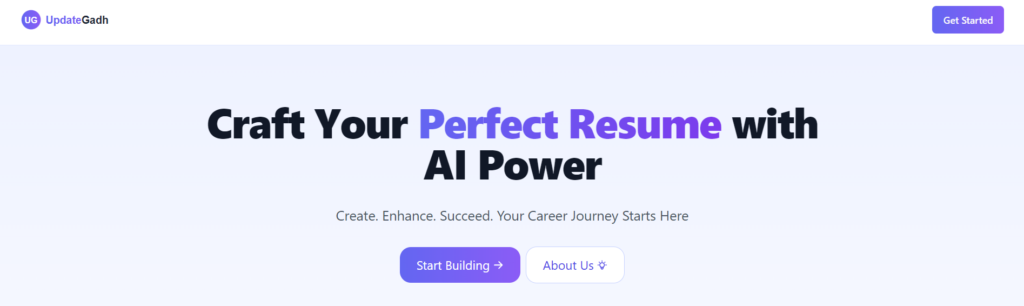
Install & Run AI Resume Builder Project
Why Interviewers Will Like This Project
Most students make the same projects like:
- Library system
- Attendance system
- Online voting system
But AI Resume Builder is different. It shows:
- Real-world problem solving
- AI knowledge
- Modern tech stack
- Product-based thinking
Frequently Asked Questions (FAQ)
Q1. What is an AI Resume Builder project?
An AI Resume Builder is a web application that uses artificial intelligence to help users create professional resumes with smart content suggestions and customizable templates.
Q2. Is the AI Resume Builder project suitable for final-year students?
Yes, this project is suitable for final-year students because it demonstrates full-stack development, database management, authentication, and AI integration.
Q3. Which technologies are used in the AI Resume Builder project?
The project uses MongoDB, Express.js, React.js, and Node.js (MERN Stack). It can also include Tailwind CSS, JWT authentication, and AI APIs.
Q4. What is the main objective of the AI Resume Builder?
The main objective is to simplify resume creation by helping users organize their information, generate professional content, and build well-structured resumes efficiently.
Q5. Can beginners use the AI Resume Builder project?
Yes, beginners with basic knowledge of JavaScript, React.js, Node.js, and databases can use this project to understand full-stack development and AI integration.
Q6. How does AI help generate resume content?
AI can generate professional summaries, improve work experience descriptions, suggest relevant skills, and refine resume content based on the user’s information.
Q7. Can users customize their resumes?
Yes, depending on the implemented features, users can choose different resume templates, edit personal information, update skills, and customize their professional experience.
Q8. Can the AI Resume Builder generate cover letters?
A cover letter generator can be integrated into the project to help users create job-specific cover letters using their resume details and target job descriptions.
Q9. Can users download their resumes as PDF files?
Yes, PDF download functionality can be included so users can save their completed resumes and submit them for job applications.
Q10. What additional features can be added to the AI Resume Builder?
Additional features may include an ATS compatibility checker, resume scoring system, job description matching, multilingual resume generation, cloud storage, and resume version management.