Society Management System Using PHP and MySQL
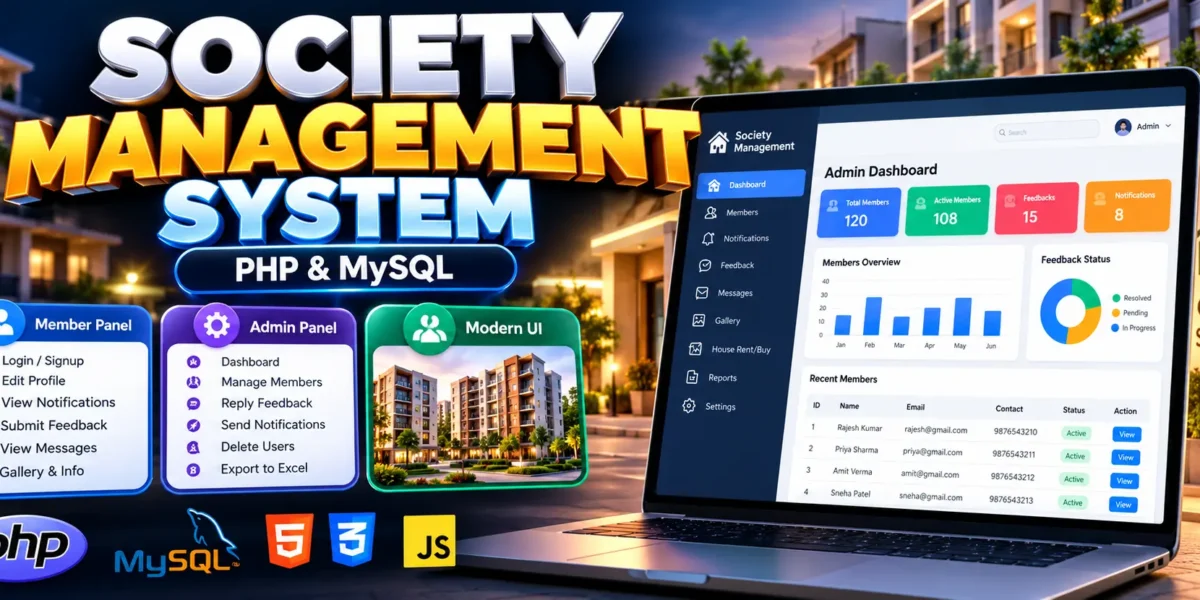
The Society Management System Using PHP and MySQL is a web-based application designed to simplify residential society administration and member management. It provides a centralized platform for managing member accounts, profiles, feedback, notifications, messages, and society information.
Traditionally, society administration involves maintaining paper records and communicating updates manually. This project helps organize these activities digitally, reducing paperwork and making information easier to manage. It uses PHP for backend processing, MySQL for database management, and HTML, CSS, and JavaScript for the user interface.
Complete Advance AI Topics: Click Here
Real Time Projects on YouTube:- DecodeIT
What Is a Society Management System?
A Society Management System is an application that helps residential societies, apartment associations, and housing communities manage member information and administrative communication. It provides separate interfaces for members and administrators, allowing each role to perform its permitted activities.
Project Overview
| Project Details | Description |
|---|---|
| Project Name | Society Management System |
| Language/s Used | PHP, HTML, CSS, JavaScript |
| Database | MySQL |
| Type | Web Application |
| User Roles | Member and Admin |
Available Features
1. Member Login and Registration
Members can register through the signup form and log in using their credentials to access member-specific functions.
2. Profile Management
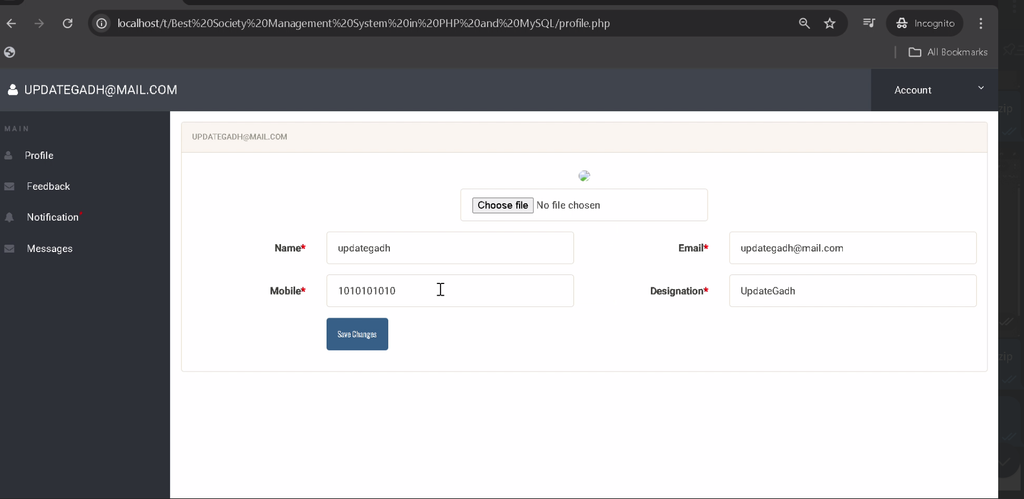
Members can edit their profile information and change their passwords. Administrators can also update member profiles.
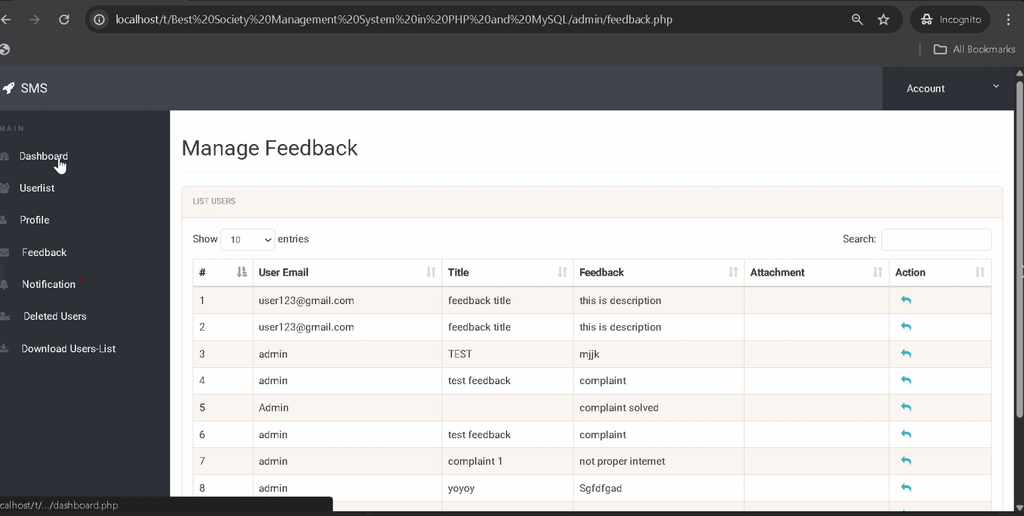
3. Feedback Management
Members can submit feedback to society management. Administrators can review feedback and reply directly through the system.
4. Messages and Notifications
Members can view messages assigned to them and read official notifications. Administrators can create, update, and delete notifications to share important announcements.
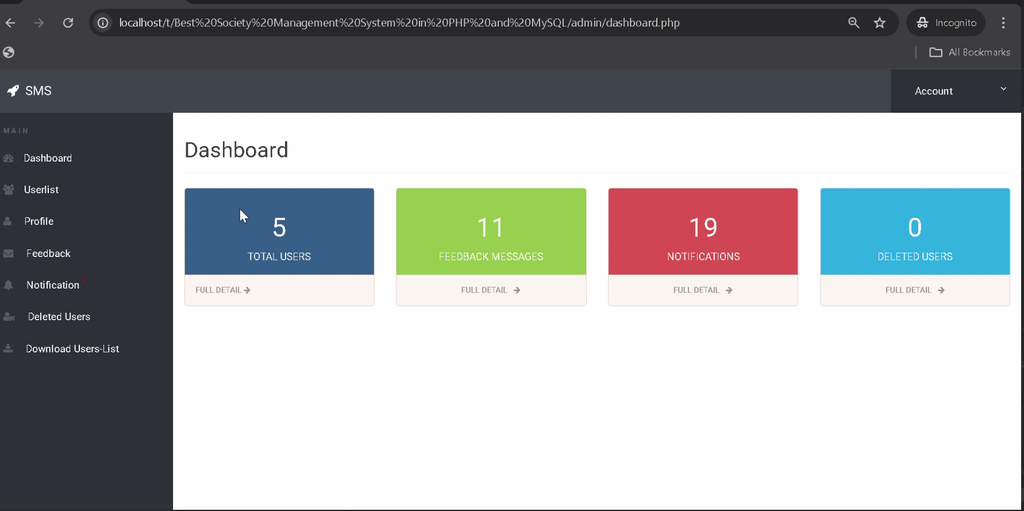
5. Admin Dashboard
The dashboard provides an overview of total users, deleted users, notifications, and feedback messages.
6. User Account Management
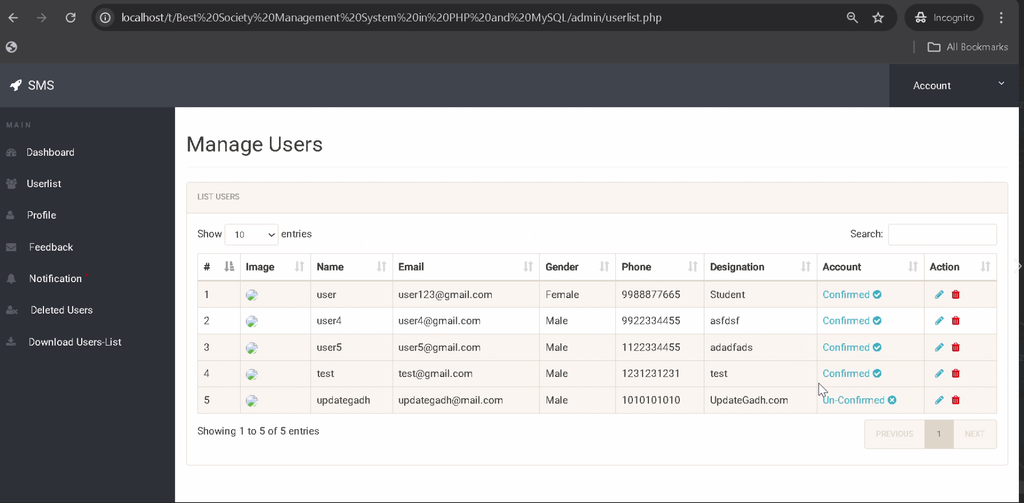
Administrators can register administrative accounts, edit member profiles, delete user accounts, and view deleted users. They can also manage confirmed or active members.
7. Search Functionality
The admin panel includes search functionality to help administrators find users and feedback messages efficiently.
8. Excel Export
Administrators can download user details in an Excel file for record-keeping and reporting.
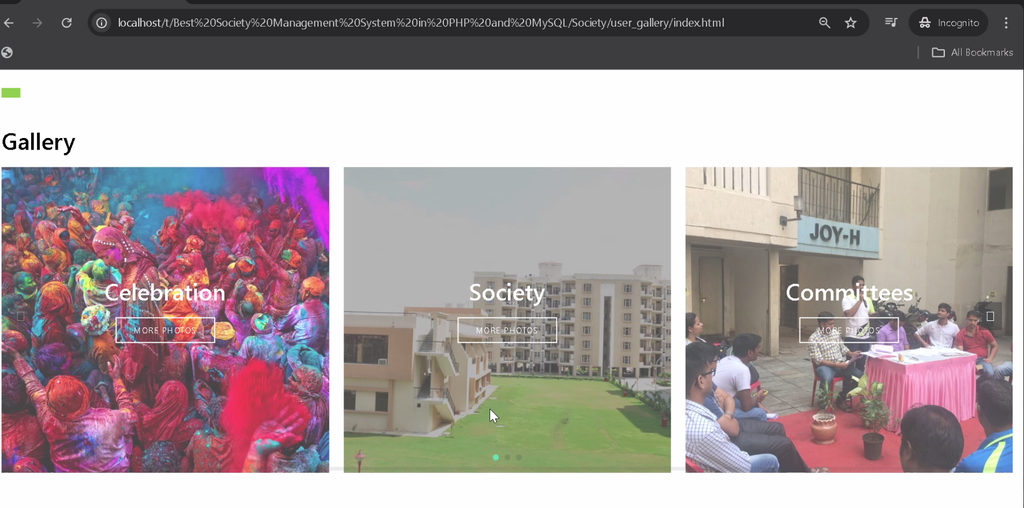
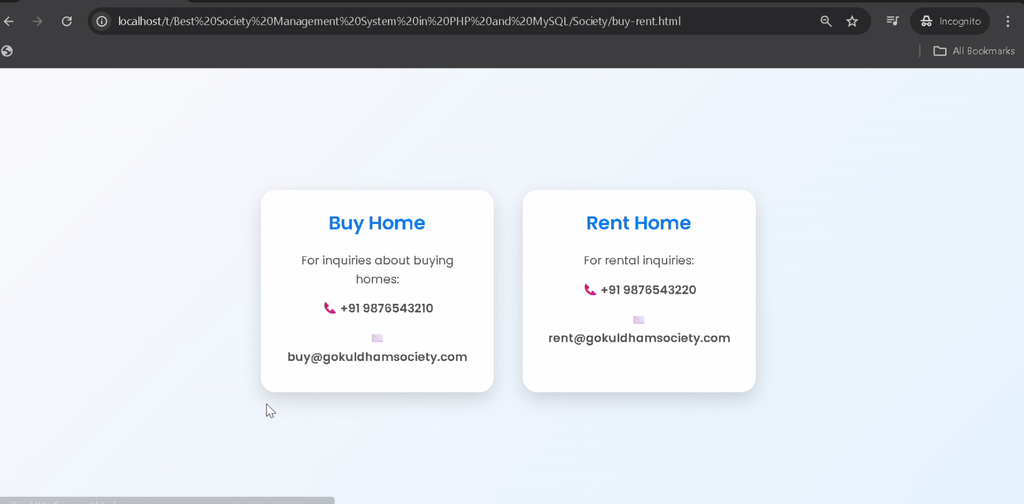
9. Gallery and General Information
Members can browse the society gallery, access general information pages, and view available house-buying or rental listings.
Technology Stack
| Technology | Purpose |
|---|---|
| PHP | Backend processing |
| MySQL | Database management |
| HTML | Page structure |
| CSS | Interface styling |
| JavaScript | Frontend interactions |
| XAMPP or WAMP | Local development environment |
Software and Tools Required
- PHP and MySQL through XAMPP or WAMP
- Visual Studio Code
- Web Browser
How to Download
The complete package is available so you can run, study, and submit it with confidence. It includes:
- Full Source Code
- Project Report
- Synopsis
- PPT Presentation
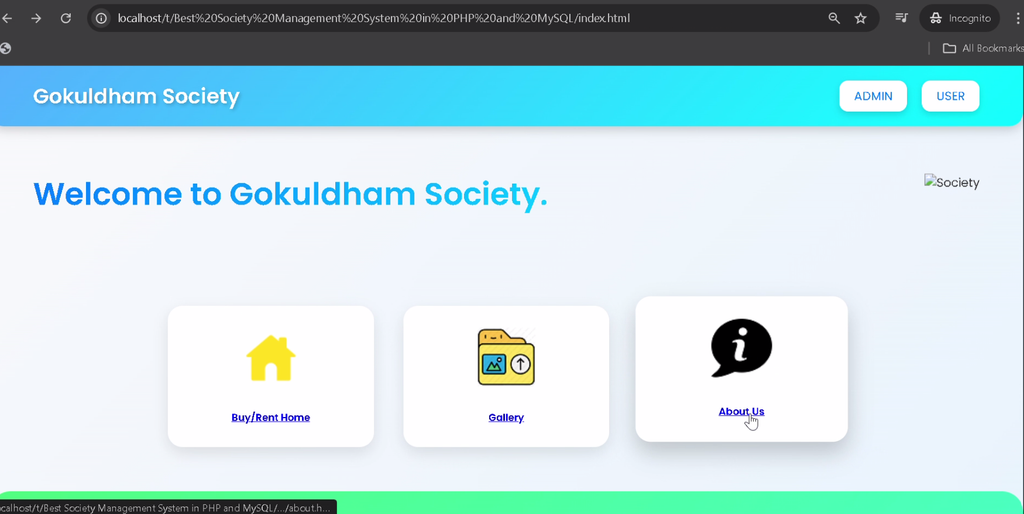
Screenshot
Installation Guide for VS Code
Step 1: Extract the Project
Extract the project ZIP file into the XAMPP htdocs directory. For example:
C:\xampp\htdocs\Society Management SystemStep 2: Open the Project in VS Code
Open the extracted project folder in Visual Studio Code.
Step 3: Start Apache and MySQL
Open the XAMPP Control Panel and start the Apache and MySQL services.
Step 4: Create the Database
Open phpMyAdmin, create a database named armentum, and import the project’s armentum.sql file.
Step 5: Configure the Database Connection
Open includes/config.php and verify the database credentials. The provided configuration uses:
$username = "root";
$password = "";
$dsn = "mysql:host=localhost;dbname=armentum";
Update these settings if your local MySQL configuration differs.
Step 6: Run the Project
Start Apache and MySQL, then open the project through your local web server in the browser. Use the extracted project folder name in the local URL. Open the member portal from the project directory and the administrator interface from its admin/ subdirectory.
How to Use the Society Management System?
Member Role
- Register and log in to the system.
- Update profile details and change passwords.
- Submit feedback to society administrators.
- Read assigned messages and official notifications.
- Browse the gallery, general information, and house-buying or rental listings.
Admin Role
- Review dashboard statistics and society activity.
- Manage member profiles and user accounts.
- View deleted users and manage confirmed members.
- Review feedback and send replies.
- Create, update, and delete notifications.
- Search user records and feedback messages.
- Export user details into an Excel file.
Why Is This Project Useful for Students?
This project helps BCA, MCA, and computer science students understand PHP and MySQL integration, database operations, authentication, profile management, and role-based interfaces. It also demonstrates how administrative dashboards, search features, feedback workflows, and notifications can be combined in a practical web application.
Frequently Asked Questions
1. Which programming language is used?
The project uses PHP, HTML, CSS, and JavaScript.
2. Which database is required?
MySQL is used to store application data.
3. What are the main user roles?
The system supports Member and Admin roles.
4. Can administrators export user information?
Yes. The admin panel includes an option to download user details in an Excel file.
5. Can members submit feedback?
Yes. Members can submit feedback, and administrators can review and reply to it.
Final Thoughts
The Society Management System Using PHP and MySQL provides a practical example of digitizing society member management and administrative communication. Its member portal, admin dashboard, profile management, feedback, notifications, and Excel export features make it a useful learning project for students exploring web application development.
Society Management System Using PHP and MySQL, Society Management System, PHP MySQL Project, Housing Society Management, Member Management System, BCA Project, MCA Project, UPDATEGADH