Skip to content
  • SiteMap
  • Our Services
  • Frequently Asked Questions (FAQ)
  • Support
  • About Us

UpdateGadh

Update Your Skills.

  • Home
  • Projects
    •  Blockchain projects
    • Python Project
    • Data Science
    •  Ai projects
    • Machine Learning
    • PHP Project
    • React Projects
    • Java Project
    • SpringBoot
    • JSP Projects
    • Java Script Projects
    • Code Snippet
    • Free Projects
  • Tutorials
    • Ai
    • Machine Learning
    • Advance Python
    • Advance SQL
    • DBMS Tutorial
    • Data Analyst
    • Deep Learning Tutorial
    • Data Science
    • Nodejs Tutorial
  • Blog
  • Contact us
  • Toggle search form
Build a Temperature Converter Maven Web Application Using Java

Temperature Converter Web Application Using Java, JSP

Posted on January 20, 2025March 15, 2026 By Updategadh No Comments on Temperature Converter Web Application Using Java, JSP

Build a Temperature Converter Maven Web Application Using Java, 

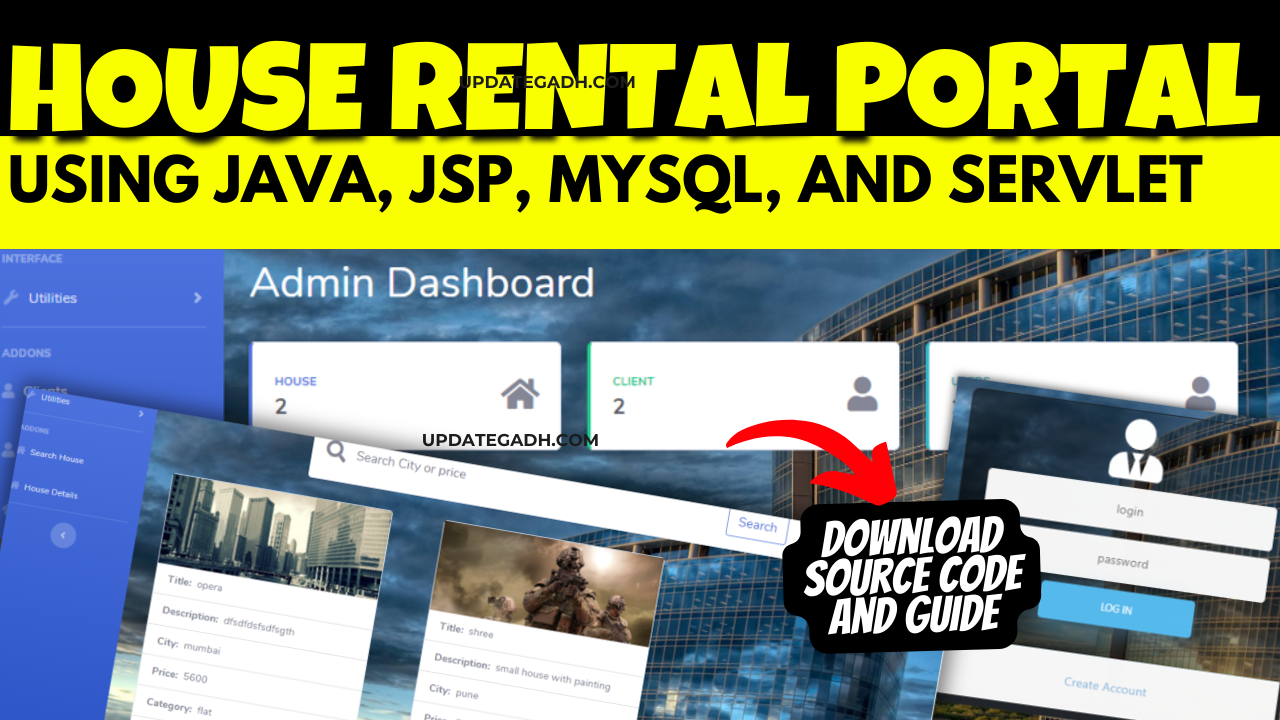
Temperature conversion is a common utility in many applications. In this tutorial, we’ll create a simple Maven-based web application that converts temperatures between Celsius, Fahrenheit, and Kelvin using Java, JSP, and EJB.


Step 1: Prerequisites

Before starting, ensure you have the following installed:

  • Java Development Kit (JDK)
  • Apache Maven
  • Apache Tomcat Server
  • An IDE like Eclipse or IntelliJ IDEA

Step 2: Set Up the Maven Project

  1. Open your IDE and create a new Maven project.
  2. Update the pom.xml file with the required dependencies:
<dependencies>  
    <dependency>  
        <groupId>javax</groupId>  
        <artifactId>javaee-api</artifactId>  
        <version>8.0</version>  
        <scope>provided</scope>  
    </dependency>  
</dependencies>  

Step 3: Create the Project Structure

Organize the project as follows:

src/main/java  
└── com.example.temperature  
    ├── ConverterEJB.java  
    └── ConverterServlet.java  

src/main/webapp  
└── WEB-INF  
    └── web.xml  
└── index.jsp  

Step 4: Develop the Backend Logic

1. Create the EJB (ConverterEJB)

package com.example.temperature;

import javax.ejb.Stateless;

@Stateless  
public class ConverterEJB {  
    public double toCelsius(double fahrenheit) {  
        return (fahrenheit - 32) * 5 / 9;  
    }  

    public double toFahrenheit(double celsius) {  
        return (celsius * 9 / 5) + 32;  
    }  

    public double toKelvin(double celsius) {  
        return celsius + 273.15;  
    }  
}  

2. Create the Servlet (ConverterServlet)

package com.example.temperature;

import java.io.IOException;  
import javax.inject.Inject;  
import javax.servlet.ServletException;  
import javax.servlet.annotation.WebServlet;  
import javax.servlet.http.HttpServlet;  
import javax.servlet.http.HttpServletRequest;  
import javax.servlet.http.HttpServletResponse;  

@WebServlet("/convert")  
public class ConverterServlet extends HttpServlet {  
    @Inject  
    private ConverterEJB converter;  

    protected void doPost(HttpServletRequest request, HttpServletResponse response)  
            throws ServletException, IOException {  
        double input = Double.parseDouble(request.getParameter("temperature"));  
        String scale = request.getParameter("scale");  
        double result = 0;  

        switch (scale) {  
            case "Celsius":  
                result = converter.toCelsius(input);  
                break;  
            case "Fahrenheit":  
                result = converter.toFahrenheit(input);  
                break;  
            case "Kelvin":  
                result = converter.toKelvin(input);  
                break;  
        }  

        request.setAttribute("result", result);  
        request.setAttribute("scale", scale);  
        request.getRequestDispatcher("index.jsp").forward(request, response);  
    }  
}  

Step 5: Create the Frontend

1. Configure web.xml

<web-app>  
    <servlet>  
        <servlet-name>ConverterServlet</servlet-name>  
        <servlet-class>com.example.temperature.ConverterServlet</servlet-class>  
    </servlet>  
    <servlet-mapping>  
        <servlet-name>ConverterServlet</servlet-name>  
        <url-pattern>/convert</url-pattern>  
    </servlet-mapping>  
</web-app>  

2. Design index.jsp

<!DOCTYPE html>  
<html lang="en">  
<head>  
    <meta charset="UTF-8">  
    <title>Temperature Converter</title>  
</head>  
<body>  
    <h1>Temperature Converter</h1>  
    <form action="convert" method="post">  
        <label for="temperature">Enter Temperature:</label>  
        <input type="number" id="temperature" name="temperature" required>  

        <label for="scale">Convert To:</label>  
        <select id="scale" name="scale">  
            <option value="Celsius">Celsius</option>  
            <option value="Fahrenheit">Fahrenheit</option>  
            <option value="Kelvin">Kelvin</option>  
        </select>  

        <button type="submit">Convert</button>  
    </form>  

    <c:if test="${not empty result}">  
        <h2>Converted Temperature: ${result} ${scale}</h2>  
    </c:if>  
</body>  
</html>  

Step 6: Deploy and Run

  1. Package the project into a WAR file:
mvn clean package  
  1. Deploy the WAR file to your Tomcat server.
  2. Start the server and open your browser at http://localhost:8080/temperature-converter.

Step 7: Test the Application

Enter a temperature value, select the target scale (Celsius, Fahrenheit, or Kelvin), and click “Convert.” The converted value will be displayed on the page.
 

Download Free
Post Views: 979
JSP JAVA(J2EE) Tags:body temperature converter, temperature, temperature converter app, temperature converter calculator, temperature converter f to c, temperature converter formula, temperature converter kelvin to celsius, temperature converter to celsius, temperature converter to fahrenheit

Post navigation

Previous Post: Visitor Management System in Hospital
Next Post: Day Management App [Advance Todo App]

More Related Articles

Real Estate Management System Using Java (JSP, Servlet, J2EE, MYSQL) Best Real Estate Management System Using Java (JSP, Servlet, J2EE, MYSQL) JSP JAVA(J2EE)
library management system in JSP Final Year Project : library management system in JSP JSP JAVA(J2EE)
Software Piracy Protection Project Software Piracy Protection Project JSP JAVA(J2EE)

Leave a Reply Cancel reply

Your email address will not be published. Required fields are marked *

You may also like

  1. Pharmacy Drug Store in JSP (DBMS Mini Project)
  2. Best Real Estate Management System Using Java (JSP, Servlet, J2EE, MYSQL)
  3. Software Piracy Protection Project
  4. Complaint Management System using Java & MySQL
  5. Online Nursery Store System in Java using JSP and Servlet
  6. Farmer Buddy : A Modern JSP Web App

Most Viewed Posts

  1. Top Large Language Models in 2025
  2. Online Shopping System using PHP, MySQL with Free Source Code
  3. login form in php and mysql , Step-by-Step with Free Source Code
  4. Flipkart Clone using PHP And MYSQL Free Source Code
  5. News Portal Project in PHP and MySql Free Source Code
  6. User Login & Registration System Using PHP and MySQL Free Code
  7. Top 10 Final Year Project Ideas in Python
  8. Online Bike Rental Management System Using PHP and MySQL
  9. E learning Website in php with Free source code
  10. E-Commerce Website Project in Java Servlets (JSP)
  • AI
  • ASP.NET
  • Blockchain
  • ChatCPT
  • code Snippets
  • Collage Projects
  • Data Science Project
  • Data Science Tutorial
  • DBMS Tutorial
  • Deep Learning Tutorial
  • Final Year Projects
  • Free Projects
  • How to
  • html
  • Interview Question
  • Java Notes
  • Java Project
  • Java Script Notes
  • JAVASCRIPT
  • Javascript Project
  • JSP JAVA(J2EE)
  • Machine Learning Project
  • Machine Learning Tutorial
  • MySQL Tutorial
  • Node.js Tutorial
  • PHP Project
  • Portfolio
  • Python
  • Python Interview Question
  • Python Projects
  • PythonFreeProject
  • React Free Project
  • React Projects
  • Spring boot
  • SQL Tutorial
  • TOP 10
  • Uncategorized
  • Online Examination System in PHP with Source Code
  • AI Chatbot for College and Hospital
  • Job Portal Web Application in PHP MySQL
  • Online Tutorial Portal Site in PHP MySQL — Full Project with Source Code
  • Online Job Portal System in JSP Servlet MySQL

Most Viewed Posts

  • Top Large Language Models in 2025 (8,614)
  • Online Shopping System using PHP, MySQL with Free Source Code (5,215)
  • login form in php and mysql , Step-by-Step with Free Source Code (4,869)

Copyright © 2026 UpdateGadh.

Powered by PressBook Green WordPress theme