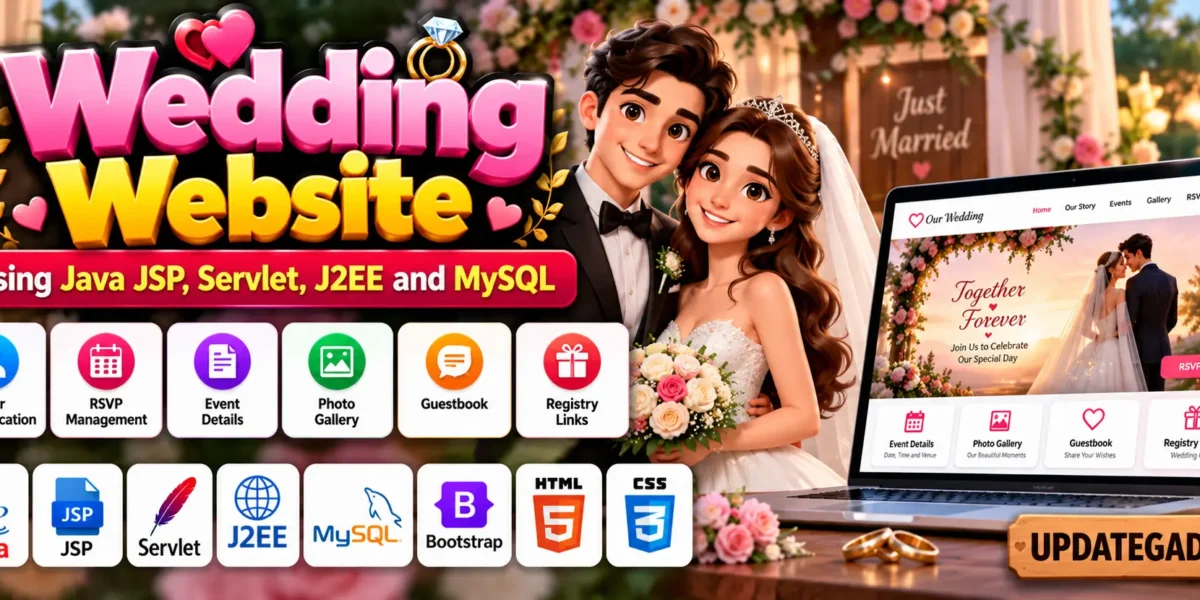
Wedding Website Using Java JSP, Servlet, J2EE and MySQL
Introduction
Planning a wedding involves managing several details, including guest information, event schedules, venue details, and invitations. A wedding website provides a convenient way to organize wedding-related information and share it with guests through a single online platform.
The Wedding Website Using Java JSP, Servlet, J2EE and MySQL is a web application project designed to demonstrate Java web development. JSP is used to create dynamic web pages, Servlets handle application requests, Java manages server-side operations, and MySQL stores the required application data.
Real Time Projects on YouTube:- DecodeIT
Project Overview
The Wedding Website project demonstrates how Java technologies can be used to create a website for sharing wedding information and interacting with guests. Its described features include user authentication, RSVP functionality, event details, a photo gallery, a guestbook, and wedding registry links.
| Project Detail | Description |
|---|---|
| Project Name | Wedding Website |
| Programming Language | Java |
| Technologies Used | JSP, Servlet, J2EE |
| Frontend | HTML, CSS, JavaScript, JSP, Bootstrap |
| Backend | Java and MySQL |
| Database | MySQL |
| IDE | Eclipse Neon |
| Server | Apache Tomcat |
| Project Type | Web Application |
Gym Management System in Java :- Click Here
What Is a Wedding Website?
A wedding website is an online platform that provides guests with important information about a wedding. It can display event schedules, venue details, RSVP forms, photographs, guest messages, and wedding registry links.
This project demonstrates how JSP, Servlets, and MySQL can be combined to create a dynamic website. Students can explore how frontend pages interact with Java server-side logic and database operations.
How to Make the Wedding Website?
To develop the Wedding Website, create a Java web application using Eclipse IDE or IntelliJ IDEA. Configure JSP for dynamic page generation, use Java and Servlets for server-side processing, and connect MySQL to manage application data.
Organize the project into JSP pages, Servlets, Java classes, and required libraries. Use HTML and CSS to structure and style the pages, Bootstrap to support responsive layouts, and JavaScript for client-side interactions.
Once the main components are ready, configure the server and database connection, deploy the application, and test the available features.
What Are the Essential Features of the Wedding Website?
The project description identifies several features that can make the wedding website interactive and useful for guests.
- User Authentication: Provides a login mechanism for users to access their accounts.
- RSVP Functionality: Allows guests to submit their responses through an online form.
- Event Details: Displays important wedding information, including the date, time, and venue of the ceremony and reception.
- Photo Gallery: Provides a place to share wedding photographs and memorable moments.
- Guestbook: Allows guests to leave messages and wishes for the couple.
- Registry Links: Provides links to wedding registries so guests can explore gift options.
These features demonstrate how a website can help organize wedding information and make communication with guests more convenient. The exact functionality depends on the implementation included in the project files.
ISP Management System In Java with Setup :- Click Here
Which Software and Tools Are Required?
The following software and tools are listed for developing and running the Wedding Website project.
- Java Development Kit (JDK): Provides the tools required to compile and run Java applications.
- Eclipse IDE: The project information identifies Eclipse Neon as the development environment.
- Apache Tomcat Server: Runs the JSP and Servlet-based web application.
- MySQL Database: Stores application data required by the implemented features.
- JSP and Servlets: Support dynamic web pages and server-side request processing.
- HTML and CSS: Define the structure and appearance of the website.
- JavaScript: Supports client-side interactions.
- Bootstrap: Helps create responsive and consistently styled web pages.
Ensure that the installed Java version, Tomcat server, and project dependencies are compatible with the source code before starting the application.
What Are the Hardware and Software Requirements?
The original project requirements list the following hardware and software specifications.
Hardware Requirements
| Component | Requirement |
|---|---|
| Processor | Pentium IV |
| Hard Disk | 40 GB |
| RAM | 512 MB or more |
Software Requirements
| Component | Requirement |
|---|---|
| Operating System | Windows 7, Windows 10, Windows 11, or Linux |
| User Interface | HTML and CSS |
| Client-Side Scripting | JavaScript |
| Programming Language | Java |
| Web Technologies | JDBC, Servlets, JSP |
| Database | MySQL |
| Server Deployment | Tomcat 5.0, as listed in the supplied requirements |
How to Download
The complete package is available so you can run, study, and submit it with confidence.
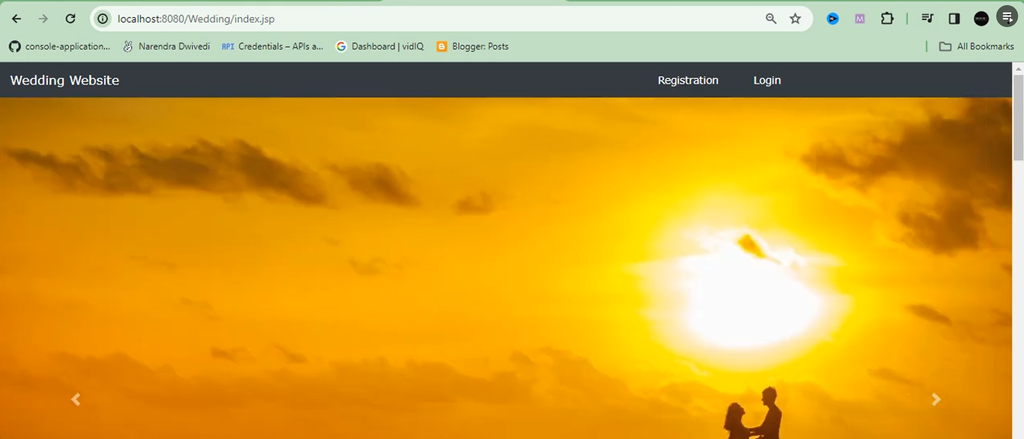
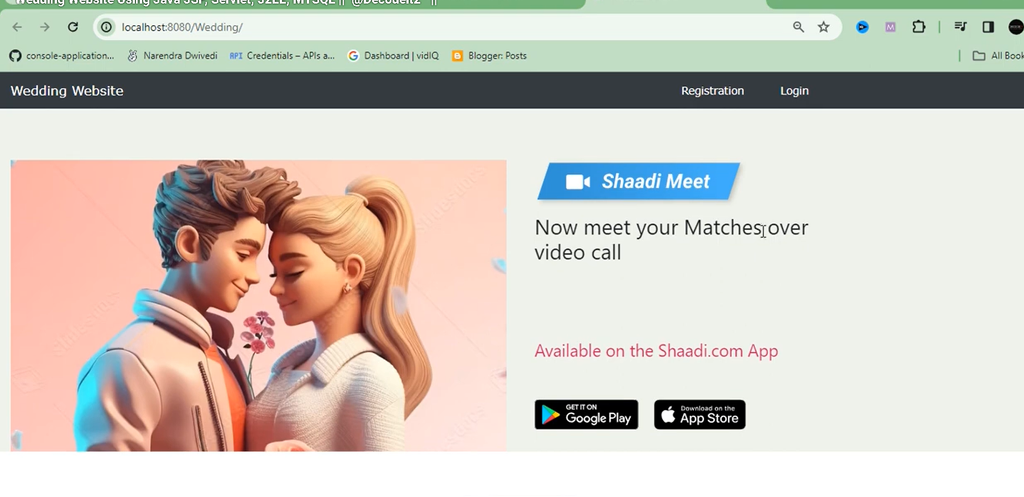
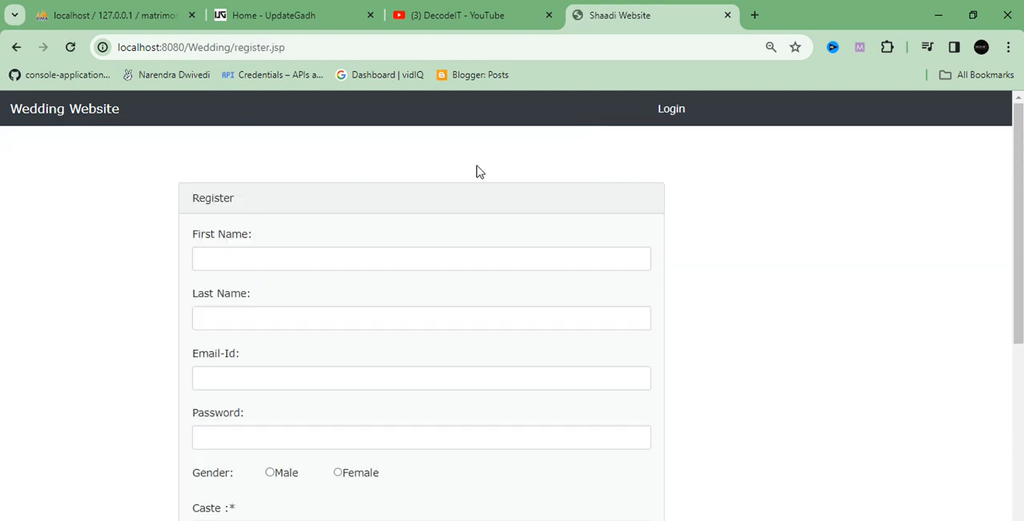
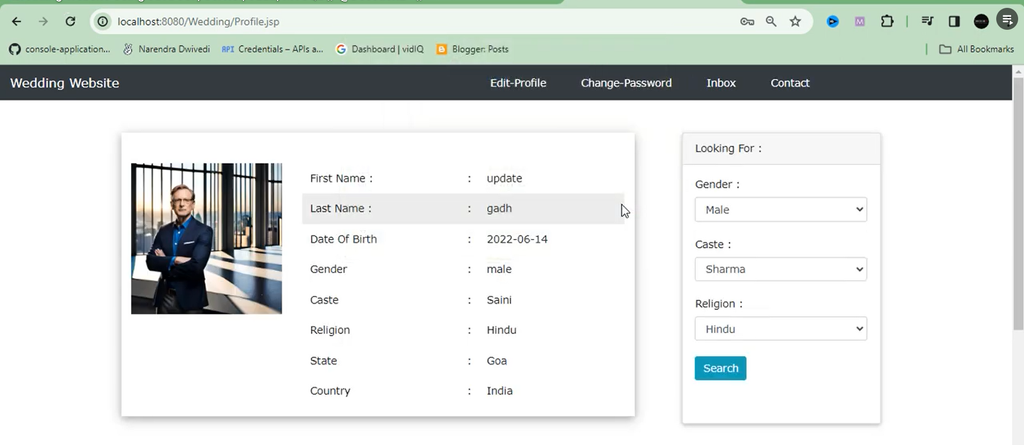
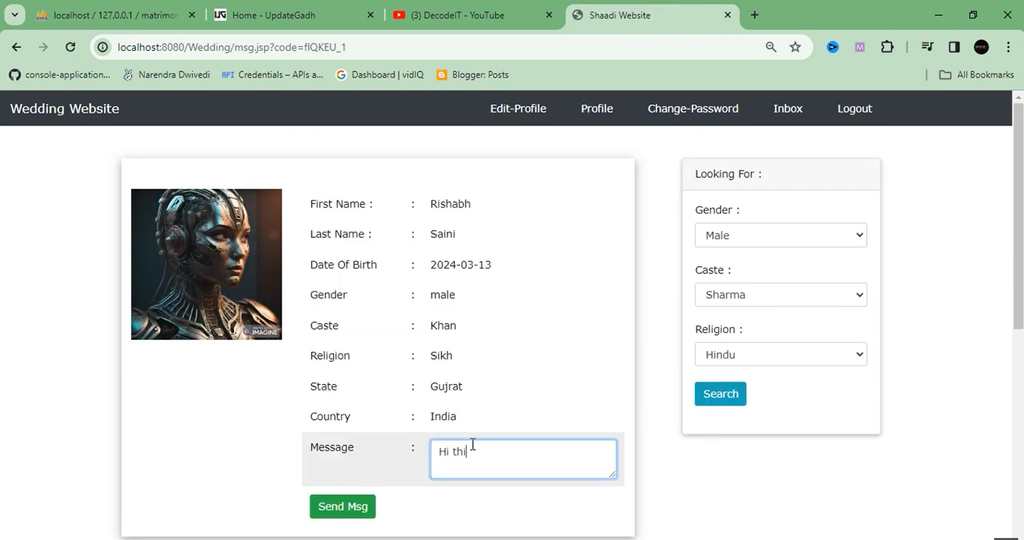
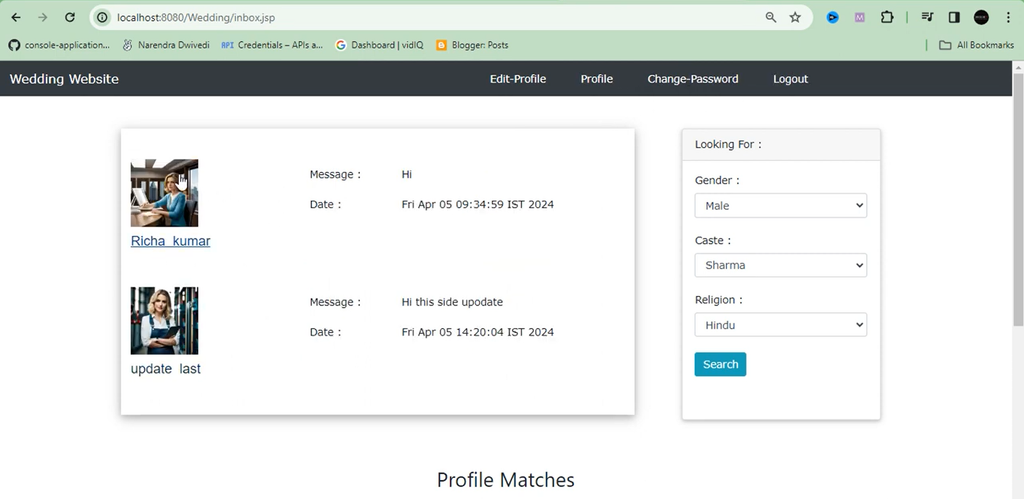
Screenshot
How to Run the Wedding Website Project?
The project can be imported into Eclipse, configured with Apache Tomcat and MySQL, and deployed for testing. Follow the steps below to prepare the development environment.
- Import the Project into Eclipse: Download the project ZIP file, open Eclipse, select File, then Import, and choose General followed by Existing Projects into Workspace. Select the extracted project directory and finish the import.
- Install Apache Tomcat: Download a compatible Tomcat version, extract the files, and identify the installation directory.
- Configure Tomcat in Eclipse: Open Window, then Preferences, navigate to Server and Runtime Environments, click Add, select Apache Tomcat, and choose its installation directory.
- Install MySQL: Install and configure MySQL according to your operating system.
- Add the MySQL JDBC Driver: Add the compatible MySQL Connector/J JAR file to the project’s library configuration or the appropriate location specified by the project.
- Configure the Database: Import the supplied database script using the appropriate database management tool, then update the database connection settings.
- Configure Project Dependencies: Confirm that the required Java libraries and MySQL connector are available to the application.
- Run the Application: Right-click the project in Eclipse, select Run As, then Run on Server, choose the configured Tomcat server, and complete the deployment.
- Open the Website: Open a browser and visit the local address and application context path provided by Eclipse after deployment.
The exact database script, connection settings, and browser URL depend on the supplied project files.
Frequently Asked Questions (FAQs)
1. Which programming language is used in the Wedding Website project?
Java is used with JSP and Servlets to develop the web application.
2. Which database is used in this project?
MySQL is used to store and manage the application’s data.
3. Which IDE is recommended for this project?
The supplied project information identifies Eclipse Neon as the IDE.
4. What are the main features of the Wedding Website?
The listed features include user authentication, RSVP functionality, event details, a photo gallery, a guestbook, and wedding registry links.
5. Which server is used to run the application?
Apache Tomcat is used to deploy and run the JSP and Servlet-based application.
6. Is this project suitable for students?
Yes, it is suitable for students learning Java web development, JSP, Servlets, MySQL, and database connectivity.
Conclusion
Creating a Wedding Website using Java JSP, Servlet, J2EE, and MySQL is a useful learning project for students interested in web application development. It demonstrates how a website can organize wedding event information and provide interactive features such as RSVP forms, photo galleries, guestbooks, and registry links.
Wedding Website, Wedding Website Using Java, Wedding Website Using JSP Servlet J2EE MySQL, Java Wedding Website Project, Wedding Website Project in Java, JSP Project, Servlet Project, J2EE Project, MySQL Database Project, Wedding Website Source Code, Java Web Development, Bootstrap Website Project, Wedding RSVP Website, Wedding Event Website.