AI-Powered Information Analysis System
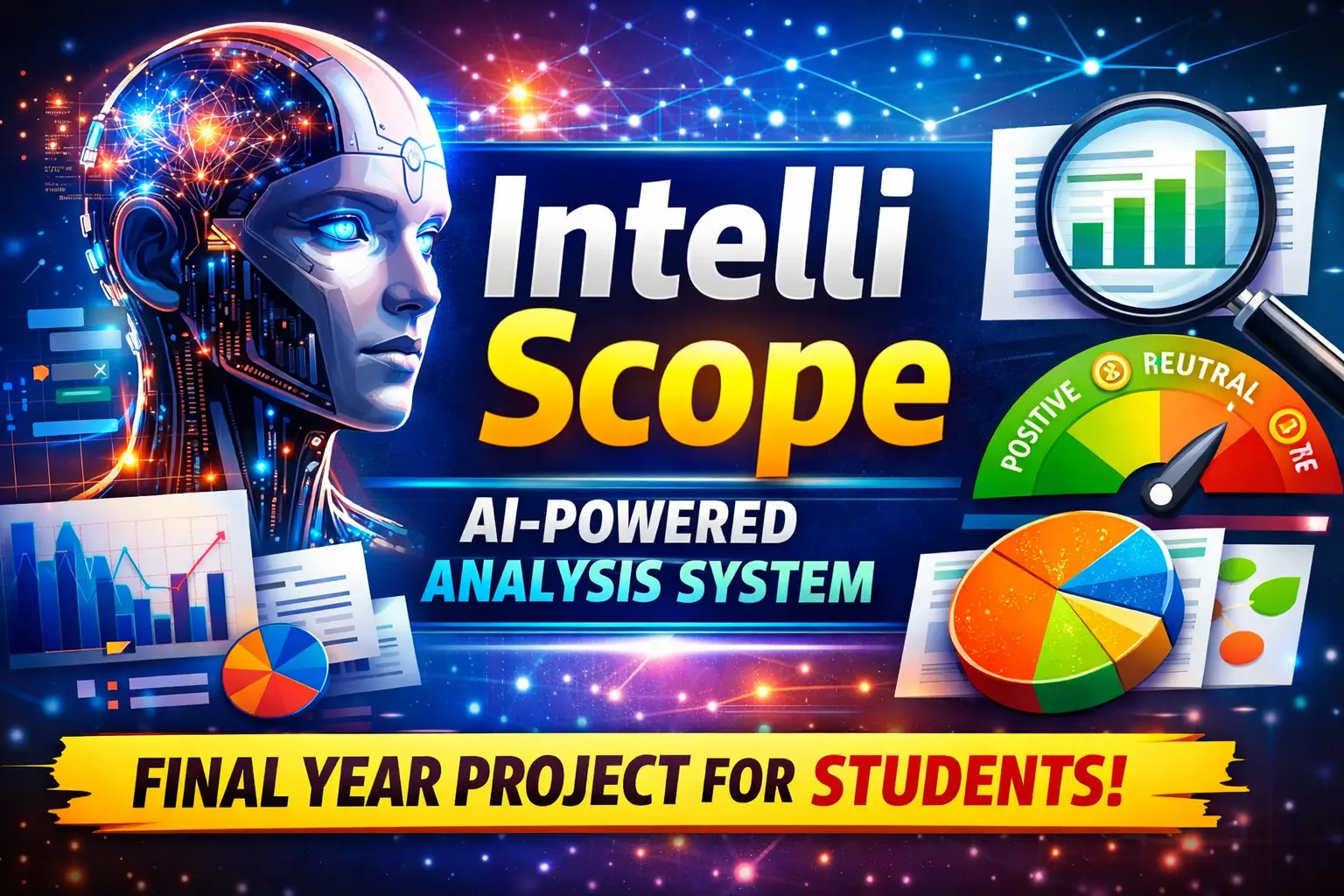
AI-powered information analysis system developed using Python, Flask, Machine Learning, NLP, Pandas, Scikit-learn, SQLite, HTML, CSS, and JavaScript. The project is designed to help users upload datasets or text files, process the available information, perform AI-based analysis, identify patterns, analyze sentiment, generate summaries, and visualize results through an interactive dashboard.
The system provides a practical combination of Artificial Intelligence, Natural Language Processing, Machine Learning, and web development. It is suitable for students who want to understand how real-world data can be uploaded, processed, analyzed, and presented through a Flask-based web application.
Complete Advance AI Topics: Click Here
Real Time Projects on YouTube:- DecodeIT
Project Overview
| Project Name | AI-Powered Information Analysis System |
|---|---|
| Language/s Used | Python, HTML, CSS, JavaScript |
| Framework | Flask |
| Machine Learning | Scikit-learn |
| Data Processing | Pandas |
| Database | SQLite |
| Type | AI Information Analysis System |
Project Introduction
Organizations and users often need to analyze large amounts of textual and structured information. Manually reviewing every record can take considerable time and make it difficult to identify important patterns. IntelliScope provides a web-based solution that performs several basic AI and data analysis operations from one platform.
Users can upload supported CSV or TXT files, preview their data, perform preprocessing, and run different analysis operations. The system can identify sentiment, generate a basic text summary, detect frequently occurring patterns, and perform machine learning analysis on suitable datasets.
Why IntelliScope?
IntelliScope is designed as a practical academic project that demonstrates how different AI and data science technologies can work together. It combines Flask for web development, Pandas for data processing, Scikit-learn for machine learning, and an interactive dashboard for presenting results.
The project is especially useful for students who want to build an AI-based application rather than a traditional database-only management system.
Available Features
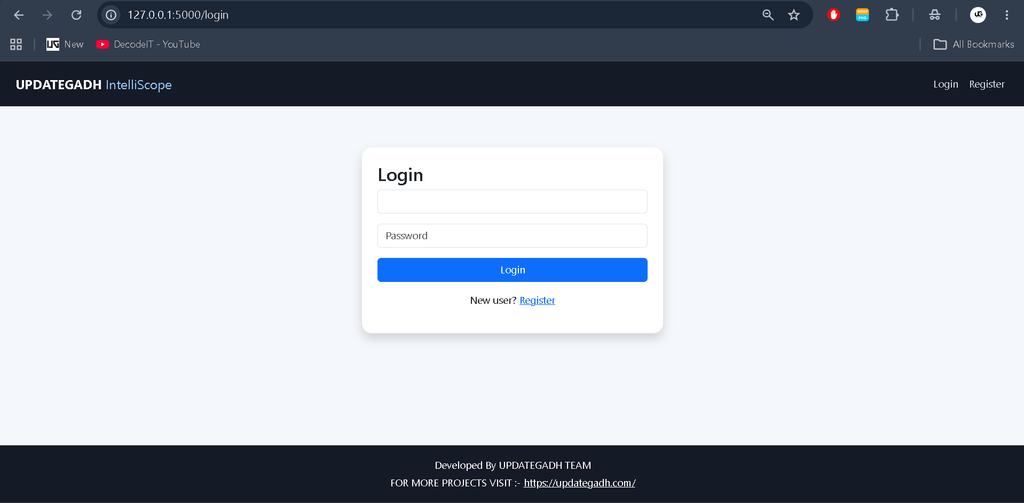
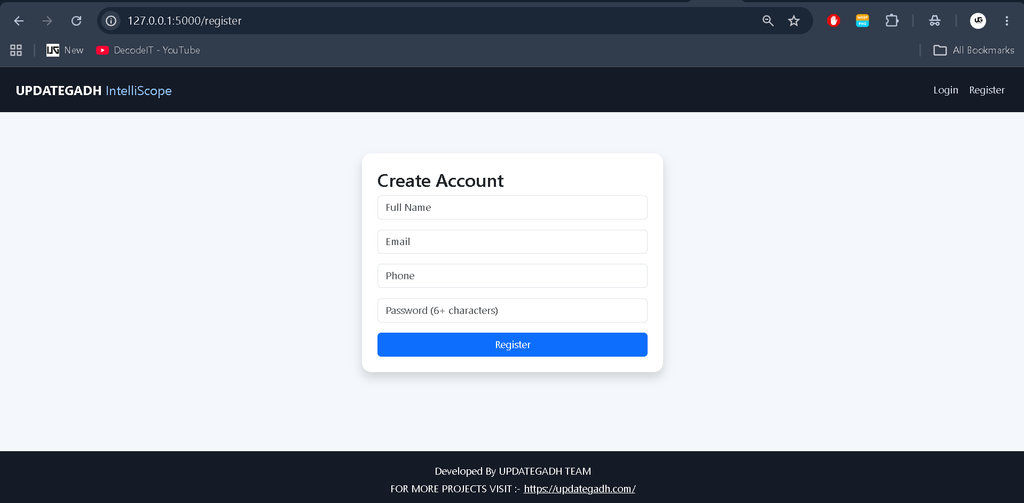
- User Registration and Login
- User Profile Management
- CSV and TXT File Upload
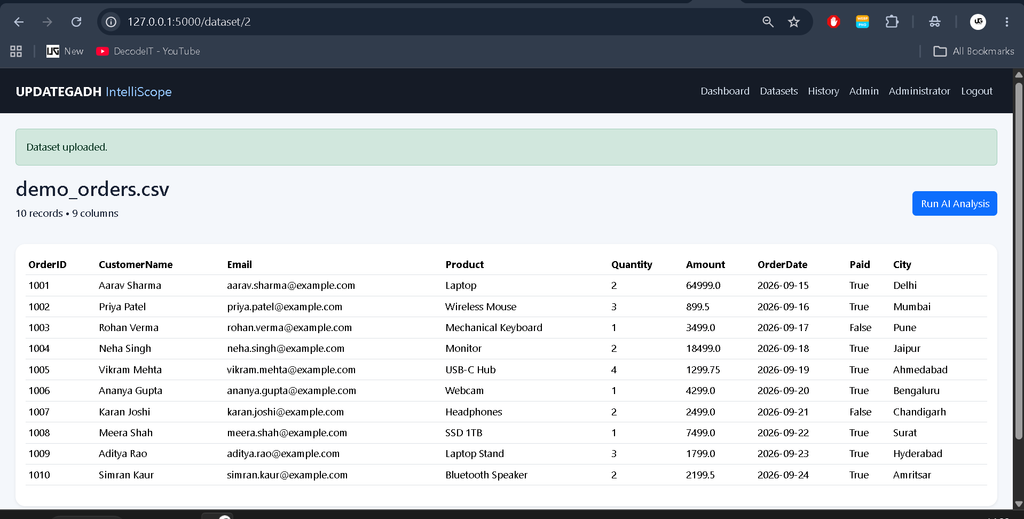
- Dataset Preview
- Data Cleaning and Preprocessing
- AI-Based Information Analysis
- NLP Text Processing
- Positive, Negative, and Neutral Sentiment Analysis
- Text Summarization
- Frequent Pattern Detection
- Basic Machine Learning Classification
- TF-IDF Text Processing
- K-Means Clustering
- Interactive Analytics Dashboard
- Bar and Pie Charts
- Analysis History
- Search and Filtering
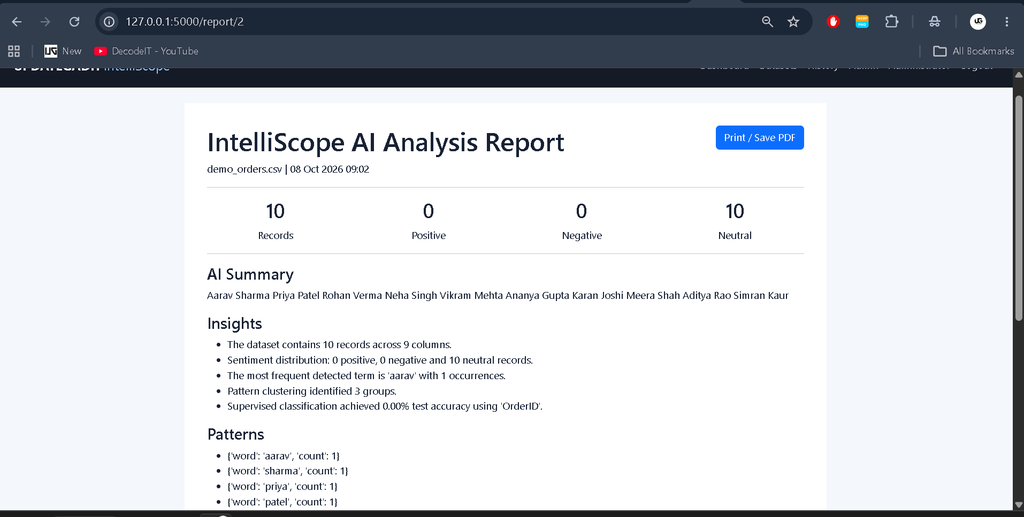
- Analysis Reports
- Admin Dashboard
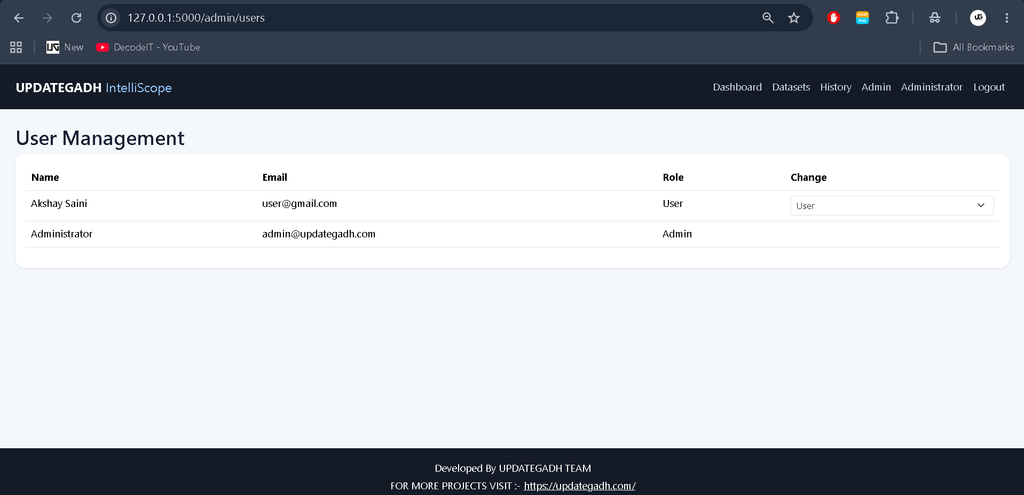
- User Management
- Dataset Management
- Analysis Record Management
- System Settings
- Responsive User Interface
User Panel
The user panel provides access to the main information analysis functionality. After logging in, users can manage their profile, upload datasets, perform analysis, view results, and access their previous analysis records.
User Registration and Login
Users can create an account and log in securely to access the protected features of the system.
Profile Management
The profile section allows users to view and update their account information.
Dataset Upload
Users can upload supported CSV and TXT files. The system validates the uploaded file before processing it.
Dataset Preview
After uploading a dataset, users can preview the available records and columns before starting the analysis.
AI Analysis Module
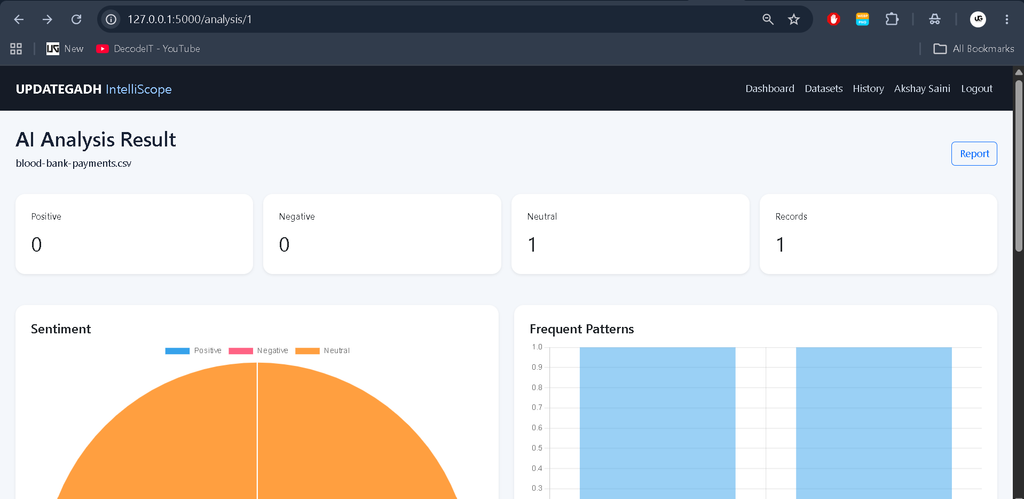
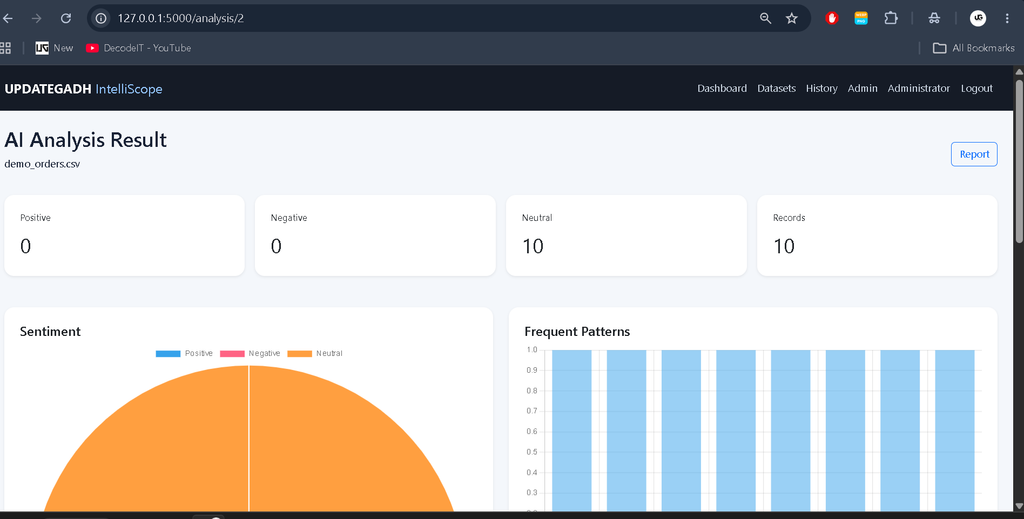
The AI analysis module is the main component of IntelliScope. It processes uploaded information and generates analytical results that help users understand their data.
Data Cleaning and Preprocessing
The system performs basic preprocessing before analysis. Missing values and textual information are handled during the analysis process so that the available data can be processed more effectively.
Sentiment Analysis
IntelliScope analyzes textual information and categorizes detected sentiment into three groups:
- Positive: Text containing generally positive expressions.
- Negative: Text containing generally negative expressions.
- Neutral: Text without a strong positive or negative indication.
Text Summarization
The system generates a basic extractive summary from available text. Important sentences are selected using word-frequency information to provide a shorter representation of the original content.
Pattern Detection
Frequently occurring words and patterns are identified from textual information. This helps users understand common terms and recurring information within their dataset.
Machine Learning Module
IntelliScope includes basic Machine Learning functionality for suitable datasets. The system uses Scikit-learn to process textual information and perform machine learning operations.
TF-IDF Processing
Text information can be converted into numerical features using TF-IDF. These features can then be used by machine learning algorithms.
K-Means Clustering
K-Means clustering can group similar textual records based on their generated numerical representations. This provides a simple approach for discovering groups within the uploaded information.
Classification
When a suitable categorical target column is available, the system can perform basic classification using a machine learning model. This demonstrates how supervised machine learning can be integrated into a Flask application.
Analytics Dashboard
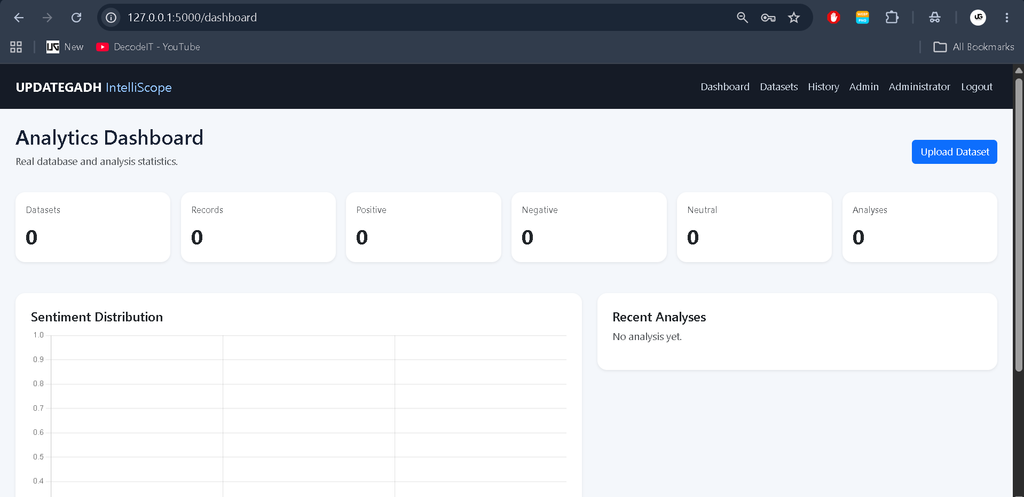
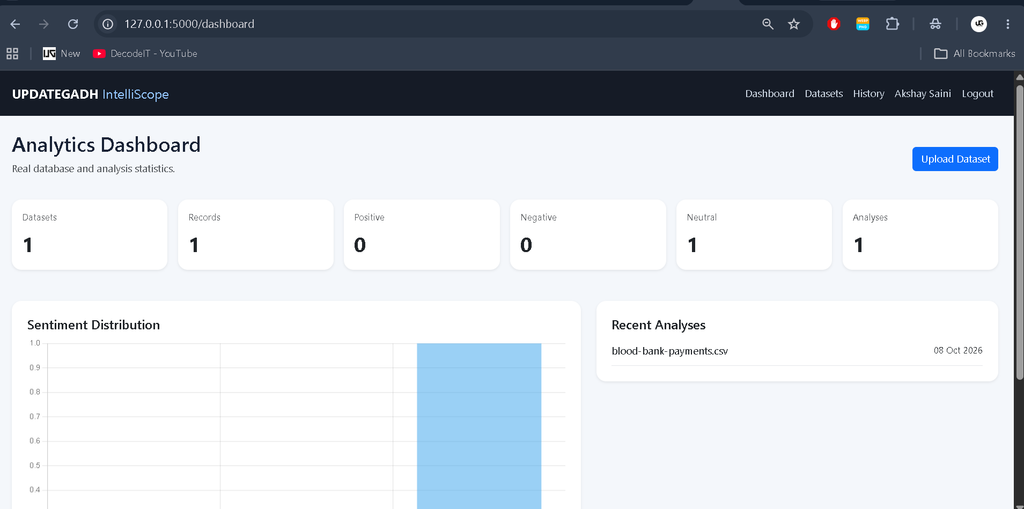
The IntelliScope dashboard presents important analytical information through statistics and charts. The dashboard makes it easier to understand the results without manually reviewing every record.
Depending on the uploaded and analyzed data, the dashboard can display information such as:
- Total Datasets
- Total Records
- Sentiment Distribution
- Recent Analyses
- Detected Patterns
- Analysis Results
Analysis History
Completed analyses are stored in the system so users can access their previous results. The history section provides an organized view of earlier analysis records and includes search functionality.
Reports
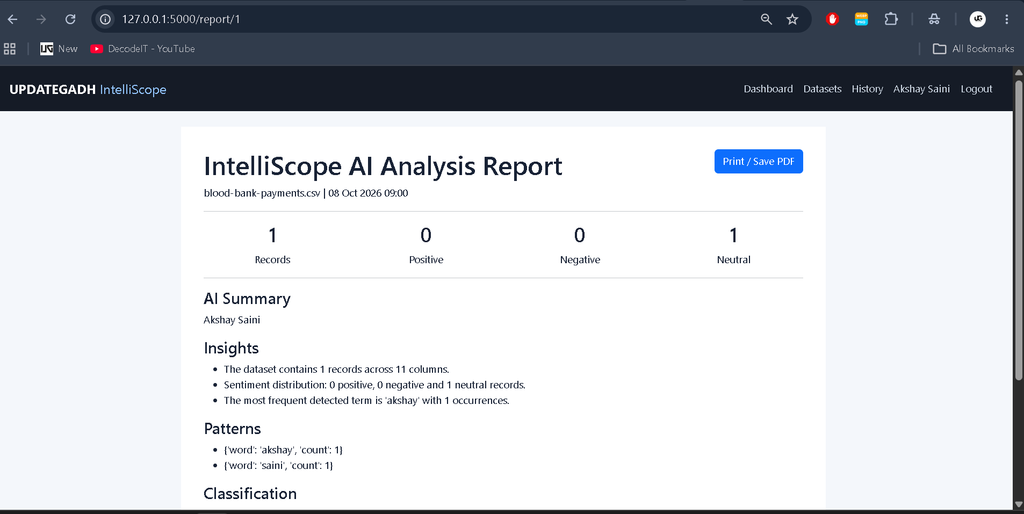
IntelliScope provides a structured analysis report containing important results generated from the uploaded information. Users can view the report and use the browser’s print functionality to save or print the results for documentation.
Admin Panel
The admin panel provides administrative functionality for managing the application and monitoring system activity.
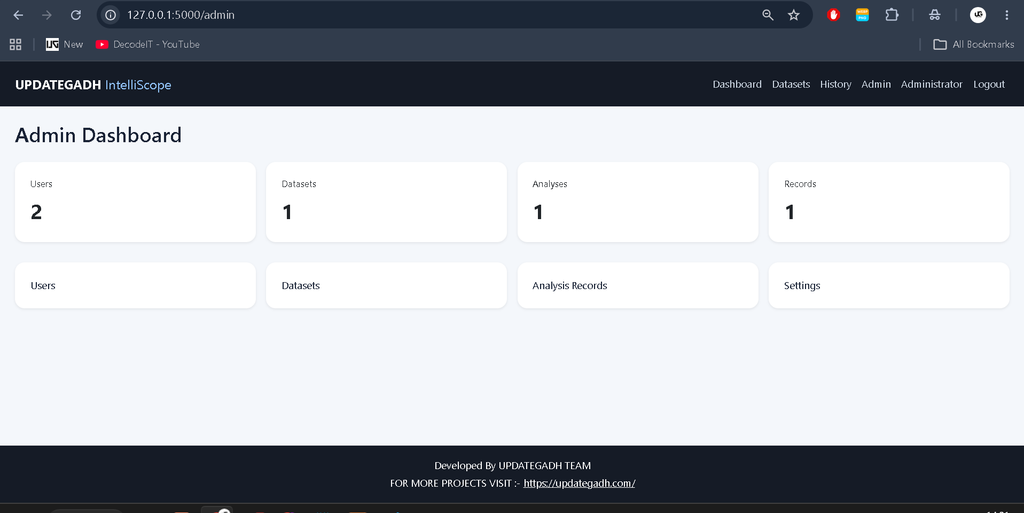
Admin Dashboard
The administrator can view system-level information such as registered users, uploaded datasets, and analysis records.
User Management
Administrators can view registered users and manage the user information available within the system.
Dataset Management
The admin can view uploaded datasets and monitor the information stored in the application.
Analysis Management
The analysis management section provides administrators with access to analysis records generated by users.
System Settings
The system includes a dedicated settings section for basic administrative configuration.
Technology Stack
| Technology | Purpose |
|---|---|
| Python | Backend and AI processing |
| Flask | Web application development |
| Pandas | Dataset processing |
| Scikit-learn | Machine Learning |
| SQLite | Database management |
| HTML | Web page structure |
| CSS | User interface design |
| JavaScript | Interactive functionality |
| Chart.js | Data visualization |
Project Modules
- Authentication Module
- User Profile Module
- Dataset Upload Module
- Dataset Preview Module
- Data Preprocessing Module
- Sentiment Analysis Module
- Text Summarization Module
- Pattern Detection Module
- Machine Learning Module
- Analytics Dashboard Module
- Analysis History Module
- Report Module
- Admin Dashboard Module
- User Management Module
- Dataset Management Module
- Analysis Management Module
- System Settings Module
Software and Tools Required
- Python 3.x
- Visual Studio Code
- Web Browser
- Command Prompt or PowerShell
- Python Virtual Environment
Download complete source code
Screenshot
Installation Guide
Step 1: Extract the Project
Extract the IntelliScope project ZIP file and open the project folder in Visual Studio Code.
Step 2: Create a Virtual Environment
python -m venv venvStep 3: Activate the Virtual Environment
For Windows, use:
venv\Scripts\activateStep 4: Install Required Packages
pip install -r requirements.txtStep 5: Run the Project
python app.pyStep 6: Open in Browser
http://127.0.0.1:5000/The SQLite database is automatically initialized when the application starts.
Admin Login
| admin@updategadh.com | |
| Password | Admin@123 |
How to Use the Project
- Open the IntelliScope application in your browser.
- Create a new user account or log in.
- Open the dataset section.
- Upload a supported CSV or TXT file.
- Preview the uploaded information.
- Start the analysis process.
- Review sentiment, summary, patterns, and machine learning results.
- View the results through the analytics dashboard.
- Access completed analyses from the history section.
- Open the analysis report when documentation is required.
Project Benefits
- Combines Artificial Intelligence and web development.
- Provides practical experience with Flask.
- Demonstrates NLP and sentiment analysis.
- Uses Pandas for real dataset processing.
- Demonstrates Scikit-learn machine learning techniques.
- Provides an interactive analytics dashboard.
- Includes separate user and admin functionality.
- Uses SQLite for simple database management.
- Suitable for academic project demonstrations.
- Helps students understand a complete AI analysis workflow.
Final Thoughts
AI-Powered Information Analysis System is a practical project for students who want to explore Artificial Intelligence, Machine Learning, NLP, and Flask development together. The project demonstrates how uploaded information can be processed, analyzed, and converted into meaningful results through a web-based platform.
Keywords: AI-Powered Information Analysis System, AI Project, AI Information Analysis System, Python Flask AI Project, Machine Learning Project Using Python, NLP Project Using Python, Flask Machine Learning Project, Python Data Analysis Project, Sentiment Analysis Project, Text Summarization Project, Scikit-learn Project, Pandas Project, SQLite Python Project, AI College Project, Machine Learning College Project, Python Final Year Project, Flask Final Year Project, Al-Powered Information Analysis Al-Powered Information Analysis ai powered data analysis ai powered data analysis tools ai powered data analysis a practical introduction ai powered data analysis remote internship ai powered data analysis in excel ai powered data analysis with claude and mcp ai powered data analysis platform ai powered data analysis course ai driven data analysis