Online Ambulance Booking System Using PHP and MySQL
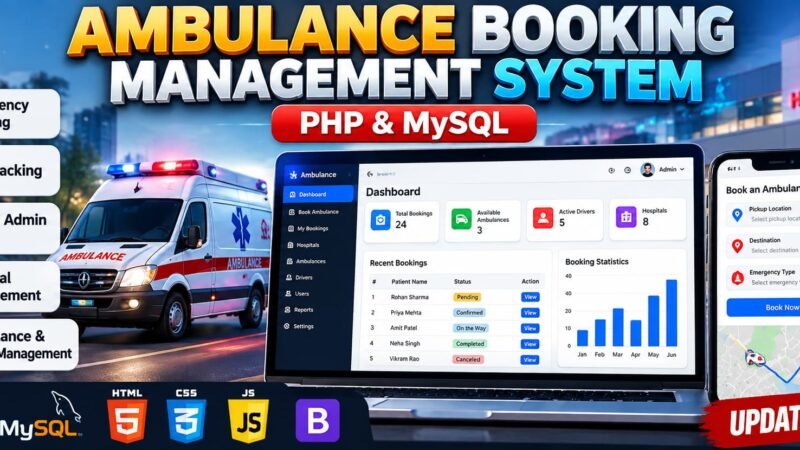
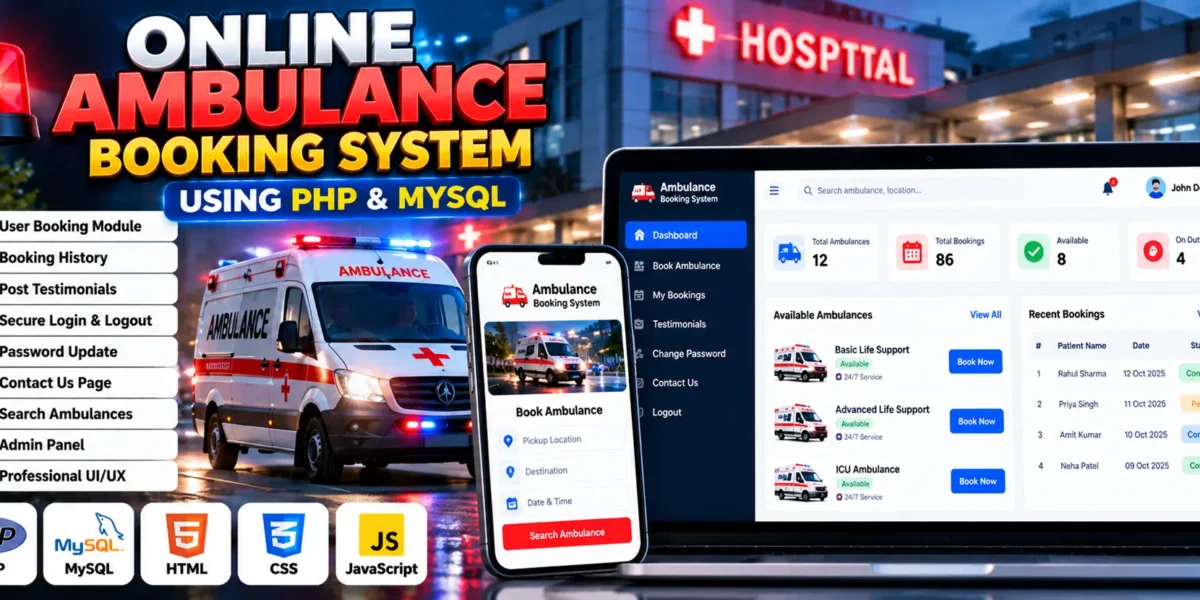
The Online Ambulance Booking System Using PHP and MySQL is a web-based application designed to simplify ambulance booking and availability searches. Developed using PHP, MySQL, HTML, CSS, and JavaScript, the project provides a digital platform where users can search for available ambulances, submit booking requests, and review their previous bookings.
During emergencies, accessing ambulance services quickly is important. This project demonstrates how a web application can organize ambulance booking information and provide convenient access to booking-related functions. It includes user authentication, booking history, testimonials, password updates, and a contact page.
For students, this project offers practical experience in PHP development, MySQL database connectivity, session-based authentication, form handling, and interactive web design. It can be used as an academic project to understand how database-driven booking applications are structured.
Complete Advance AI Topics: Click Here
Real Time Projects on YouTube:- DecodeIT
What Is an Online Ambulance Booking System?
An Online Ambulance Booking System is a web application that allows users to search for ambulance availability and manage booking-related activities online. It provides features for booking requests, booking history, account management, and communication with service administrators.
Project Overview
| Project Details | Description |
|---|---|
| Project Name | Online Ambulance Booking System |
| Languages Used | PHP, HTML, CSS, JavaScript |
| PHP Versions Mentioned | 5.6.3 and 7.4.12 (as listed in the supplied details) |
| Database | MySQL |
| SQL File | carrental.sql |
| Type | Web Application |
Available Features
1. User Booking Module
The booking module allows users to submit ambulance booking requests through the website, helping organize booking information digitally.
2. Booking History
Users can view their previous bookings, making it easier to review their booking records.
3. Testimonials
The system allows users to submit testimonials and feedback about their experiences through the available interface.
4. Secure Login and Logout
Session-based authentication supports user login and logout, helping manage access to account-related functions.
5. Password Update
Users can update their passwords through the password management functionality provided by the application.
6. Contact Us Page
The contact page provides a communication channel between users and the service administrators.
7. Ambulance Search and Availability
Users can search for ambulances and filter availability information through the booking interface.
8. Admin Management
The supplied project description references administrator management through the database schema. The exact administrative interface and available controls should be confirmed from the project files.
9. User Interface
The application uses HTML, CSS, and JavaScript to provide a web interface with styling and interactive elements.
Technology Stack
- PHP: Handles server-side processing and booking-related application logic.
- MySQL: Stores application records in a relational database.
- HTML: Structures the website pages.
- CSS: Styles the user interface.
- JavaScript: Supports client-side interactivity.
- Apache: Can be used to run the PHP application locally through XAMPP.
Project Structure
The project contains PHP files for its core functionality, including index.php and check_availability.php. It also includes the SQL file carrental.sql for the database structure and any supplied sample data.
The frontend uses standard HTML5, CSS3, and JavaScript for page structure, styling, and interactive behaviour.
Software and Tools Required
- XAMPP
- Visual Studio Code
- Web Browser
How to Download
The complete package is available so you can run, study, and submit it with confidence. It includes:
- Full Source Code
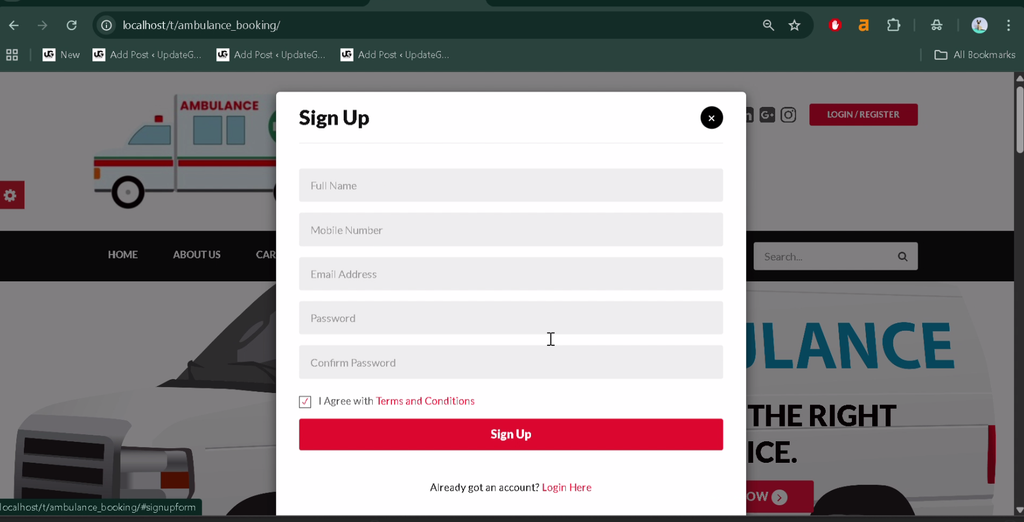
Screenshot
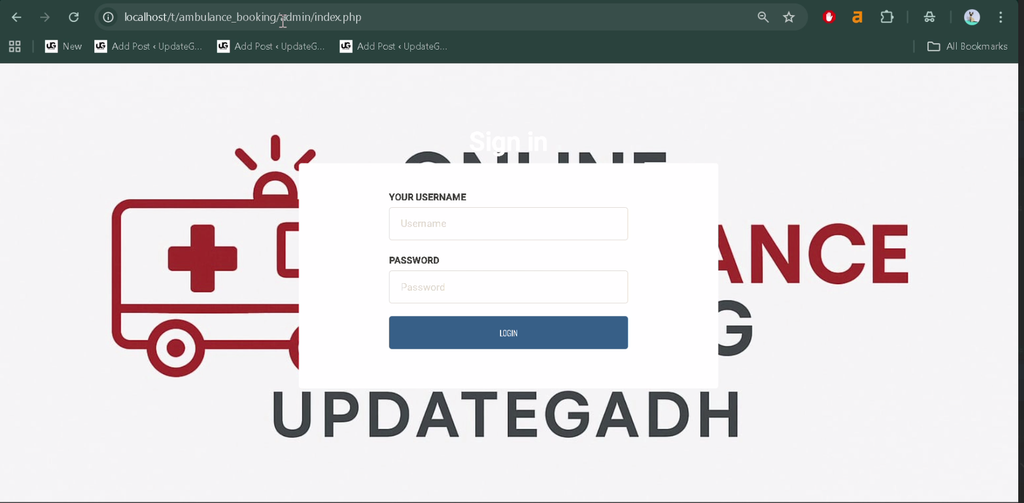
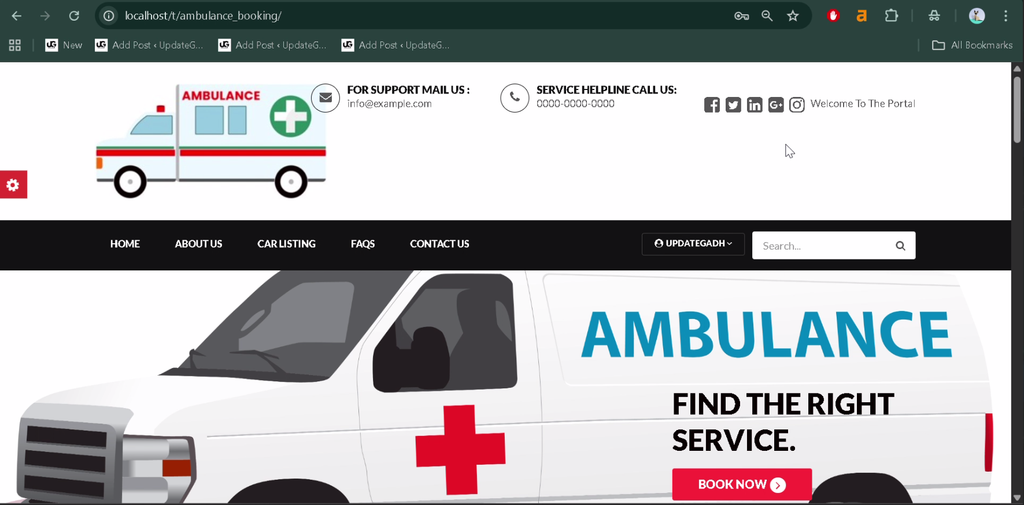
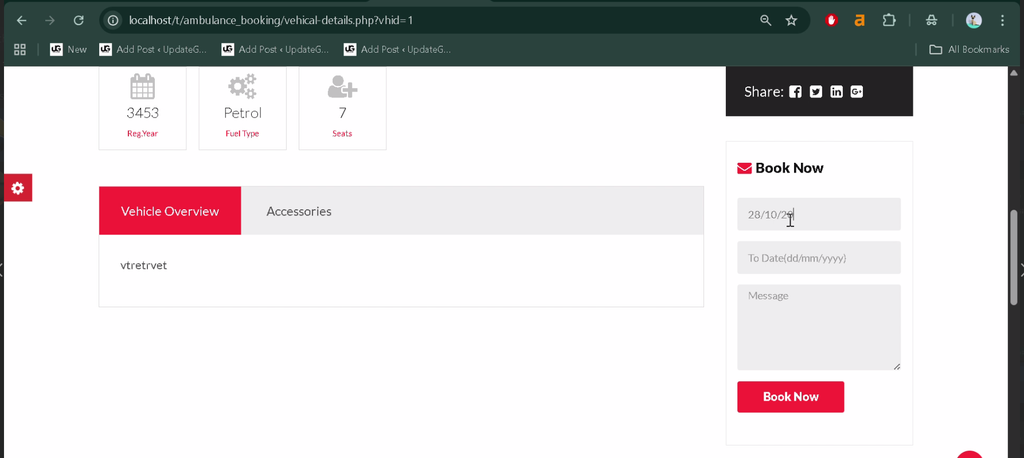
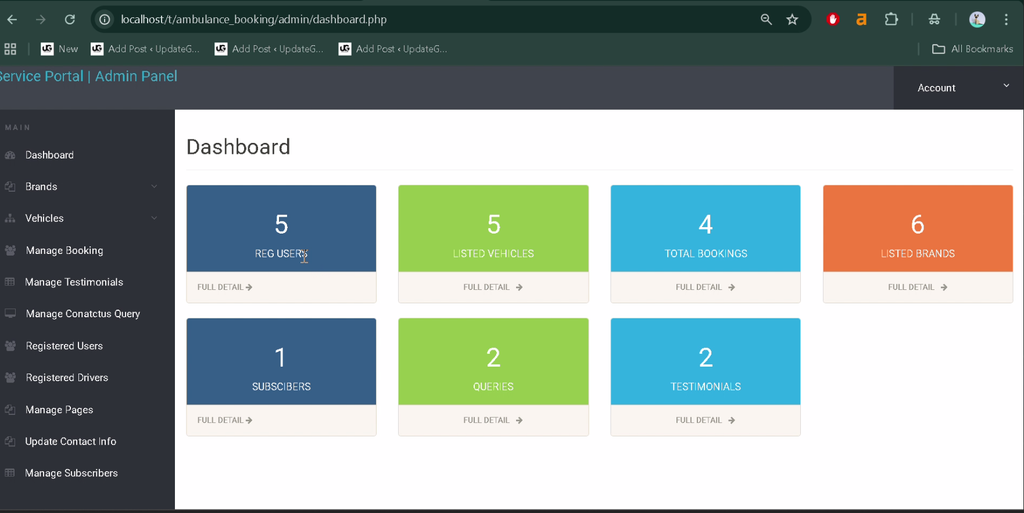
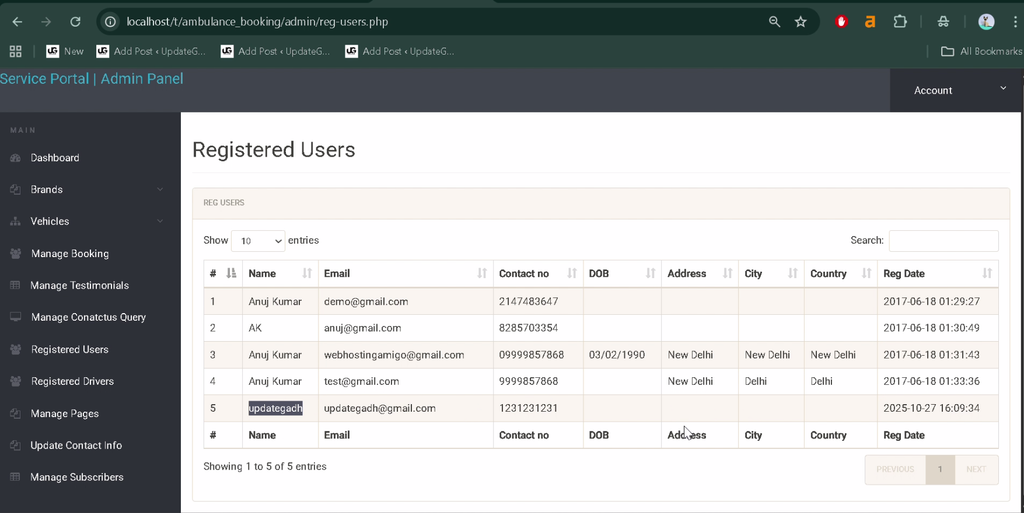
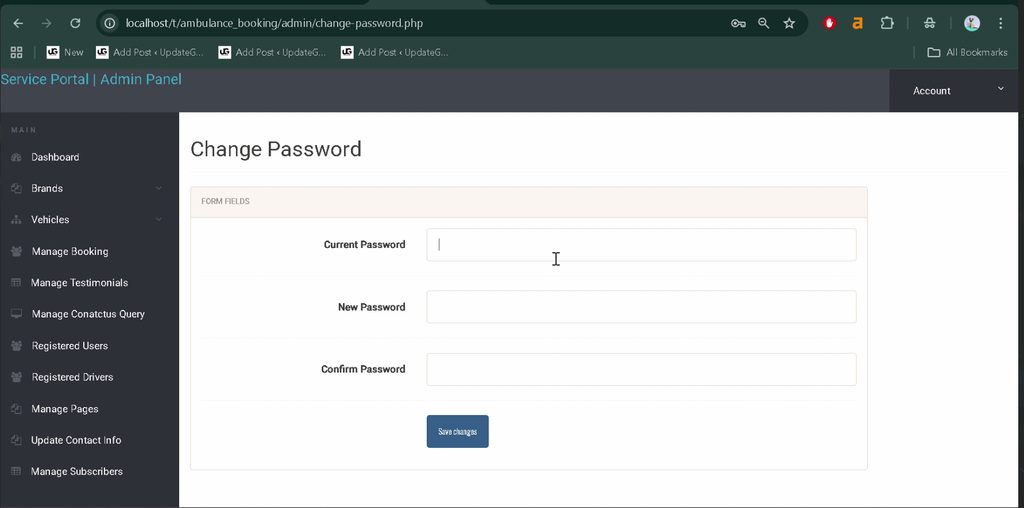
How to Install and Run the Online Ambulance Booking System?
The following steps describe a typical local setup. The database name, configuration file, and SQL filename should be checked against the actual project files before running the application.
Step 1: Extract the Project
Extract the project archive to a folder on your computer.
Step 2: Move the Project to XAMPP
Copy the project folder into the XAMPP htdocs directory. For example:
C:\xampp\htdocs\online-ambulance-booking-systemStep 3: Start Apache and MySQL
Open the XAMPP Control Panel and start both Apache and MySQL.
Step 4: Set Up the Database
Open phpMyAdmin in your browser. Create the database name expected by the project, then import the supplied carrental.sql file if it is the correct SQL dump for this application.
Important: The supplied description names the SQL file carrental.sql, but it does not confirm the intended database name. Verify the database settings and SQL contents before importing.
Step 5: Configure the Database Connection
Locate the database configuration file in the project and update the database host, name, username, and password to match your local MySQL configuration.
Step 6: Run the Project
Open your browser and visit the local URL that matches your actual project folder name:
http://localhost/online-ambulance-booking-system/If the folder has a different name, replace the example folder name in the URL. The application should open when the project files, database, and connection settings are configured correctly.
How to Use the Online Ambulance Booking System?
1. User Booking
Open the booking interface, search for ambulance availability, and submit the required booking details using the fields provided by the application.
2. Review Booking History
Access the booking history section to review previous booking records associated with your account.
3. Manage Your Account
Use the login, logout, and password update functions to manage access to your account.
4. Submit Feedback
Use the testimonials section to share feedback through the functionality provided by the website.
5. Contact the Service
Use the Contact Us page to communicate with the service administrators.
This project is an educational booking application. Its availability search and booking functions should not be treated as confirmation of real-time ambulance dispatch or emergency response. In a real emergency, contact your local emergency services directly.
Why Is This Project Useful for Students?
- PHP Development: Learn how server-side scripts handle requests and application workflows.
- Database Integration: Understand how a PHP application communicates with MySQL.
- Authentication: Explore session-based login and logout functionality.
- Form Handling: Learn how booking details and user feedback can be submitted through web forms.
- Interactive Interfaces: Practice using HTML, CSS, and JavaScript together.
- Real-World Use Case: Study how a digital booking application can organize service requests and booking records.
Frequently Asked Questions
1. What is the Online Ambulance Booking System project?
It is a PHP and MySQL web application designed to support ambulance availability searches, booking requests, booking history, and account management.
2. Which technologies are used in this project?
The supplied project description lists PHP, MySQL, HTML, CSS, and JavaScript.
3. Does the project include booking history?
Yes. The listed features include a section where users can view their past bookings.
4. Which database does the project use?
The project uses MySQL. The supplied details mention a file named carrental.sql; verify its contents and the expected database name in the project files.
5. Can this project be used for real emergency ambulance dispatch?
The described features establish a booking application, but they do not confirm integration with real-time dispatch services. It should be treated as an educational project unless appropriate real-world integrations and operational arrangements are implemented.
Final Thoughts
The Online Ambulance Booking System is a useful academic project for students learning PHP and MySQL. It demonstrates how booking requests, availability searches, user accounts, booking history, and testimonials can be organized in a web application.
Keywords: Online Ambulance Booking System, online ambulance booking system in PHP and MySQL, ambulance management system project source code, ambulance booking system project report PDF, emergency ambulance hiring portal project, ambulance booking project in PHP, ambulance booking system documentation