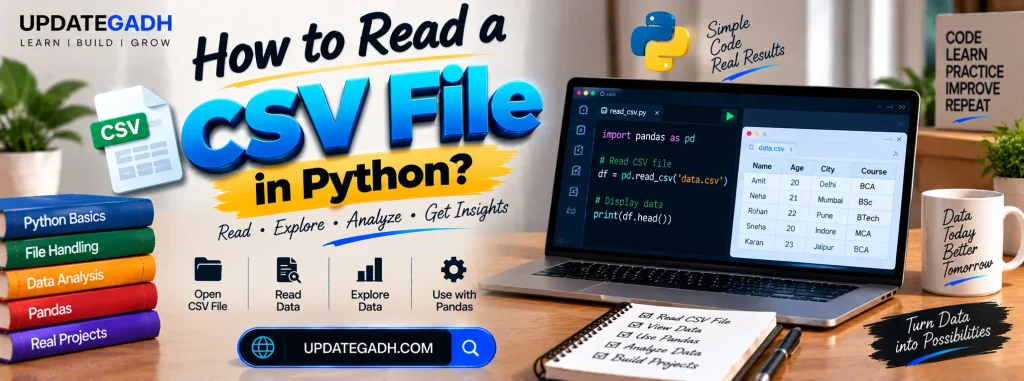
How to Read a CSV File in Python
The CSV (Comma-Separated Values) file format is a simple text file used for storing tabular data. While the data in a CSV file is typically separated by commas, other delimiters like tabs (t), colons (:), and semicolons (;) are also supported. This format is widely used for data exchange due to its simplicity and compatibility with various tools and applications.
Complete Advance AI Topics: Click Here
SQL Tutorial: Click Here
Understanding the CSV File
Consider the following example of a CSV file named example.csv:
name, rollno, department
Peter Parker, 009001, Civil
Tony Stark, 009002, Chemical
The file contains a header row with column names (name, rollno, department) followed by rows of data.
Python Code to Read the CSV File
Below is the Python script to read this file and display its contents in a user-friendly format:
# Importing the csv module
import csv
# Open the file using the `with` statement
with open(r'C:UsersYourUsernameDesktopexample.csv') as csv_file:
    csv_reader = csv.reader(csv_file, delimiter=',')  # Specifying the delimiter as a comma
    line_count = 0
    # Iterating through each row in the file
    for row in csv_reader:
        if line_count == 0:
            # Print the column names from the header row
            print(f'Column names are: {", ".join(row)}')
            line_count += 1
        else:
            # Print each row's data
            print(f't{row[0]} roll number is: {row[1]} and department is: {row[2]}.')
            line_count += 1
    # Print the total number of lines processed
    print(f'Processed {line_count} lines.')
Output
When the script runs, it produces the following output:
Column names are: name, rollno, department
Peter Parker roll number is: 009001 and department is: Civil.
Tony Stark roll number is: 009002 and department is: Chemical.
Processed 3 lines.
Explanation of the Code
- Importing the CSV Module
Python’s csv module offers capabilities for reading and writing CSV files with ease. It supports various delimiters for flexibility. - Opening the File
To open the file in read mode, use the open() function. Thewithstatement ensures the file is closed automatically after its operations are completed. - Reading the CSV File
- The
csv.reader()function reads the file and splits data based on the specified delimiter (comma in this case). - The
forloop iterates over each row in the file, treating it as a list of values.
- The
- Processing the Header Row
- Usually, the join() method is used to print the column names that are found in the first row.
- Processing Data Rows
- For subsequent rows, the values are accessed using their indices (
row[0],row[1], androw[2]).
- For subsequent rows, the values are accessed using their indices (
- Counting Rows
- The
line_countvariable keeps track of the number of rows processed, including the header.
- The
Updates and Best Practices
- Flexible File Paths
Use relative paths or a configuration to avoid hardcoding absolute paths. - Handling Large Files
For large CSV files, consider usingpandas, which offers optimized functions for reading and manipulating data. Example:import pandas as pd data = pd.read_csv(r'C:UsersYourUsernameDesktopexample.csv') print(data) - Error Handling
Add exception handling to gracefully handle errors like file not found or incorrect delimiters:try: with open('example.csv') as csv_file: csv_reader = csv.reader(csv_file) # Processing logic here except FileNotFoundError: print("The file was not found. Please check the path.") - Custom Delimiters
If your file uses a different delimiter, specify it incsv.reader():csv_reader = csv.reader(csv_file, delimiter=';')
Download New Real Time Projects :-Click here
PHP PROJECT:-
read csv python pandas
how to read csv file in python jupyter notebook
how to read csv file in python line by line
how to read a CSV file in python
python csv to dictionary
import csv python
how to read a csv File in python ppt
csv file in python class 12
python csv reader skip header
python read csv with header
chatgpt
how to read a csv File in python pdf how to read a CSV File in python
how to read a csv file in python w3schools
how to read a csv file in python using How to Read a CSV File in Python