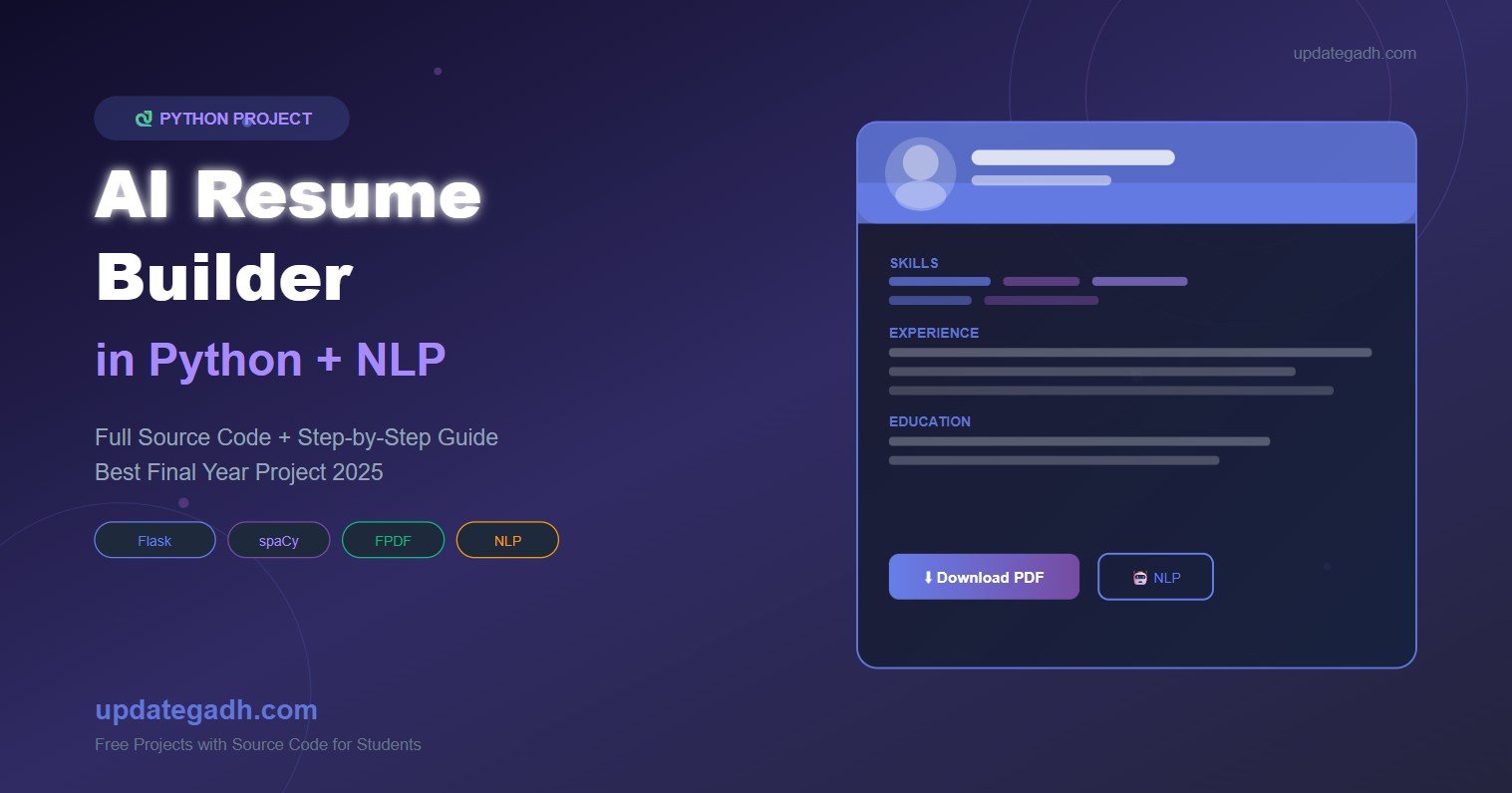
Looking for an AI Resume Builder in Python with full source code? This is one of the most trending final year projects for BCA, MCA, and B.Tech CS/IT students in 2026. It uses Natural Language Processing (NLP) with spaCy and Flask to automatically generate clean, professional PDF resumes from a simple user form – no manual formatting required. In this post, you get the complete source code, project explanation, features list, technology stack, and a step-by-step setup guide.
Complete Advance AI Topics: Click Here
Real Time Projects on YouTube:- DecodeIT
About the Project
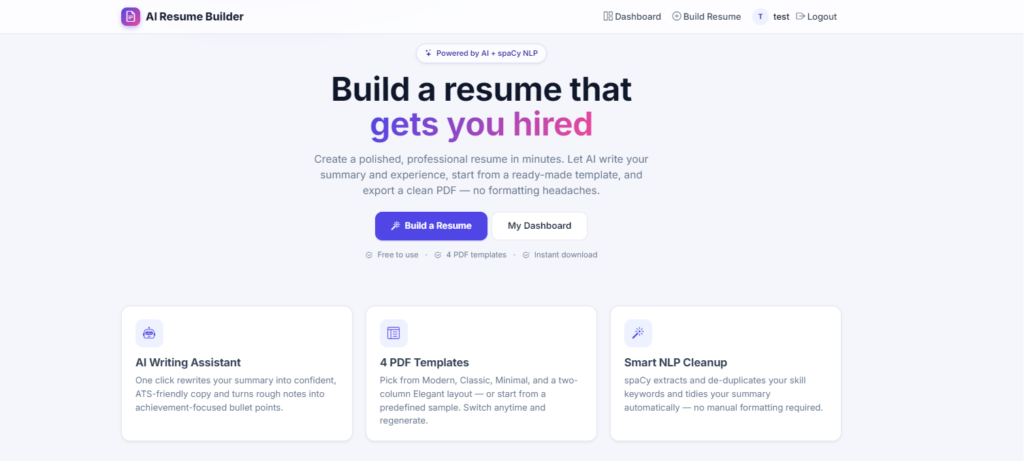
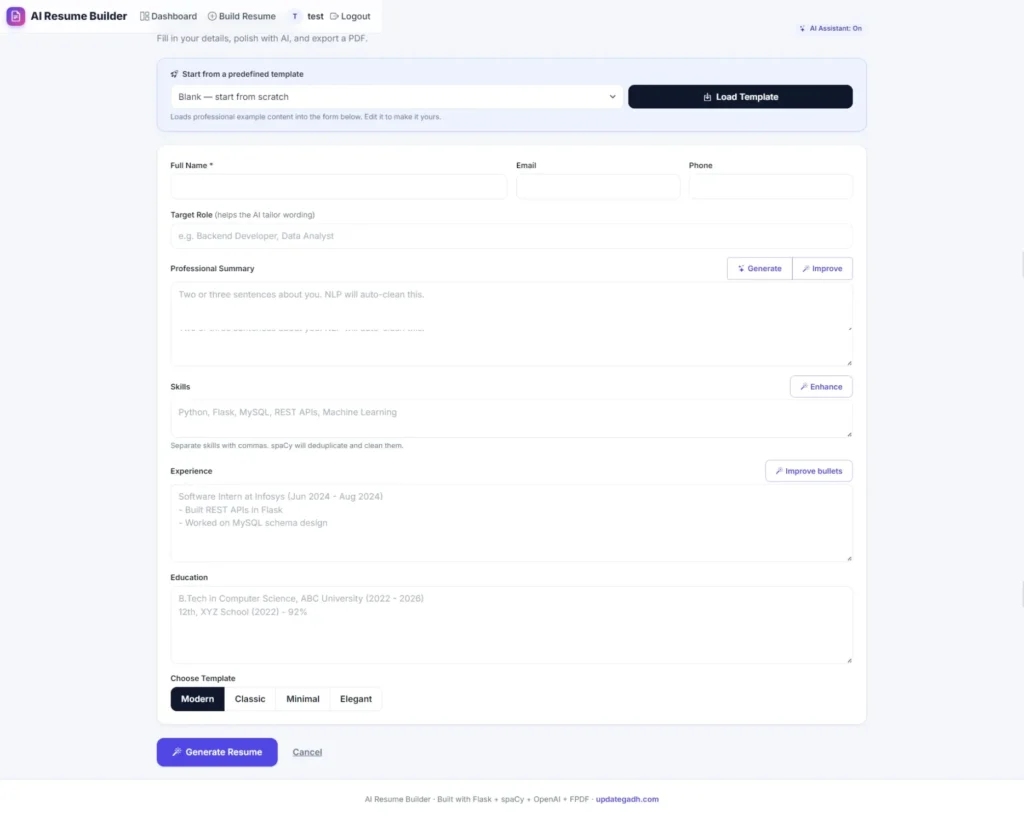
The AI Resume Builder in Python is a Flask-based web application that lets a user fill in a simple form – name, contact details, skills, experience, education, and a summary – and automatically converts that data into a polished, professionally formatted PDF resume. The intelligence behind the project comes from spaCy, an industry-standard Natural Language Processing library, which extracts keywords from the skills field and cleans the professional summary to keep only the most meaningful sentences.
The project is small enough to understand and explain in a viva fully, yet it uses real AI/NLP concepts that are currently in demand in 2026 placements. It also has clear extension paths – ATS scoring, multiple resume templates, job matching, and login systems – making it a strong choice for final year submission and portfolio building.
Project Overview
| Project Name | AI Resume Builder in Python |
| Language Used | Python 3.x |
| Web Framework | Flask |
| AI / NLP | spaCy (en_core_web_sm), NLTK |
| PDF Engine | FPDF / ReportLab |
| Frontend | HTML, CSS, Bootstrap |
| Database | SQLite (MySQL supported) |
| Project Type | Web Application |
| Difficulty | Intermediate |
| Best For | BCA, MCA, B.Tech CS/IT Final Year Students |
| Developer | Updategadh |
Key Features
- Simple Resume Form: User enters name, contact details, skills, experience, education, and summary.
- NLP-Powered Processing: spaCy extracts skill keywords and automatically cleans the professional summary.
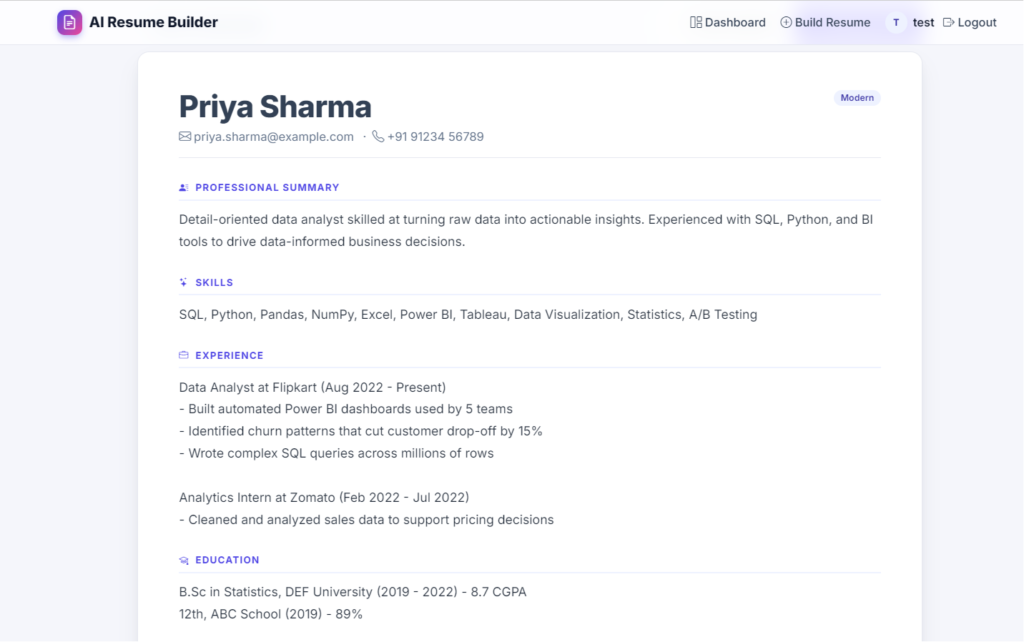
- One-Click PDF Generation: A formatted PDF resume is generated and downloaded instantly using FPDF.
- Multiple Resume Templates: Choice of layouts so each resume looks different.
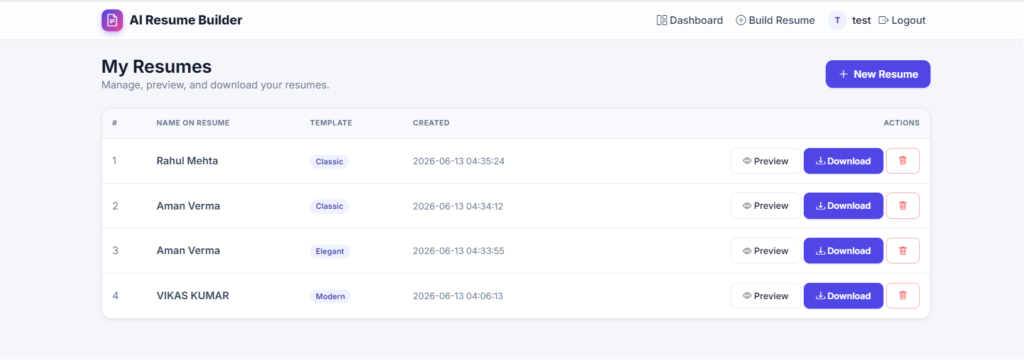
- Admin Panel: Manage registered users and their generated resumes from a dashboard.
- Lightweight Database: SQLite by default, with easy migration to MySQL.
- Clean Bootstrap UI: Mobile-friendly responsive design out of the box.
- Easy to Extend: Ready for ATS scoring, job matching, and LinkedIn-style features.
Technologies Used
| Technology | Purpose |
| Python 3.x | Core backend logic |
| Flask | Lightweight web framework |
| spaCy / NLTK | NLP processing for skills and summary |
| FPDF / ReportLab | PDF resume generation |
| HTML + Bootstrap | Frontend UI |
| SQLite | Database for users and resumes |
How to Run This Project
Step 1: Install Dependencies
pip install flask spacy fpdf
python -m spacy download en_core_web_sm
Step 2: Run the Application
python app.pyStep 3: Open in Browser
Open the local URL shown in your terminal , fill the form, and click Generate Resume. The PDF will download automatically.
How to Download
The complete package is available so you can run, study, and submit it with confidence. It includes:
- Full Source Code
- Project Report
- Synopsis
- PPT Presentation
Demo Video
Screenshots
Why This Is a Great Final Year Project
- Real AI and NLP concepts – uses spaCy, which is directly relevant to 2026 industry roles.
- Practical use case – everyone needs a resume, so examiners instantly understand the value.
- Easy to extend – add ATS scoring, job matching, or LinkedIn-style profile imports.
- Impressive for Viva – combines web development, AI, and PDF generation in one project.
- Lightweight setup – runs on any laptop with Python, no heavy frameworks or GPU needed.
Frequently Asked Questions (FAQ)
What technologies are used in the AI Resume Builder Python project?
The project uses Python 3.x as the core language, Flask as the web framework, spaCy for Natural Language Processing, FPDF for PDF generation, Bootstrap for the frontend, and SQLite as the default database.
Is this AI Resume Builder project suitable for BCA, MCA, and B.Tech final year submission?
Yes. It is an intermediate-level project that combines AI/NLP, web development, and PDF generation – covering enough depth for BCA, MCA, B.Tech CS/IT, and M.Tech final year submissions.
Can I add ATS scoring or job matching to this project?
Yes. The modular structure makes it easy to plug in an ATS keyword-matching module or a job recommendation engine on top of the existing NLP pipeline.
How do I install the spaCy English model?
After installing spaCy, run
python -m spacy download en_core_web_smin your terminal. This downloads the small English model used for keyword extraction and sentence parsing.Does this project include a report, PPT, and synopsis?
Yes. The download package includes the complete source code along with the project report, synopsis, and PPT ready for academic submission.
- ai resume builder in python with source code ai resume builder in python github ai resume builder in python pdf ai resume builder in python free ai resume builder in python free download cv generator python ai resume builder project github python code to resume,AI Resume Builder in Python,AI Resume Builder ,AI Resume Builder in Python