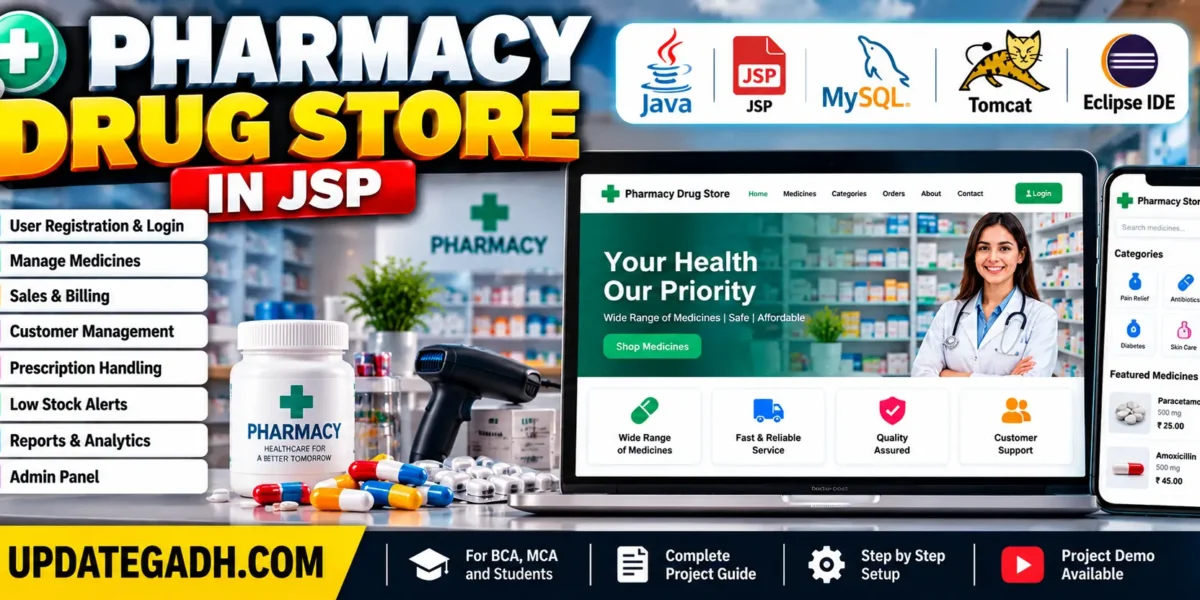
Pharmacy Drug Store in JSP
Introduction
The Pharmacy Drug Store in JSP is a web-based application developed using Java, JavaServer Pages (JSP), Servlets, JDBC, and MySQL. The Pharmacy Drug Store Management System is designed to simplify and organize pharmacy operations by providing facilities for managing drug inventory, sales, billing, customer information, and prescription records.
The application provides a user-friendly interface that helps pharmacy staff and administrators perform daily activities more efficiently. It supports organized record keeping and helps reduce the manual effort involved in maintaining pharmacy information. By using JSP and a MySQL database, the system provides a structured approach to managing pharmacy operations through a web application.
AI Topics: Click Here
Projects on YouTube:- DecodeIT
Project Overview and Requirements
Pharmacy Management System Using MERN Stack :- Click Here
The Pharmacy Drug Store Management System uses Java-based web technologies to manage drug information, customer records, sales transactions, and inventory details. Its database stores relevant information, while the web interface provides access to the available system functions.
| Project Information | Description |
|---|---|
| Project Name | Pharmacy Drug Store in JSP |
| Project Platform | JSP |
| Programming Technologies | Servlets, JSP, Bootstrap, HTML, MySQL |
| Frontend | HTML, CSS, JavaScript, JSP |
| Backend | Java, MySQL |
| IDE Tool | Eclipse Neon |
| Database | MySQL |
| Project Type | Web Application |
What Are the Features of Pharmacy Drug Store in JSP?
The Pharmacy Drug Store Management System includes features for authentication, inventory management, sales and billing, customer records, prescription handling, alerts, reporting, and user interface navigation.
1. User Authentication
The user authentication module provides a login system for pharmacists and administrators. Role-based permissions help manage access to different functions according to the user’s responsibilities. This supports organized access to pharmacy information and administrative operations.
2. Drug Inventory Management
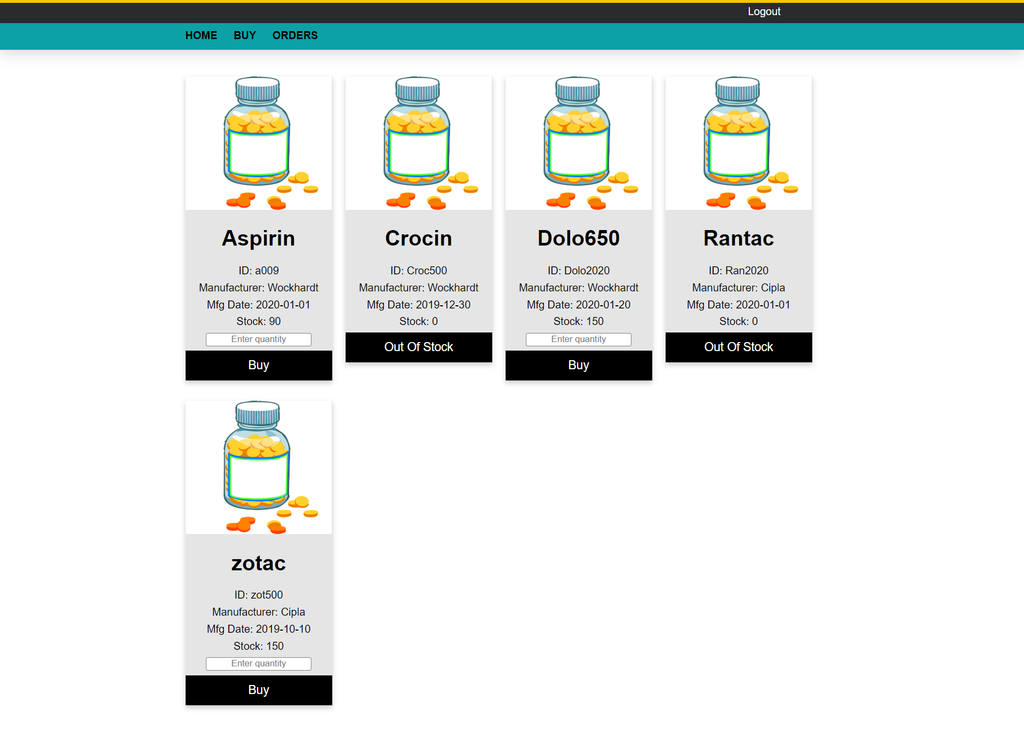
The drug inventory management feature maintains records of available medicines and related information. These records can include drug names, quantities, expiration dates, and supplier details. Administrators can add new drugs, update existing information, and remove drugs from the inventory.
Maintaining inventory records helps pharmacy staff monitor stock levels and identify medicines that require attention.
3. Sales and Billing
The sales and billing module supports recording drug sales through a user-friendly interface. It also generates invoices and receipts containing transaction details such as the date, time, and items sold. These records help maintain organized sales information for future reference.
4. Customer Management
The customer management feature allows pharmacy staff to create and manage customer profiles. These profiles can contain personal information and purchase history. Pharmacists can search for customers and review their purchase records when required.
5. Prescription Handling
Real-Time Medical Queue & Appointment System with Django :- Click Here
The prescription handling module supports processing prescription orders and recording the necessary information. Pharmacists can maintain prescription transaction histories for reference and auditing purposes. This helps organize prescription-related records within the application.
6. Alerts and Notifications
The alerts and notifications feature helps pharmacy staff identify low-stock medicines and drugs approaching their expiration dates. These alerts support proactive inventory management. The system also includes notification functionality for prescription refills and other important customer information.
7. Reporting System
The reporting system provides administrators with information about sales, inventory status, and other relevant metrics. Graphical representations help present this information in an understandable format, supporting the review of pharmacy operations and business performance.
8. User-Friendly Interface
The application is designed to provide an intuitive interface for desktop and mobile devices. Its navigation helps users access different functions without unnecessary complexity. A responsive layout supports convenient interaction across different screen sizes.
Which Technologies Are Used in the Project?
The Pharmacy Drug Store Management System uses Java web development technologies to create the interface, process application requests, and manage stored information.
- JSP (JavaServer Pages): Used to generate dynamic web pages and display application information.
- Java Servlets: Handle backend requests, application logic, and data processing.
- JavaBeans: Support the organization and encapsulation of application data and business logic.
- MySQL Database: Stores and retrieves application records.
- HTML, CSS, and JavaScript: Used to develop the frontend interface and support user interactions.
Medical Stock Management System in Java A Complete Guide :- Click Here
How to Download
The complete package is available so you can run, study, and submit it with confidence.
Screenshot
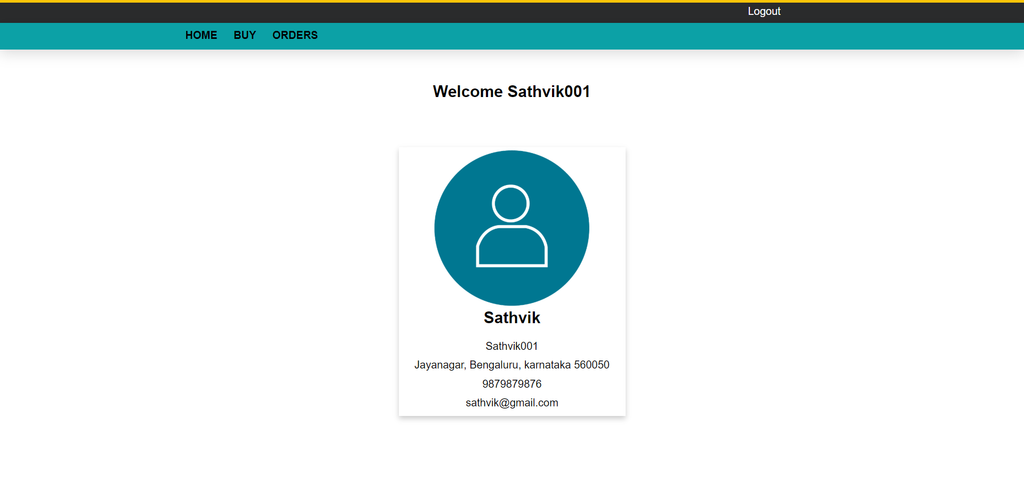
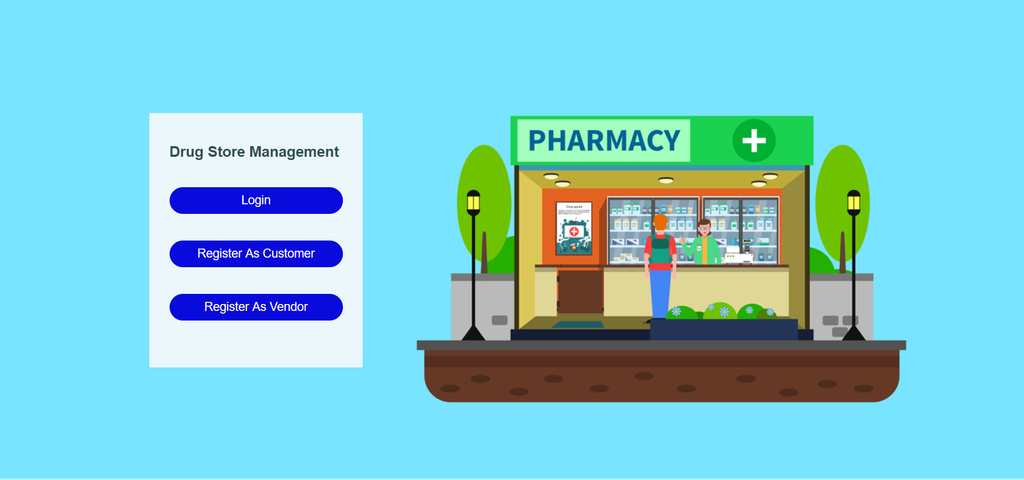
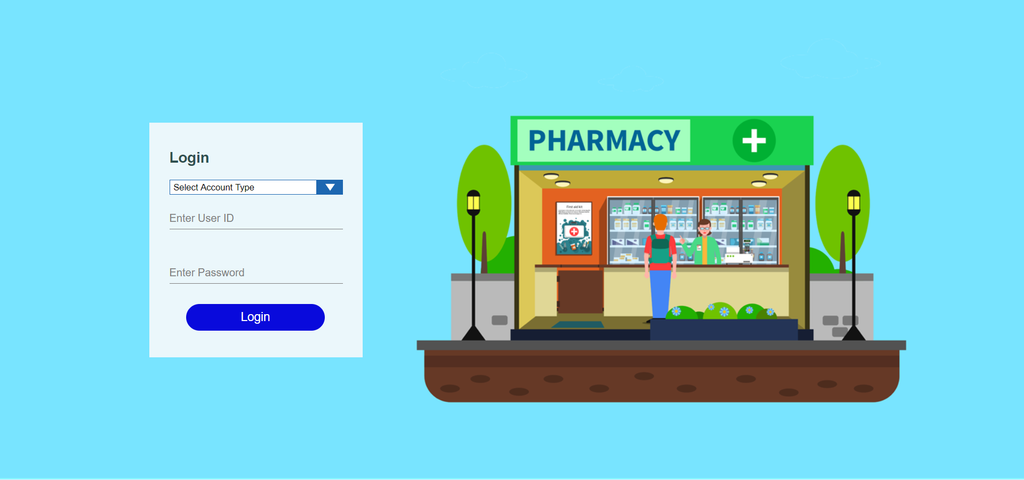
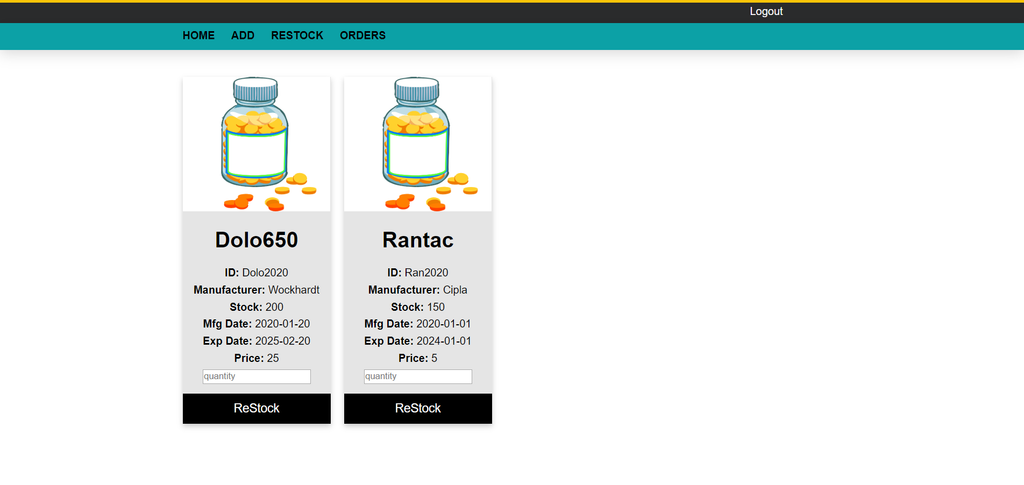
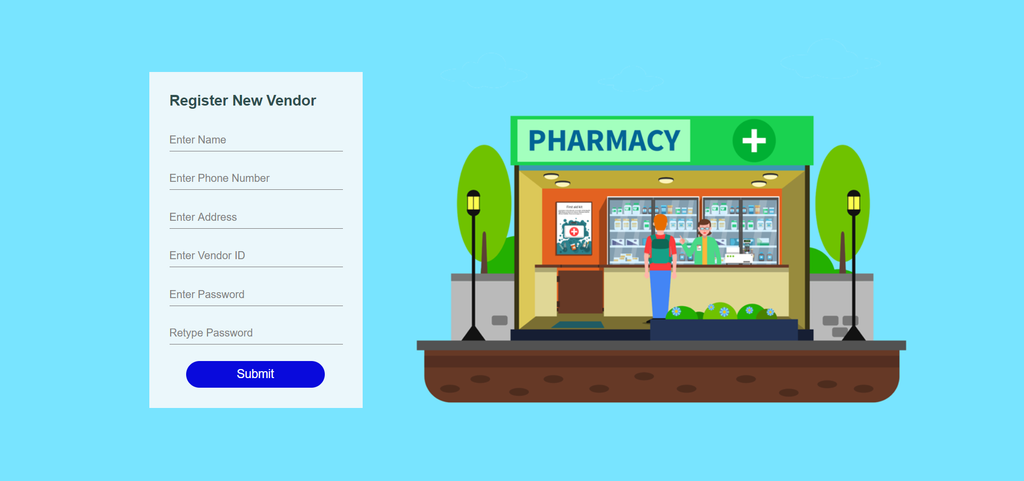
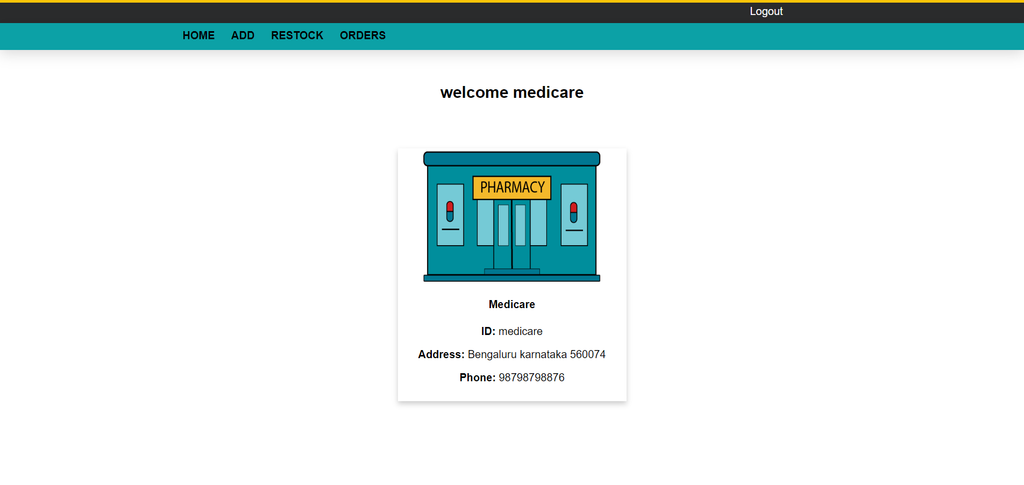
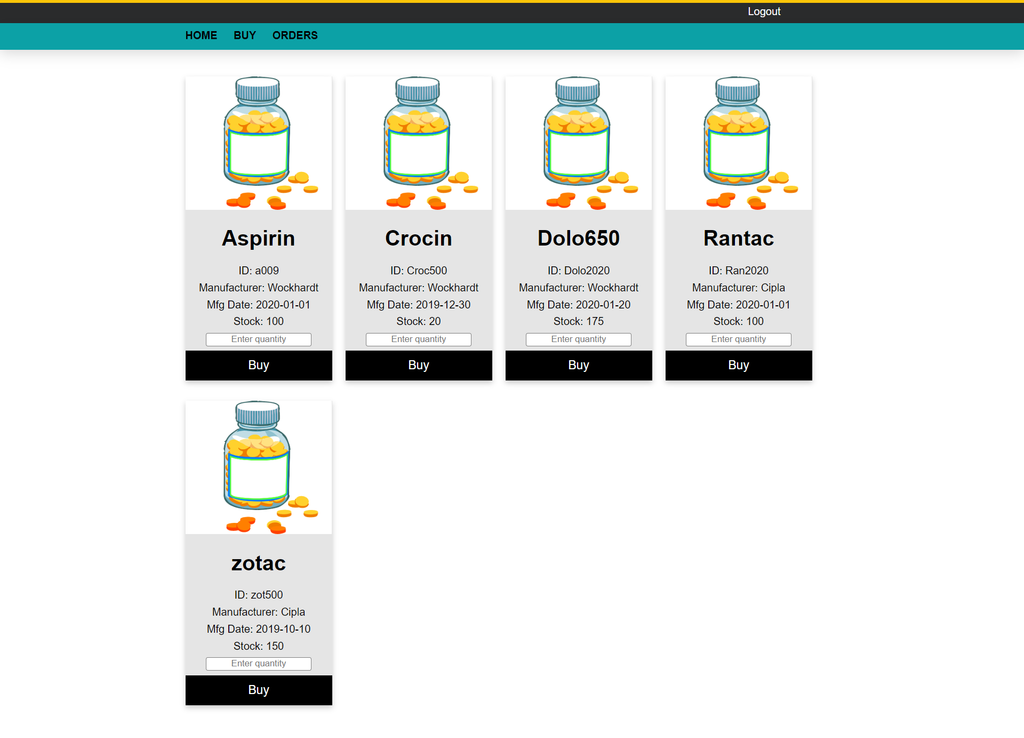
What Are the Benefits of the Pharmacy Drug Store Management System?
The system helps organize pharmacy activities by bringing inventory, customer information, sales, and reporting into one application.
1. Efficient Inventory Management
The application helps pharmacists monitor stock levels and maintain drug records. Organized inventory information can reduce the possibility of stock shortages and excessive stock accumulation.
2. Improved Customer Service
Access to customer information and organized prescription records helps pharmacy staff handle customer requirements more efficiently. Maintaining relevant records also supports better organization of daily activities.
3. Data-Driven Decision Making
Sales and inventory reports provide administrators with information about pharmacy operations. These records help them review performance and make informed decisions based on available data.
4. Time and Cost Savings
Automating routine pharmacy activities reduces manual workload and helps minimize errors associated with maintaining records manually. This can make daily operations more organized and efficient.
5. Enhanced Compliance
Maintaining accurate inventory, customer, and prescription records supports organized documentation. These records can help pharmacy staff review relevant information when required for auditing and regulatory compliance.
What Software and Tools Are Required?
The project requires MySQL for database management and a Java development environment for importing and running the application.
Backend Requirements
- Download and install MySQL Community Server.
- Execute the provided SQL file to configure the database.
Frontend Requirements
- Download and install Eclipse IDE.
- Download and install JDK 1.8 or above.
- Download and install Apache Tomcat 8.5 or above.
- Import the Pharmacy-Drug-Management-System project into Eclipse IDE.
How to Run the Pharmacy Drug Store Project?
Follow the steps below to import the project into Eclipse IDE and run it using Apache Tomcat.
- Import the Project: Open Eclipse IDE and select File, then Import. Choose the appropriate option to import the project ZIP file.
- Run on Server: Right-click the imported project and select Run As, then Run on Server.
- Select Tomcat: Choose the configured Tomcat server and click Next, followed by Finish.
- Check Server Ports: Open the Servers tab and double-click the Tomcat server to review its Ports settings.
- Open the Application: Check the configured port and open the project’s local URL in your web browser.
- Complete the Setup: Once the server starts successfully and the application loads, the project is ready to use.
Make sure the MySQL database is configured correctly and the required server settings are available before running the application.
Frequently Asked Questions (FAQs)
1. What is the Pharmacy Drug Store in JSP project?
The Pharmacy Drug Store in JSP is a web-based application developed using Java, JSP, Servlets, and MySQL to manage pharmacy inventory, sales, billing, customer information, and prescription records.
2. Which technologies are used in the Pharmacy Drug Store project?
The project uses Java, JavaServer Pages (JSP), Java Servlets, JavaBeans, MySQL, HTML, CSS, JavaScript, and Bootstrap.
3. Which database is used in the Pharmacy Drug Store Management System?
MySQL is used to store and manage pharmacy-related information, including drug inventory, customer records, sales transactions, and prescription details.
4. What are the main features of the Pharmacy Drug Store project?
The main features include user authentication, drug inventory management, sales and billing, customer management, prescription handling, alerts and notifications, reporting, and a user-friendly interface.
5. What is the purpose of drug inventory management?
Drug inventory management helps maintain medicine records, monitor quantities, update drug information, and identify medicines with low stock or approaching expiration dates.
6. Does the project support sales and billing?
Yes, the project description includes sales recording and invoice or receipt generation with transaction details such as dates, times, and items sold.
The Pharmacy Drug Store in JSP is a Java-based web application designed to organize pharmacy inventory, sales, billing, customer information, prescription records, and reporting activities. Using JSP, Java Servlets, JavaBeans, and MySQL, the project demonstrates how web technologies can support pharmacy management operations.
For students learning Java web development, this project provides practical exposure to database management, application functionality, and the development of a web-based management system.