AI-Powered Exam Preparation Web App Using Flask
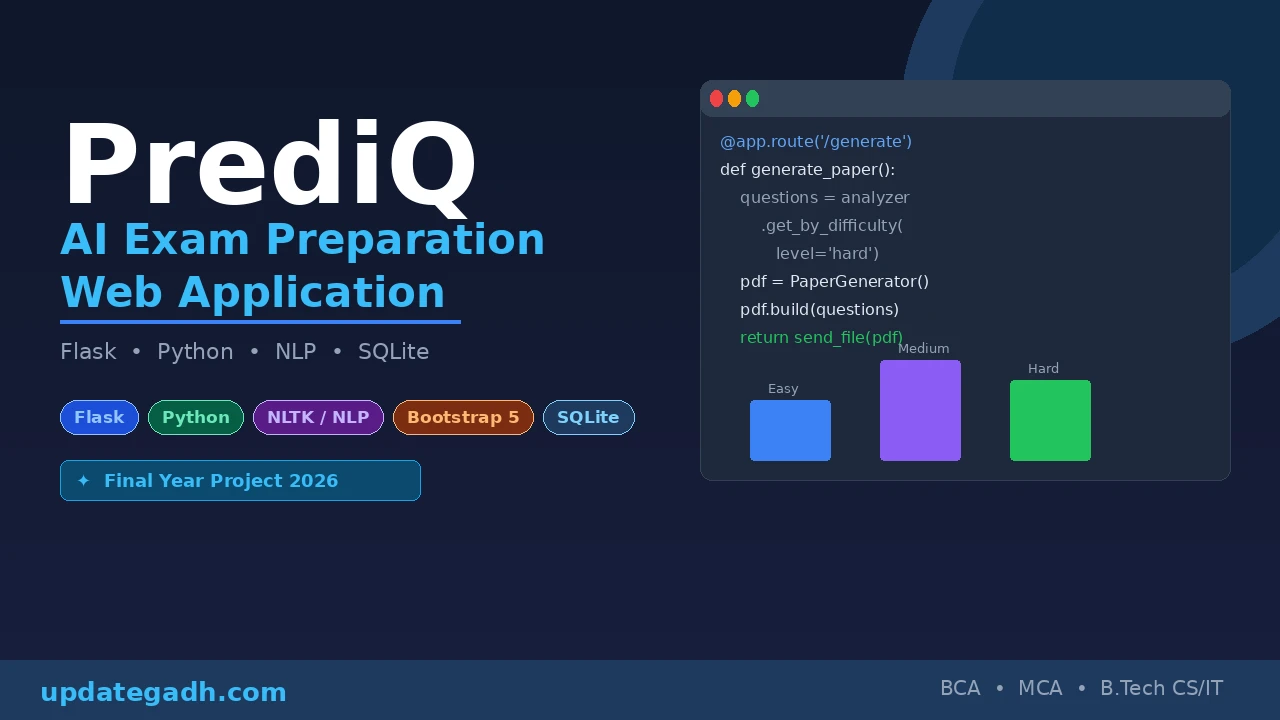
Are you searching for an AI-powered final year project that stands out in your viva, boosts your resume, and impresses recruiters? PrediQ is a complete Exam Preparation Web Application built using Flask, Python, and NLP that solves a real problem helping 10th and 2nd PU students access previous year question papers, generate custom AI practice papers, and analyze question difficulty using semantic analysis. As a developer, building PrediQ proves you can combine machine learning, web development, and database management into one production-ready application exactly what companies look for during campus placements in 2026.
Also Explore These Projects on UpdateGadh:
Project Overview
| Project Name | PrediQ AI Exam Preparation Web App |
| Technology | Flask, Python, Bootstrap 5, SQLite, NLTK, scikit-learn |
| Category | AI / Web Application / NLP |
| Ideal For | BCA, MCA, B.Tech CS/IT Final Year Students |
| Database | SQLite3 |
| Authentication | Flask-Login with SHA-256 password hashing |
| Special Feature | AI Practice Paper Generation using NLP (TF-IDF) |
| Project Type | Paid Project |
Key Features
- AI-Powered Practice Paper Generation Students can generate custom practice papers with selectable difficulty levels: Easy, Medium, or Hard, powered by NLP algorithms.
- Semantic Question Analysis Uses NLTK and TF-IDF vectorization (scikit-learn) to analyze question patterns and difficulty automatically from uploaded papers.
- Previous Year Question Papers Browse and download papers filtered by year, board, course, and subject in a clean, responsive UI.
- Freemium Download Model Every student gets 2 free downloads. Additional downloads require a mock payment of 40, simulating a real-world monetization system.
- Secure Student Authentication Flask-Login handles session management, and all passwords are protected using SHA-256 hashing.
- Admin Dashboard Full admin panel to upload question papers, track payments, monitor download activity, and view dashboard statistics.
- PDF Generation Custom practice papers are generated as downloadable PDFs using ReportLab and FPDF2.
- Download History Tracking Students can view their complete download activity log from their personal dashboard.
Technologies Used
| Layer | Technology | Purpose |
|---|---|---|
| Backend | Flask 3.0.0 | Core web framework for routing and logic |
| Backend | Python 3.8+ | Primary programming language |
| Backend | Flask-Login | User authentication and session handling |
| Frontend | Bootstrap 5.3.0 | Responsive UI design and layout |
| Frontend | Jinja2 Templates | Dynamic HTML rendering on the server |
| Frontend | Font Awesome | Icon library for UI elements |
| Database | SQLite3 | Lightweight relational database storage |
| NLP / AI | NLTK | Natural language processing and tokenization |
| NLP / AI | scikit-learn (TF-IDF) | Semantic question difficulty analysis |
| PDF Processing | PyPDF2 | Reading and extracting content from PDFs |
| PDF Processing | ReportLab / FPDF2 | Generating custom practice paper PDFs |
| Security | SHA-256 Hashing | Secure password encryption |
Screenshot
Download PrediQ Source Code
PrediQ is a premium project. Get the complete source code, database schema, setup guide, and all project files instantly after purchase.
Demo Video
How to Run PrediQ
Step 1 Navigate to the Project Directory
cd C:\Users\YourName\Desktop\PrediQStep 2 Install All Dependencies
pip install -r requirements.txtStep 3 Download Required NLTK Data (First Run Only)
python -c "import nltk; nltk.download('punkt'); nltk.download('stopwords')"Step 4 Run the Flask Application
python app.pyStep 5 Open in Your Browser
localhost:5000Default Admin Login: Username: admin | Password: admin123
Students can register a new account directly from the registration page.
How It Works
Student Registration and Login Flow
A new student visits the registration page, creates an account, and their password is immediately hashed using SHA-256 before being stored in the SQLite database. On login, Flask-Login validates the credentials and creates a secure session. Each student account starts with a balance of 2 free downloads tracked in the database.
Browsing and Downloading Previous Year Papers
Students filter question papers by year, board, course, and subject on the papers page. When a paper is selected, the system checks the student’s remaining free downloads. If credits are available, the download proceeds and the count is decremented. If credits are exhausted, the student is redirected to the mock payment interface to purchase additional access for 40.
AI Practice Paper Generation
Students choose a subject and a difficulty level Easy, Medium, or Hard. The NLP engine (NLTK + TF-IDF vectorization) analyses the existing question pool, scores each question by difficulty, and selects an appropriate set. These selected questions are then compiled into a fully formatted PDF practice paper using ReportLab/FPDF2, which the student can download instantly.
Semantic Analysis Engine
When a new question paper is uploaded by an admin, the semantic_analyzer.py module extracts all questions using PyPDF2 and runs them through a TF-IDF pipeline. Each question is assigned a difficulty score based on vocabulary complexity and question patterns, which is stored in the questions table for later use during practice paper generation.
Watch the Full Project Tutorial on YouTube!
We’ve built this project step by step on our YouTube channel. Watch the full video, like, and subscribe for daily project tutorials.
Admin Dashboard Flow
The admin logs in using secured credentials and gains access to a dedicated dashboard. From here, the admin can upload new question papers (PDF), view all uploaded papers, monitor all student payment transactions, and track download activity across all users giving complete control over the platform’s content and monetization.
Why PrediQ is a Great Final Year Project
- Combines Multiple Technologies Flask, NLP, PDF processing, authentication, and a payment flow all in one project exactly what interviewers love to see.
- Solves a Real Problem Exam preparation is a genuine need for millions of students, making this a project with real-world value and not just a college exercise.
- Demonstrates AI and ML Knowledge Using NLTK and TF-IDF for semantic analysis shows practical knowledge of NLP, a highly in-demand skill in 2026.
- Full Stack Development Covers backend (Flask), frontend (Bootstrap + Jinja2), database (SQLite), and PDF generation a complete full-stack showcase.
- Freemium Business Model Implementing a payment-based download system shows understanding of real-world SaaS product design.
- Admin Panel Included Having a separate admin dashboard with analytics shows you understand multi-role systems and access control.
- Scalable Architecture The modular project structure (src/database, src/nlp, src/utils) shows clean code organization that impresses senior developers during code reviews.
You May Also Like These Projects:
ai powered exam preparation kit ai powered exam preparation ai-powered test prep on gemini ai powered test prep how to prepare for artificial intelligence ai-powered exam preparation web ai exam preparation exam preparation with ai ai website for exam preparation