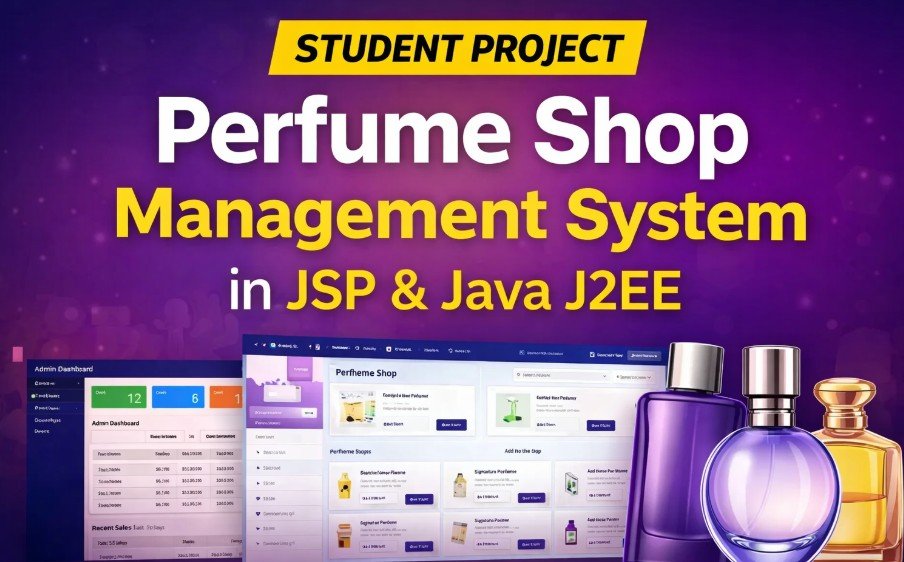
Perfume Shop Management System Using Java & JSP
When I started exploring real commerce projects, I was surprised how many students skip projects that mimic real store behavior. A Perfume Shop Management System isnt just another assignment its a fantastic way to show end-to-end application skills.
Imagine building a full online store where users can browse products, add to cart, checkout, and even manage everything from the admin panel. Thats exactly what this Perfume Shop Management System does a complete Java web application built with JSP, Servlets, and SQL Server.
Project Overview
| Detail | Description |
|---|---|
| Project Name | Perfume Shop Management System |
| Technology | Java (JSP, Servlets) |
| Frontend | HTML, CSS, JavaScript, Bootstrap, jQuery |
| Backend | Java, JDBC |
| Database | SQL Server |
| Project Type | Full Web Application |
| Best For | Final Year / Major Project |
Key Features of the System
Guest / User Features
-
-
Register and login with email
-
Browse perfume products by category
-
Add, update, or remove items in cart
-
Checkout and complete orders
-
View order history and order details
-
Search products and view product ratings
-
Subscribe to newsletters for updates
-
Admin Panel Features
-
-
Add or update perfume products
-
Manage product categories
-
View and manage customer accounts
-
Order management with status updates
-
Send promotional emails
-
View sales statistics
-
Technologies Used
Frontend
-
-
JSP pages for UI
-
HTML, CSS, JavaScript for interactive features
-
Bootstrap for responsive design
-
jQuery and Ajax for dynamic updates
-
Backend
-
-
Java Servlets for request handling
-
JDBC to connect with SQL Server
-
MVC2 architecture for clean separation of code
-
Database
-
-
SQL Server for storing products, users, orders, and more
-
Step-by-Step Installation Guide
1. Set Up Development Tools
Install:
-
-
Java JDK 8 or later
-
Apache Tomcat Server
-
SQL Server Management Studio
-
NetBeans or VS Code
-
2. Import Project
-
- Open the project in NetBeans or your preferred Java IDE.
3. Database Configuration
-
-
Open SQL Server
-
Create the database using the provided script
-
Update database connection settings in your Servlet configuration
String url = "jdbc:sqlserver://localhost;databaseName=PerfumeDB";
String user = "your_username";
String pass = "your_password";
-
4. Run with Tomcat
A Perfume Shop Management System is more than an assignment its a project that teaches you real web application principles. When you explain this in your viva or interview, it instantly shows depth of understanding. Take the time to structure your documentation clearly and highlight the user journeys.


KEYWORDS:
Perfume shop Java project, JSP eCommerce project, online store Java web app, perfume management system project