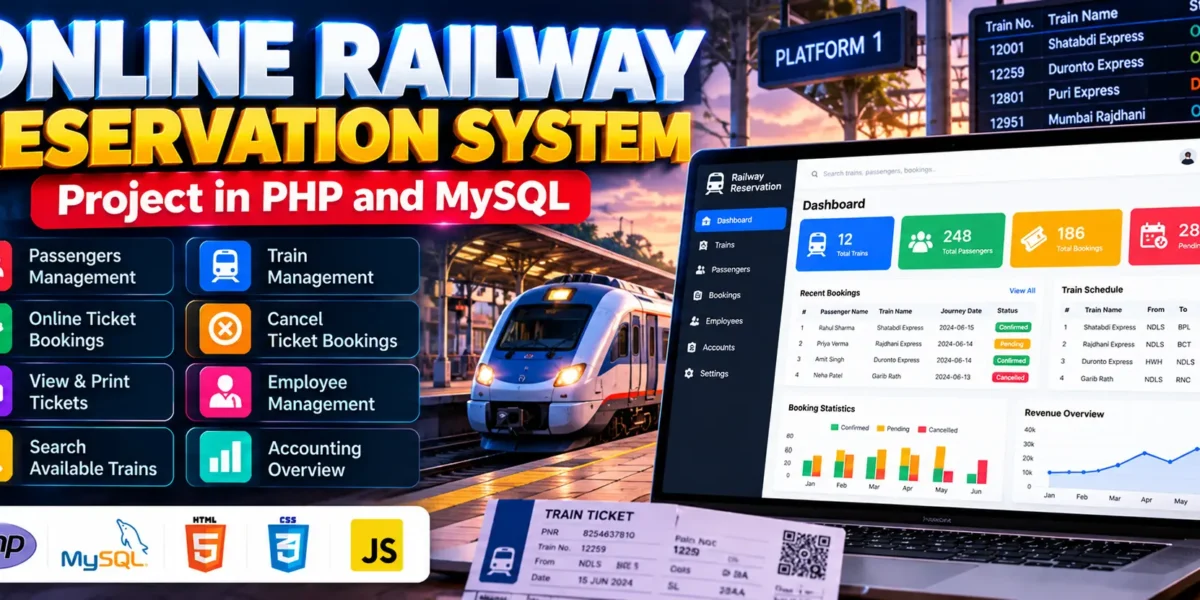
Online Railway Reservation System in PHP and MySQL
The Online Railway Reservation System in PHP and MySQL is a web-based application designed to simplify train ticket booking and railway reservation management. It allows passengers to search for available trains, book tickets, view and print tickets, and cancel bookings, while administrators and employees can manage trains, passengers, tickets, and related records.
Developed using PHP and MySQL, this project provides separate panels for administrators, employees, and passengers. It is suitable for BCA, MCA, and other computer application students who want to learn about database-driven web applications, reservation workflows, and management systems.
Complete Advance AI Topics: Click Here
Real Time Projects on YouTube:- DecodeIT
What Is an Online Railway Reservation System?
An Online Railway Reservation System is a web application that enables passengers to manage train reservations digitally. It provides a centralized platform for searching trains, booking tickets, checking booking status, and accessing ticket information.
The system also supports administrative operations such as train management, employee management, passenger management, ticket approval, and accounting overview. These features demonstrate how a reservation application can manage multiple user roles.
What Are the Project Details?
The project uses PHP for server-side processing and MySQL for database management. The recommended PHP versions listed for this project are 5.6, 7.4, and 8.1.
| Project Details | Description |
|---|---|
| Project Name | Online Railway Reservation System |
| Language Used | PHP |
| Database | MySQL |
| Recommended PHP Versions | 5.6, 7.4, 8.1 |
| Project Type | Web Application |
How Does the Online Railway Reservation System Work?
The system provides separate interfaces for administrators, employees, and passengers. Passengers can search for trains, book tickets, view or print tickets, and cancel bookings, while administrators and employees handle the management tasks available to their respective roles.
The application uses PHP to process requests and MySQL to store and retrieve reservation-related information. Ticket management functionality also supports tracking approved and pending bookings.
What Features Are Available in the Railway Reservation System?
The project includes three user panels, passenger management, train management, online ticket booking, ticket cancellation, ticket viewing and printing, profile management, employee management, ticket approval workflows, and an accounting overview.
1. Admin Panel
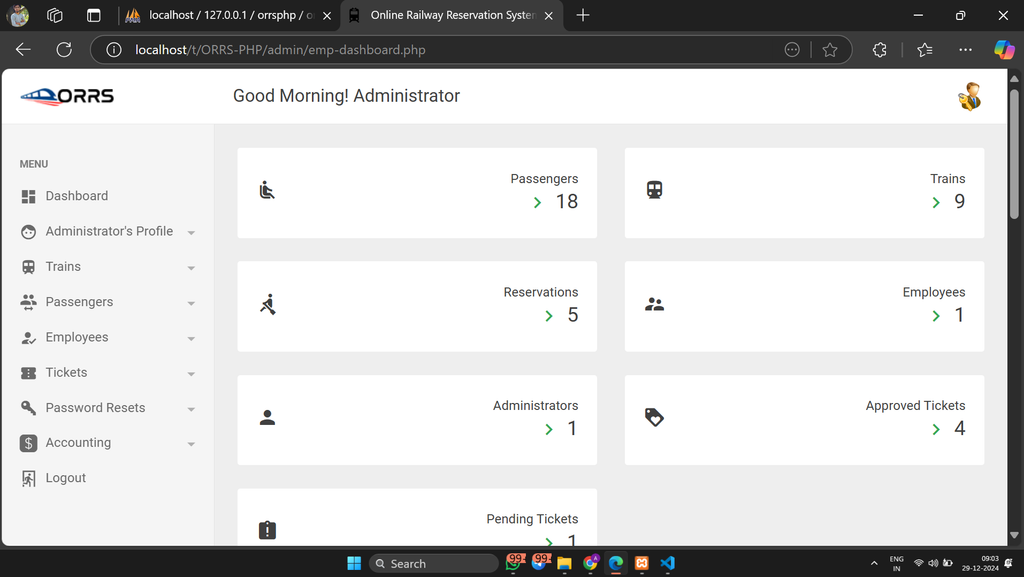
The admin panel provides access to administrative functions for managing railway reservation records, trains, passengers, employees, tickets, and accounting information.
2. Passengers Panel
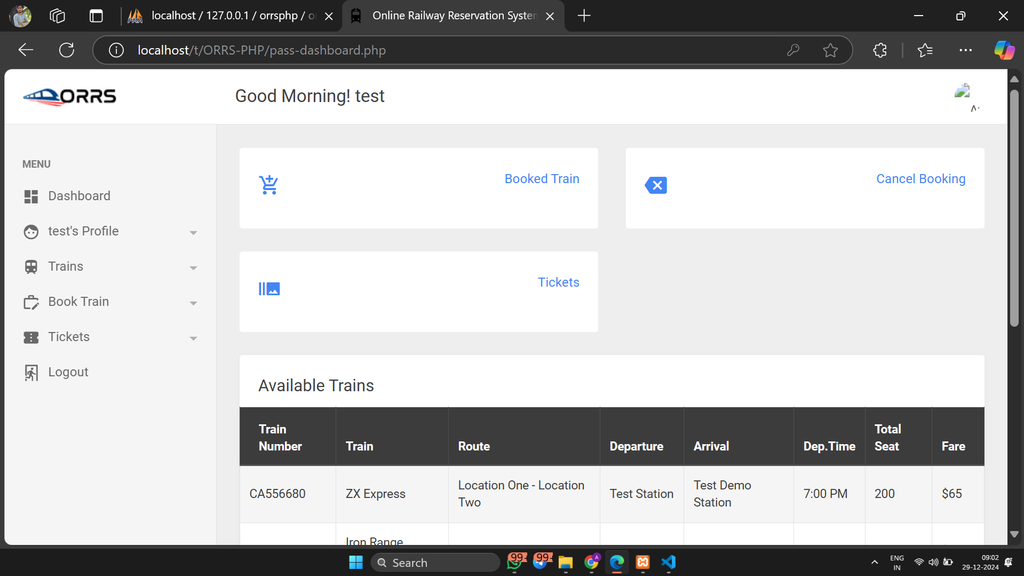
The passenger panel allows users to search available trains, book tickets, view and print tickets, cancel bookings, and manage their profiles.
3. Employee Panel
The employee panel provides a separate interface for railway-related management activities supported by the application.
4. Passenger Management
Administrators can manage passenger records and maintain the information required for reservation-related operations.
5. Train Management
The system includes train management functionality for maintaining train-related information used by the reservation application.
6. Online Train Ticket Booking
Passengers can book train tickets through the web application instead of relying entirely on manual reservation processes.
7. Ticket Cancellation
The system provides a ticket cancellation feature that allows passengers to cancel their existing bookings through the available interface.
8. View and Print Tickets
Passengers can access their ticket information and print tickets when required. This makes reservation details easier to retrieve.
9. Employee Management
The application includes employee management functionality for maintaining employee-related records.
10. Ticket Approval and Accounting Overview
The system supports approved and pending ticket records and provides an accounting overview for administrative purposes.
11. User Profile Management
The application allows users to view and update their profile information through the available profile management functionality.
12. Search Available Trains
Passengers can search for available trains through the reservation interface to find suitable options before booking tickets.
How to Download
The complete package is available so you can run, study, and submit it with confidence. It includes:
- Full Source Code
- Project Report
- Synopsis
- PPT Presentation
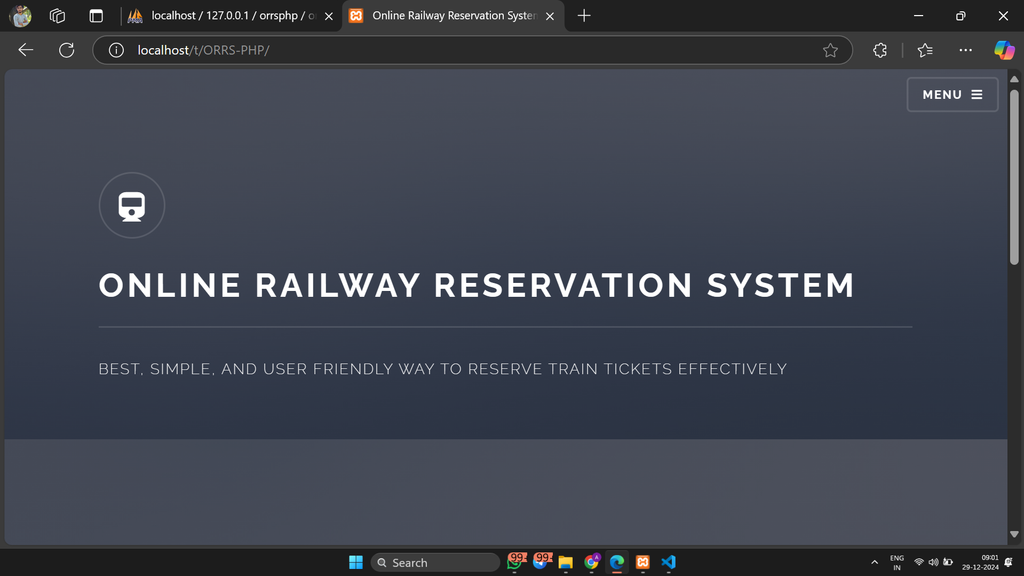
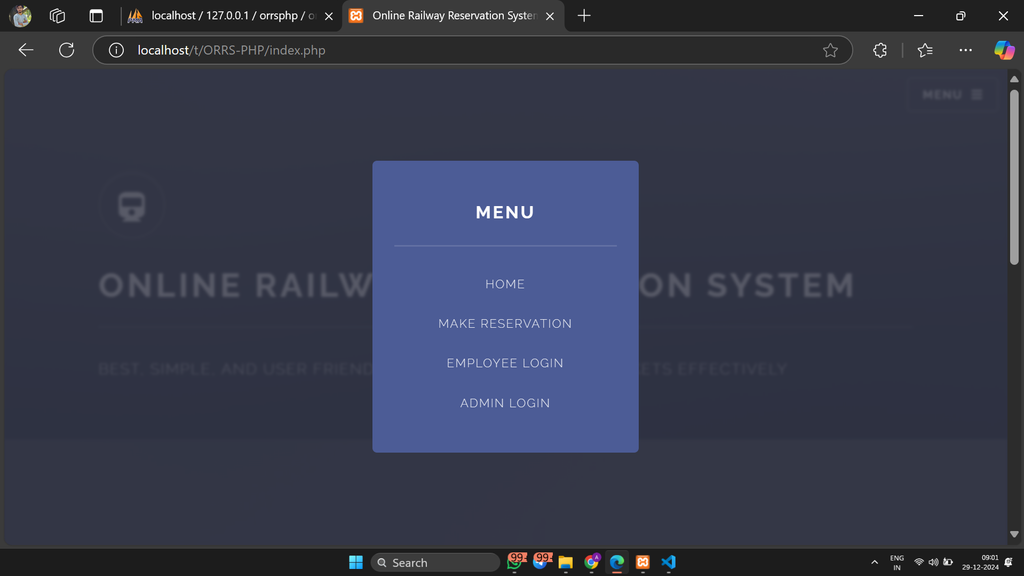
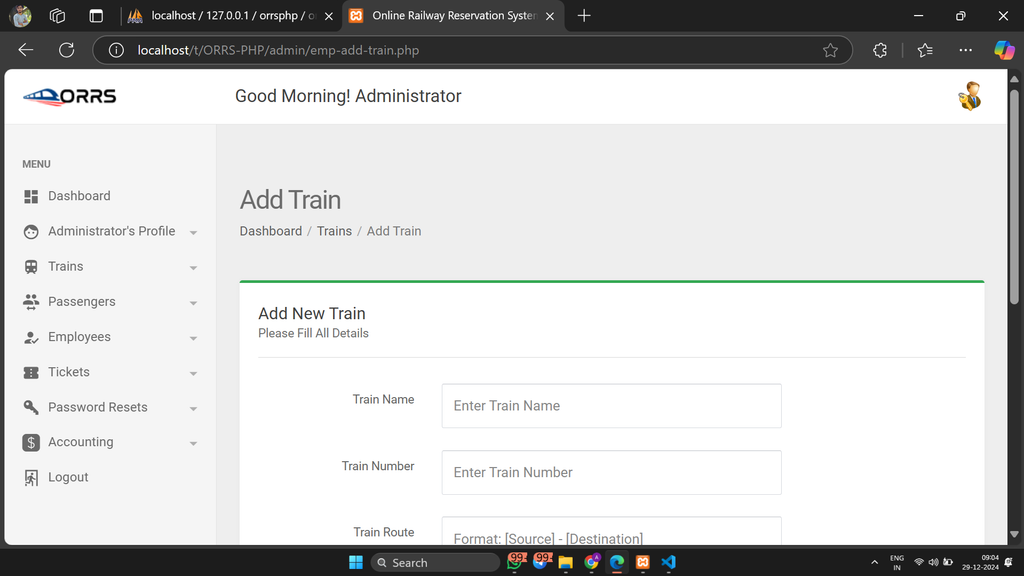
Screenshot
How to Install the Online Railway Reservation System in VS Code?
You can run the project locally using XAMPP, Visual Studio Code, and a web browser. The setup involves extracting the project files, importing the supplied database, and checking the PHP database connection settings.
Step 1: Install the Required Software
Install the following software:
- XAMPP Server for Apache and MySQL.
- Visual Studio Code for editing project files.
- Web Browser
Step 2: Extract the Project Files
Extract the downloaded project archive and copy the project folder into the XAMPP htdocs directory.
C:\xampp\htdocs\Online-Railway-Reservation-SystemThe folder name above is an example. Use the actual extracted folder name on your computer.
Step 3: Start Apache and MySQL
Open the XAMPP Control Panel and start Apache and MySQL. These services are required to run the PHP application and access the database.
Step 4: Create and Import the Database
Open phpMyAdmin using this local address:
http://localhost/phpmyadminCheck the 01 LOGIN DETAILS & PROJECT INFO.txt file included with the project to identify the required database name. Create that database, open the Import tab, and select the SQL file from the project’s DATABASE FILE folder.
Step 5: Configure the Database Connection
Locate the project’s database connection file and verify that its MySQL credentials and database name match your local configuration. The exact connection file and settings should be checked in the supplied project files.
Step 6: Run the Project
Open your browser and enter the local URL using your actual project folder name:
http://localhost/PROJECT_FOLDER_NAME/Use the login credentials documented in 01 LOGIN DETAILS & PROJECT INFO.txt to access the appropriate panel.
How to Use the Online Railway Reservation System?
The application has three main roles: Admin, Employee, and Passenger. Each role uses the available functions to manage reservations and railway-related records.
Admin Role
- Manage passenger and employee records.
- Maintain train information.
- Manage ticket records and booking statuses.
- Review approved and pending tickets.
- Access the accounting overview.
Employee Role
- Access the employee panel.
- Use the railway management functions available to employees.
- Handle relevant reservation records according to the permissions provided.
Passenger Role
- Search for available trains.
- Book train tickets online.
- View and print tickets.
- Cancel existing bookings.
- View and update profile information.
Why Is This Project Useful for Students?
The Online Railway Reservation System is a practical project for students who want to understand PHP and MySQL application development. It demonstrates how user roles, database records, booking workflows, and management modules work together in a web application.
- PHP Development: Understand server-side application processing.
- MySQL Database: Learn how reservation-related information is stored and retrieved.
- CRUD Operations: Practice managing passenger, employee, and train records.
- Role-Based Access: Explore separate panels for administrators, employees, and passengers.
- Real-World Application: Understand the basic workflow of digital ticket reservations.
Frequently Asked Questions (FAQs)
1. Which technologies are used in the Online Railway Reservation System?
The project uses PHP for backend processing and MySQL for database management.
2. What are the main features of this project?
The main features include train search, ticket booking and cancellation, ticket viewing and printing, passenger management, employee management, and ticket status management.
3. Which PHP versions are recommended for this project?
The project information lists PHP 5.6, 7.4, and 8.1 as recommended versions. Compatibility should be tested with the selected environment.
4. Can I run the project using XAMPP and VS Code?
Yes. You can edit the files in VS Code and run the application locally using XAMPP after importing the database and configuring the connection settings.
5. Is this project suitable for BCA students?
Yes. It is suitable for BCA, MCA, and other computer application students who want practical experience with PHP, MySQL, CRUD operations, and reservation management workflows.
Final Thoughts
The Online Railway Reservation System Project in PHP and MySQL demonstrates how a web application can organize train searches, ticket bookings, passenger records, and reservation management. Its separate admin, employee, and passenger panels provide a practical example of role-based application design.