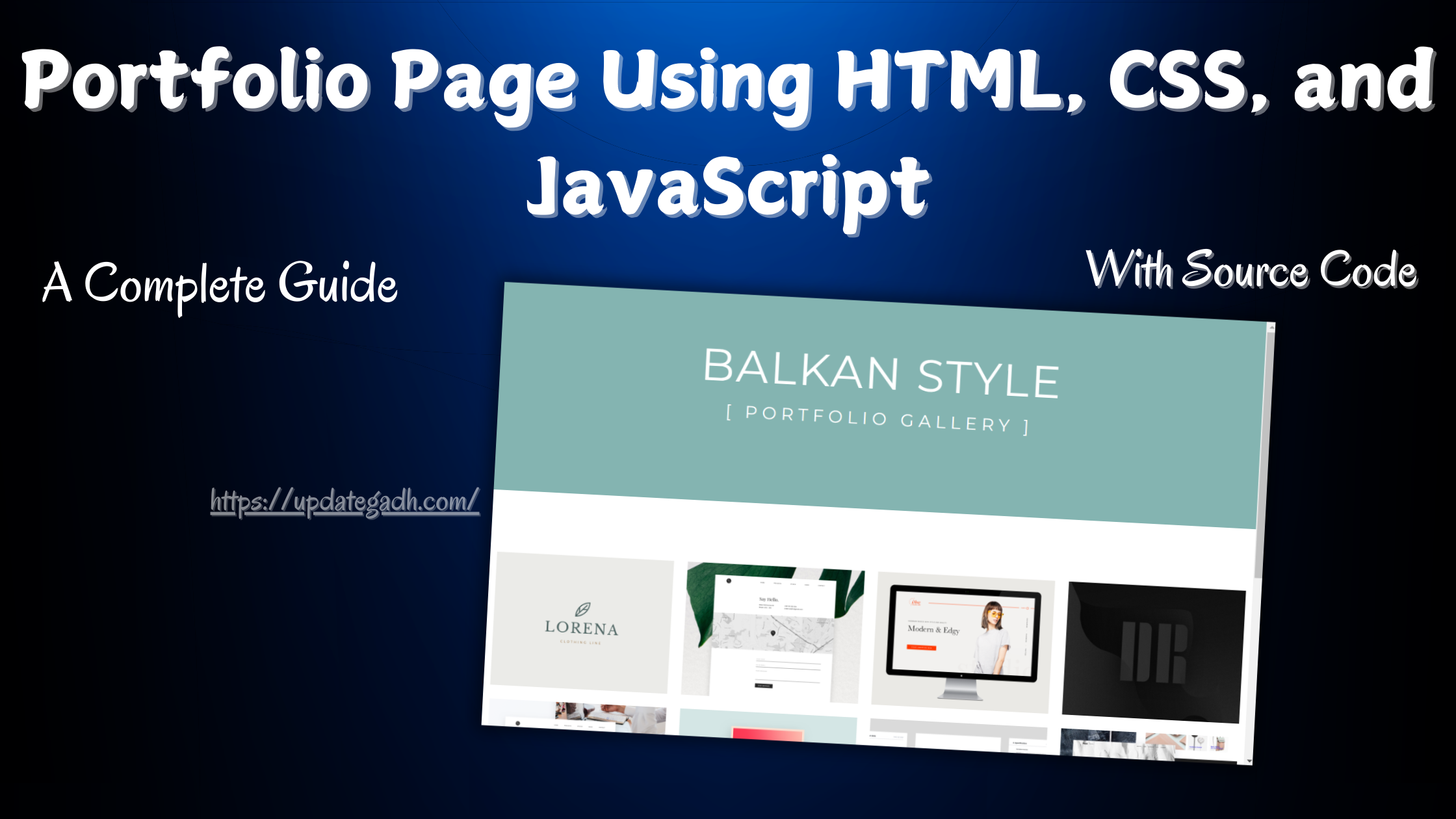
Portfolio Page Using HTML, CSS, and JavaScript
A great portfolio page is essential for any developer or designer. This tutorial walks through building a clean, image-based portfolio gallery with HTML structure, CSS styling, and JavaScript interactivity.
Complete Python Course:-
Complete Advance AI topics:-
What You Will Build
- A header section with title and description.
- An image gallery grid (4 columns).
- Click any thumbnail to expand into full project view.
- Smooth open/close animations.
HTML Structure
<link href="https://fonts.googleapis.com/css?family=Montserrat:400,700" rel="stylesheet">
<link href="https://fonts.googleapis.com/css?family=Lato:300" rel="stylesheet">

<header>
  <h1>My Portfolio <br><span>[Portfolio Gallery]</span></h1>
</header>

<section class="gallery">
  <div class="row">
    <ul>
      <li><a href="#item01"><img src="project1.png" alt=""></a></li>
      <li><a href="#item02"><img src="project2.png" alt=""></a></li>
      <!-- more items -->
    </ul>
  </div>

  <div id="item01" class="port">
    <div class="row">
      <div class="description">
        <h1>Project 01</h1>
        <p>Project description here.</p>
      </div>
      <img src="project1.png" alt="">
    </div>
  </div>
</section>
CSS Styling (Key Rules)
* {
  box-sizing: border-box;
}

body {
  font-family: 'Lato', sans-serif;
  color: #333;
}

header {
  background-color: #84b4b1;
  color: white;
  text-align: center;
  padding: 30px 0 120px;
}

.gallery ul li {
  width: 23%;
  margin: 0 1%;
  float: left;
}

.port {
  position: absolute;
  top: 0;
  width: 100%;
  background: #fafafa;
  transform: translateY(-100%);
  visibility: hidden;
  transition: all 0.5s ease-in-out;
}

.port.item_open {
  transform: translateY(0);
  visibility: visible;
}
JavaScript (jQuery) Interactivity
// Open item on click
$('.gallery ul li a').click(function() {
  const itemID = $(this).attr('href');
  $('.gallery ul').addClass('item_open');
  $(itemID).addClass('item_open');
  return false;
});

// Close button
$('.close').click(function() {
  $('.port, .gallery ul').removeClass('item_open');
  return false;
});

// Smooth scroll to top
$(".gallery ul li a").click(function() {
  $('html, body').animate({
    scrollTop: $("#top").offset().top
  }, 400);
});
Modern Alternative: Vanilla JS
You can replace jQuery with vanilla JavaScript using querySelectorAll and classList.add/remove ÔÇö no library needed.
Download New Real Time Projects:- Click here
Conclusion
This portfolio page combines clean HTML structure, modern CSS transitions, and smooth JavaScript interactivity. Customize the colors, images, and copy to make it your own. For more tutorials, stay tuned to .
portfolio page html css javascript
portfolio website tutorial
portfolio page design
portfolio gallery html
portfolio page jquery
portfolio website example
html css portfolio template
portfolio with javascript