Integrating AI and Machine Learning
Artificial Intelligence (AI) and Machine Learning (ML) are transforming industries worldwide, offering innovative solutions to complex problems. As a college student, incorporating AI and ML into your project can set you apart, enhance your learning experience, and open up new career opportunities. This guide provides a comprehensive roadmap to help you successfully integrate AI and ML into your college project in 2027.
Complete Advance AI Topics: Click Here
SQL Tutorial: Click Here
How to Integrate AI and Machine Learning into Your College Project
Introduction
Artificial Intelligence (AI) and Machine Learning (ML) are transforming industries worldwide, offering innovative solutions to complex problems. As a college student, incorporating AI and ML into your project can set you apart, enhance your learning experience, and open up new career opportunities. This guide provides a comprehensive roadmap to help you successfully integrate AI and ML into your college project.
Step 1: Understand the Basics of AI and ML
Before diving into the integration of AI and ML, it is essential to understand their foundational concepts.
- Artificial Intelligence (AI): Artificial intelligence (AI) is the imitation of human intelligence processes by technology, specifically computer systems. These processes include learning (acquiring information and rules for using it), reasoning (using rules to arrive at approximate or definite conclusions), and self-correction.
- Machine Learning (ML): A subset of AI that enables systems to learn and improve from experience without being explicitly programmed. ML algorithms build models based on sample data, known as “training data,” to make predictions or decisions.
Step 2: Identify the Problem
Determine the problem your project aims to solve. AI and ML can be applied to a wide range of issues, from predicting outcomes and automating processes to recognizing patterns and making data-driven decisions. Clearly define the problem and assess how AI and ML can provide a solution.
Step 3: Choose the Right Tools and Frameworks
Selecting the appropriate tools and frameworks is crucial for the successful integration of AI and ML. Some popular options include:
- Python: Widely used in AI and ML projects due to its simplicity and extensive libraries.
- Libraries: TensorFlow, Keras, Scikit-Learn, PyTorch, Numpy, Pandas
- R: Another powerful language for statistical computing and graphics, often used in data analysis and visualization.
Step 4: Collect and Prepare Data
Data is the cornerstone of any AI or ML project. Collect relevant data that is representative of the problem you are addressing. Once collected, clean and preprocess the data to ensure it is suitable for analysis. This may involve handling missing values, normalizing data, and splitting the data into training and test sets.
import pandas as pd
from sklearn.model_selection import train_test_split
from sklearn.preprocessing import StandardScaler

# Load data
data = pd.read_csv('data.csv')

# Handle missing values
data = data.dropna()

# Feature selection
X = data[['feature1', 'feature2', 'feature3']]
y = data['target']

# Split data into training and testing sets
X_train, X_test, y_train, y_test = train_test_split(X, y, test_size=0.2, random_state=42)

# Normalize data
scaler = StandardScaler()
X_train = scaler.fit_transform(X_train)
X_test = scaler.transform(X_test)
Step 5: Select and Train the Model
Choose an appropriate ML model based on the problem type (classification, regression, clustering, etc.). Train the model using your preprocessed data and evaluate its performance. Iterate on this process by tuning hyperparameters and improving the model’s accuracy.
from sklearn.ensemble import RandomForestClassifier
from sklearn.metrics import accuracy_score

# Initialize the model
model = RandomForestClassifier(n_estimators=100, random_state=42)

# Train the model
model.fit(X_train, y_train)

# Make predictions
y_pred = model.predict(X_test)

# Evaluate the model
accuracy = accuracy_score(y_test, y_pred)
print(f'Accuracy: {accuracy}')
Step 6: Implement and Integrate
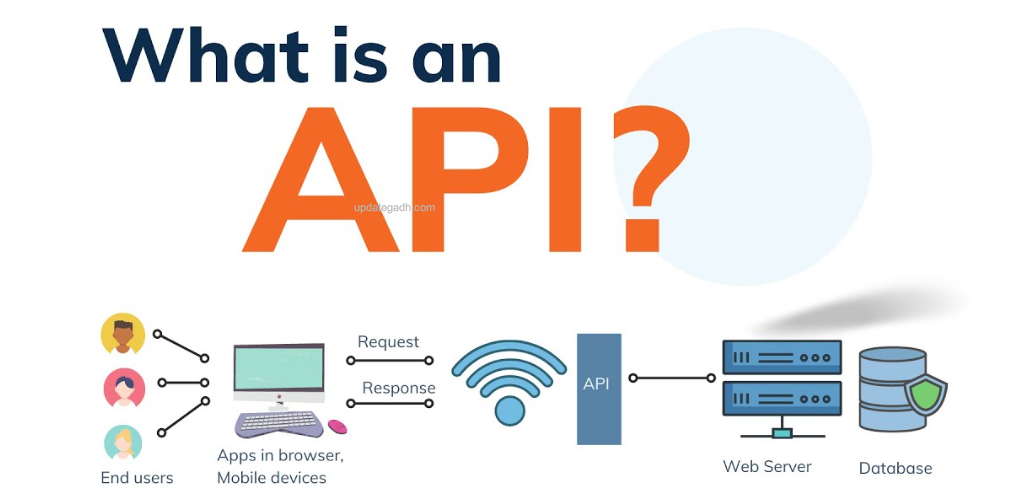
Once the model is trained and evaluated, integrate it into your project. This might involve creating APIs for model inference, embedding the model into an application, or using it to generate insights for further analysis. Ensure that the integration aligns with your project goals and enhances its functionality.
from flask import Flask, request, jsonify

app = Flask(__name__)

@app.route('/predict', methods=['POST'])
def predict():
    data = request.get_json()
    input_features = [data['feature1'], data['feature2'], data['feature3']]
    prediction = model.predict([input_features])
    return jsonify({'prediction': prediction[0]})

if __name__ == '__main__':
    app.run(debug=True)
Step 7: Test and Validate
Thoroughly test your integrated solution to ensure it performs as expected. Validate the results against real-world scenarios and refine the model if necessary. Testing and validation are crucial to ensure the reliability and accuracy of your AI/ML solution.
Step 8: Document and Present
Document your project comprehensively, detailing the problem, approach, tools used, data collection, model selection, implementation, testing, and results. A well-documented project demonstrates your understanding and can serve as a valuable reference for future endeavors.
How to setup this Project Complete video: Click here
Conclusion
Integrating AI and ML into your college project can significantly enhance its scope and impact. By following these steps, you can systematically incorporate these technologies, demonstrating your ability to solve complex problems with advanced tools. Embrace the learning process, stay curious, and explore the vast possibilities AI and ML offer in 2027.
Keywords
integrating ai, integrating ai into business, integrating ai with cyber security, integrating ai web development, integrating ai into fabric inspection, what smart companies know about integrating ai, integrating ai into education, companies integrating ai, integrating ai into college project, integrating ai and machine learning into college project