E-commerce Website using Spring Boot
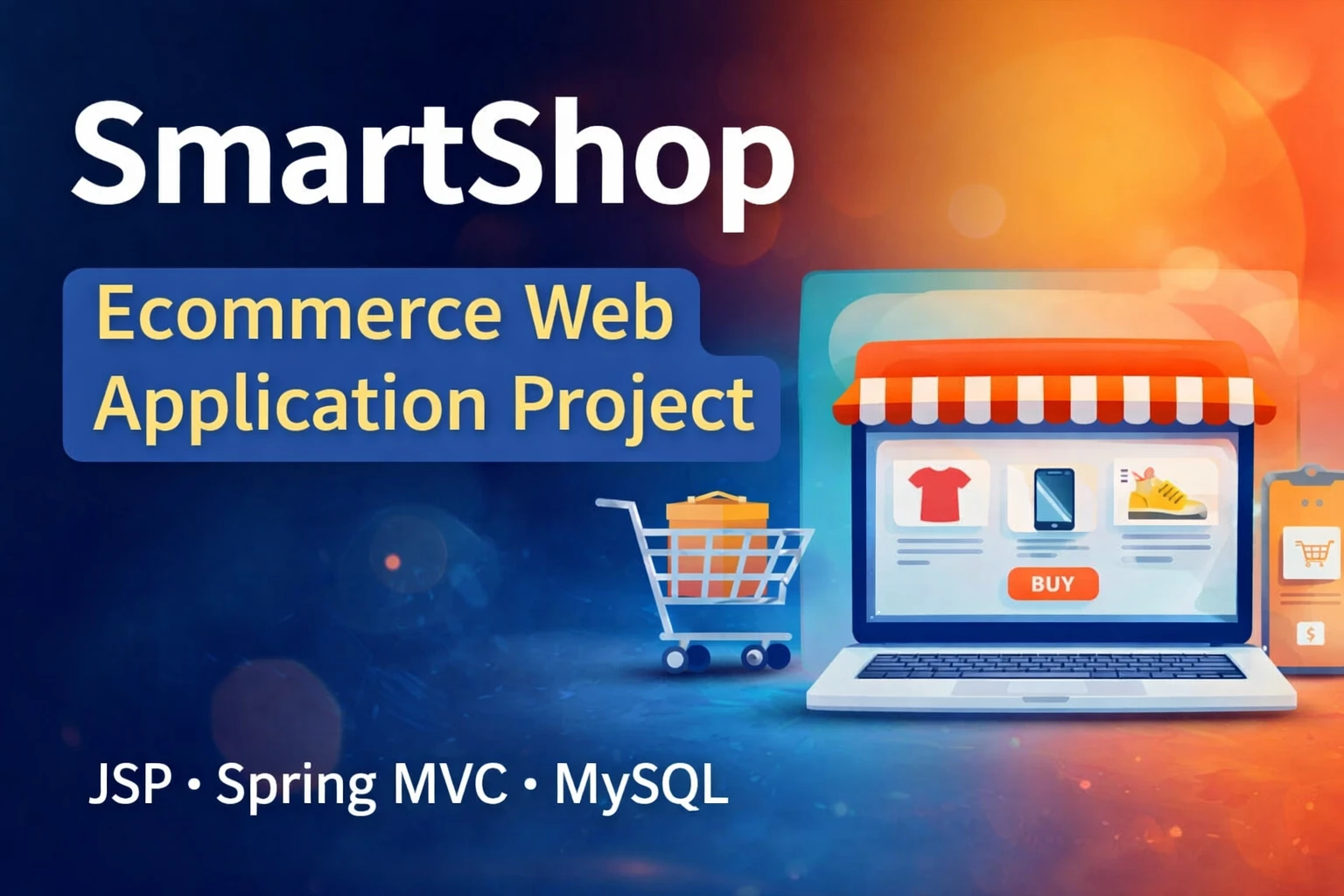
E-commerce Website using Spring Boot is a beginner-friendly Java web application designed to provide an online platform for browsing, purchasing, and managing food products. The project uses Spring Boot to build the backend, along with technologies such as JSP, Hibernate, JDBC, and MySQL for application development and database management.
This project is a useful choice for students and beginners who want to learn how a real-world e-commerce application works. It demonstrates important concepts such as user registration, authentication, product management, shopping cart functionality, order processing, and database connectivity.
Introduction
In today’s digital world, e-commerce platforms have become an important part of online business. An online food store allows customers to browse products, view their details, add items to a shopping cart, and place orders without visiting a physical store.
In this project, Java and Spring Boot are used to develop the server-side application. Spring Boot simplifies Java application development by providing a structured framework for building scalable and production-ready web applications.
The application uses MySQL as the database, while Hibernate can be used for object-relational mapping. JSP is used to create dynamic web pages for customers and administrators.
Objective
The main objective of this project is to develop a simple and efficient e-commerce website using Spring Boot where users can browse food products and place orders online.
The project also provides an administrative section through which administrators can manage products, users, and customer orders.
Key Objectives
- Develop an online shopping platform using Java and Spring Boot.
- Provide secure user registration and login functionality.
- Allow customers to browse available food products.
- Implement shopping cart functionality.
- Allow users to place and manage orders.
- Provide administrators with product and order management features.
- Store application data securely in a MySQL database.
- Demonstrate Spring Boot, Hibernate, JDBC, and JSP integration.
Setting Up E-commerce Website using Spring Boot
Before starting the project, make sure that your development environment contains the required Java and Spring Boot tools.
You should have a suitable Java JDK, an IDE such as Eclipse or IntelliJ IDEA, MySQL, and the required Spring Boot dependencies.
How to Run the Project?
Follow the steps below to set up and run the project on your local system.
Step 1: Install Java Development Kit (JDK)
Download and install a compatible version of the Java Development Kit (JDK). After installation, configure the Java environment variables if required by your operating system.
Step 2: Set Up an IDE
You can use a Java-compatible IDE such as IntelliJ IDEA or Eclipse.
Import the project into your IDE and make sure that the project is correctly recognized as a Maven-based Spring Boot application.
Step 3: Configure the Database
Create a MySQL database for the project. Open the application.properties file and configure the database URL, username, and password according to your local MySQL installation.
For example:
spring.datasource.url=jdbc:mysql://localhost:3306/ecommerce
spring.datasource.username=root
spring.datasource.password=your_password

spring.jpa.hibernate.ddl-auto=update
Use the actual database name and credentials configured on your system.
Step 4: Import the Database
If the project includes a SQL file such as basedata.sql, import it into your MySQL database using phpMyAdmin, MySQL Workbench, or the MySQL command line.
Step 5: Run the Spring Boot Application
Locate the main Spring Boot application class, such as SpringProjectApplication.java, and run its main() method.
Once the application starts successfully, open the application in your web browser using the configured local server URL.
Step 6: Login
If the provided database contains a default administrator account, use the credentials supplied with the project. Otherwise, create an administrator account according to the project’s database structure.
Example credentials:
- Username: admin
- Password: 123
Note: Default credentials may vary depending on the project version and database script.
Features of E-commerce Website using Spring Boot
The application contains separate functionality for Admin and User roles.
User Module
- Registration: New users can create an account by providing the required information.
- Login: Registered users can securely log in to their accounts.
- Product Browsing: Users can view available food products and their details.
- Product Search: Customers can search for products they want to purchase.
- Shopping Cart: Users can add products to their cart and modify quantities.
- Order Placement: Customers can review their cart and place an order.
- Order Management: Users can view their order details and purchase history.
- Logout: Users can safely log out of their accounts.
Admin Module
- Admin Login: Administrators can access the management dashboard.
- Product Management: Admins can add, update, and remove products.
- Category Management: Administrators can organize products into appropriate categories.
- User Management: Admins can view registered customer information.
- Order Management: Administrators can view and manage customer orders.
- Search: Admins can search and manage available records.
Technologies Used
| Technology | Purpose |
|---|---|
| Java | Core programming language |
| Spring Boot | Backend application development |
| Spring MVC | Web application architecture |
| Hibernate | Object-relational mapping |
| JDBC | Database connectivity |
| JSP | Dynamic web pages |
| MySQL | Database management |
| HTML/CSS | Frontend structure and styling |
Software and Tools Required
- Java JDK
- Spring Boot
- MySQL
- XAMPP Server or another MySQL environment
- Eclipse IDE for Enterprise Java and Web Developers
- IntelliJ IDEA (optional)
- Maven
- Web Browser
Project Structure
A typical Spring Boot e-commerce application can be organized into different layers to keep the code clean and maintainable.
- Controller: Handles HTTP requests and application routes.
- Service: Contains the application’s business logic.
- Repository/DAO: Handles database operations.
- Entity/Model: Represents database tables and application data.
- View: Contains JSP pages displayed to users.
- Configuration: Contains database and application configuration.
Example Endpoints
| Endpoint | Purpose |
|---|---|
/ | Home page |
/login | User login |
/register | User registration |
/products | Display products |
/cart | View shopping cart |
/orders | View customer orders |
/admin | Admin dashboard |
The exact endpoints may differ depending on the source code and project configuration.
Database
The project uses MySQL to store application information. Depending on the implementation, the database can contain tables for users, products, categories, carts, orders, and order items.
Hibernate can be used to map Java classes to database tables, making it easier to perform database operations from the application.
Output
After successfully running the project, users can access the e-commerce website through their browser. The application can include pages such as the home page, product listing, product details, login, registration, shopping cart, checkout, and order history.
The administrator can access separate management pages for controlling products, customers, and orders.
Screenshot


How to Download
Get This Project
The complete package is available so you can run, study, and submit it with confidence. It includes:
- Full Source Code
- Project Report
- Synopsis
- PPT Presentation
For any queries or a quick response, reach out on WhatsApp: +91 79834 34684
YT:- DecodeIT
Demo Video
Conclusion
The E-commerce Website using Spring Boot project is a practical way to understand how Java-based web applications are developed. By combining Spring Boot with JSP, Hibernate, JDBC, and MySQL, students can learn about backend development, database integration, user authentication, product management, shopping carts, and order processing.
This project can also be extended with additional functionality such as online payment integration, product reviews, discount coupons, email notifications, advanced search, REST APIs, and Spring Security.
Keywords
e commerce website using spring boot, e commerce website, spring boot e commerce project, e commerce website project, spring boot shopping cart, java e commerce project, spring boot ecommerce application, ecommerce project using java, spring boot ecommerce website, food ordering website using spring boot