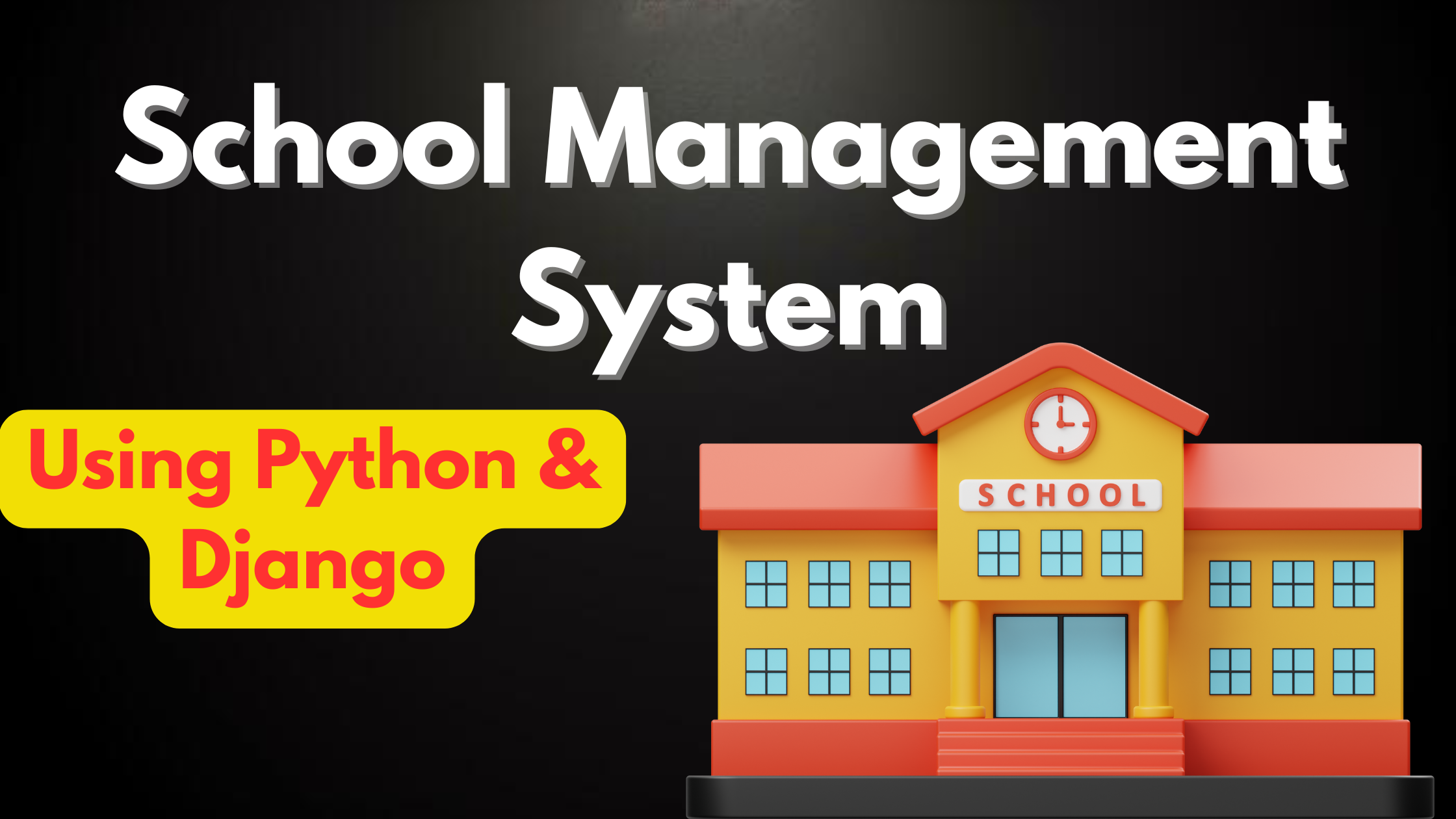
The School Management System in Django is a Python-based web application built using the Django framework. This project is perfect for Python developers and students who want to learn full-stack web development with Django, and need a working example of a complete web application with database integration, user authentication, and a clean UI.
The School Management System is a web-based application designed to efficiently manage school operations. It provides a comprehensive solution to handle various aspects of school administration, from student enrollment to report generation.
About This Project
This School Management System in Django demonstrates how to build a production-ready web application using Django’s MVT (Model-View-Template) architecture. It includes user authentication, database models, admin panel, and a responsive front-end. The complete source code is available for free download and is suitable for final year projects and learning Django.
Watch the Full Project Tutorial on YouTube!
We’ve built this project step by step on our YouTube channel. Watch the full video, like, and subscribe for daily project tutorials.
Key Features
- User Authentication Registration, login, logout with session management
- Django Admin Panel Manage all data from the built-in admin interface
- Django ORM Database interactions without writing raw SQL
- Responsive Design Bootstrap 5 frontend that works on mobile and desktop
- CRUD Operations Create, Read, Update, Delete for all main entities
- Search and Filter Find records quickly with Django QuerySet filtering
- Form Validation Django forms with built-in validation and error messages
- Media File Handling Upload and manage images and documents
Technologies Used
- Backend Framework: Django 4.x / Django 3.x
- Language: Python 3.8+
- Database: SQLite (default) or MySQL / PostgreSQL
- Frontend: HTML5, CSS3, Bootstrap 5, JavaScript
- Authentication: Django built-in auth system
- IDE: VS Code / PyCharm
System Requirements
- Python 3.8 or higher
- pip and virtualenv
- Django 3.2 or higher
- 2GB RAM minimum
- Windows / macOS / Linux
How to Install and Run
- Download the source code using the button below and extract the zip file
- Open terminal and navigate to the project folder:
cd school-management-system-in-dj - Create and activate a virtual environment:
python -m venv venvvenv\Scripts\activate(Windows) orsource venv/bin/activate(Mac/Linux) - Install required packages:
pip install -r requirements.txt - Apply database migrations:
python manage.py migrate - Create a superuser (admin account):
python manage.py createsuperuser - Start the development server:
python manage.py runserver - Open
http://127.0.0.1:8000in your browser - Access admin panel at
http://127.0.0.1:8000/admin
Available Features
-
- Admin Panel
-
- Student Enrollment Management
-
- Class Scheduling
-
- Attendance Tracking
-
- Exam Management
-
- Fee Management
-
- Generate Reports (Attendance, Exam, Fees, etc.)
-
- User Management (Teachers, Students, Admins)
-
- System Settings
-
- Update Password
Project Structure
school_management_system_/
 manage.py
 requirements.txt
 school_manageme/    Main app
    models.py          Database models
    views.py           Business logic
    urls.py            URL routing
    forms.py           Django forms
    admin.py           Admin configuration
 templates/             HTML templates
 static/                CSS, JS, images
 media/                 User-uploaded files
Frequently Asked Questions
Can I use this project for my final year submission?
Yes. This Django project is suitable for BCA, MCA, B.Tech Computer Science, and M.Tech final year submissions. It demonstrates key concepts like ORM, authentication, CRUD, and REST API design.
How do I switch from SQLite to MySQL?
In settings.py, change the DATABASES setting to use 'ENGINE': 'django.db.backends.mysql' and add your MySQL credentials. Install mysqlclient with pip and run migrations again.
What if I get a “ModuleNotFoundError”?
Make sure your virtual environment is activated and run pip install -r requirements.txt. If a specific package is missing, install it with pip install package-name.
Conclusion
The School Management System in Django is a complete Django web application that demonstrates real-world Python web development skills. It’s ideal for learning Django, building your portfolio, or submitting as a final year project. Download the source code, follow the setup steps, and have your project running in under 10 minutes.
School Management System
school management system php
school management system project
school management system pdf
school management system login
school management system open source
school management system website