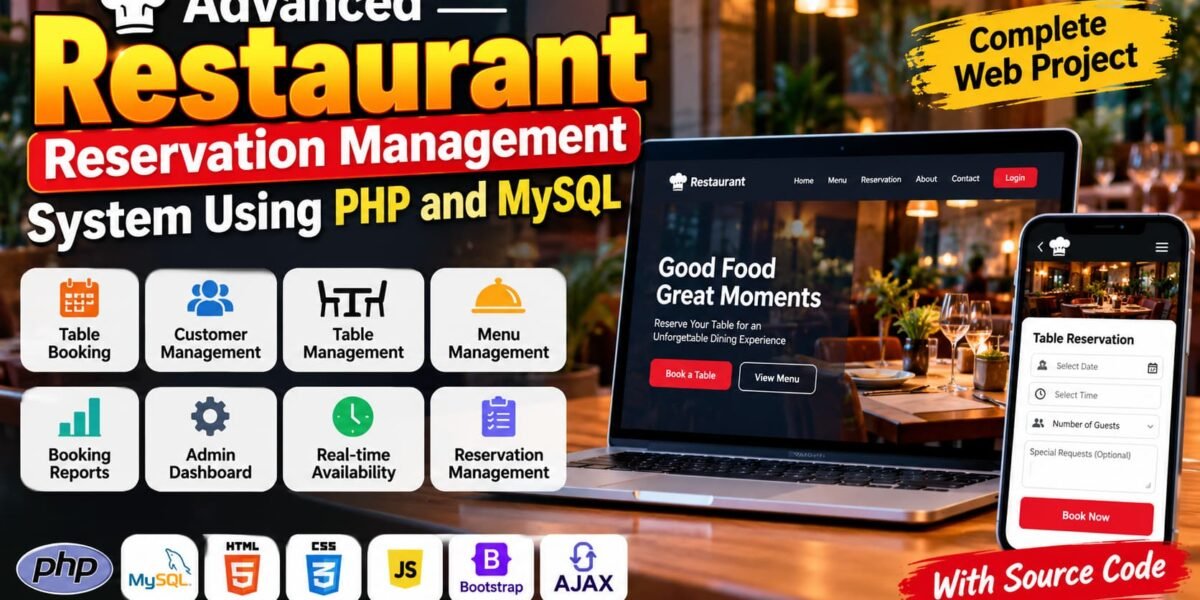
The Restaurant Reservation Management System Using PHP and MySQL is a web-based application designed to simplify restaurant table booking and reservation management. It provides customers with a convenient way to submit reservation requests while allowing administrators to manage tables, customer details, and booking statuses through an organized interface.
This project is useful for students who want to understand how PHP and MySQL can be used to develop a dynamic web application. It demonstrates essential concepts such as user authentication, database operations, reservation workflows, and administrative management.
Complete Advance AI Topics: Click Here
Real Time Projects on YouTube:- DecodeIT
Project Overview
| Project Detail | Description |
|---|---|
| Project Name | Advanced Restaurant Reservation Management System |
| Language/s Used | PHP, HTML, CSS, JavaScript |
| Database | MySQL |
| Framework and Tools | Bootstrap, AJAX, Visual Studio Code, XAMPP |
| Type | Web Application |
| Developer | UPDATEGADH |
Available Features
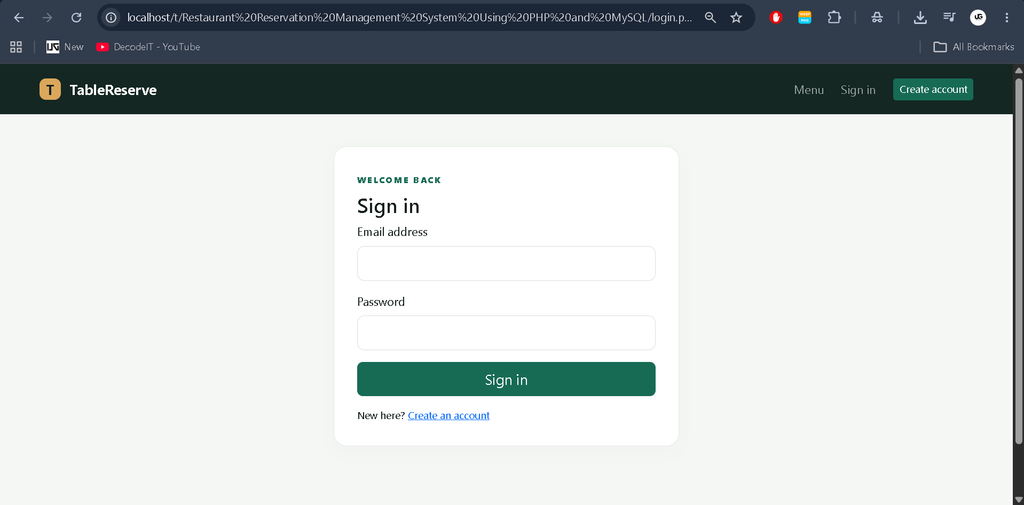
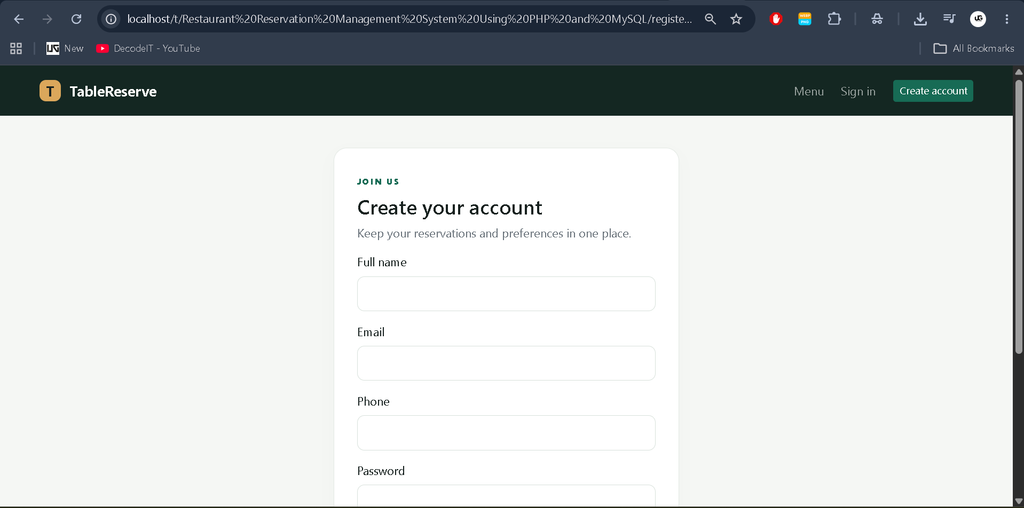
1. Customer Registration and Login
Customers can create an account and log in to access the reservation system. Authentication helps organize customer-specific booking activities.
2. Restaurant Table Reservations
Customers can submit table reservation requests by providing the required booking details, including their preferred date and time.
3. Table Availability Management
The system supports checking table availability for reservation requests, helping customers choose suitable booking options and administrators manage restaurant tables.
4. Reservation Management
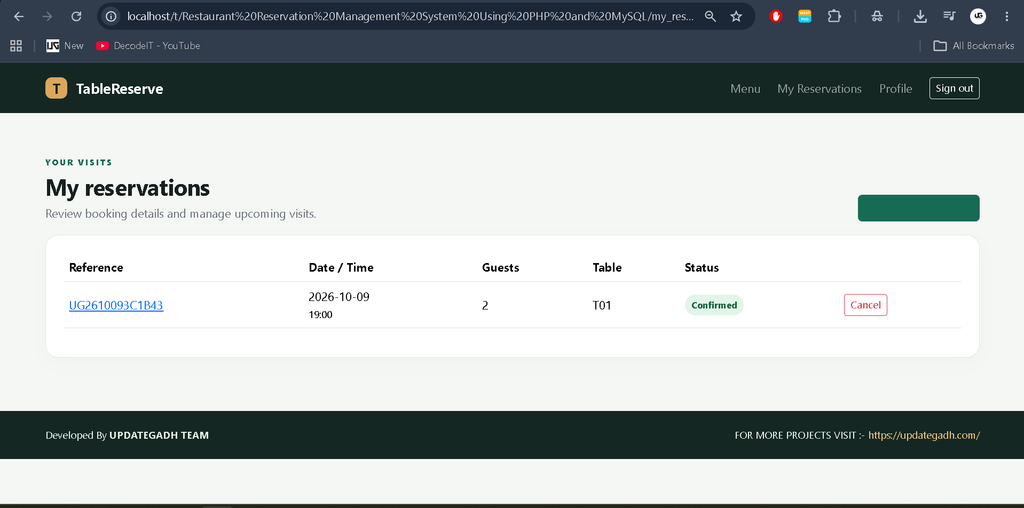
Customers can view their reservation information and manage eligible bookings. Administrators can review reservation records and update their statuses.
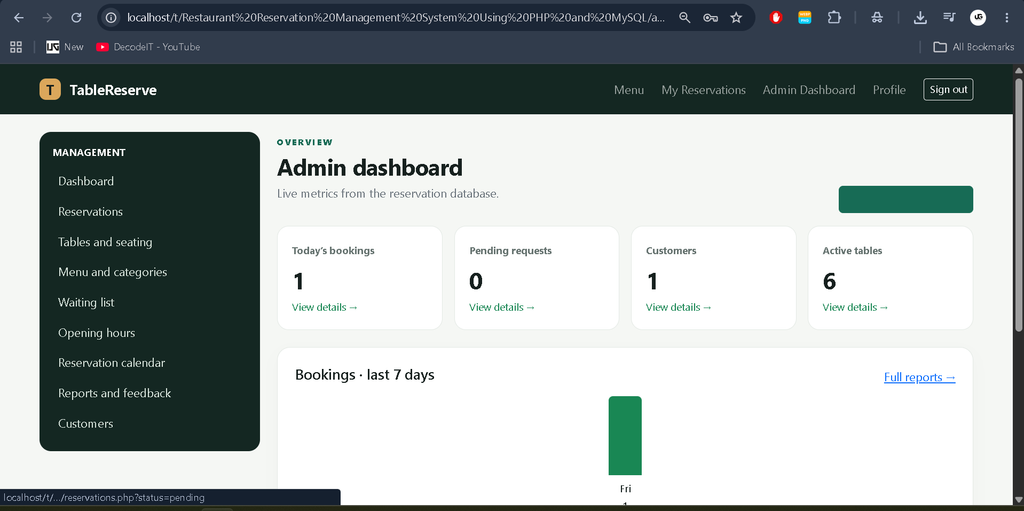
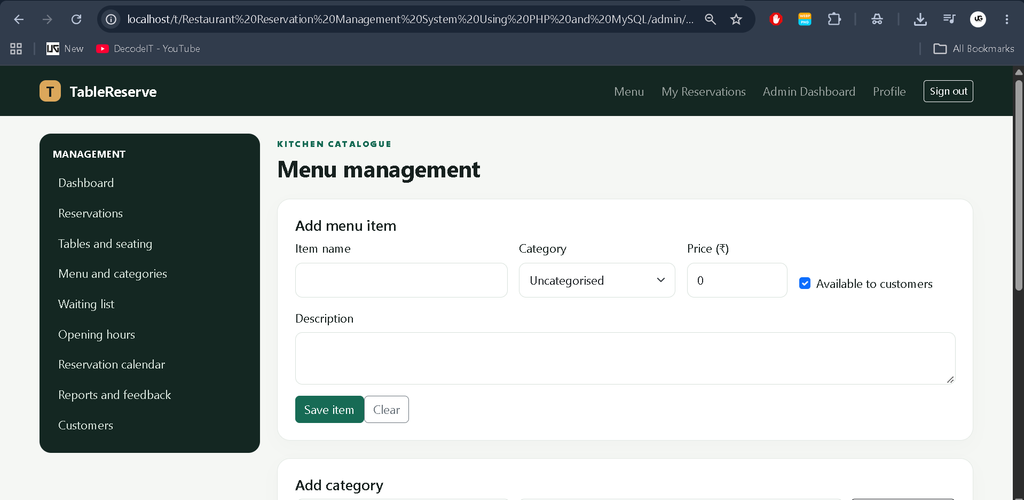
5. Admin Dashboard
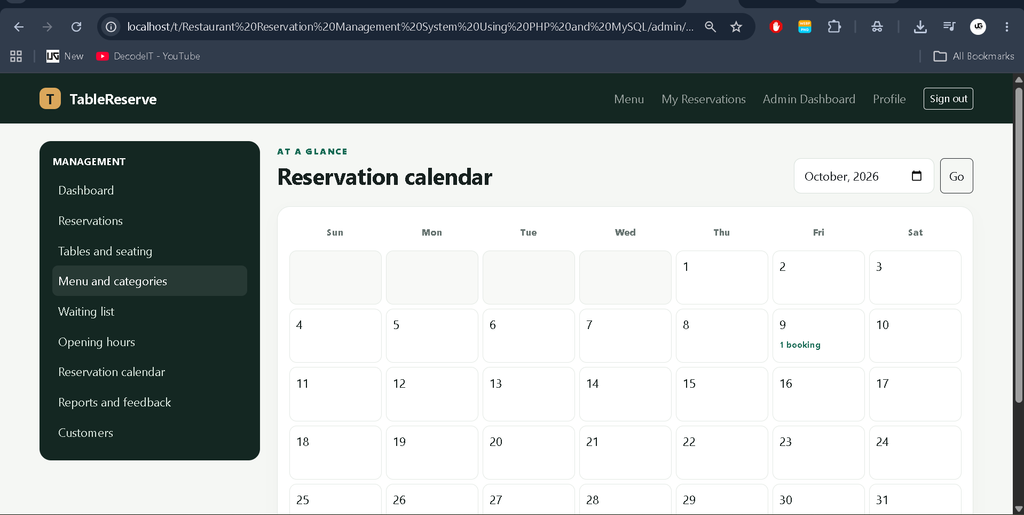
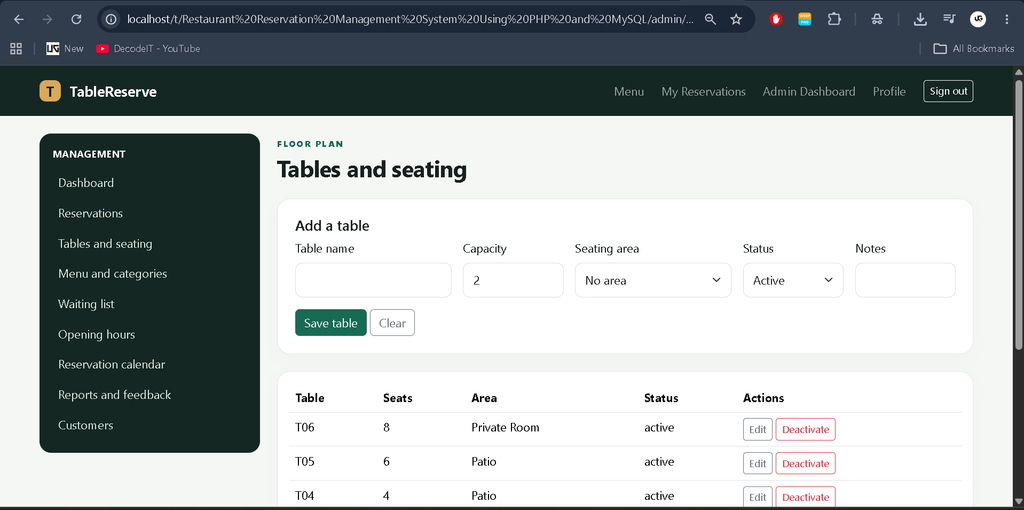
The administrative panel provides a centralized interface for managing restaurant tables, reservations, customer information, and related booking activities.
6. Customer Profile Management
Customers can access their account information and manage profile details through the available profile functionality.
Technology Stack
- PHP: Handles server-side processing, authentication, and reservation operations.
- MySQL: Stores customer information, table records, and reservation data.
- HTML: Defines the structure of application pages.
- CSS and Bootstrap: Help create a structured and responsive interface.
- JavaScript and AJAX: Support interactive page behavior and asynchronous requests where implemented.
- XAMPP: Provides a local environment for running PHP and MySQL.
Software Requirements
- Windows, Linux, or another compatible operating system
- PHP-compatible local server, such as XAMPP
- MySQL or MariaDB
- Visual Studio Code or another code editor
- Modern web browser
Installation Guide in Visual Studio Code
Step 1: Install XAMPP
Install XAMPP on your computer and open the XAMPP Control Panel. Start the Apache and MySQL services.
Step 2: Copy the Project
Extract the project files and place the project folder inside the XAMPP htdocs directory.
Example path:
C:\xampp\htdocs\restaurant_reservationStep 3: Open the Project
Open Visual Studio Code, select File > Open Folder, and choose the extracted project directory.
Step 4: Create the Database
Open the following address in your browser:
http://localhost/phpmyadminCreate the database required by the project and import its provided database.sql file. If the SQL file specifies a database name, follow the name and instructions provided in the project.
Step 5: Configure the Database
Open the project’s database configuration file and update the database name, username, password, and host according to your local MySQL setup. Save the changes.
Step 6: Run the Application
Open the project in your browser using the correct local URL, for example:
http://localhost/restaurant_reservation/If the project uses a different folder name or entry point, adjust the URL accordingly. Follow any additional setup instructions included with the project.
Download complete source code
Screenshot
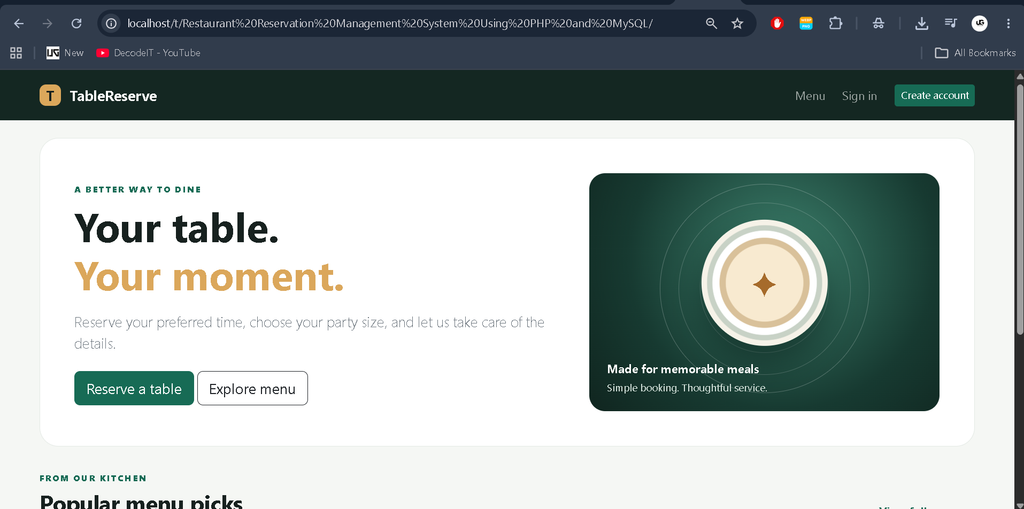
How to Use the Project
Customer Role
Customers can register, log in, manage their available profile details, submit restaurant table reservations, and review their booking information using the available customer pages.
Administrator Role
Administrators can access the admin panel to review reservations, manage table information, view customer records, and update booking statuses according to the application’s available options.
Project Benefits
- Demonstrates practical PHP and MySQL development.
- Helps students understand database connectivity and CRUD operations.
- Shows how customer and administrator workflows can be organized.
- Provides practical experience with authentication and reservation management.
- Can be customized for academic demonstrations and further development.
Contributing
Developers can improve the project by refining the interface, strengthening input validation, enhancing reservation conflict checks, and adding features that fit the application’s requirements. Test changes carefully before using the system in a live restaurant environment.
License
Review the license or usage terms supplied with the project before redistributing or modifying it. If no license is included, obtain permission from the project owner before redistribution.
Frequently Asked Questions (FAQs)
1. What is a Restaurant Reservation Management System?
It is a web application that helps customers reserve restaurant tables and enables administrators to manage reservations and table information.
2. Which technologies are used in this project?
The project uses PHP, MySQL, HTML, CSS, JavaScript, Bootstrap, and AJAX where implemented.
3. How can customers book a restaurant table?
Customers can log in, provide the required reservation details, select their preferred date and time, and submit a booking request.
4. What can the administrator manage?
The administrator can manage restaurant tables, review reservations, access customer records, and update booking statuses using the available admin panel.
5. How do I run this project locally?
Place the project in the XAMPP htdocs directory, start Apache and MySQL, import the database SQL file through phpMyAdmin, configure the database connection, and open the application in your browser.
Final Thoughts
The Advanced Restaurant Reservation Management System is a practical project for students who want to explore web application development using PHP and MySQL. It combines customer reservations, table management, and administrative operations in one application. From a student’s perspective, it is a useful way to practice database design, server-side programming, authentication, and real-world workflow management.
Keywords: Advanced Restaurant Reservation Management System Using PHP and MySQL, Restaurant Reservation System PHP, Restaurant Table Booking Project, PHP MySQL Project, Restaurant Management System