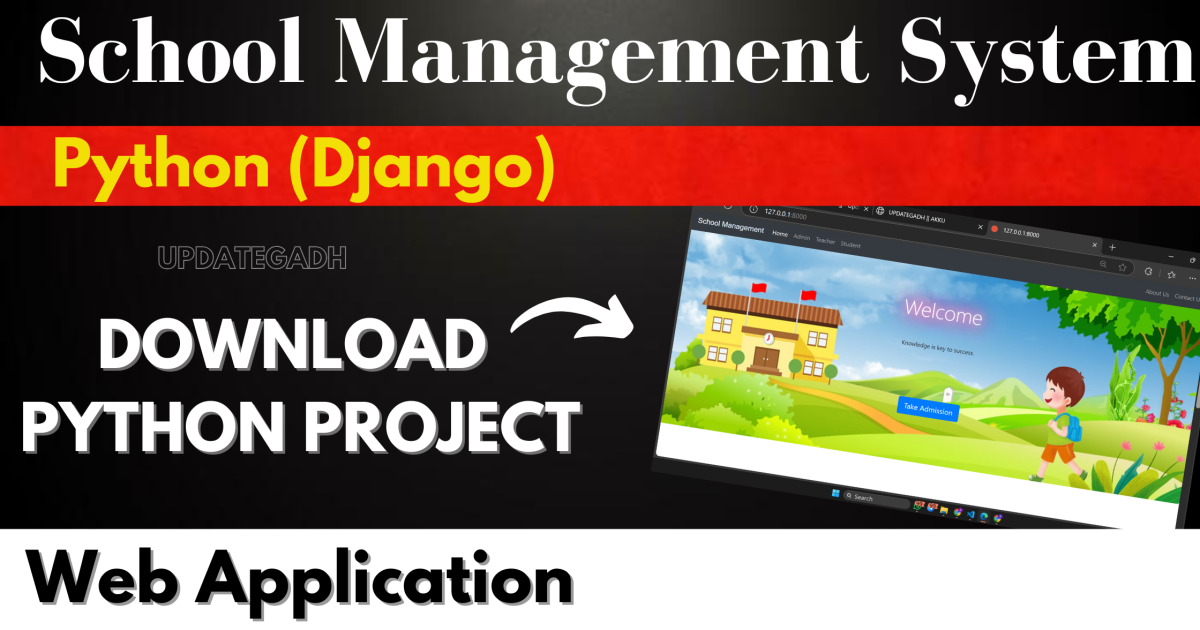
School Management System
Overview
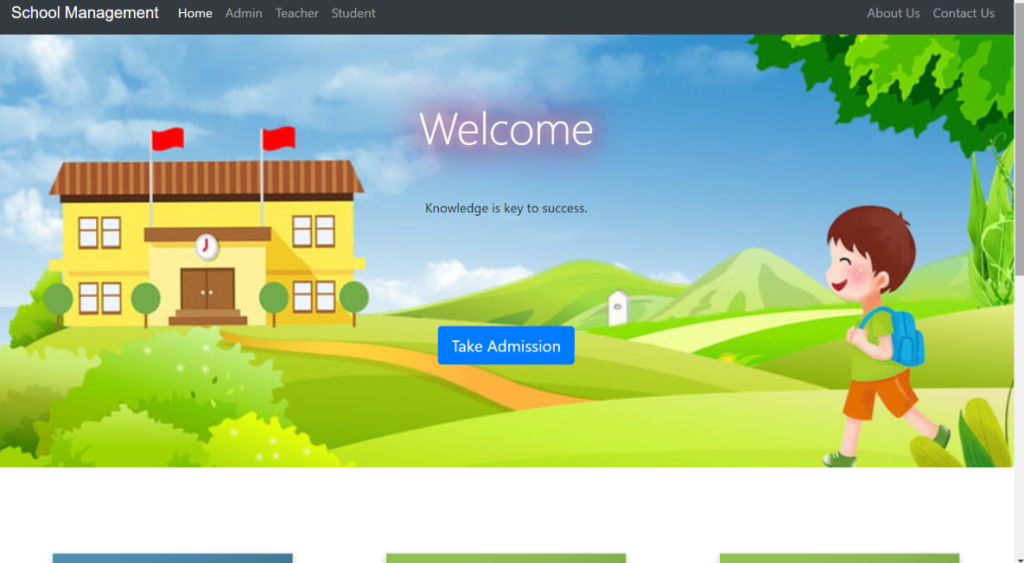
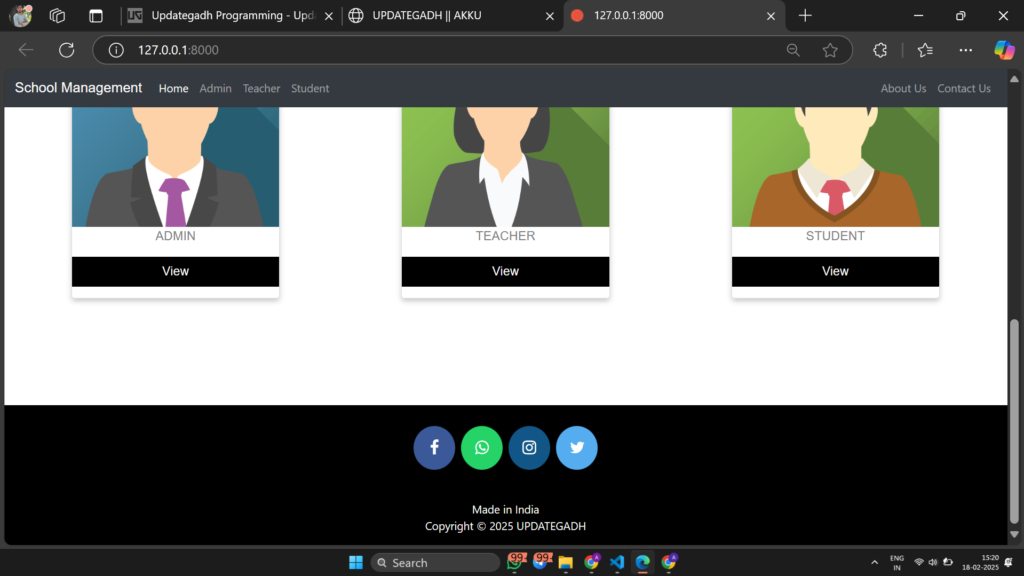
A School Management System is an essential tool for educational institutions, helping administrators, teachers, and students manage day-to-day operations efficiently. This project, built using Python (Django) and SQLite, provides role-based access for teachers, students, and administrators to streamline school management processes.
Download New Real Time Projects :-Click here
Project Details
| Feature | Details |
|---|---|
| Project Name | School Management System |
| Language Used | Python (Django) |
| Database | SQLite |
| Developer | UPDATEGADH |
| Type | Web Application |
Features
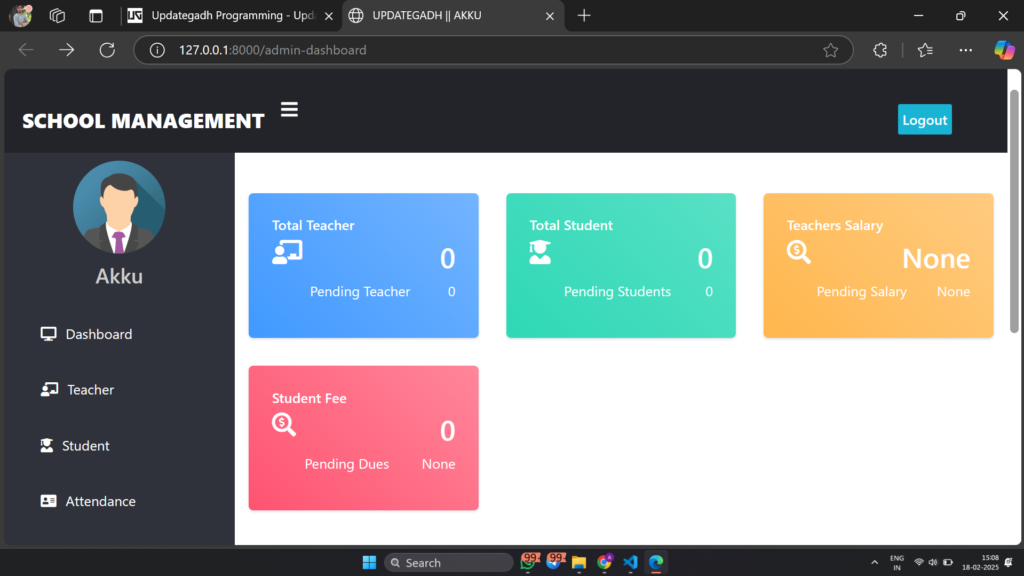
Admin Panel
- Approve or reject teacher job applications.
- Approve or reject student admissions.
- Manage teacher and student details.
- Publish and manage school notices.
- View reports such as attendance and student records.
Teacher Functions
- Apply for a teaching job.
- Access the dashboard after admin approval.
- Take and view student attendance.
- Publish announcements for students.
Student Functions
- Sign up for school admission.
- Access the dashboard after admin approval.
- View personal attendance records.
- Read announcements from teachers and admin.
Drawbacks
- The update page for teacher/student requires updating the password.
- Anyone can become an admin without verification.
How to Run This Project
Installation Steps:
- Install Python (3.7.6) (Ensure to tick “Add to Path” while installing).
- Open Terminal and execute the following command to install dependencies:
python -m pip install -r requirements.txt
- Open Terminal and execute the following command to install dependencies:
- Download and extract the project ZIP file.
- Move to the project folder in Terminal and execute the following commands:
py manage.py makemigrations py manage.py migrate py manage.py runserver
- Move to the project folder in Terminal and execute the following commands:
- Open a browser and enter the following URL:
http://127.0.0.1:8000/
- Open a browser and enter the following URL:
Changes Required for Contact Us Page
In settings.py, update the following email configuration:
EMAIL_HOST_USER = 'youremail@gmail.com'
EMAIL_HOST_PASSWORD = 'your email password'
EMAIL_RECEIVING_USER = 'youremail@gmail.com'
Disclaimer
This project is developed for demonstration purposes only and is not intended for real-world applications.
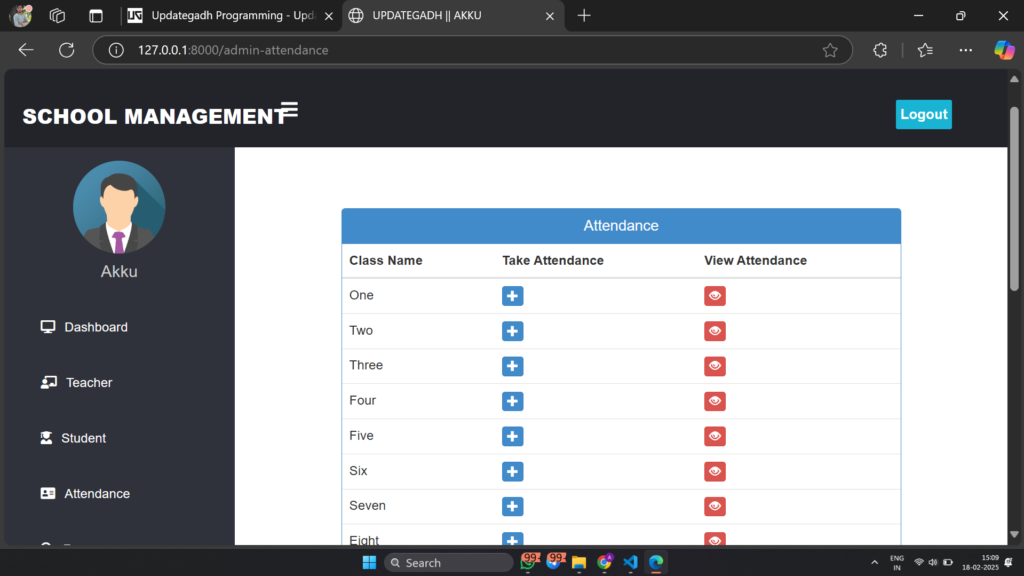
school management system project in python with source code
school management django
college management system project in python github
school management system in python django with sqlite with source code
school management system in python django with sqlite github
school management system in python django with sqlite pdf
school management system in python django with sqlite geeksforgeek
🎓 Need Complete Final Year Project?
Get Source Code + Report + PPT + Viva Questions (Instant Access)
🛒 Visit UpdateGadh Store →