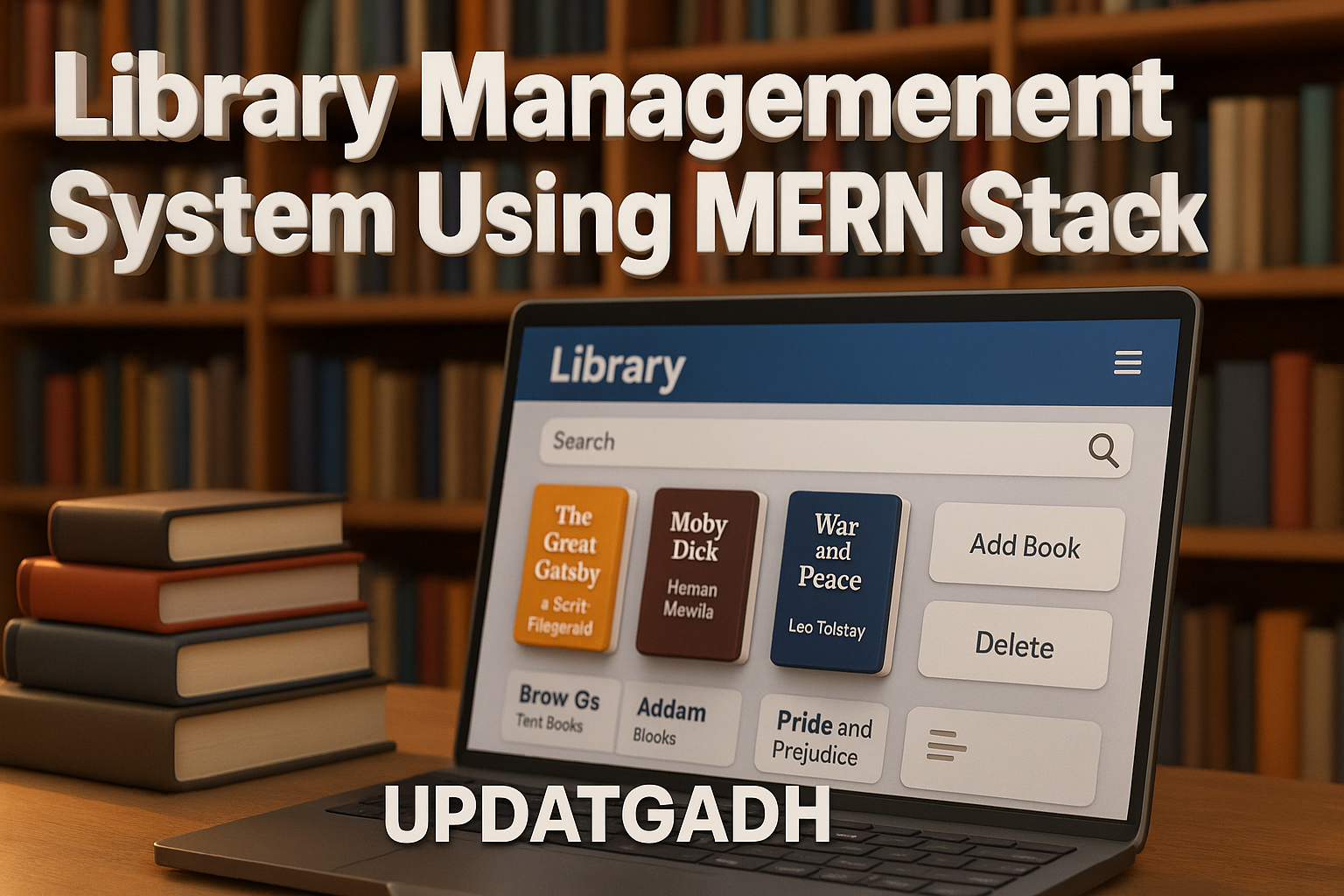
Library Management System
A simple project on Library Management System, developed using the MERN Stack (MongoDB, Express.js, React.js, Node.js), designed to manage and digitalize library operations efficiently.
This system helps administrators and members perform day-to-day library tasks like managing books, users, and transactions in a seamless and automated way.
This project acts as a real-world web application that can replace traditional library registers and paper-based systems with a clean and efficient digital platform. The Library Management System provides an intuitive interface and a structured database for easy handling of books and members while ensuring data accuracy and accessibility.
Best Final Year Project For Data Science :–Click Here
Project Overview
| Project Details | Description |
|---|---|
| Project Name | Library Management System |
| Language/s Used | JavaScript (React.js, Node.js, Express.js) |
| Database | MongoDB |
| Type | Web Application |
Project Description
The Library Management System is a complete web-based platform that simplifies how a library operates. It focuses on two main entities — Admin and Member.
Admins are responsible for managing users, books, and transactions, while members can search for books, borrow them, and manage their issued records online.
The project is divided into two main parts:
- Frontend – Developed using React.js, it provides an interactive and user-friendly interface.
- Backend – Built using Node.js and Express.js, it handles all the logic, API requests, and database connections.
- Database – MongoDB is used to store all records, including books, users, and transaction details.
This system provides real-time interaction between the frontend and backend, ensuring smooth book transactions and accurate data updates.
Best Advanced Python Projects:-Click Here
Available Features
This section lists only the actual features implemented in the project based on the code files and backend logic.
1. User Management
- Admins can add, view, and manage all users (members).
- User roles include Admin and Member.
- Each user record stores essential details like name, email, ID, mobile number, and active transactions.
2. Book Management
- Add new books with attributes such as title, author, category, and availability.
- Update or delete existing books when necessary.
- Books can be categorized and retrieved easily using the provided API endpoints.
3. Book Transactions
- Members can borrow and return books digitally.
- Each transaction is stored with a unique record linking a user and a book.
- The system tracks active transactions and previous transactions for each user.
4. Authentication & Authorization
- Secure user authentication using email and password.
- Role-based access control ensures that only admins can manage other users and books.
- JWT (JSON Web Tokens) or session-based authentication implemented for secure routes.
5. Dashboard & Real-time Updates
- Admin dashboard to manage library data from a single panel.
- Real-time updates in the frontend when books or user details change.
- Simplified UI for smooth navigation between sections like Books, Users, and Transactions.
6. Responsive Web Interface
- Fully responsive React-based frontend suitable for both desktop and mobile screens.
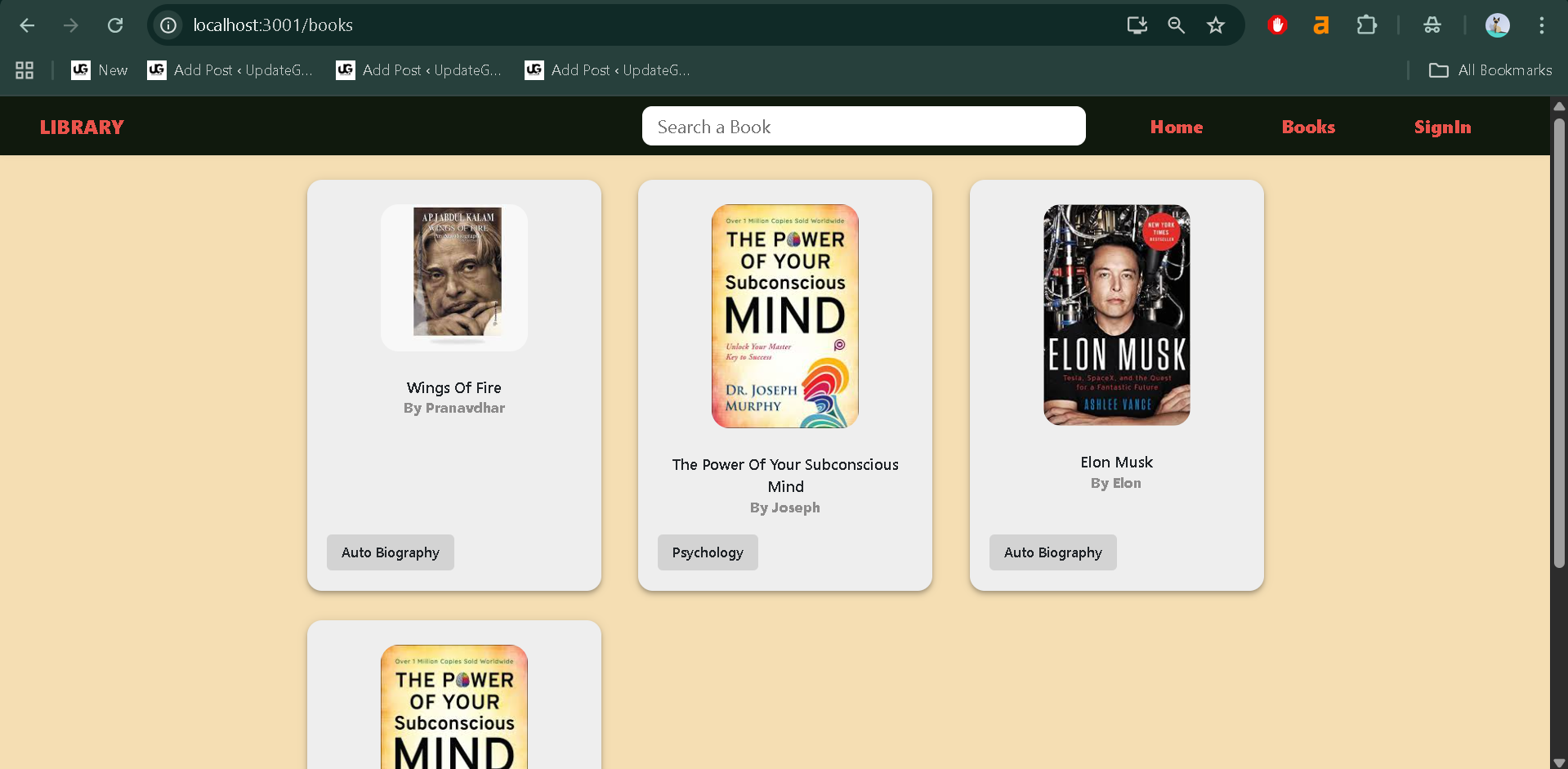
- Clean layout for quick access to key features like book lists and transaction records.
Download New Real Time Projects :–Click here
Installation Guide (for VS Code)
Follow these steps to install and run the Library Management System project on your local machine using Visual Studio Code.
Step 1: Prerequisites
Make sure the following software is installed on your system:
- Node.js (latest LTS version)
- MongoDB
- Visual Studio Code
Step 2: Extract and Open the Project
- Download and extract the project folder.
- Open the extracted folder in VS Code.
cd Library-Management-System-MERN
Step 3: Install Backend Dependencies
Navigate to the backend folder and install required dependencies:
cd backend
npm install
This will install packages like express, mongoose, cors, and dotenv which are used to set up the server and connect to MongoDB.
Step 4: Configure the Environment Variables
In the backend folder, create a new file named .env and add the following values:
MONGO_URI = your_mongodb_connection_string
PORT = 5000
JWT_SECRET = your_secret_key
Step 5: Start the Backend Server
Run the following command to start the backend server:
npm start
You should see a message like “Server running on port 5000” if everything is configured correctly.
Step 6: Install Frontend Dependencies
Open a new terminal in VS Code and move to the frontend folder:
cd ../frontend
npm install
This installs React.js dependencies like axios, react-router-dom, and material-ui components used in the UI.
Best Final Year Project For JAVA :- Click Here
Step 7: Start the Frontend
Run the frontend with:
npm start
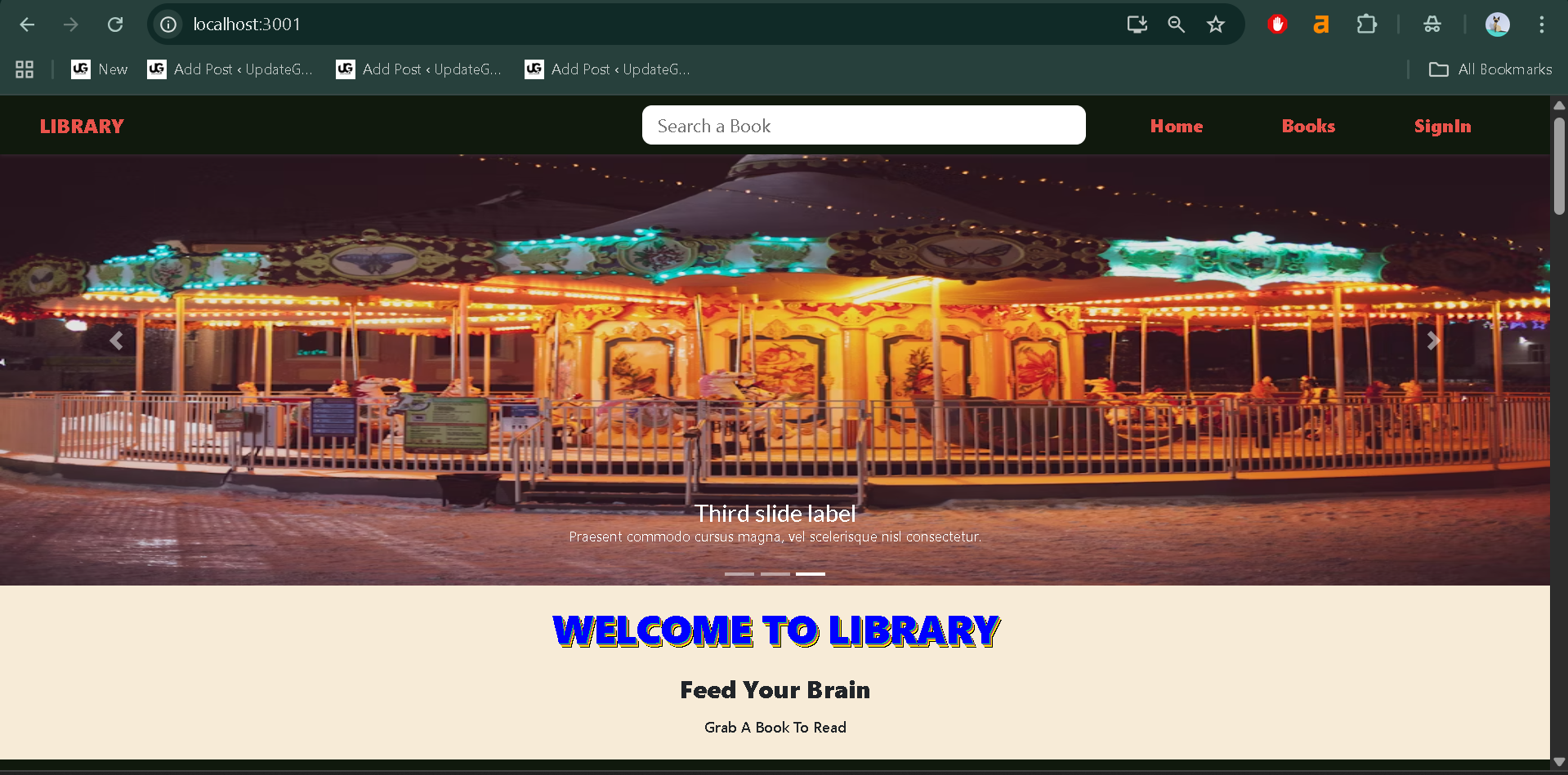
Your application will open in the browser (usually at http://localhost:3000).
Usage Guide
The system primarily includes two roles: Admin and Member.
Each role has specific access and permissions that ensure the system functions efficiently.
1. Admin Role
The Admin has full control over the system. Key actions include:
- Manage Users: Create new users, update details, and remove inactive members.
- Manage Books: Add, edit, or delete books from the catalog.
- Monitor Transactions: View all active and previous book transactions.
- Track Member Activity: Check which member has borrowed which book and when it’s due.
- Dashboard View: Access an overview of books, members, and transactions in one panel.
The admin can also deactivate users or restrict access when required, ensuring security and data integrity within the system.
Best Final Year Project For SPRINGBOOT:–Click Here
2. Member Role
The Member has limited but essential access:
- Login & View Profile: Each member can log in securely using their credentials.
- Browse Books: Search and filter available books in the library.
- Borrow Books: Request or issue available books online.
- View Transactions: Track active and previous transactions, including return status.
- Return Books: Once a book is returned, it is automatically updated in the system’s records.
This dual-role setup ensures that the library functions smoothly with proper control and transparency.
Technical Architecture
The Library Management System follows the standard MERN Stack architecture where:
- React.js (Frontend) handles the user interface and interacts with the backend using HTTP requests through Axios.
- Node.js & Express.js (Backend) handle routing, API endpoints, and application logic.
- MongoDB (Database) stores user, book, and transaction data in a structured, document-based format.
Best Final Year Project For JSP :- Click Here
All communication between frontend and backend happens through RESTful APIs.
The modular architecture ensures scalability, easy maintenance, and clear separation between client and server operations.
Why This Project Is Useful for Students
As a student, developing and understanding a Library Management System using the MERN stack helps in mastering full-stack web development skills. This project covers all fundamental concepts — authentication, CRUD operations, API development, and frontend integration — which are essential for any modern web developer.
Students can learn:
- How to create a complete web app using JavaScript from frontend to backend.
- How to integrate MongoDB with Node.js for data handling.
- How authentication and role-based access control work in real-world projects.
- How REST APIs connect frontend and backend components seamlessly.
We have Best projects Available in all languages:–Click Here

library management system project mern stack github
library-management system full stack project github
library management system using mern stack full project video
library management system react js github
library management system project github using html, css and javascript
library management system project with source code
simple library management system github
library management system project sql github
library management system using mern stack github
library management system using mern stack node js
library management system using mern stack example