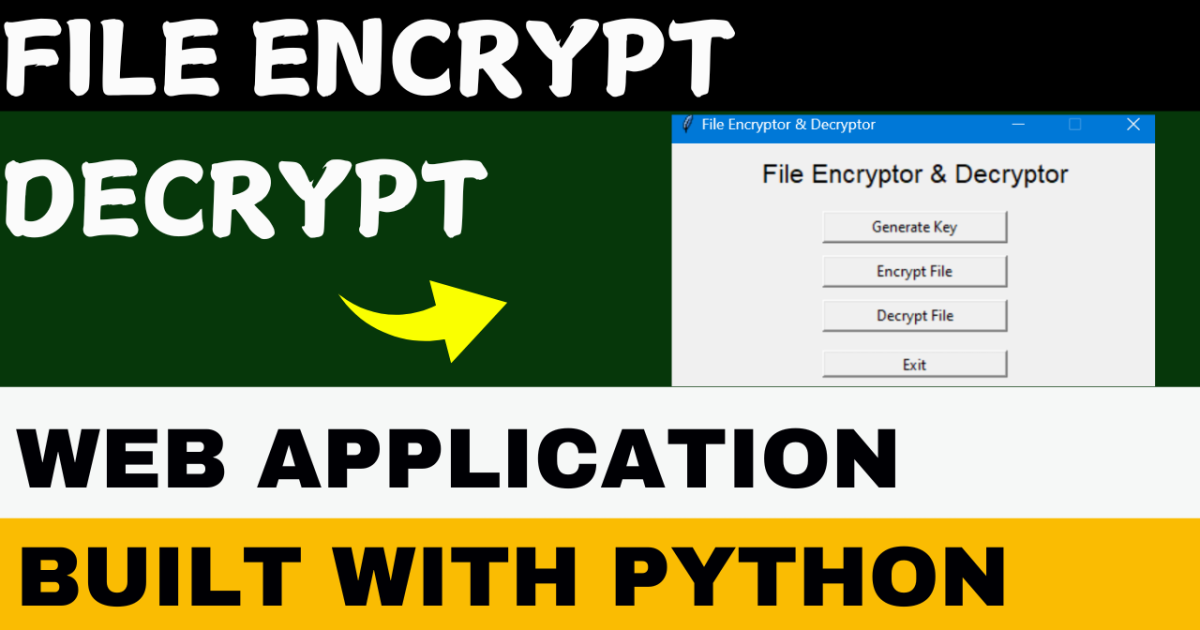
File Encrypt Decrypt
App using Python
In today’s digital age, protecting sensitive information is a must. The File Encryptor & Decryptor App provides a simple yet effective way to secure your files. Built with Python’s Tkinter for a user-friendly GUI and powered by the Fernet encryption method from the cryptography library, this application makes file encryption and decryption accessible for everyone.
Key Features
- Generate Encryption Key: Easily create a secure key to encrypt and decrypt your files.
- Encrypt Files: Protect the contents of your text files by encrypting them with a single click.
- Decrypt Files: Unlock encrypted files safely using the same key.
- User-Friendly Interface: No complex commands—just a simple, intuitive GUI for hassle-free use.
How to Use the Application
1. Running the App
- Download the
app.exefile from the release folder. - Double-click the
app.exefile to launch the GUI. - No Python installation or additional dependencies required—just run and go!
2. Using the Features
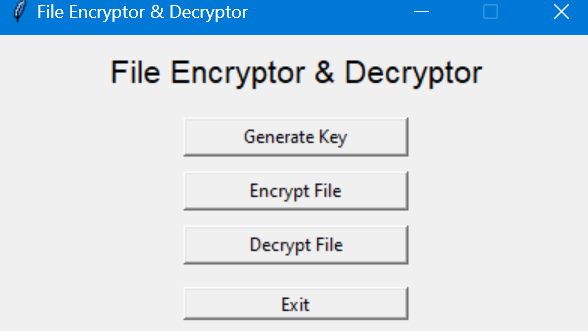
- Generate Key:
- Click the “Generate Key” button to create an encryption key (
key.key). - Save the key securely—it’s essential for both encryption and decryption.
- Click the “Generate Key” button to create an encryption key (
- Encrypt File:
- Select a text file by clicking “Encrypt File.”
- The file will be encrypted, and its contents replaced with encrypted data.
- Decrypt File:
- Click “Decrypt File” and select an encrypted file.
- Use the saved key to successfully decrypt and restore the file.
- Exit:
- Click “Exit” to close the application.
Dependencies
If you prefer running the source code directly, ensure you have:
- Python 3.x installed.
- The cryptography library, which you can install with:
pip install cryptography
Build Instructions
Want to generate your own executable? Follow these steps:
- Install PyInstaller:
pip install pyinstaller - Generate the .exe file:
pyinstaller --onefile --windowed encryptor_gui.py - Find your executable in the
/distfolder.
Why Use This App?
This app simplifies file security, making it easy for anyone to protect their sensitive information. Whether you’re managing personal documents or professional files, this tool provides a secure and straightforward way to encrypt and decrypt files.
Post Views: 1,007