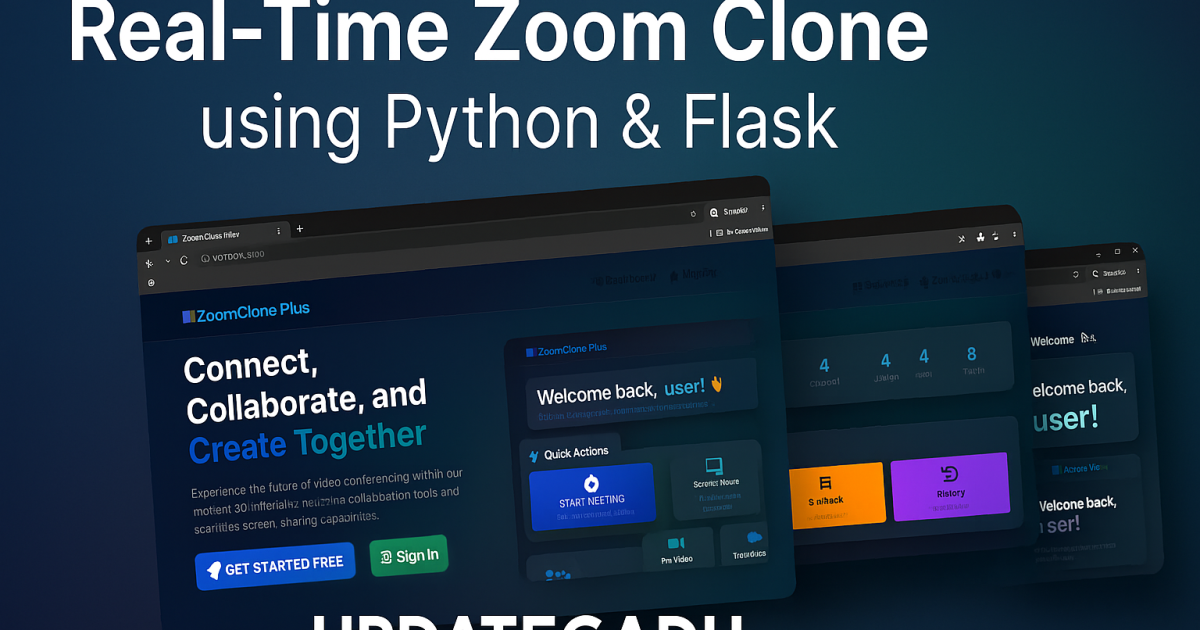
Zoom Clone using Python
The Zoom app Clone using Python & Flask is a Python web application built using the Flask framework with real-time communication features powered by Socket.IO. This project demonstrates how to build modern real-time web applications, and is excellent for students and developers who want hands-on experience with Python, WebRTC, and full-stack development.
About This Project
This project replicates the core features of video conferencing applications using Python Flask as the backend, Socket.IO for real-time communication, and WebRTC for peer-to-peer video and audio. It’s a great project for understanding how real-time web technologies work together and is suitable for final year projects.
Key Features
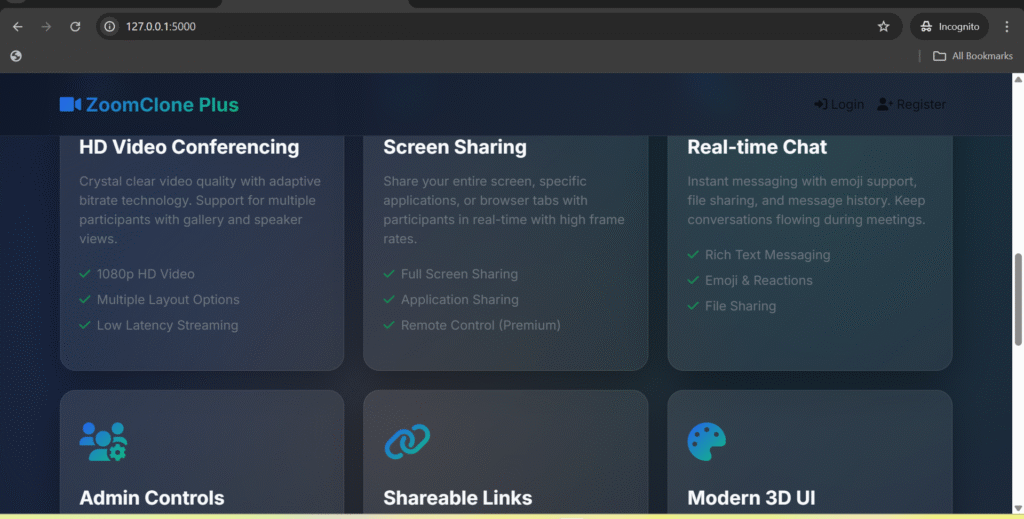
- Video Conferencing — Multi-user real-time video and audio calls via WebRTC
- Screen Sharing — Share your screen with meeting participants
- Real-Time Chat — In-meeting text chat powered by Socket.IO
- Room Creation — Create unique meeting rooms with shareable links
- Mute/Unmute Controls — Toggle microphone and camera on/off
- Participant List — See who’s in the meeting at any time
- Join via Link — Anyone can join with just the meeting URL
- Responsive UI — Works on desktop and mobile browsers
Technologies Used
- Backend: Python 3.8+, Flask, Flask-SocketIO
- Real-Time: Socket.IO, WebRTC (via PeerJS or native WebRTC API)
- Frontend: HTML5, CSS3, Bootstrap 5, JavaScript
- Communication Protocol: WebSockets
How to Install and Run
- Download and extract the source code
- Navigate to the project folder in terminal
- Create and activate virtual environment:
python -m venv venv && source venv/bin/activate - Install dependencies:
pip install -r requirements.txt - Run the app:
python app.py - Open
http://localhost:5000in your browser - Create a room, share the link, and invite others to join
Frequently Asked Questions
Does this work over the internet or only on localhost?
By default it works on localhost. To use it over the internet, you need to deploy it to a server (e.g., Heroku, Railway, or a VPS) and configure STUN/TURN servers for WebRTC NAT traversal.
How many participants can join a meeting?
For local/demo use, it works best with 2–5 participants. For production scale, you would need a media server like mediasoup or Jitsi.
Can I use this as my final year project?
Yes. This is an excellent final year project for B.Tech/MCA students studying Python, web development, or networking. It covers WebRTC, WebSockets, real-time communication, and full-stack Python development.
Conclusion
The Zoom Clone using Python & Flask project is a fully functional real-time video conferencing application built entirely in Python. It’s an excellent way to learn WebRTC, Socket.IO, and Flask together. Download the source code below and explore how modern real-time communication works under the hood.
Take your development journey to the next level with this professional-grade real-time Zoom Clone web application. Developed using Python and Flask, this project simulates core features of a video conferencing app, perfect for educational, enterprise, or SaaS integrations.
Project Name : Zoom Clone Max
Language/s Used : Python, HTML, JS
Database : SQLite
Type : Web Application
Developer : UPDATEGADH
Download New Real Time Projects :-Click here
 Available Features

- Real-time communication using Socket.IO
 Real-time communication using Socket.IO
- Flask-based backend architecture
 Flask-based backend architecture
- SQLite database integration
 SQLite database integration
- Multiple Flask routes for app structure
 Multiple Flask routes for app structure
- HTML template rendering
 HTML template rendering
- Event broadcasting with Socket.IO
 Event broadcasting with Socket.IO
- Session-based user handling
 Session-based user handling
- User redirection and navigation
 User redirection and navigation
- Form handling and POST data support
 Form handling and POST data support
 Technology Stack
 Technology Stack
- Language: Python 3.x
- Framework: Flask
- Frontend: HTML, CSS, JavaScript
- Database: SQLite (
*.dbfile included)
- Database: SQLite (
- WebSockets: For real-time communication
- Configuration: Replit-ready files included


🎓 Need Complete Final Year Project?
Get Source Code + Report + PPT + Viva Questions (Instant Access)
🛒 Visit UpdateGadh Store →