Introduction
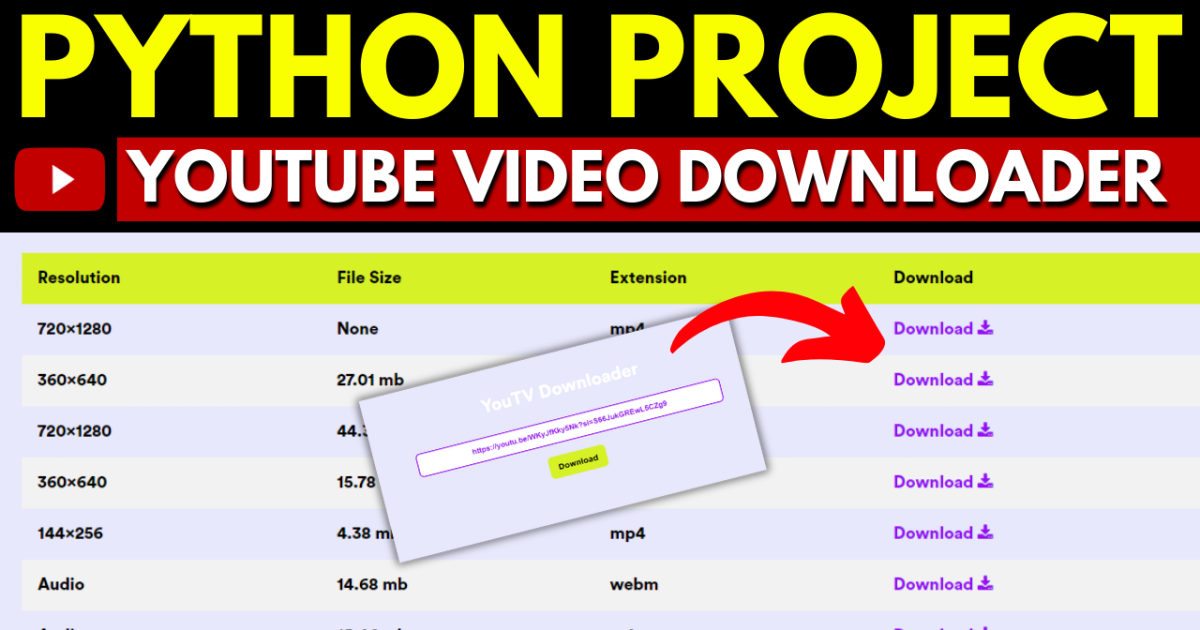
YouTube Videos Downloader Django Python
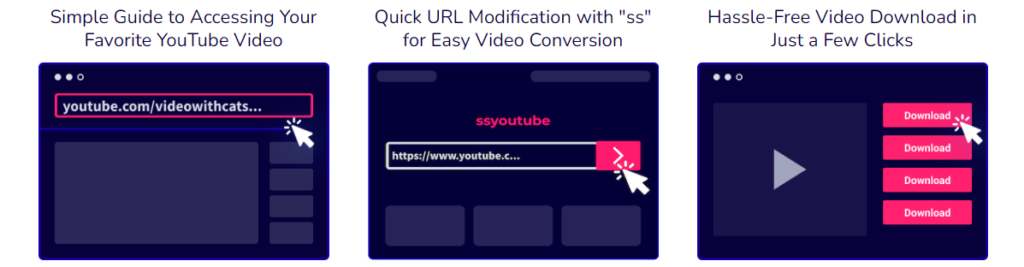
- Direct Download Method:
- Visit the desired video on your preferred platform.
- Capture its URL and insert it into the designated field at the top of the page.
- Once completed, press “Enter” or select the “Download” button to initiate the download process.

YouTube Videos Downloader Django Python
Requirement
Project Name : YouTube Videos Downloader Project Using Django Python
Language Used : Python
Framework Used : Django
Database : SQLite
User Interface Design : HTML,CSS,JAVASCRIPT ,JQUERY
Web Browser : Google Chrome, IE8,
Software /IDE : PyCharm
Feature
- Dashboard:
- Create a user-friendly dashboard where users can manage their account settings and view their download history.
- User Authentication:
- Allow users to sign up and log in to the platform.
- Implement user authentication to track their downloaded videos and preferences.
- YouTube Video Input:
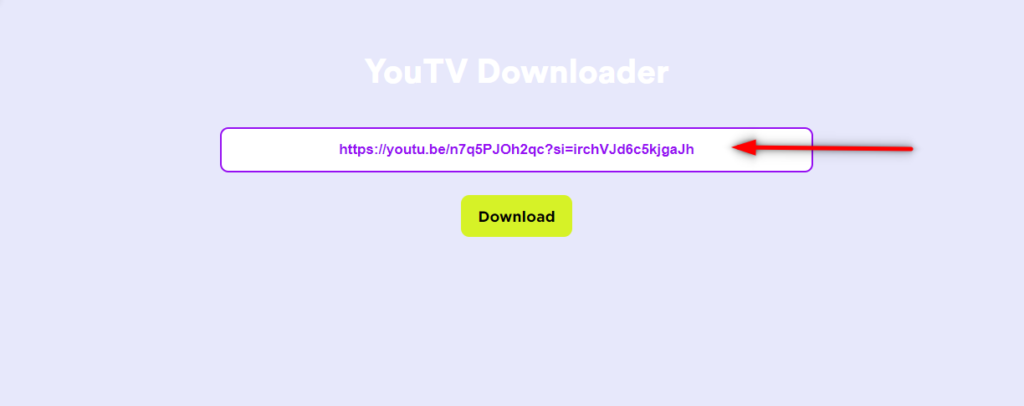
- Provide a form for users to input the URL of the YouTube video they want to download.
- Video Download:
- Implement a backend mechanism to download YouTube videos. You can use third-party libraries like
pytubeto simplify the download process.
- Implement a backend mechanism to download YouTube videos. You can use third-party libraries like
- Download Progress Bar:
- Show a progress bar to keep users informed about the download progress.
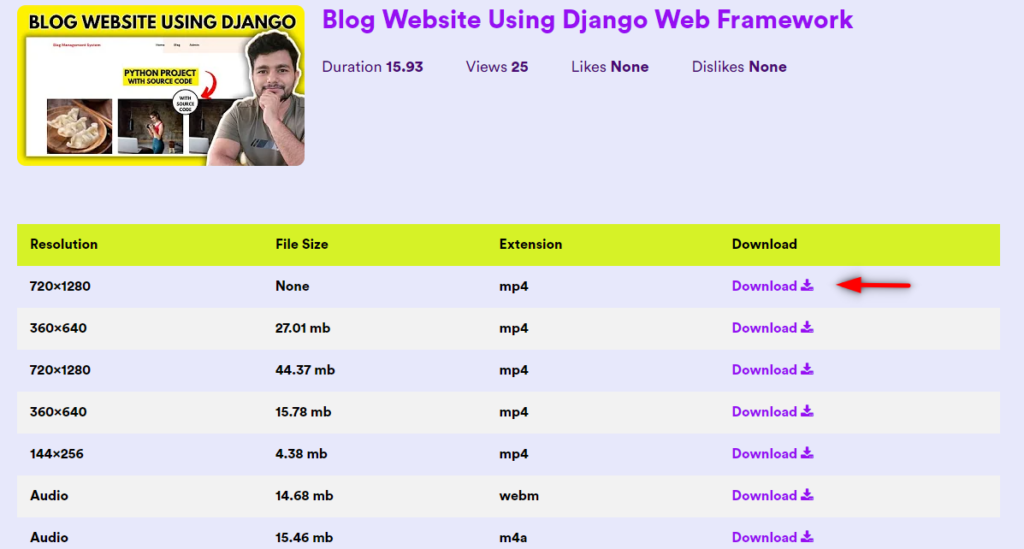
- Video Format Options:
- Allow users to choose the desired video format and quality for downloading.
- Download History:
- Keep a record of users’ download history, allowing them to revisit and redownload videos if needed.
Software And Tools Require
- Django.
- PyCharm.
- Vs Code.
- Python
How To Run
Downloading and Setting Up a Project in PyCharm:
- Download the Zip File:
- Visit the download link provided.
- Click on the “Download” button to download the zip file.
- Extract the File, Copy Folder, and Paste on the Desktop:
- Locate the downloaded zip file on your computer.
- Right-click on the file and choose “Extract” or “Extract Here” to extract its contents.
- You should now see a folder named after extraction.
- Copy the folder.
- Navigate to your desktop.
- Right-click on the desktop and choose “Paste” to copy the folder onto your desktop.
- Open PyCharm:
- Locate the PyCharm IDE on your computer and open it.
- If you don’t have PyCharm installed, you can download it from the official JetBrains website and follow the installation instructions.
- Open Project in PyCharm:
- Once PyCharm is open, click on “File” in the top menu.
- Select “Open” or “Open Project” depending on your PyCharm version.
- Navigate to your desktop and select the folder.
- Click “Open” to open the project in PyCharm.
- Project Will Open in PyCharm:
- After opening the project in PyCharm, you will see the project structure and files in the PyCharm IDE.
python manage.py runserver- After running the server successfully, your Django project is ready to use.
- Open a web browser and navigate to the address provided in the terminal (usually http://localhost:8000/ )
For Ckeditor
pip install django-ckeditor --upgradeFor Pillow:
python -m pip install PillowOutput
Download Source Code Project:
Virus note: All files are scanned once-a-day by updategadh.com for viruses, but new viruses come out every day, so no prevention program can catch 100% of them
FOR YOUR OWN SAFETY, PLEASE:
1. Re-scan downloaded files using your personal virus checker before using it.
2. NEVER, EVER run compiled files (.exe’s, .ocx’s, .dll’s etc.)–only run source code.
Note: Only for Educational Purpose
Download This Project :- Click here
Download Other Free Project :- Click here
| youtube videos downloader online |
| youtube videos downloader mp4 |
| youtube videos downloader vidmate |
| youtube videos downloader 1080p |
| youtube videos downloader app |
| youtube videos downloader 4k |
| youtube videos downloader for android |
| youtube videos downloader for chrome |
| youtube videos downloader mp3 |
🎓 Need Complete Final Year Project?
Get Source Code + Report + PPT + Viva Questions (Instant Access)
🛒 Visit UpdateGadh Store →