Movie Ticket Booking System in Java
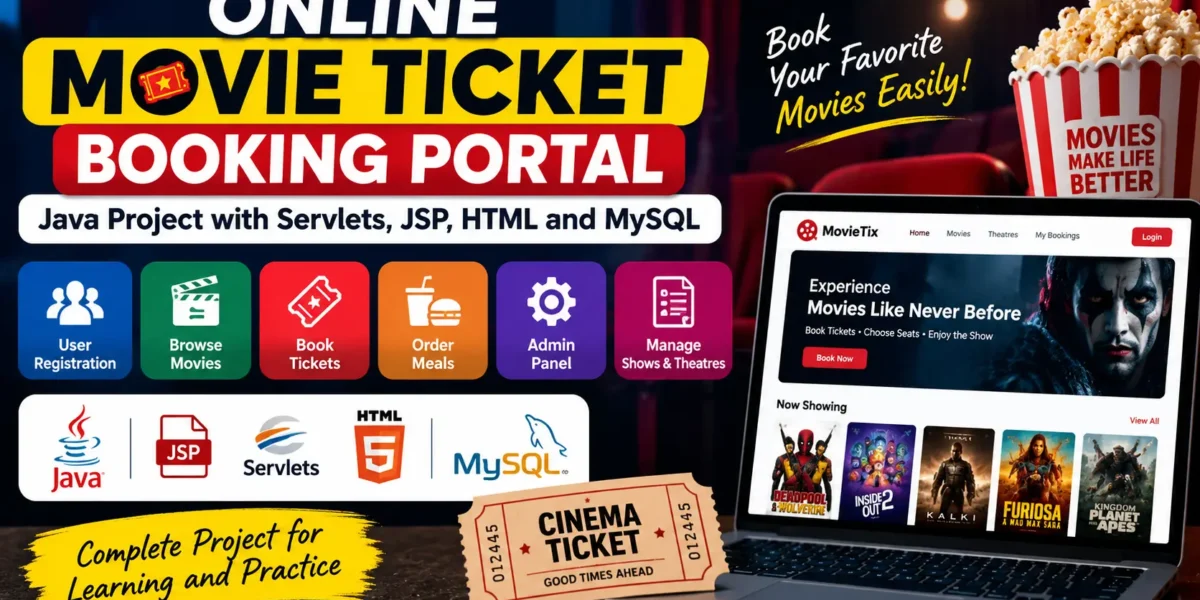
In today’s digital world, online movie ticket booking makes it easier for users to select movies, choose available shows, and book tickets without visiting a theatre directly. The Online Movie Ticket Booking Portal is a Java-based web project developed using Java Servlets, JSP, HTML, and MySQL.
This project provides a complete solution for managing movie screenings, user bookings, theatres, and transaction handling. It includes separate functionality for users, administrators, and theatre management, making it a useful project for understanding object-oriented programming and web application development.
How to Make
Creating the Online Movie Ticket Booking Portal involves several important development steps, including database design, backend development, frontend development, module integration, and testing.
1. Design the Database Schema
First, design the database structure required for the application. The database includes tables for users, movies, theatres, screens, shows, and transactions.
2. Develop the Backend
The backend is developed using Java Servlets and JDBC to handle the application’s core logic and database interactions.
3. Create the Frontend
The frontend uses JSP and HTML to create a user-friendly interface for browsing movies, viewing shows, and booking tickets.
4. Integrate the Modules
Different modules such as user management, theatre management, and ticket booking are connected together to provide a complete booking workflow.
5. Testing and Debugging
After integrating the modules, the application should be tested and debugged to make sure that the movie booking and transaction-related operations work properly.
Essential Features
The Online Movie Ticket Booking Portal consists of several important modules for managing theatres, users, administrators, and transactions.
Theatre Module
- Manage different theatres and their screens.
- Define seat categories such as Silver, Gold, and Platinum.
- Set screen capacities.
User Module
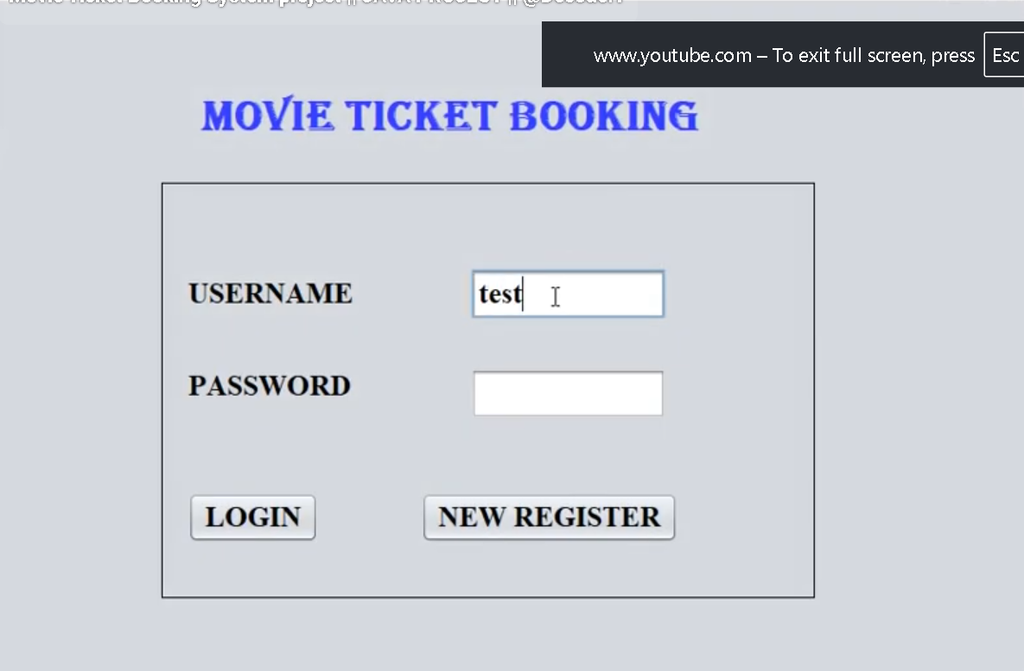
- User registration and login.
- Browse available movies and shows.
- Book tickets for selected movies and timeslots.
- Order meals along with ticket bookings.
Admin Module
- Insert new movies into the database.
- Schedule movies on specific screens and timeslots.
- Delete movies from the schedule.
- View and manage all transactions.
Transaction Module
- Handle movie ticket booking transactions.
- Calculate the total ticket cost.
- Include meal orders in the final billing.
- Generate transaction summaries for users and administrators.
Required Software and Tools
The following software and technologies are required to develop and run the Online Movie Ticket Booking Portal:
- Java Development Kit (JDK): Required for developing Java applications.
- Apache Tomcat Server: Used to deploy and run Java Servlets and JSP.
- MySQL: Used to store and manage application data.
- Eclipse or IntelliJ IDEA: Used as the development environment for coding and managing the project.
- HTML/CSS/JavaScript: Used for creating the user interface.
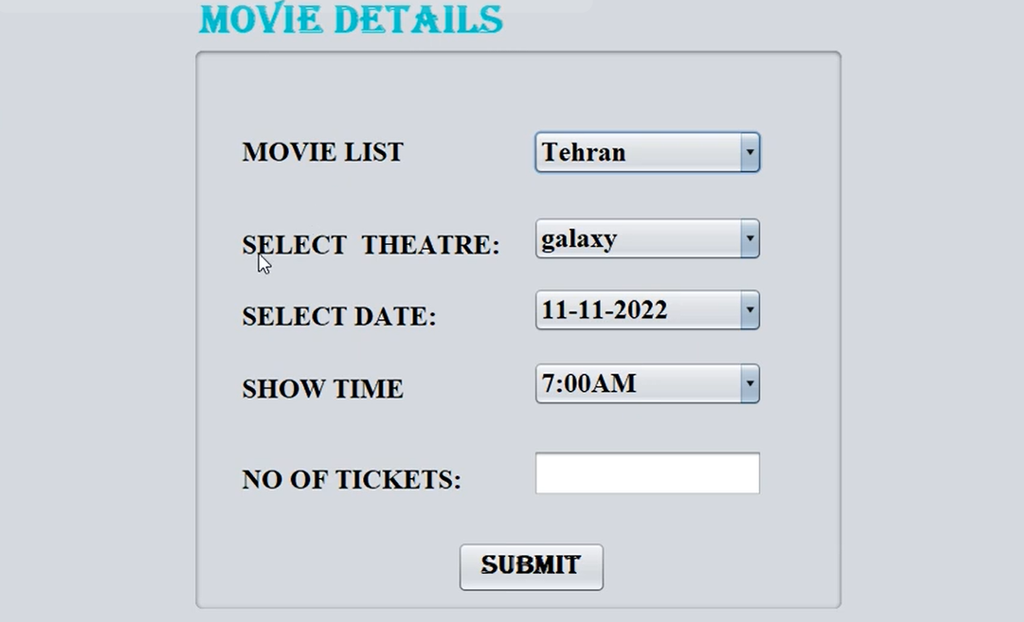
Screenshot and Demo Video
How to Download
Get This Project
The complete package is available so you can run, study, and submit it with confidence. It includes:
- Full Source Code
- Project Report
- Synopsis
- PPT Presentation
For any queries or a quick response, reach out on WhatsApp: +91 79834 34684
How to Run the Project
Follow the steps below to set up and run the Online Movie Ticket Booking Portal.
1. Set Up the MySQL Database
Create the required MySQL database and tables, and insert the initial data needed by the application.
2. Deploy the Project on Tomcat
Deploy the Java web application on the Apache Tomcat Server so that the Servlets and JSP pages can run properly.
3. Configure JDBC
Configure the JDBC connection so that the Java application can communicate with the MySQL database and store or retrieve application data.
4. Run the Application
After completing the database and server configuration, start the application and access it through a web browser to begin using the movie ticket booking system.
Project Screenshots
The following screenshots can be included to demonstrate the main parts of the Online Movie Ticket Booking Portal:
- User Dashboard: Shows movie selection and the ticket booking interface.
- Admin Panel: Demonstrates movie scheduling and movie management.
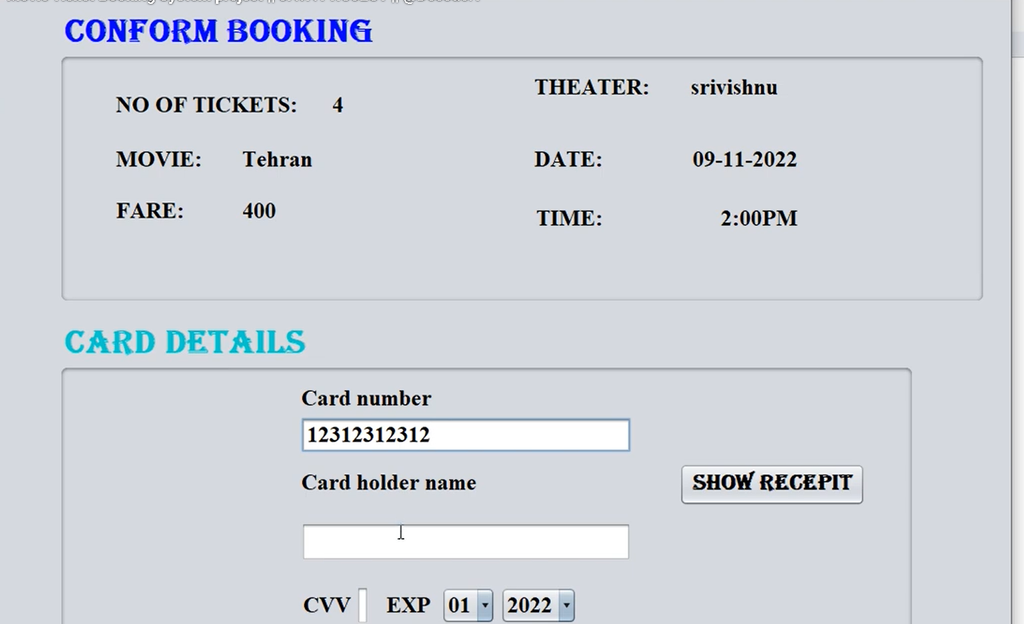
- Booking Confirmation: Displays the booked ticket and meal order summary.
- Transaction History: Shows the user’s booking and transaction history.
Conclusion
The Online Movie Ticket Booking Portal is a Java-based web application that demonstrates the integration of Java Servlets, JSP, HTML, and MySQL for online movie ticket booking. The system provides functionality for managing theatres, movies, shows, users, bookings, meals, and transactions.
With separate theatre, user, admin, and transaction modules, this project provides a practical example of building a web-based movie booking application and is useful for learning Java web development and database integration.
Keywords: Online Movie Ticket Booking, Java Servlets, JSP, HTML, MySQL, Movie Ticket Booking System, Web Application, Theatre Management, Admin Module, User Module, Transaction Handling Online Movie Ticket Booking System Movie Ticket Booking System Online Movie Ticket Booking Portal Movie Ticket Booking Project in Java Movie Ticket Booking System in Java Java Movie Ticket Booking Project Movie Booking System using Java