🧾 Project Summary
| Project Name | Laundry Management System |
|---|---|
| Language/s Used | Python, HTML, CSS, JavaScript |
| Framework | Django (Python-based Web Framework) |
| Python Version | 3.8+ Recommended |
| Database | SQLite (Default Django DB) |
| Type | Web Application |
| Developer | UPDATEGADH |
Download New Real Time Projects :-Click here
📌 Tools & Technologies Required
- Python 3.8 or above
- Django (Web framework)
- HTML, CSS, JavaScript
- SQLite Database (Default with Django)
🚀 Run the Project Locally
Step 1: Download & Extract the Project
- Download the Laundry Management System ZIP file from updategadh.com.
Step 2: Open Command Prompt
Make sure Python3 is already installed. You can verify using:
python --version
Step 3: Move into the Project Directory
cd Laundry-Management-System
Step 4: Create a Virtual Environment
Install the virtualenvwrapper for Windows if not already installed:
pip install virtualenvwrapper-win
Create a virtual environment (you can name it venv):
mkvirtualenv venv
Activate the virtual environment:
workon venv
📦 Install Django & Set Up Project
Once the virtual environment is active:
pip install django
Check Django installation:
django-admin
Create Django Project (if needed):
django-admin startproject project
cd project
Create Django App:
python manage.py startapp backend
⚙️ Update settings.py
Add 'backend' to INSTALLED_APPS:
INSTALLED_APPS = [
    ...
    'backend',
]
Add static files and media settings:
import os

STATIC_URL = '/static/'
MEDIA_URL = '/images/'
STATICFILES_DIRS = [
    os.path.join(BASE_DIR, 'static')
]
🌐 URL Configuration
In project/urls.py:
from django.contrib import admin
from django.urls import path, include

urlpatterns = [
    path('admin/', admin.site.urls),
    path('', include('backend.urls')),
]
Create urls.py in backend/ directory:
from django.urls import path
from . import views

urlpatterns = [
    path('', views.home, name='home'),
]
🧠 Backend Logic – views.py
In backend/views.py:
from django.shortcuts import render

def home(request):
    return render(request, 'templates/index.html')
🖼️ Templates Setup
Create a folder named templates inside the backend directory.
Inside templates/, create index.html:
{% load static %}
<!DOCTYPE html>
<html lang="en">
<head>
    <meta charset="UTF-8">
    <title>Laundry Management</title>
    <link href="{% static 'css/style.css' %}" rel="stylesheet">
</head>
<body>
    <h1>Hello UPDATEGADH</h1>
</body>
</html>
🎨 Static Files Setup
Inside the backend/ directory:
- Create a
static/folder. - Inside it, create
css/,js/, andimg/folders as needed. - In
static/css/style.css, add styles:
body {
    background-color: #f9f9f9;
    font-family: Arial, sans-serif;
}
Ensure index.html includes the CSS link and {% load static %}.
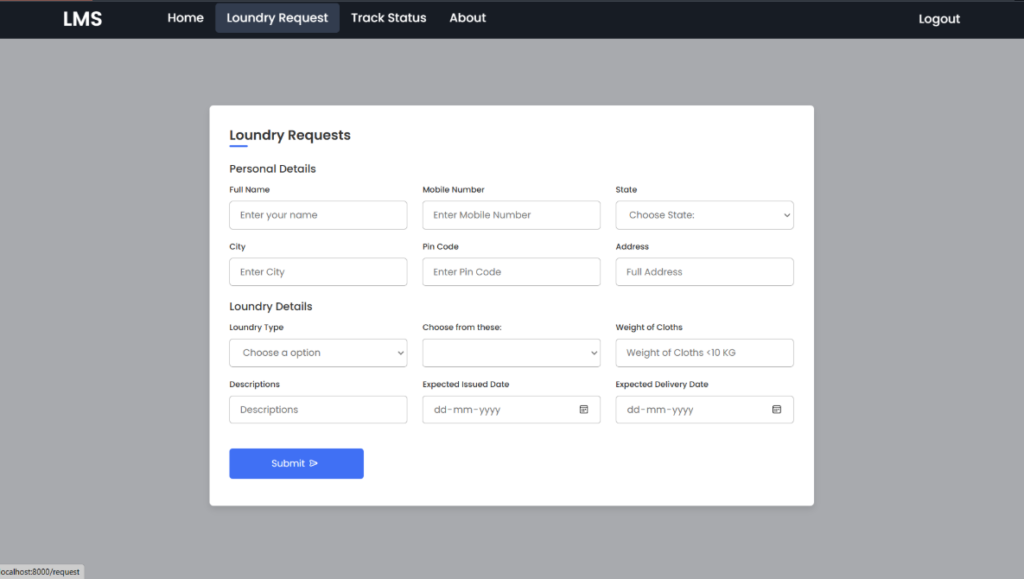
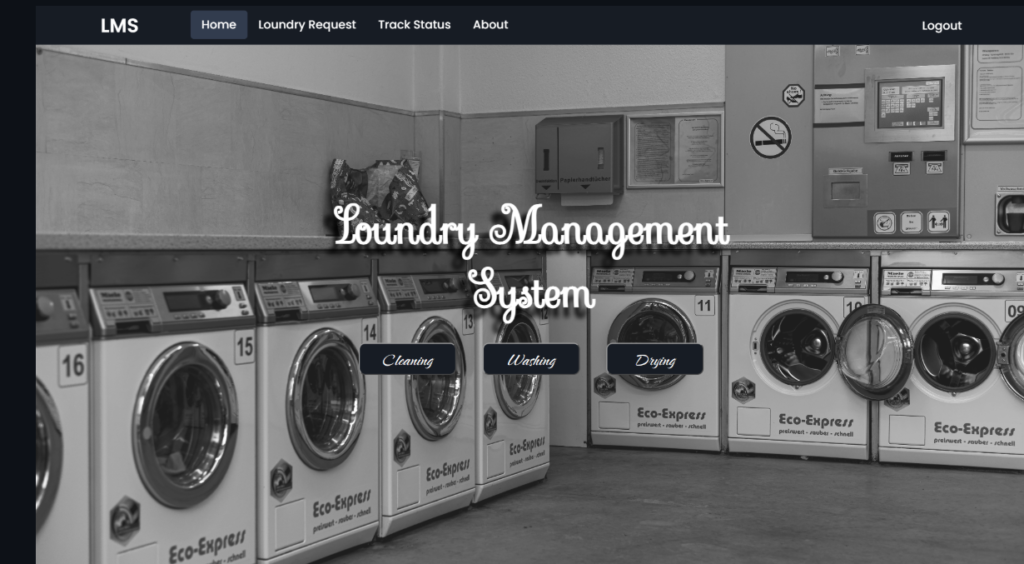
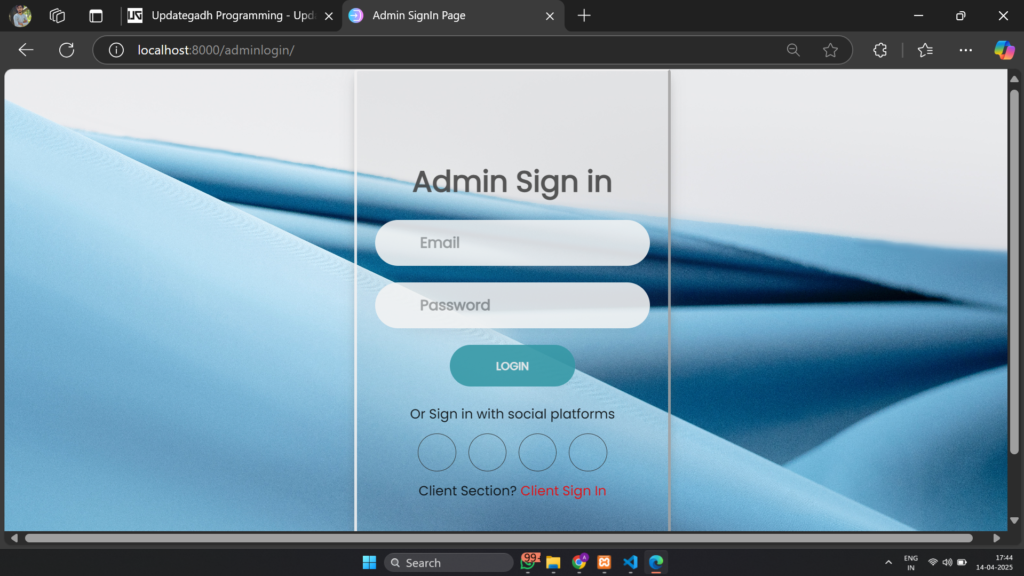
📊 Available Features
- Dashboard for Laundry Management
- Order & Customer Management Interface
- Static Web Interface
- Organized Folder Structure
- Basic Routing and Navigation Setup
- Home Page Connected with Django View
💻 Start Development Server
Inside the project directory (and with virtual environment activated):
python manage.py runserver
Open your browser and navigate to:
http://localhost:8000/
💾 This is a professional final year project available only on updategadh.com. Please visit the site to download the ZIP file with full source code and instructions.
✅ Why Choose This Project?
- Professionally structured
- Beginner-friendly setup
- Uses modern web stack (Python Django)
- Includes frontend + backend integration
- Easy to expand and customize

laundry management system using django github
laundry management system using django with source code
laundry management system using django using python
laundry management system using django pdf
laundry management system using django example
laundry management system source code
laundry management system github
laundry management system project
🎓 Need Complete Final Year Project?
Get Source Code + Report + PPT + Viva Questions (Instant Access)
🛒 Visit UpdateGadh Store →