Bank Management System in Java
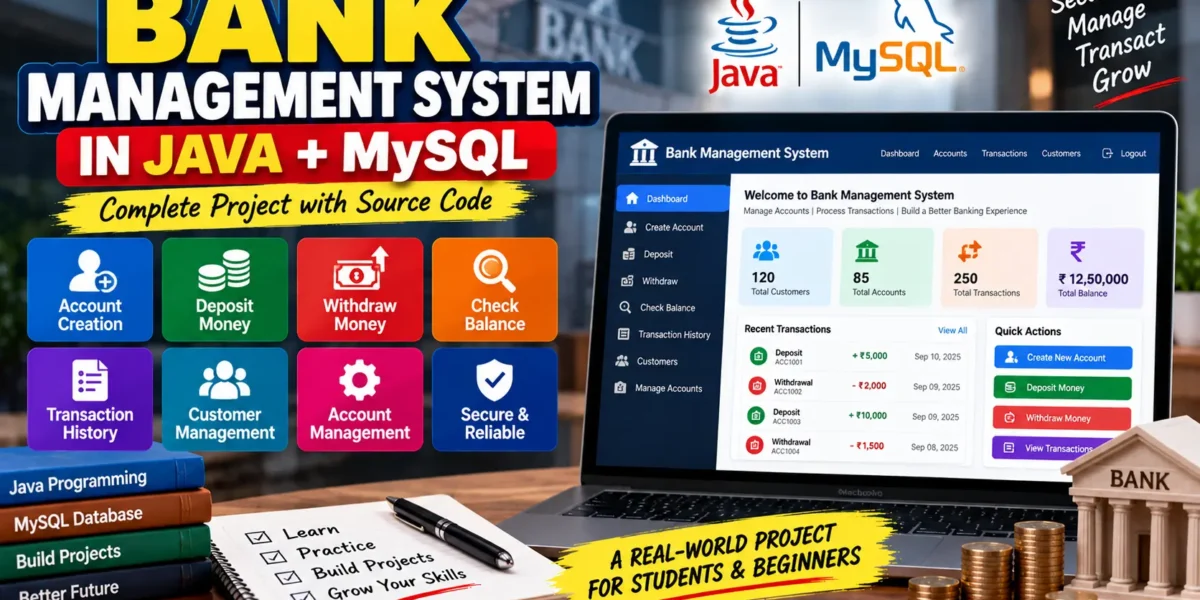
A Bank Management System (BMS) built with Java and MySQL is a useful project for learning Java programming, database management, and system design. The application handles basic banking operations such as customer account management, balance checking, deposits, withdrawals, and transaction history.
Core Features
- Account Creation: Allows new customers to register and open bank accounts with their personal information.
- Balance Inquiry: Customers can check the current balance of their accounts.
- Deposit and Withdrawal: Users can deposit or withdraw money while the account balance is updated automatically.
- Account Management: Customer and account information can be reviewed and updated when required.
- Transaction History: Maintains records of deposits, withdrawals, and other transactions for each account.
Setting Up Java and MySQL
- Install Java JDK and MySQL on your system.
- Download and configure the MySQL JDBC Driver so Java can communicate with MySQL.
- Create a MySQL database for the banking system, such as
BankDB.
Designing the Database
The MySQL database stores customer information, account details, and transaction records.
Customer Table
Stores customer information such as name, contact details, and address.
Account Table
Stores account information including account ID, customer ID, and account balance.
Transaction History Table
Stores records of deposits, withdrawals, transfers, transaction amounts, transaction types, and dates.
The database structure connects customers with their accounts while keeping a record of their banking transactions.
Setting Up the Java Project
- Create a new Java project using an IDE such as Eclipse or IntelliJ IDEA.
- Add the MySQL JDBC Driver to the project.
- Create a database connection between Java and MySQL using the database URL, username, and password.
Implementing Core Functionalities
1. Account Creation
When a customer creates an account, the system collects information such as name, contact details, and address. The customer information is stored in the Customer table, while a corresponding account is created in the Account table with an initial balance.
2. Balance Inquiry
The balance inquiry feature retrieves the account balance using the account ID and displays the current balance to the customer.
3. Deposit and Withdrawal
For a deposit, the customer enters the amount and the system updates the account balance while recording the transaction in the Transaction History table.
For a withdrawal, the system first checks whether the account has enough funds. If the balance is sufficient, the withdrawal amount is deducted and the transaction is recorded.
4. Transaction History
Customers can view their previous transactions by entering or selecting their account ID. The system displays transaction details such as transaction type, amount, and date.
Building a Simple Interface
A basic console-based interface can provide a menu with options such as:
- Create Account
- Deposit
- Withdraw
- Check Balance
- View Transactions
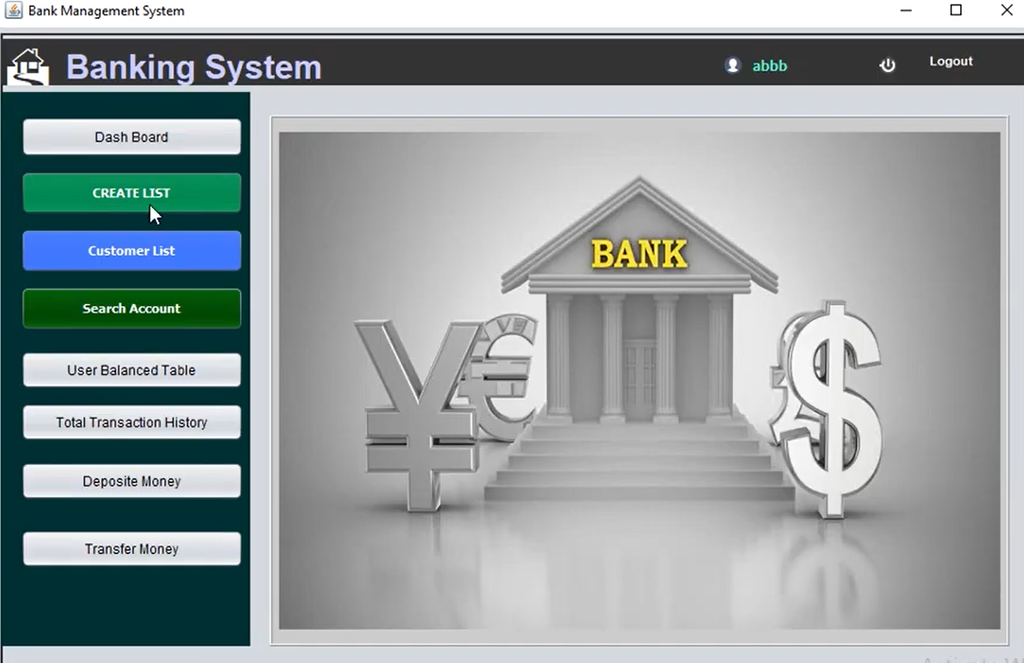
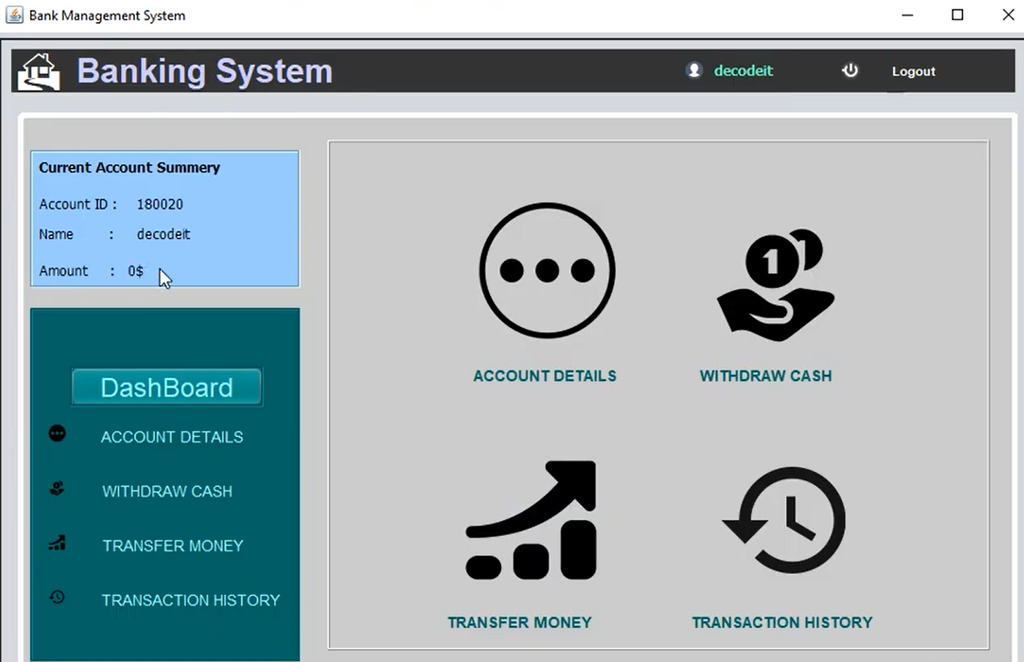
The application can also be enhanced with a graphical user interface using Java Swing or JavaFX. This provides buttons, forms, and input fields for performing banking operations.
Screenshots and Demo Video
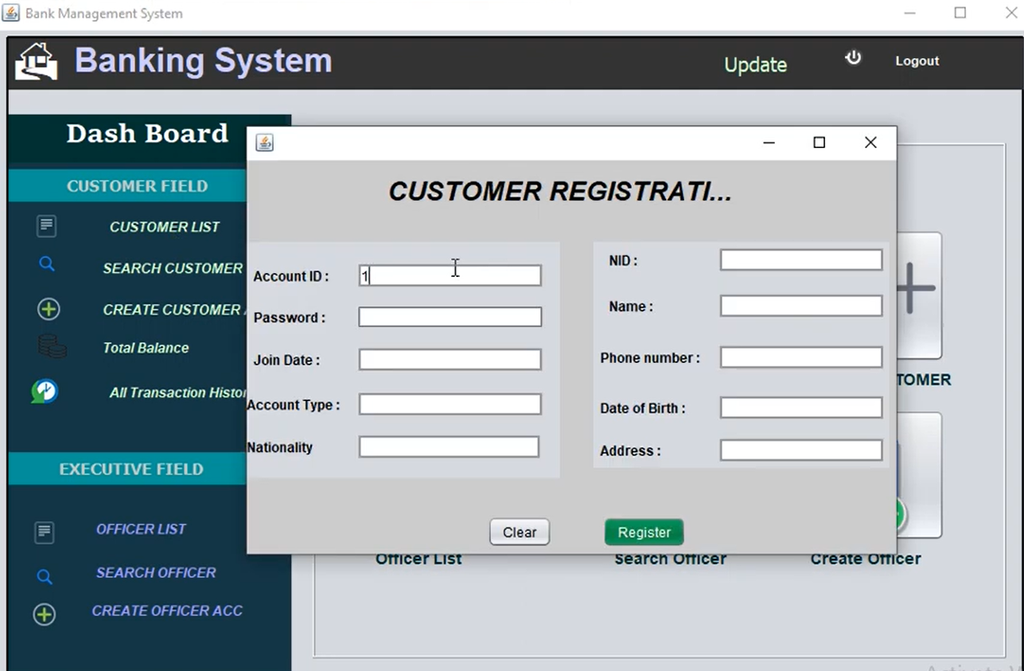
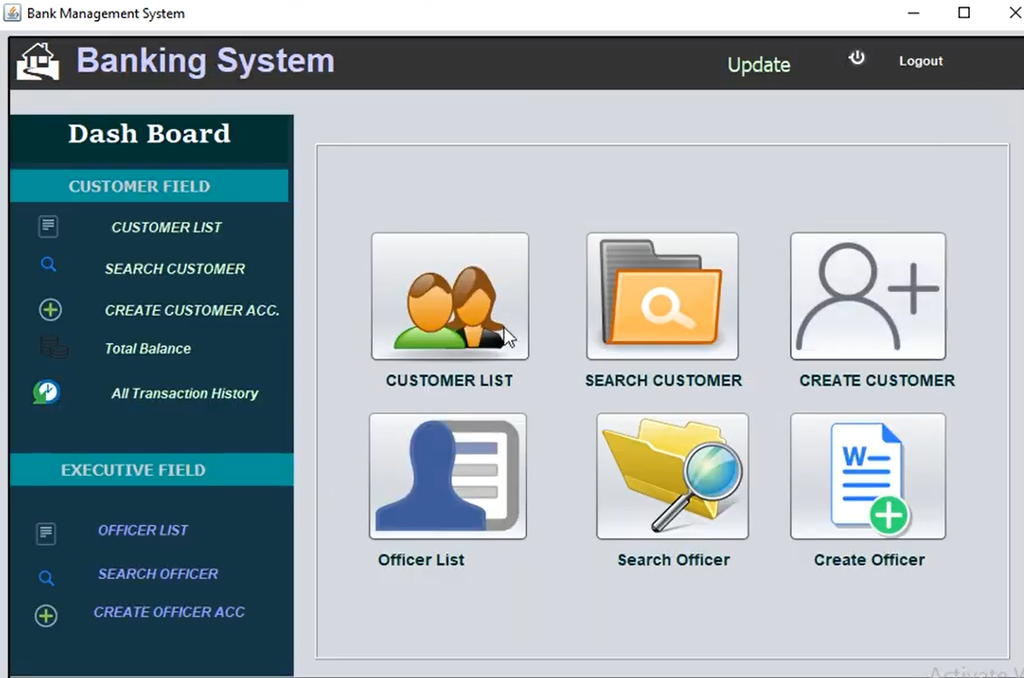
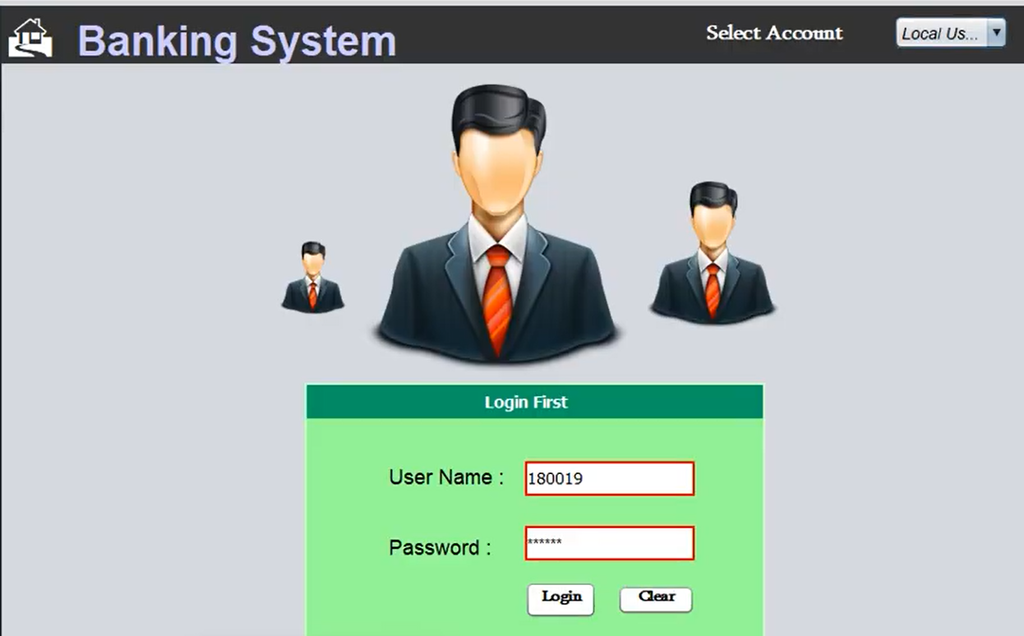
How to Download
Get This Project
The complete package is available so you can run, study, and submit it with confidence. It includes:
- Full Source Code
- Project Report
- Synopsis
- PPT Presentation
For any queries or a quick response, reach out on WhatsApp: +91 79834 34684
Testing the Bank Management System
Account Creation Testing
Check that creating an account adds the customer information to the Customer table and creates the corresponding account in the Account table.
Balance Inquiry Testing
Verify that searching with an account ID displays the correct account balance.
Deposit and Withdrawal Testing
Make sure deposits increase the account balance and withdrawals reduce it correctly while updating the transaction history.
Transaction History Testing
Verify that every transaction appears in the history with the correct type, amount, and date.
Securing and Finalizing the Project
- Data Security: Consider encryption for sensitive information, especially when deploying the system in a real-world environment.
- Error Handling: Handle incorrect user input, database connection problems, and insufficient account balances during withdrawals.
- Documentation: Document the code, setup instructions, and user instructions so the project can be maintained and expanded.
Conclusion
The Bank Management System in Java + MySQL is a practical project for understanding Java, JDBC, MySQL database integration, account management, and basic banking operations. It provides a simple way to learn how customer information, account balances, and transaction records can be managed through a Java application.
Keywords: bank management system project in java with source code, bank management system project in java pdf, Bank Management System in Java, bank management system project in java spring boot, bank management system project in java with database, bank management system project in java github, bank management system project in java ppt, Bank Management System in Java + MySQL, bank management system project in java using gui, simple java program for bank account deposit withdraw