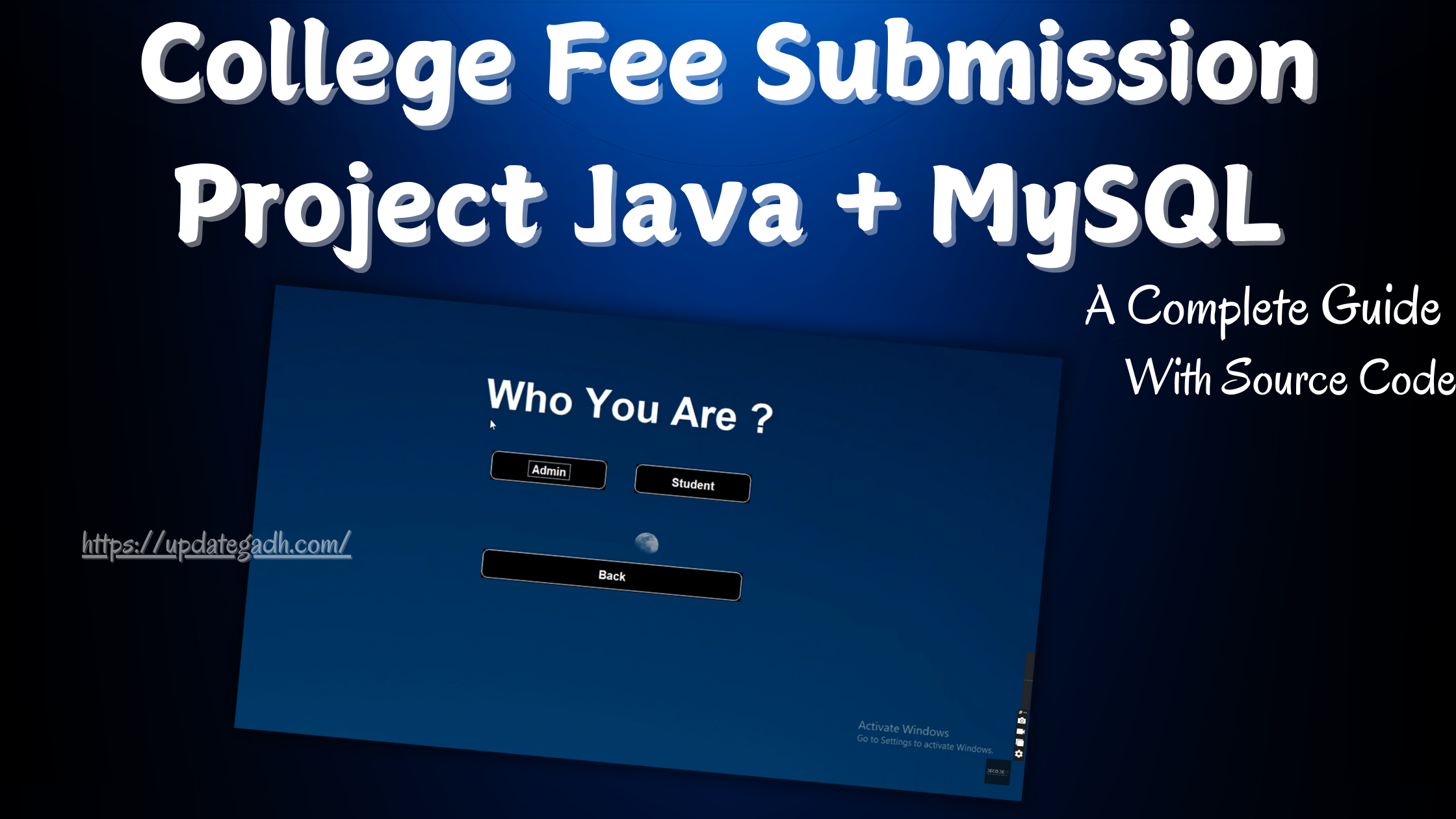
College Fee Submission Project Java
Adding student and admin login to the College Fee Submission Project makes it more secure and gives different access to different users.In this project, students can log in to check their fee status and see past payments. Admins can do everything like add new payments, update fee status, and view full reports.In this guide, well go step by step to build this project from the beginning with secure login features for both student and admin.
Project Overview
This College Fee Submission Project provides:
- Student Login: Allows students to check fee details and payment history.
- Admin Login: Grants administrators access to manage fee records, update payment statuses, and generate reports.
- Database: MySQL is used for securely storing login credentials, fee records, and student information.
- Frontend and Backend: Java handles the application logic and user interface.
Tools and Technologies
- Java – Used for frontend and backend logic.
- MySQL – For managing login credentials, fee records, and other database requirements.
- IDE – Eclipse or IntelliJ IDEA.
- MySQL Workbench – For managing the database and visualizing the schema.
Set Up Your Development Environment
Ensure you have:
- Java Development Kit (JDK): The latest JDK version installed.
- MySQL Server and MySQL Workbench: These tools help you manage the database and perform SQL operations.
- IDE: Eclipse or IntelliJ IDEA to simplify Java development and debugging.
Download New Real Time Projects :-Click here
Design the Database Structure
Well add two additional tables to handle login credentials for students and administrators.
- Users Table: Store login credentials for both students and administrators.
- Fields like
user_id,username,password, androle(e.g., student or admin) differentiate access rights.
- Fields like
- Students Table: Store essential information about each student, including student ID, name, department, and contact information. This links each student to their payment records.
- Fees Table: Track each students fee details, such as amount, due date, and payment status. This allows administrators to view unpaid fees quickly.
- Transactions Table: Track each fee payment, including transaction date and payment amount, to maintain a record of all payments.
Develop the Application Logic in Java
Using Java, we can create separate login interfaces for students and admins, setting up specific access based on the login role.
- Database Connection Setup: Establish a connection between Java and MySQL using JDBC. This will allow secure querying, data retrieval, and updates.
- User Login Interface:
- Student Login: After entering their credentials, students can view their fee status and payment history. This interface should be simple and intuitive, showing:
- Total fees due.
- Paid and unpaid balances.
- Transaction history.
- Admin Login: Admins access the broader functionality to:
- Search students.
- Update fee status.
- Generate payment reports.
- Add new fee records for students.
- Role-Based Access Control:
- Implement role-based access to differentiate between student and admin access levels.
- On login, check the
rolefield in theUserstable to determine the users permissions. - Redirect students and admins to their respective dashboards after successful login.
- User Interface (UI):
- Student Dashboard: A clean interface showing fee balance, paid amount, due amount, and a list of past transactions.
- Admin Dashboard: An interface with options to search students, update fee statuses, generate fee summaries, and view all transactions.
- Security Measures:
- Encrypt passwords in the
Userstable to ensure data security. - Implement exception handling for database errors or invalid login attempts to ensure the system runs smoothly and securely.
Testing the Login System
To confirm that both student and admin logins work correctly:
- Student Testing: Verify that students can log in, view only their own fee details, and have no access to admin functionalities.
- Admin Testing: Confirm that admins have access to all system features, including adding and updating fee records.
- Role Verification: Test that users are redirected to their respective dashboards based on their roles after successful login.
Deployment and Maintenance
Once testing is complete, deploy the application within the college network or as a standalone application on college computers. Ensure that:
- Data backups are scheduled to protect against data loss.
- Updates are applied for security and feature enhancements, like adding online payment options.
Contact Us to Get the Source Code:
If you need the source code for the College Fee Submission Project Java and MySQL , feel free to reach out through any of the provided contact methods.
- Remotely Setup Project.
- The Full project files
- Database.
- Step-by-step configuration tutorial.
fee management system project report pdf fee management system project in java student-management-system project in java github student management system project in java pdf school fee management system project in java with source code free download college fees management system project student management system project in java with source code student management system project in java with source code pdf college fee submission project java with source code college fee submission project java github college fee submission project java pdf college fee submission project java example college fee submission project java javatpoint college fee submission project java eclipse