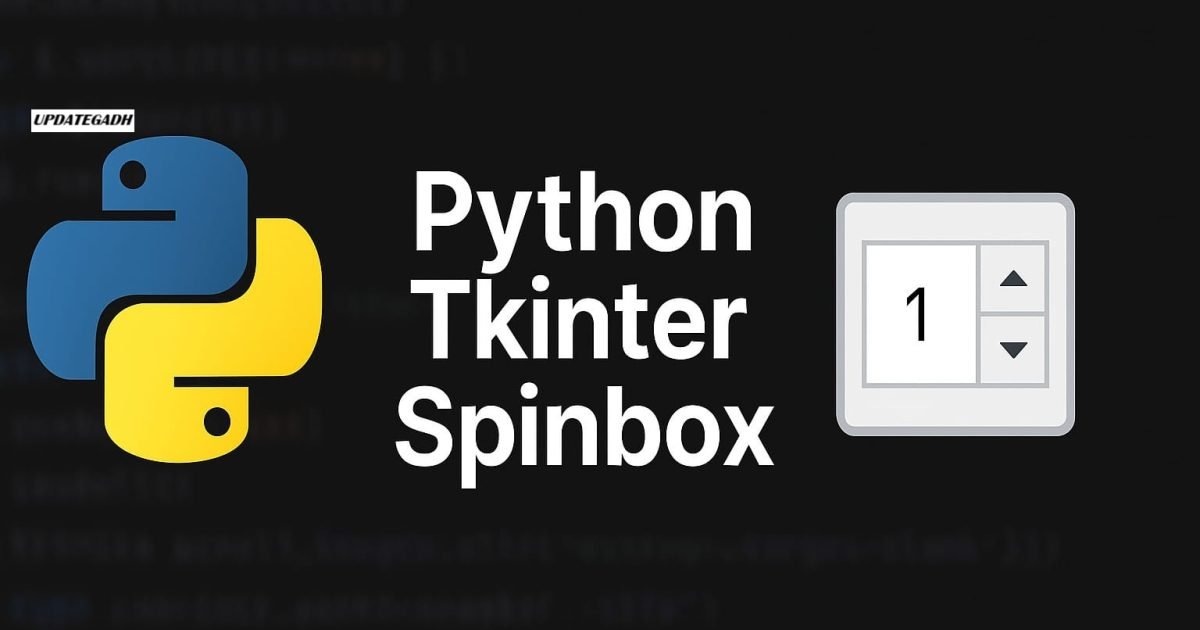
Python Tkinter Spinbox
The Spinbox widget in Python Tkinter serves as an alternative to the Entry widget. It provides users with a predefined range of values, allowing them to select one. This widget is particularly useful when users need to choose from a fixed set of numeric or textual values.
Complete Advance AI topics:- CLICK HERE
SQL Tutorial :-Click Here
Why Use Tkinter Spinbox?
The Spinbox is useful when input values are limited to a range, such as selecting a quantity, choosing a date, or setting a time. Unlike a traditional Entry widget, Spinbox eliminates the need for manual typing, reducing the chances of input errors.
Syntax
The general syntax for creating a Spinbox in Tkinter is:
w = Spinbox(master, options)
Here, master represents the parent window, and options define various properties to customize the Spinbox.
Tkinter Spinbox Options
Below are the most commonly used options available for the Spinbox widget:
| SN | Option | Description |
|---|---|---|
| 1 | activebackground | Background color when the widget has focus. |
| 2 | bg | Background color of the widget. |
| 3 | bd | Border width of the widget. |
| 4 | command | Callback function executed when the value changes. |
| 5 | cursor | Changes the mouse pointer type. |
| 6 | disabledbackground | Background color when the widget is disabled. |
| 7 | disabledforeground | Foreground color when the widget is disabled. |
| 8 | fg | Foreground (text) color. |
| 9 | font | Defines the font style and size. |
| 10 | format | Defines the format of values displayed. |
| 11 | from_ | Specifies the starting value of the range. |
| 12 | justify | Aligns the text (LEFT, CENTER, RIGHT). |
| 13 | relief | Specifies the border type (default: SUNKEN). |
| 14 | repeatdelay | Time delay before auto-repeat starts (in ms). |
| 15 | repeatinterval | Time interval between auto-repeat actions (in ms). |
| 16 | state | Widget state (NORMAL, DISABLED, readonly). |
| 17 | textvariable | Variable to store the selected value. |
| 18 | to | Specifies the maximum value of the range. |
| 19 | validate | Controls validation of user input. |
| 20 | validatecommand | Function for input validation. |
| 21 | values | Specifies a tuple of allowed values. |
| 22 | vcmd | Alias for validatecommand. |
| 23 | width | Width of the widget. |
| 24 | wrap | Enables looping through values. |
| 25 | xscrollcommand | Enables horizontal scrolling. |
Methods in Tkinter Spinbox
The Spinbox widget provides several methods to interact with its values:
| SN | Method | Description |
|---|---|---|
| 1 | delete(start, end) | Deletes characters in the specified range. |
| 2 | get(start, end) | Retrieves characters in the specified range. |
| 3 | identify(x, y) | Identifies the element at given coordinates. |
| 4 | index(index) | Returns the absolute index value. |
| 5 | insert(index, string) | Inserts text at a specified position. |
| 6 | invoke(element) | Calls the callback associated with the widget. |
Example: Basic Tkinter Spinbox Implementation
Below is a simple example demonstrating how to use the Spinbox widget in Tkinter.
from tkinter import *

# Create the main window
top = Tk()
top.geometry("200x200")

# Create a Spinbox with a range of values from 0 to 25
spin = Spinbox(top, from_=0, to=25)
spin.pack()

# Run the application loop
top.mainloop()
Output:

Machine Learning Tutorial:-Click Here
Conclusion
The Spinbox widget is an excellent choice when users need to select from a fixed range of values, making the interface more intuitive and user-friendly. By customizing its options and using validation methods, you can enhance the functionality of your Tkinter applications.
For more in-depth Tkinter tutorials and Python projects, stay tuned to UpdateGadh!
spinbox (tkinter get value)
tkinter spinbox set value
tkinter spinbox default value
tkinter spinbox example
tkinter spinbox increment
tkinter spinbox float
custom tkinter spinbox
tkinter spinbox bind event
python tkinter spinbox widget
python tkinter spinbox tutorial
python tkinter spinbox example
python tkinter spinbox
python tkinter spinbox set value
python tkinter spinbox get value
python tkinter spinbox command
python tkinter spinbox validate
python tkinter spinbox default value
python tkinter spinbox example
🎓 Need Complete Final Year Project?
Get Source Code + Report + PPT + Viva Questions (Instant Access)
🛒 Visit UpdateGadh Store →