
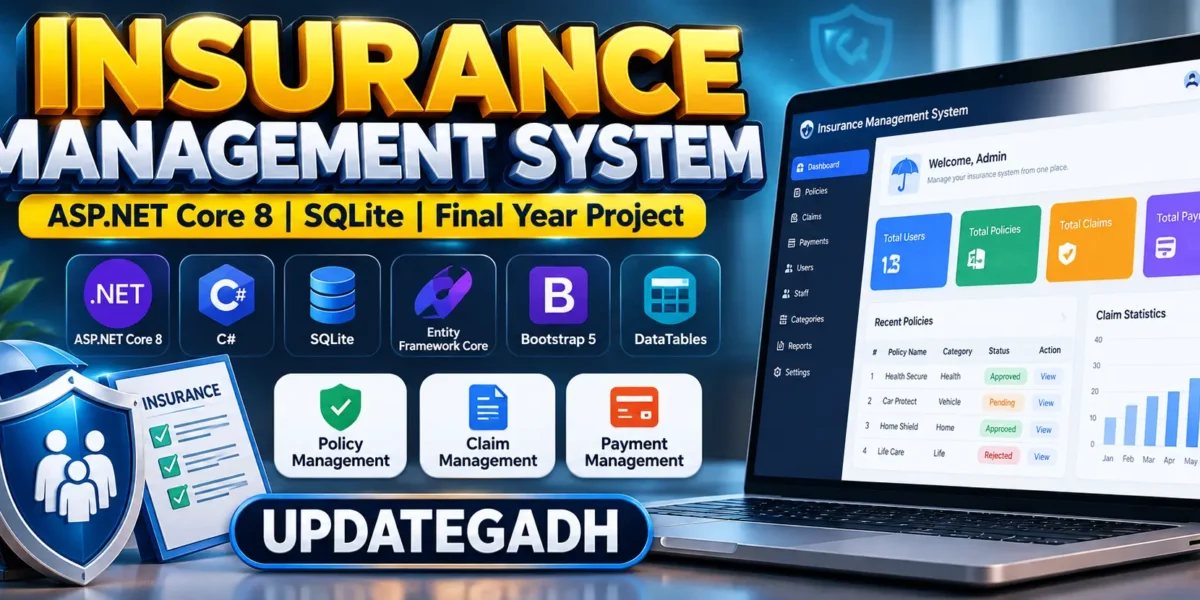
Insurance Management System Using ASP.NET
The Insurance Management System Project is a modern web-based application developed using ASP.NET Core 8 MVC, Entity Framework Core, SQLite, Bootstrap 5, and DataTables. The project is designed to simplify insurance-related operations by providing separate functionalities for administrators, staff members, and users.
This project is suitable for students looking for a practical ASP.NET Core final year project that demonstrates authentication, role-based access, policy management, claims processing, payment management, database operations, and dashboard-based reporting.
Complete Advance AI Topics: Click Here
Real Time Projects on YouTube:- DecodeITComplete Advance AI Topics: Click Here
Real Time Projects on YouTube:- DecodeIT
Project Overview
| Project Name | Insurance Management System |
|---|---|
| Technology | ASP.NET Core 8 MVC |
| Programming Language | C# |
| Framework | ASP.NET Core 8 |
| Database | SQLite |
| ORM | Entity Framework Core |
| Frontend | HTML, CSS, Bootstrap 5, JavaScript |
| Data Management | DataTables |
| Validation | FluentValidation |
| Project Type | Web Application |
About Insurance Management System
Managing insurance policies, customers, claims, payments, and staff activities manually can become difficult when the amount of information increases. The Insurance Management System provides a centralized platform where these activities can be handled through a structured web application.
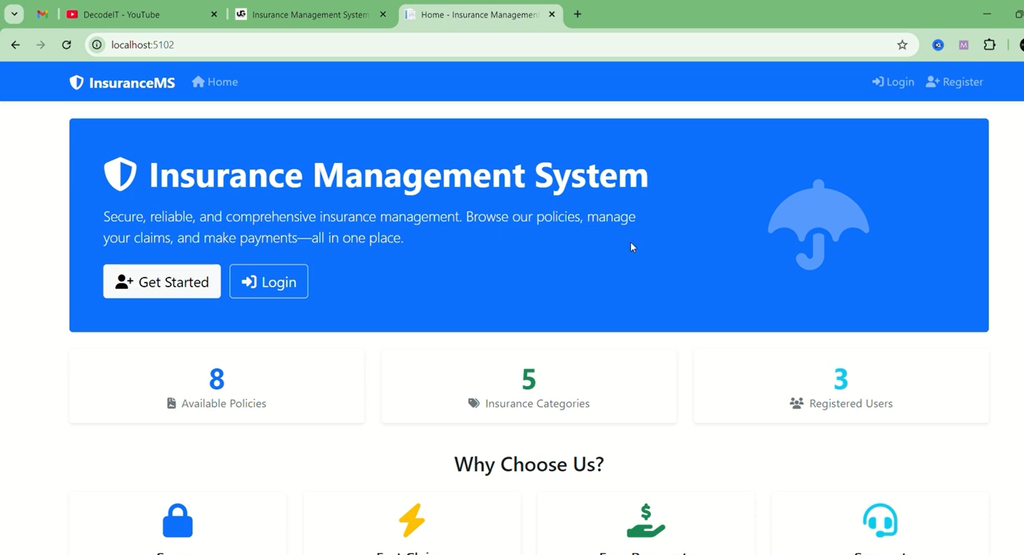
The system provides different dashboards according to the user’s role. Administrators can manage the complete system, staff members can process assigned insurance operations, and users can browse policies, submit applications, file claims, make payments, and view their own records.
The project uses Entity Framework Core with SQLite for database operations. The database is automatically created and seeded when the application is started, making the initial project setup simpler for students.
User Roles
Admin
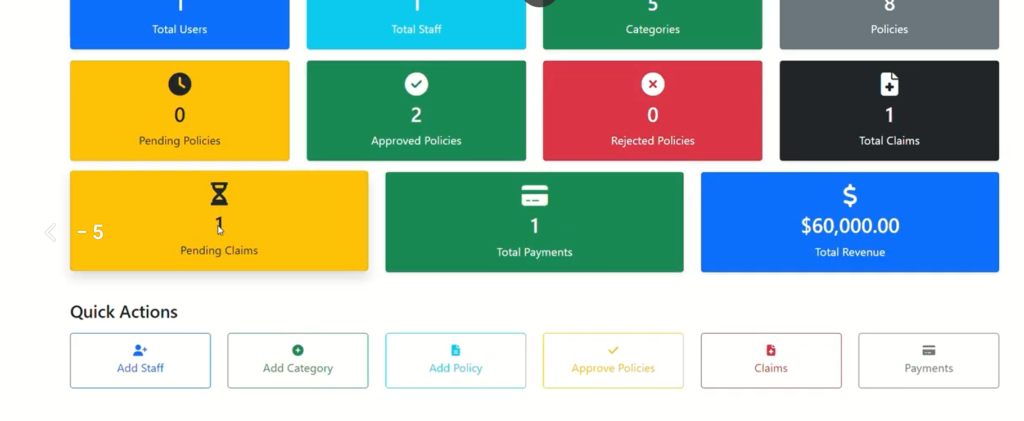
The Admin has complete access to the system. The administrator can manage staff members, users, insurance categories, policies, claims, payments, and other important system operations. The admin dashboard also provides statistics for monitoring the application’s activities.
Staff
Staff members have access to operational features required for processing insurance-related activities. Staff can process claims, handle policy approval or rejection, and access the staff dashboard.
User
Users can interact with available insurance services through their own dashboard. They can browse policies, apply for insurance, submit claims, make payments, and view their policy, claim, and payment information.
Available Features
- Role-based access for Admin, Staff, and Users
- Admin dashboard with system statistics
- Staff management
- User management
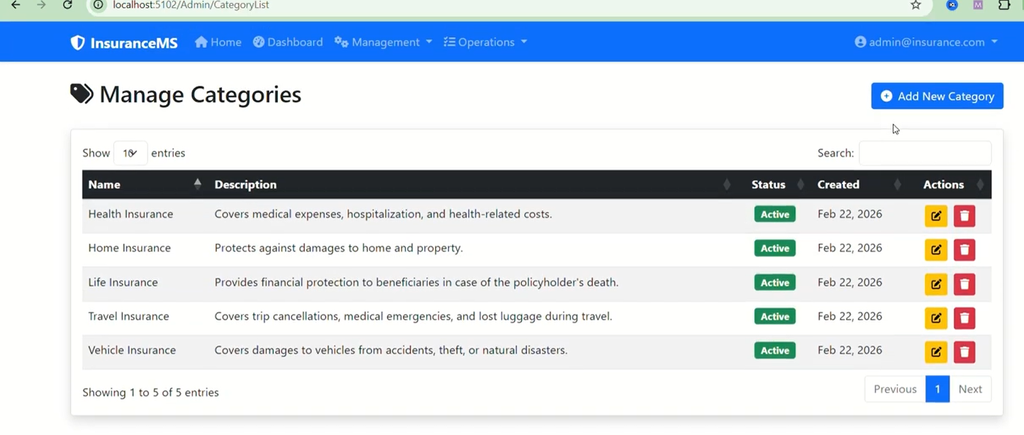
- Insurance category management
- Insurance policy management
- Policy approval and rejection
- Insurance claim management
- Claim processing by staff
- Payment management
- User policy management
- User claim management
- User payment history
- Responsive Bootstrap-based interface
- DataTables for organized data management
- FluentValidation for input validation
- SQLite database integration
- Automatic database creation and seed data
Admin Module
The Admin module provides centralized control over the entire Insurance Management System. Administrators can manage staff accounts and users while maintaining insurance categories and policies.
The admin can also review policy applications, approve or reject policies, manage claims, monitor payments, and view dashboard statistics. This module is useful for demonstrating administrative CRUD operations and role-based authorization in ASP.NET Core.
Staff Module
The Staff module is designed for employees responsible for handling day-to-day insurance operations. Staff members can process submitted claims and participate in policy approval or rejection activities according to their assigned access.
A dedicated dashboard allows staff members to access relevant system information without providing them with the complete administrative controls available to the Admin.
User Module
The User module provides a self-service interface for customers. After accessing the system, users can browse available insurance policies and apply for policies that meet their requirements.
Users can also file insurance claims, make payments, and check their own policies, claims, and payment records. This provides a structured way for users to manage their insurance activities from one place.
Technology Stack
- Backend: ASP.NET Core 8 MVC
- Programming Language: C#
- Database: SQLite
- Database ORM: Entity Framework Core
- Frontend: HTML, CSS, Bootstrap 5, JavaScript
- Data Tables: DataTables
- Validation: FluentValidation
- Development Environment: Visual Studio or Visual Studio Code
Database Management
The project uses SQLite as its database, making it convenient for academic projects and local development. Entity Framework Core is used to communicate with the database and manage application data.
The application is configured to create and seed the database when the project is started. This reduces the need for students to manually create database tables or execute separate database scripts during the initial setup.
How to Download
The complete package is available so you can run, study, and submit it with confidence. It includes:
- Full Source Code
- Project Report
- Synopsis
- PPT Presentation
Demo Video
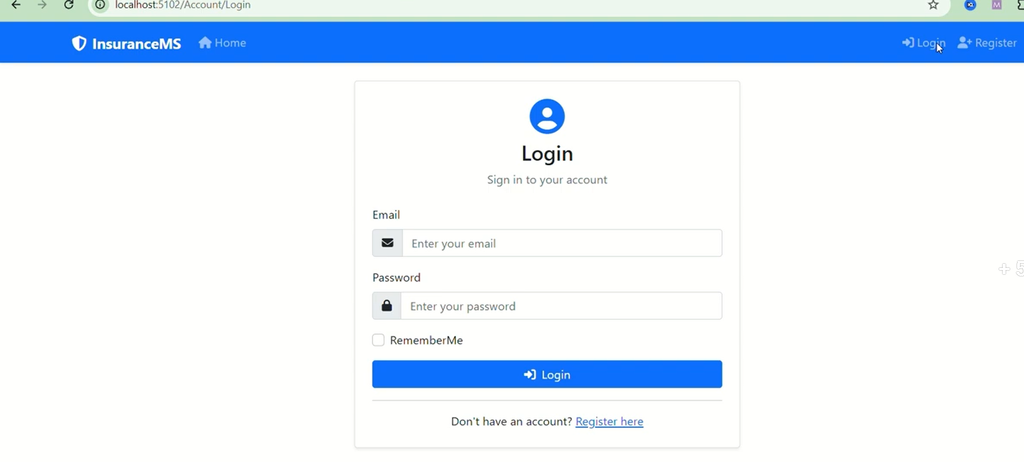
Screenshot
Installation Guide
Follow these steps to run the Insurance Management System on your local computer.
Step 1: Install .NET 8 SDK
Install the .NET 8 SDK on your computer. You can verify the installation using the following command:
dotnet --versionStep 2: Open the Project
Extract the project files and open the project folder using Visual Studio or Visual Studio Code.
Step 3: Restore Dependencies
Open the terminal inside the project folder and run:
dotnet restoreStep 4: Run the Application
Start the application using:
dotnet runYou can also run the project directly through Visual Studio using the available run or debug option.
Step 5: Database Setup
The SQLite database is automatically created and seeded when the application starts. This makes the initial setup easier and avoids requiring students to manually configure database scripts.
Step 6: Login
Use the provided administrator credentials to access the admin dashboard:
Email: admin@insurance.com
Password: Admin@123456!
After logging in, you can access the features available according to the selected user role.
Frequently Asked Questions (FAQ)
1. What is the Insurance Management System Project?
The Insurance Management System is a web-based application developed using ASP.NET Core 8 MVC, C#, Entity Framework Core, and SQLite for managing insurance policies, users, claims, payments, and staff operations.
2. Which technologies are used in this project?
The project uses ASP.NET Core 8 MVC, C#, Entity Framework Core, SQLite, Bootstrap 5, JavaScript, DataTables, and FluentValidation.
3. What are the main user roles?
The system includes three main roles: Admin, Staff, and User. Each role has different permissions and functionalities.
4. What can the Admin do?
The Admin can manage staff, users, insurance categories, policies, claims, and payments. The Admin can also approve or reject policies and view dashboard statistics.
5. What can Staff members do?
Staff members can process insurance claims, handle policy approval or rejection, and access their dedicated dashboard.
6. What can Users do?
Users can browse insurance policies, apply for policies, file claims, make payments, and view their own policies, claims, and payment records.
7. Which database is used in the project?
The project uses SQLite as its database with Entity Framework Core for database operations.
8. Does the project require manual database setup?
No. The database is configured to be automatically created and seeded when the application is started.
Final Thoughts
From a student’s perspective, the Insurance Management System Project is a practical way to understand how a real-world business application can be developed using ASP.NET Core 8 MVC. The project brings together important concepts such as MVC architecture, database connectivity, Entity Framework Core, role-based access, validation, CRUD operations, dashboards, and responsive frontend development.
Keywords: ASP.NET Core Insurance Project, Insurance Management System in ASP.NET Core, ASP.NET Core 8 Project, SQLite Insurance Management System, C# Final Year Project, Insurance Dashboard Project