
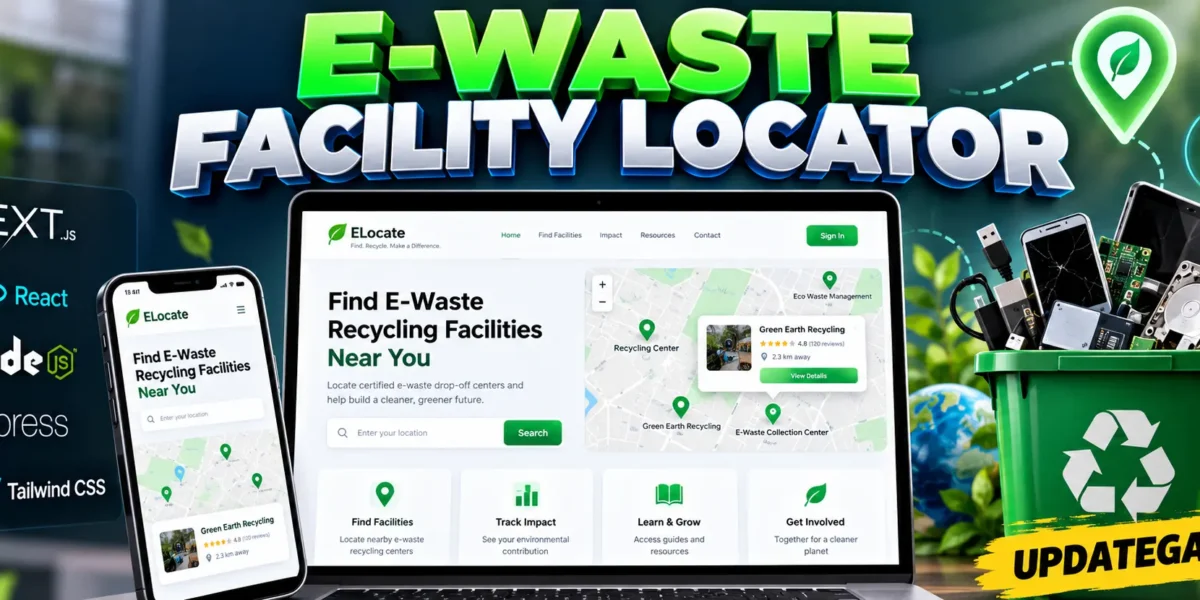
E-Waste Facility Locator Using React and Next.js
The E-Waste Facility Locator is a web-based project designed to help users find nearby electronic waste recycling facilities through an interactive map interface. Developed using Next.js, React, JavaScript, TypeScript, and Tailwind CSS, this project focuses on making electronic waste disposal more convenient and accessible.
Electronic devices such as mobile phones, computers, batteries, and other electronic equipment can cause environmental problems when they are not disposed of properly. The E-Waste Facility Locator provides a simple platform for locating recycling facilities and encouraging responsible waste management. It is a useful project for students who want to learn modern web development while working on an environmental sustainability problem.
Project Overview
| Project Detail | Description |
|---|---|
| Project Name | E-Waste Facility Locator |
| Programming Languages | JavaScript, TypeScript |
| Frontend | Next.js, React, Tailwind CSS |
| Backend | Node.js, Express |
| Mapping Technology | Mapbox, Leaflet |
Complete Advance AI Topics: Click Here
Real Time Projects on YouTube:- DecodeIT
Key Features of E-Waste Facility Locator
1. E-Waste Facility Locator
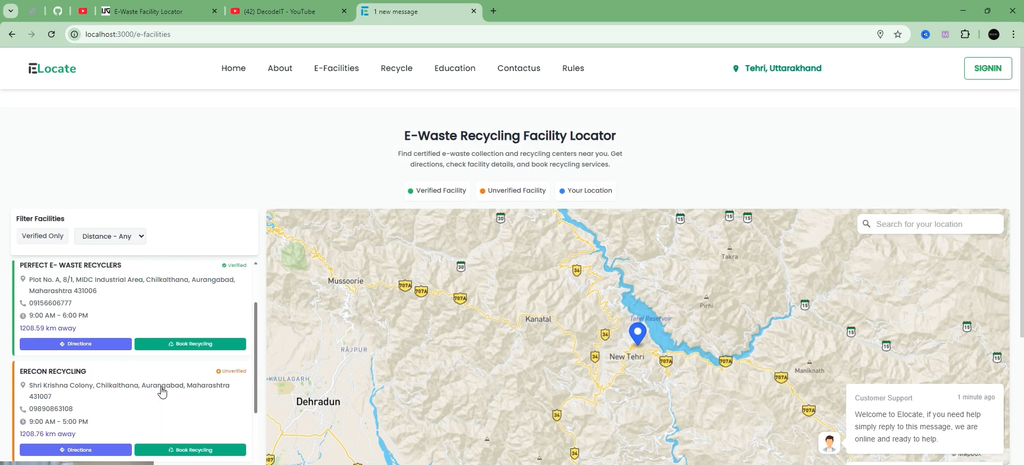
The project provides map-based navigation to help users locate electronic waste recycling facilities. Its location-related functionality is designed to make finding suitable disposal locations easier.
2. Interactive Map Navigation
The application uses mapping technologies such as Mapbox and Leaflet to support map-based navigation and facility discovery.
3. Dashboard Interface
The project includes a dashboard interface that presents environmental impact-related information and helps users interact with the platform.
4. Environmental Impact Visualization
The interface includes an environmental impact visualizer intended to communicate the importance of responsible electronic waste disposal.
5. Responsive User Interface
The application uses Tailwind CSS to provide a modern interface suitable for different screen sizes, including desktop, tablet, and mobile devices.
6. Contact and Email Integration
EmailJS integration supports contact and email-related functionality, allowing the application to provide a communication option.
Technology Stack
- Next.js: Provides the React-based application framework.
- React: Supports reusable interface components.
- JavaScript and TypeScript: Handle application logic and development.
- Tailwind CSS: Provides responsive styling and interface design.
- Node.js and Express: Support the project’s backend technology setup.
- Mapbox and Leaflet: Provide mapping and location-related capabilities.
- EmailJS: Supports contact and email integration.
Note: The supplied project information describes a frontend-focused prototype without a database. Features such as user authentication, recycling history storage, reward management, and downloadable compliance certificates should not be considered implemented unless supported by the actual source code.
Software Requirements
- Node.js version 18.17.0 or higher
- npm or Yarn package manager
- Visual Studio Code
- A modern web browser
- Required API keys and environment variables, where applicable
How to Download
The complete package is available so you can run, study, and submit it with confidence. It includes:
- Full Source Code
- Project Report
- Synopsis
- PPT Presentation
Demo Video
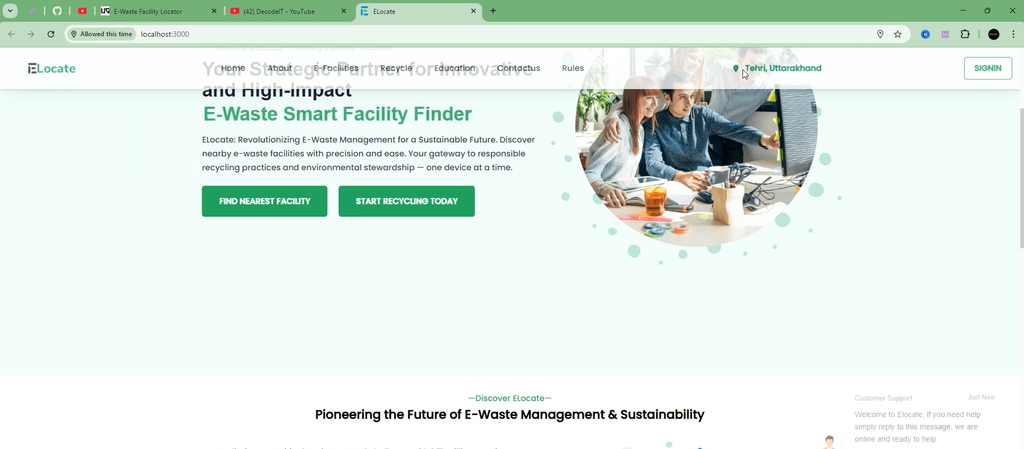
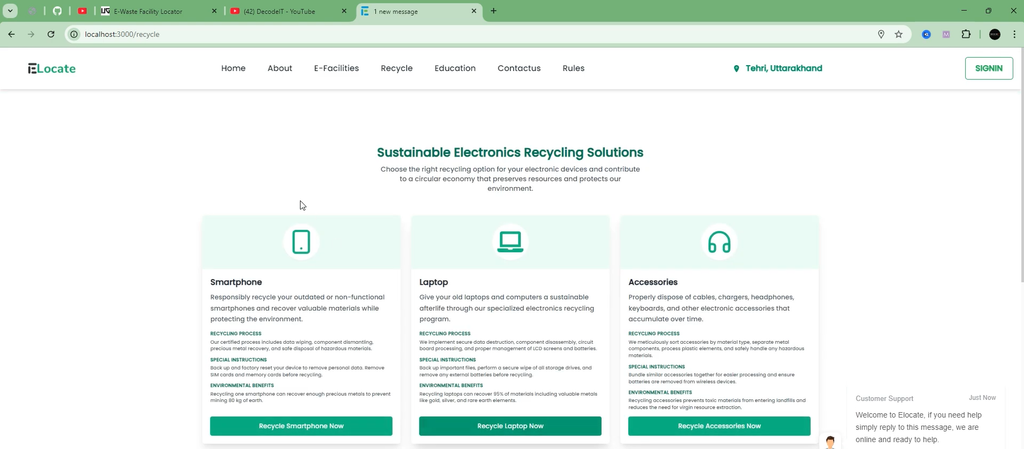
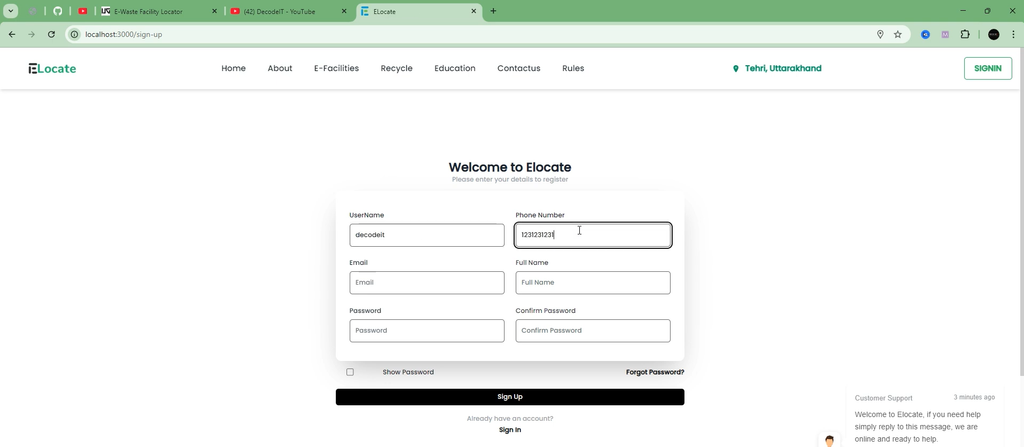
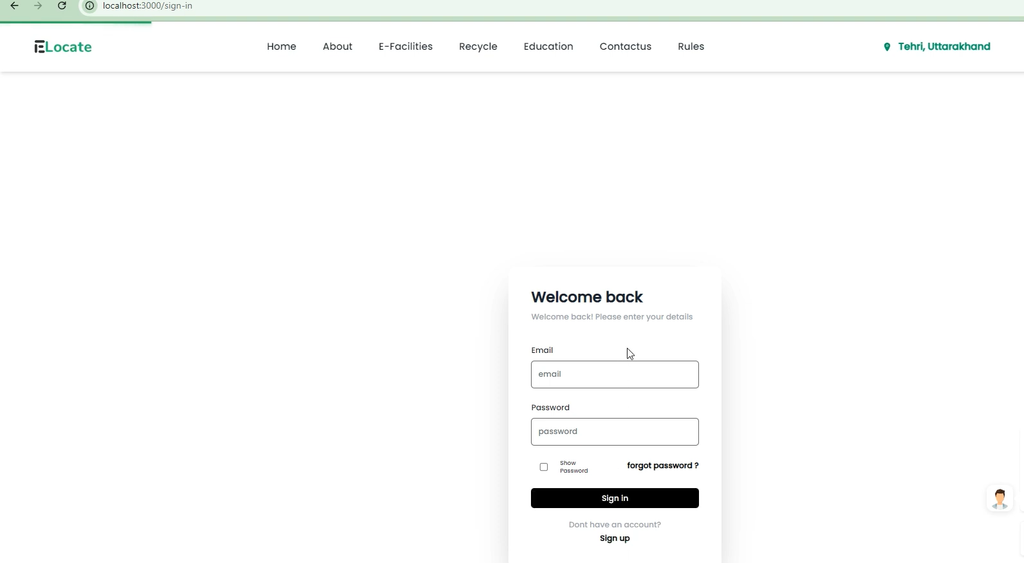
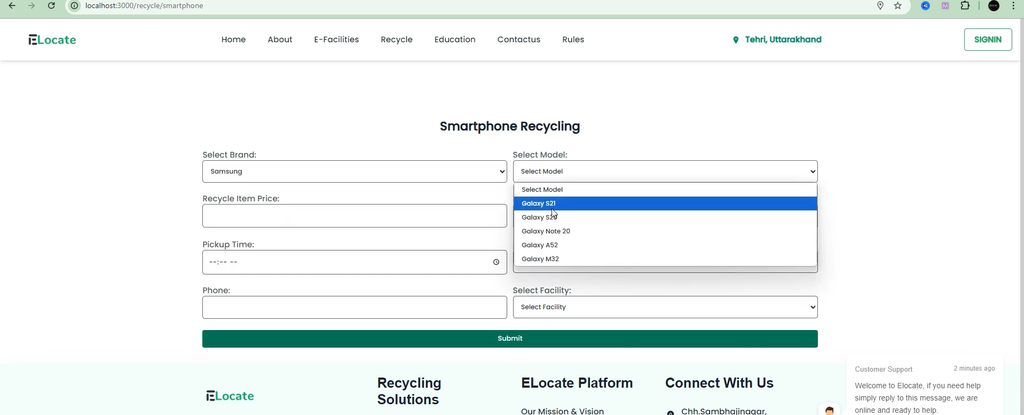
Screenshot
Installation Guide in VS Code
Step 1: Open the Project
Extract the project ZIP file, open Visual Studio Code, and select the extracted project folder.
Step 2: Open the Terminal
In VS Code, select Terminal and then New Terminal. Make sure the terminal is running inside the project directory.
Step 3: Install Dependencies
npm installThis command installs the packages specified in the project’s package.json file.
Step 4: Configure Environment Variables
copy .env.example .envOn Windows, this command creates a local environment file from the example file. If .env.example is not included, create the required environment file according to the project’s configuration. Add the necessary mapping and email service settings using the variable names expected by the source code.
Step 5: Start the Application
npm run devAfter the development server starts, open the local URL displayed in the terminal, usually http://localhost:3000.
How to Use the Project
- Open the E-Waste Facility Locator in your browser.
- Explore the application interface and available dashboard sections.
- Use the map-based facility locator to explore recycling locations.
- Review the environmental impact visualization, where available.
- Use the contact option for communication through the configured email integration.
Facility availability and location accuracy depend on the map configuration and the data supplied to the application.
Future Enhancements
- Integrate MongoDB or Firebase for persistent data storage.
- Add user accounts and recycling history management.
- Introduce an administrator panel for managing recycling facilities.
- Develop a mobile application for Android and iOS.
- Add collection-bin tracking and reporting capabilities.
- Explore personalized recycling recommendations.
Frequently Asked Questions (FAQs)
1. What is an E-Waste Facility Locator?
It is a web application designed to help users find electronic waste recycling facilities through map-based navigation.
2. Which technologies are used in this project?
The project uses Next.js, React, JavaScript, TypeScript, Tailwind CSS, Node.js, Express, and mapping technologies such as Mapbox and Leaflet.
3. Does the project require a database?
The described prototype does not use a database. Persistent storage would be required for features such as saved recycling history and long-term user records.
4. Can beginners work on this project?
Yes. Students familiar with basic JavaScript, React, and web development can use it to learn component design, responsive interfaces, and map integration.
5. How can I run the project in VS Code?
Install Node.js, open the project folder in VS Code, run npm install, configure the required environment variables, and execute npm run dev.
Final Thoughts
The E-Waste Facility Locator is a practical web development project that connects technology with environmental awareness. It provides students with an opportunity to explore modern frontend development, responsive design, mapping tools, and email integration. With additional database support and verified recycling facility information, the project can be extended into a more comprehensive electronic waste management platform.
Keywords: E-Waste Facility Locator, E-Waste Facility Locator Project, E-Waste Management System, Next.js Project, React Project, Electronic Waste Recycling, Mapbox Integration, Tailwind CSS Project