College Management System Project Using Web Technology
Managing college data manually is always confusing and full of mistakes. Attendance, students, teachers, subjects, results, notices everything is stored in different files. Thats why modern colleges are now moving toward ERP (Enterprise Resource Planning) systems.
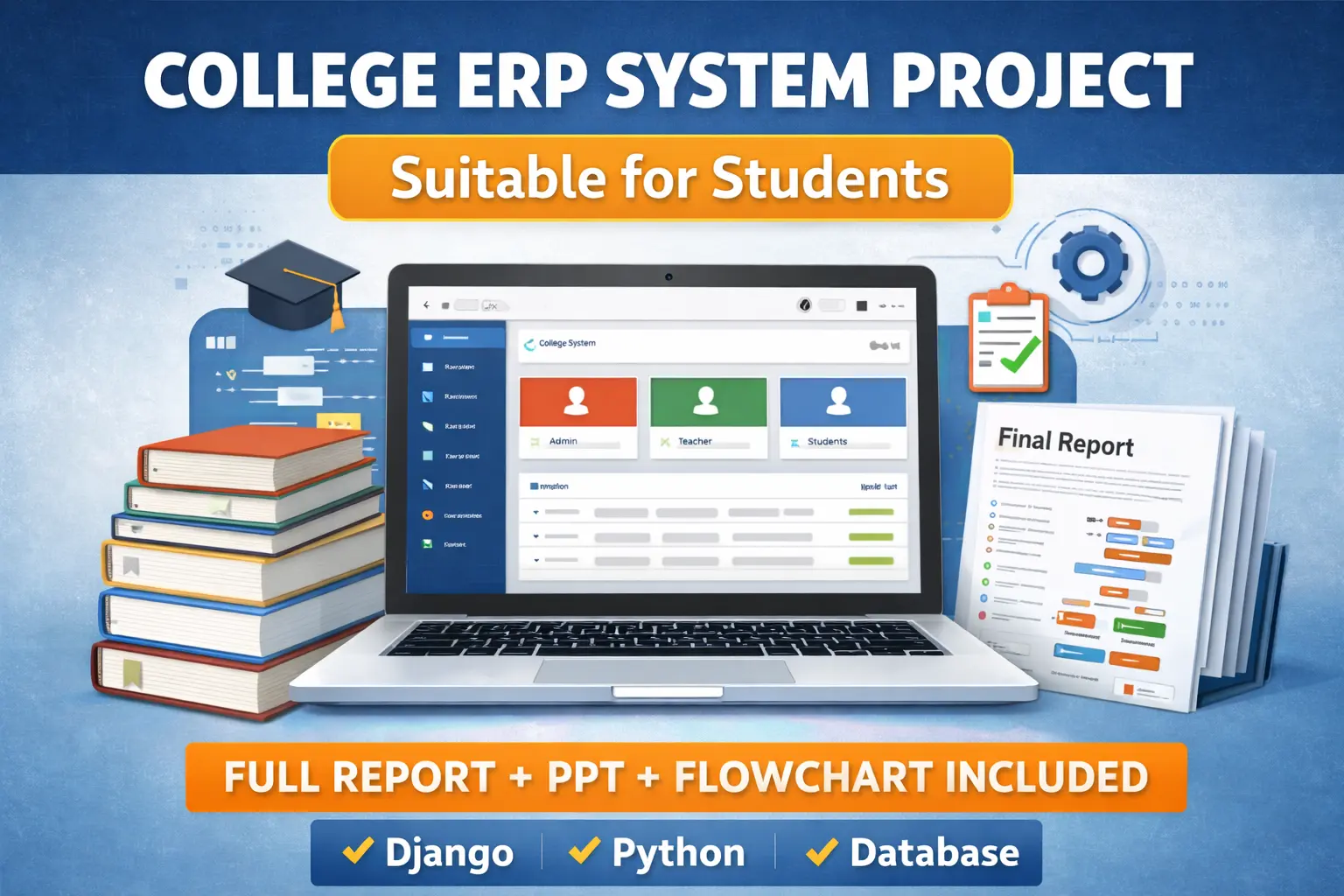
This College Management System is a powerful web-based application that helps colleges manage everything in one place. It is specially designed for students, teachers, and admin so they can easily access and update important academic data.
This project is very useful for engineering, BCA, MCA, IT, and diploma students who are looking for a real-world web development project.
Project tutorials, coding guides & placement tips for students.
What is College Management System (CMS)?
A College Management System is a centralized platform where all college-related operations are handled digitally.
Instead of paperwork, everything like student details, attendance, results, and notices are managed through a web application.
This project contains three main users:
- Admin
- Teacher
- Student
Each user has their own dashboard and access permissions.
Main Modules of This ERP System
1. Admin Panel
The admin controls everything in the system.
Admin can:
- Add and manage students
- Add teachers
- Create subjects and classes
- Assign teachers to subjects
- Manage departments
- View complete data
- Post notices for all users
Admin works as the super user.
2. Teacher Panel
Teachers can:
- Login securely
- View their assigned subjects
- Mark student attendance
- Add and update marks
- View student details
- Check class wise performance
This makes daily academic work much easier.
3. Student Panel
Students can:
- Login using their credentials
- View attendance
- Check exam results
- View notices
- See their profile
- Access subject details
No need to visit office again and again.
Key Features
- Secure login system
- Separate dashboards for Admin, Teacher and Student
- Attendance management
- Result management
- Student information system
- Teacher assignment
- Subject and department handling
- Notice board system
- Simple and clean user interface
Everything is automated which saves time and avoids errors.
Technology Used
This College Management System is built using modern web technologies:
- Frontend:
HTML
CSS
Bootstrap - Backend:
Python
Django Framework - Database:
SQLite (default Django database)
This stack is perfect for students because it is easy to learn and also very powerful.
Why This Project is Perfect for Students
This project is not a small demo. It is a full real-world application.
Students learn:
- Web development
- Django backend
- Database management
- User authentication
- Role based access
- Form handling
- CRUD operations
It is perfect for college final year projects, minor projects, and internships.
Download to this project :
How This College ERP Works
- Admin creates teachers, students and subjects
- Teachers are assigned to subjects
- Students are linked to classes
- Teachers mark attendance and upload marks
- Students login and check attendance and results
- Admin manages everything from dashboard
Steps to Run the College ERP Project
Step 1: Install Python
Make sure Python is installed in your system.
Check by running:
python --version
Step 2: Install Django
Open terminal or command prompt and run:
pip install django
Step 3: Download Project Folder
Extract the project folder on your system.
Step 4: Go to Project Directory
Open terminal inside the project folder.
Step 5: Run Migrations
Execute:
python manage.py makemigrations
python manage.py migrate
Step 6: Create Superuser (Admin)
Run:
python manage.py createsuperuser
Enter username, email and password.
Step 7: Run Server
Start the Django server:
python manage.py runserver
Step 8: Open in Browser
Open browser and go to:
http://127.0.0.1:8000/
Admin panel:
http://127.0.0.1:8000/admin
Login with superuser details.
Finally
This College Management System is one of the best web-based college management projects for students. It gives hands-on experience in Django, database handling, real-time data management, and role based systems.
If you are searching for a high-quality final year project, this ERP system is a perfect choice. It looks professional, works smoothly, and solves real problems of colleges.
If you implement this project properly, it will definitely help you in placements, internships, and interviews.
college management system project
college management system github
college management system er diagram
college management system website
college management system project with source code
college management system pdf
college management system use case diagram
college management system ppt
college management
chatgpt
college management system ui design