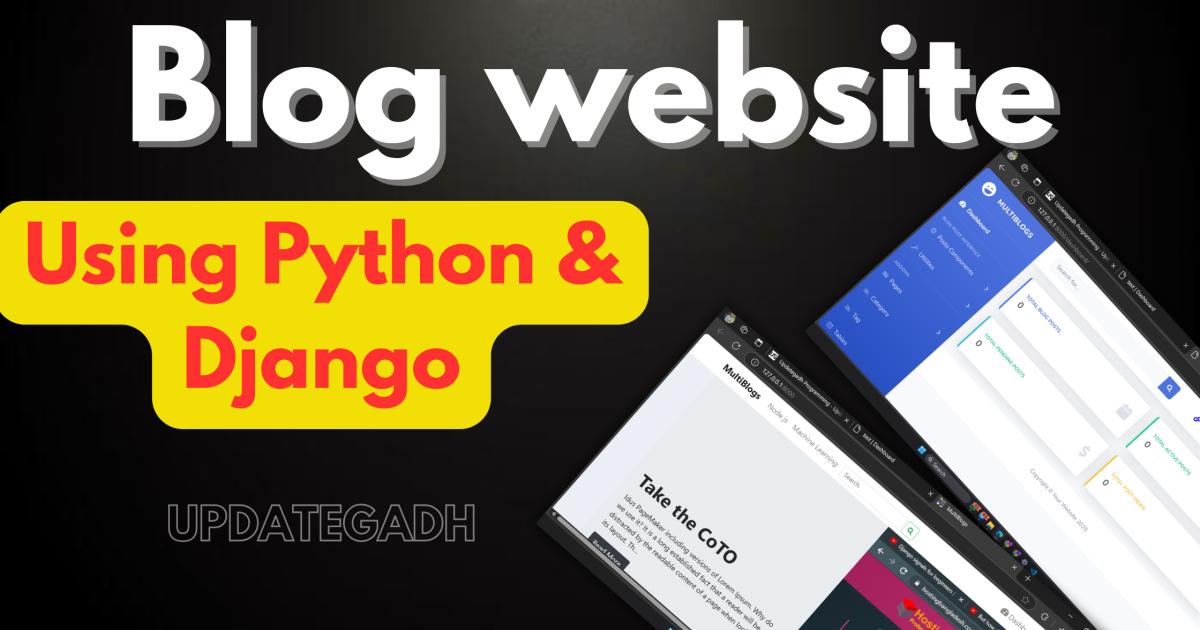
Blog website
Blog Website is a powerful, feature-rich blogging platform designed for multiple authors. Built using Django, Python’s robust web framework, it empowers both users and admins to collaborate and manage blogs effectively. Whether you are a developer or a content creator, this project provides everything you need to build a professional blogging site.
Project Overview
| Feature | Details |
|---|---|
| Project Name | Blog Website Using Django |
| Language/s Used | Python, HTML, CSS, JavaScript |
| Database | SQLite |
| Framework | Django, Bootstrap |
| Developer | updategadh.com |
| Type | Web Application |
Download New Real Time Projects :-Click here
Technology Used
- Backend: Django (Python Web Framework)
- Frontend: HTML, CSS, JavaScript, Bootstrap Framework
- Templates:
- Mundana Bootstrap Blog Templates (Frontend)
- SB Admin 2 (User Admin Panel)
Available Features
User Features
- User registration and login/logout.
- Add, edit, delete, and manage blog posts.
- Show/hide posts.
- View related posts and categories.
- Social media sharing.
Admin Features
- Add/edit/delete categories and posts.
- Approve or reject posts.
- Manage user accounts.
- Set posts as featured.
- Subscription-based email collection for email marketing.
Blog Features
- Posts categorized as featured, recently added, or popular.
- Each post includes a visit count, comments, and sharing options.
- Search functionality for posts and categories.
- Dedicated single-category pages with sorting options.
Setup Instructions
Follow these steps to set up the MultiBlogs project on your local machine:
Create a Virtual Environment
- Windows:
python -m venv env
- Windows:
- Linux/Mac:
python3 -m venv env
- Linux/Mac:
Activate the virtual environment:
- Windows:
env\Scripts\activate
- Windows:
- Linux/Mac:
source env/bin/activate
- Linux/Mac:
Install Requirements
pip install -r requirments.txt
Migrate the Database
- Windows:
py manage.py migrate
- Windows:
- Linux/Mac:
python3 manage.py migrate
- Linux/Mac:
Create a Superuser
- Windows:
py manage.py createsuperuser
- Windows:
- Linux/Mac:
python3 manage.py createsuperuser
- Linux/Mac:
Run the Project
- Windows:
py manage.py runserver
- Windows:
- Linux/Mac:
python3 manage.py runserver
- Linux/Mac:


blog website examples
blog website templates
blog website github
blog website free
blog website design
best blog website
wordpress blog
create a blog
blog
blog website html css
blog website template
blog website for students
🎓 Need Complete Final Year Project?
Get Source Code + Report + PPT + Viva Questions (Instant Access)
🛒 Visit UpdateGadh Store →