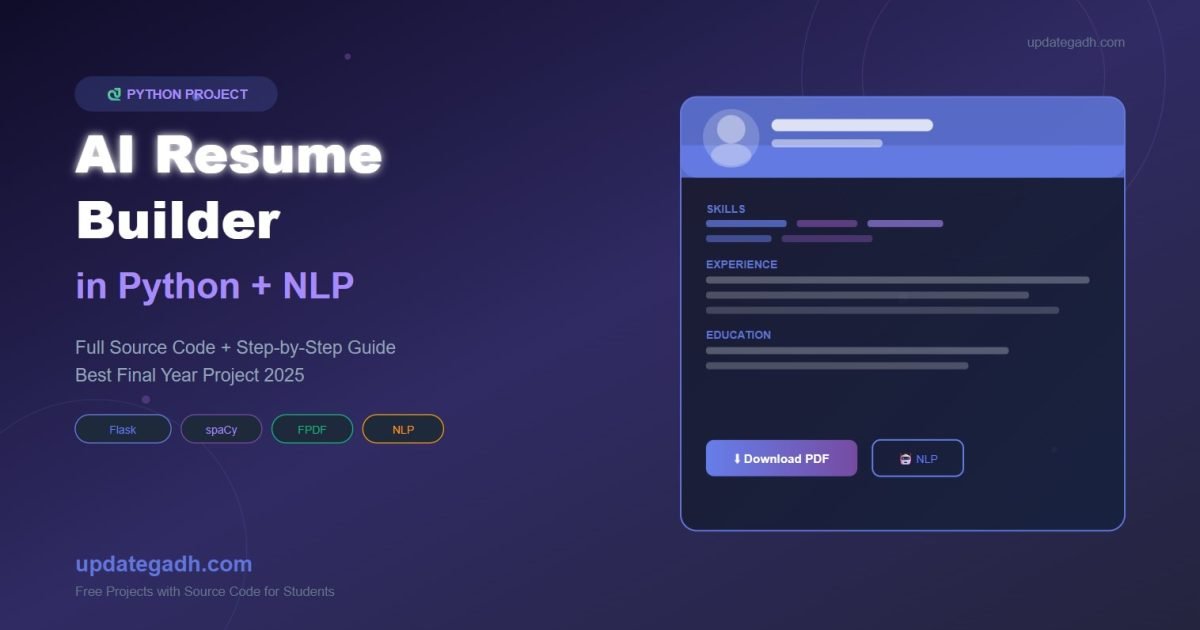
AI Resume Builder in Python – Full Project with Source
Looking for a final year project that stands out? This AI Resume Builder in Python is one of the most trending projects for BCA, BTE, MCA, and CS students in 2025. It uses Natural Language Processing (NLP) to automatically generate professional resumes from user input — no manual formatting required!
Project tutorials, coding guides & placement tips for students.
In this post, you’ll get the full source code, project explanation, features list, and step-by-step setup guide.
📌 Also Explore These Popular Python Projects:
➤ Face Recognition Attendance System using Django + OpenCV
➤ Heart Disease Risk Prediction using Python + ML
➤ Online Book Store Project using Django
➤ Weather Forecast App using Python + API
➤ YouTube Video Downloader using Django
📌 Project Overview
- Project Name: AI Resume Builder
- Technology: Python, Flask, NLP (spaCy), HTML/CSS
- Difficulty: Intermediate
- Best For: BCA, MCA, B.Tech (CS/IT) Final Year Students
- Database: SQLite / MySQL
🔥 Key Features
- User fills a simple form (name, skills, experience, education)
- AI extracts and formats data using NLP
- Generates a professional PDF resume automatically
- Multiple resume templates to choose from
- Download resume as PDF with one click
- Admin panel to manage users and resumes
🛠️ Technologies Used
| Technology | Purpose |
|---|---|
| Python 3.x | Backend logic |
| Flask | Web framework |
| spaCy / NLTK | NLP processing |
| ReportLab / FPDF | PDF generation |
| HTML + Bootstrap | Frontend UI |
| SQLite | Database |
📁 Project Folder Structure
ai-resume-builder/
│
├── app.py                  # Main Flask app
├── nlp_processor.py        # NLP logic using spaCy
├── pdf_generator.py        # PDF resume creation
├── templates/
│   ├── index.html          # Home page form
│   ├── resume.html         # Resume preview
│   └── admin.html          # Admin dashboard
├── static/
│   └── style.css
├── database.db
└── requirements.txt
💻 Source Code
1. app.py – Main Flask Application
from flask import Flask, render_template, request, send_file
from nlp_processor import extract_info
from pdf_generator import generate_pdf
import sqlite3

app = Flask(__name__)

@app.route('/')
def index():
    return render_template('index.html')

@app.route('/generate', methods=['POST'])
def generate():
    user_data = {
        'name': request.form['name'],
        'email': request.form['email'],
        'phone': request.form['phone'],
        'skills': request.form['skills'],
        'experience': request.form['experience'],
        'education': request.form['education'],
        'summary': request.form['summary']
    }
    processed = extract_info(user_data)
    pdf_path = generate_pdf(processed)
    return send_file(pdf_path, as_attachment=True)

if __name__ == '__main__':
    app.run(debug=True)
2. nlp_processor.py – NLP Logic
import spacy

nlp = spacy.load("en_core_web_sm")

def extract_info(data):
    skills_doc = nlp(data['skills'])
    skills_list = [token.text for token in skills_doc if not token.is_stop]
    summary_doc = nlp(data['summary'])
    sentences = [sent.text for sent in summary_doc.sents]
    data['skills_list'] = skills_list
    data['summary_clean'] = ' '.join(sentences[:3])
    return data
3. pdf_generator.py – PDF Resume Generation
from fpdf import FPDF
import os

def generate_pdf(data):
    pdf = FPDF()
    pdf.add_page()
    pdf.set_font("Arial", 'B', 20)
    pdf.cell(200, 10, data['name'], ln=True, align='C')
    pdf.set_font("Arial", size=11)
    pdf.cell(200, 8, f"Email: {data['email']}  |  Phone: {data['phone']}", ln=True, align='C')
    pdf.ln(5)
    pdf.set_font("Arial", 'B', 13)
    pdf.cell(200, 8, "Professional Summary", ln=True)
    pdf.set_font("Arial", size=11)
    pdf.multi_cell(200, 7, data['summary_clean'])
    pdf.ln(3)
    pdf.set_font("Arial", 'B', 13)
    pdf.cell(200, 8, "Skills", ln=True)
    pdf.set_font("Arial", size=11)
    pdf.multi_cell(200, 7, ", ".join(data['skills_list']))
    pdf.ln(3)
    pdf.set_font("Arial", 'B', 13)
    pdf.cell(200, 8, "Education", ln=True)
    pdf.set_font("Arial", size=11)
    pdf.multi_cell(200, 7, data['education'])
    path = f"resumes/{data['name'].replace(' ','_')}_resume.pdf"
    os.makedirs("resumes", exist_ok=True)
    pdf.output(path)
    return path
⚙️ How to Run This Project
- Install dependencies:
pip install flask spacy fpdf python -m spacy download en_core_web_sm - Run the app:
python app.py - Open browser →
http://localhost:5000 - Fill the form → Click “Generate Resume” → PDF downloads
🎓 Why This is a Great Final Year Project
- Uses real AI/NLP concepts (industry-relevant in 2025)
- Practical use case — everyone needs a resume!
- Easy to extend with Job Matching or ATS scoring features
- Impressive for viva/presentation
🔗 You Might Also Like These Python Projects
- Face Recognition Attendance System – Use AI to mark attendance automatically with OpenCV
- Heart Disease Risk Prediction – ML project using patient health data & Scikit-learn
- Online Book Store in Django – Full e-commerce project with cart & admin panel
- YouTube Video Downloader – Download videos via URL using Python + Django
- Weather Forecast App – Real-time weather using Python + OpenWeatherMap API
- Top 10 Real-Time Python Projects – Best Python project ideas for students in 2025
📥 Download Full Source Code
📧 Need help setting up? Drop a comment below or contact us at updategadh.com!
🎓 Need Complete Final Year Project?
Get Source Code + Report + PPT + Viva Questions (Instant Access)