Travel and Tourism Management System
A simple project on Travel and Tourism Management System developed using the MERN Stack (MongoDB, Express.js, React.js, Node.js).
This project demonstrates how a complete travel booking and management platform can be built from scratch using modern web technologies. It allows users to explore tour packages, register themselves, make bookings, view details, and give reviews. From a student’s perspective, this project is an excellent example of implementing CRUD operations, authentication, API integration, and frontend-backend connectivity using the MERN architecture.
Best Final Year Project For Data Science :–Click Here
Overview
| Parameter | Details |
|---|---|
| Project Name | Travel and Tourism Management System |
| Language/s Used | JavaScript (React.js, Node.js, Express.js) |
| Database | MongoDB |
| Type | Web Application (Full Stack) |
| Developer | UPDATEGADH |
Project Description
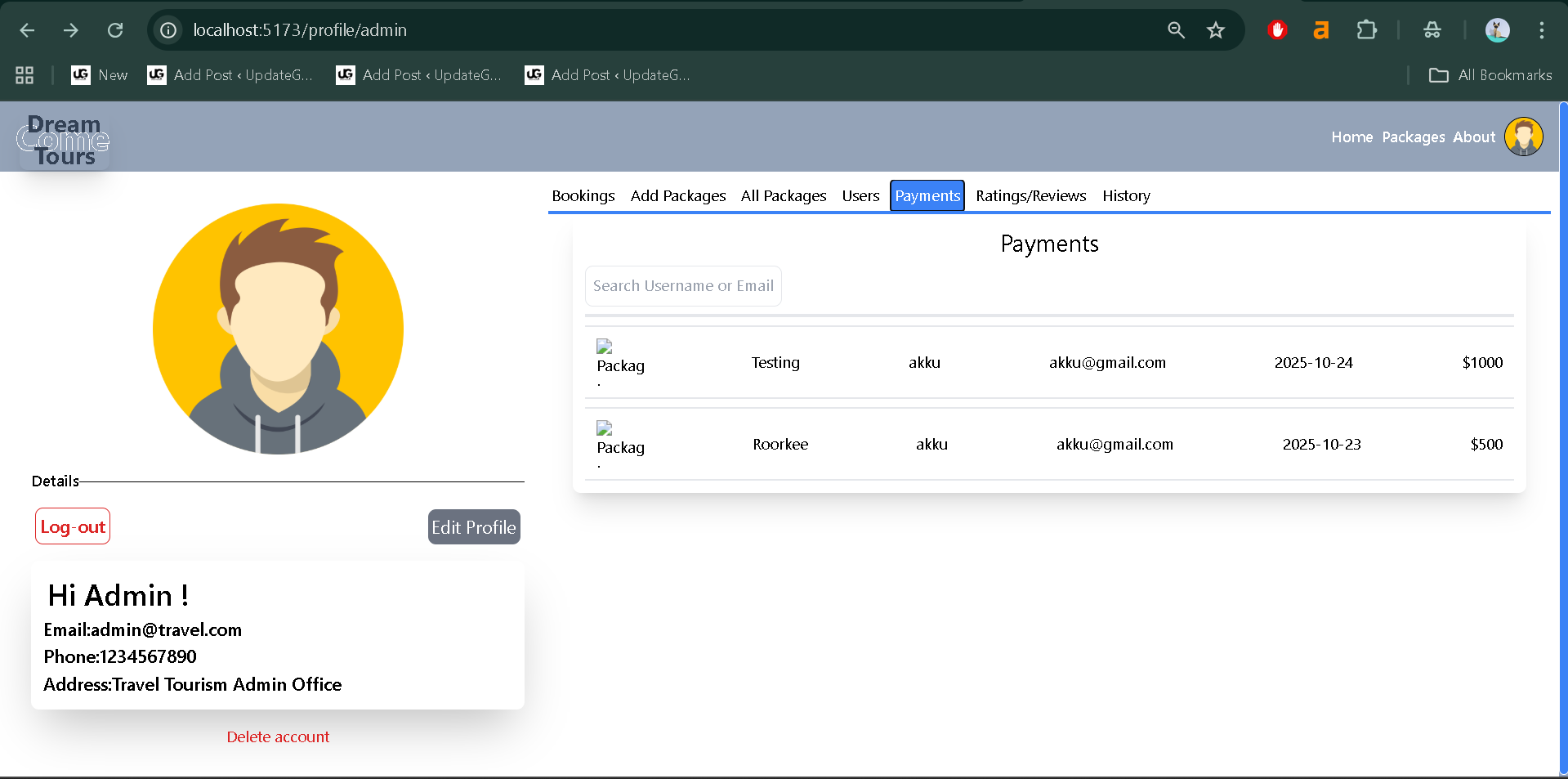
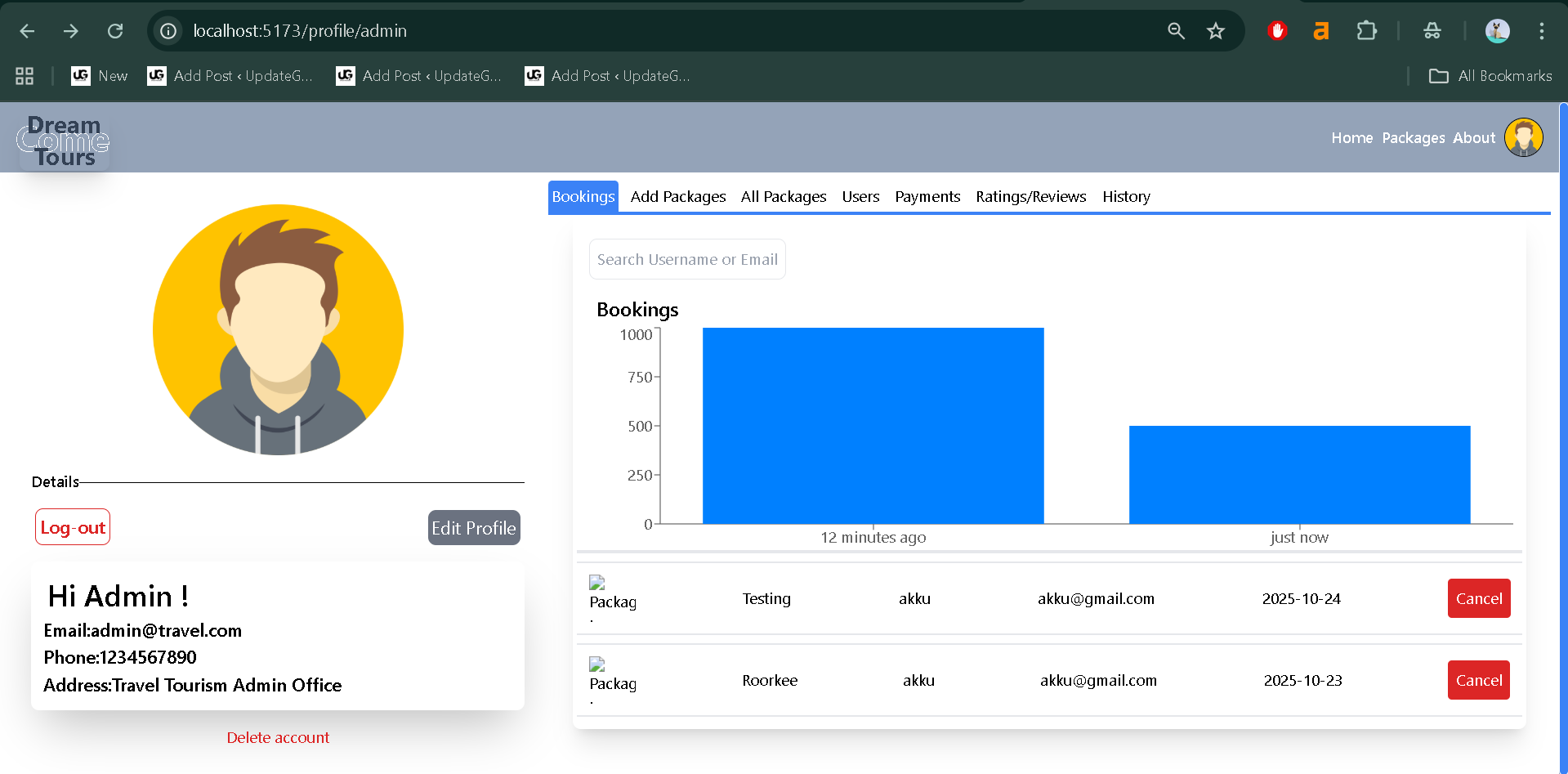
The Travel and Tourism Management System is a complete web-based solution built for managing and booking travel packages online. The system allows users to browse various travel destinations, view package details, make secure bookings, and provide feedback. The admin side handles operations like managing users, packages, and bookings through REST APIs.
The system provides real-world insights into how modern travel platforms like MakeMyTrip or Yatra manage their workflows behind the scenes. It is ideal for students who wish to learn how to connect frontend and backend systems, build responsive web pages, manage databases, and handle user authentication using tokens.
This project was created as a learning initiative to help students understand the full-stack development process while working on something practical and industry-relevant.
Best Advanced Python Projects:-Click Here
Available Features
The following features are included in this project (verified from the project files):
- User Authentication and Authorization
- Secure login and registration using JWT tokens.
- Password hashing implemented through middleware.
- Role-based access for users and admins.
- Tour Packages Management
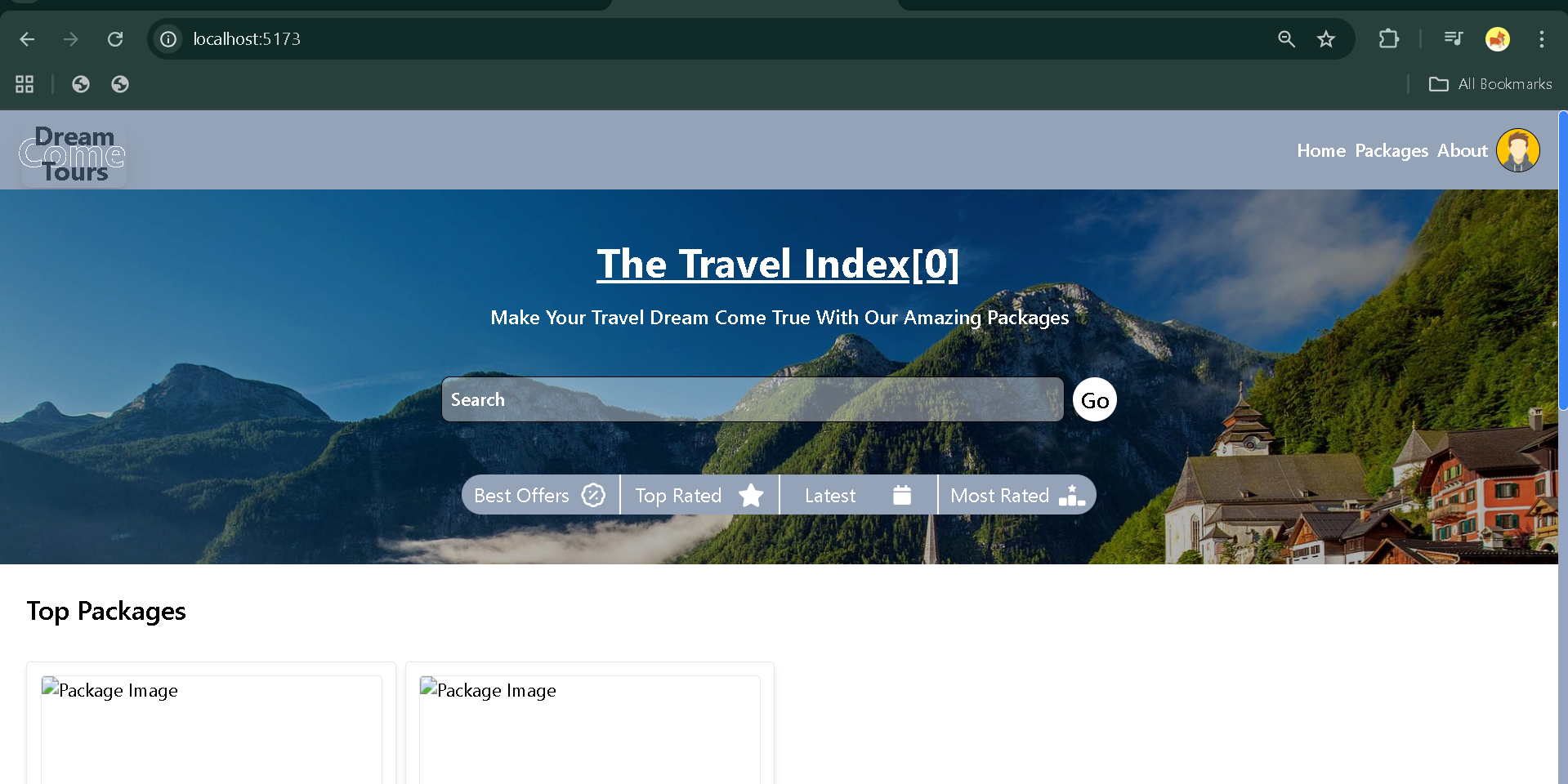
- Users can browse and view tour packages.
- Each package includes images, descriptions, prices, and travel details.
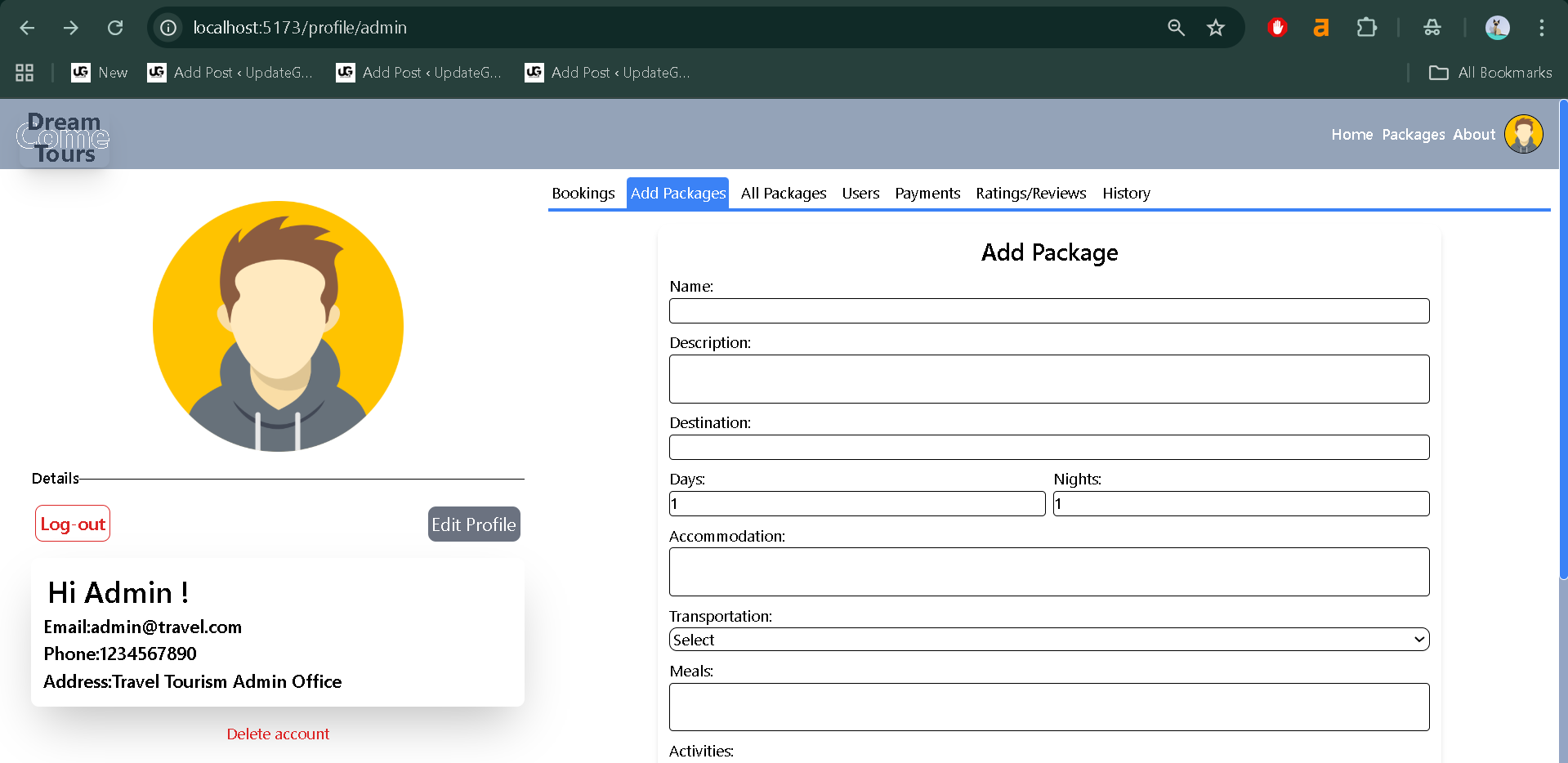
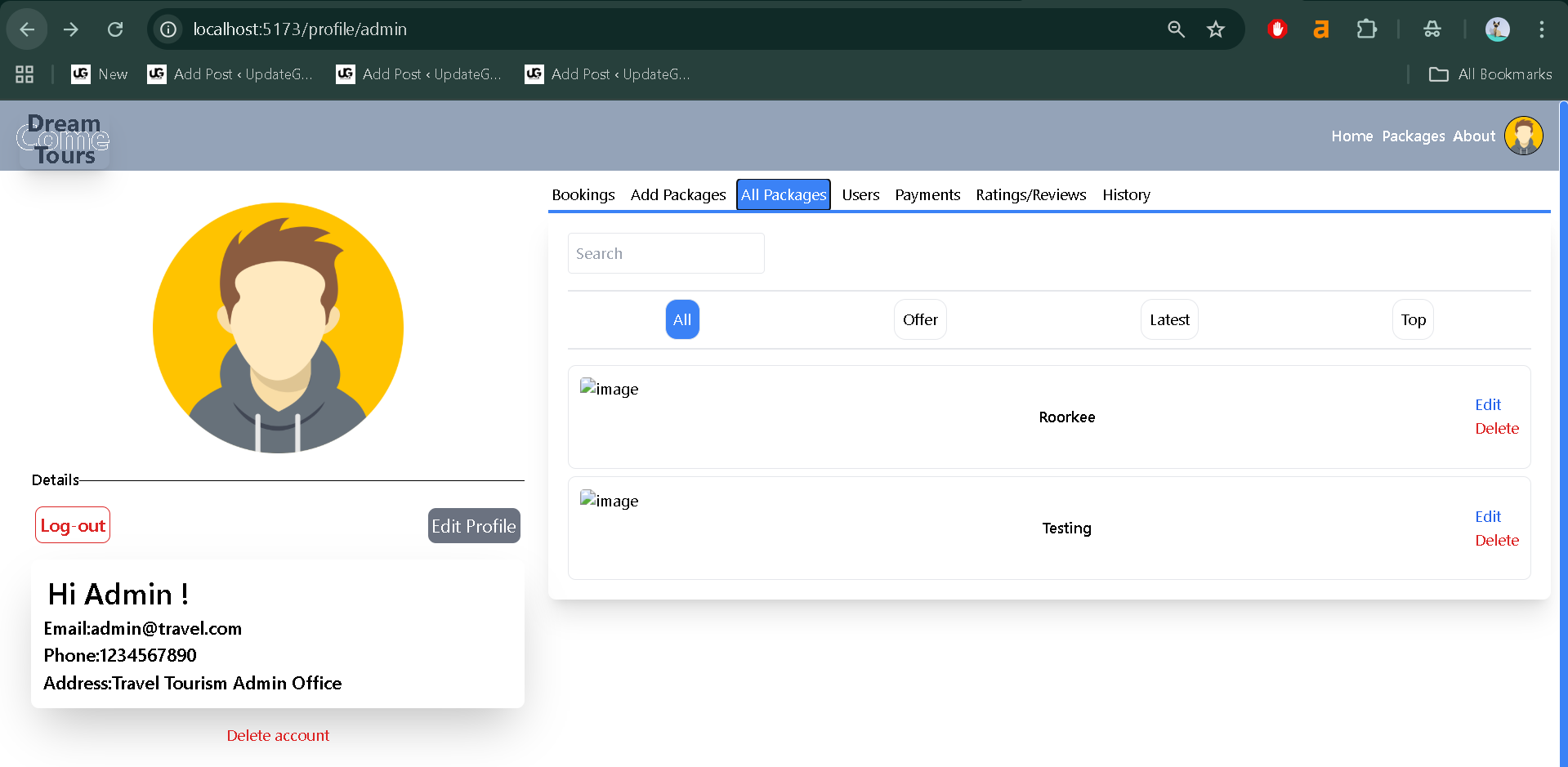
- Admin can create, update, or delete packages.
- Booking System
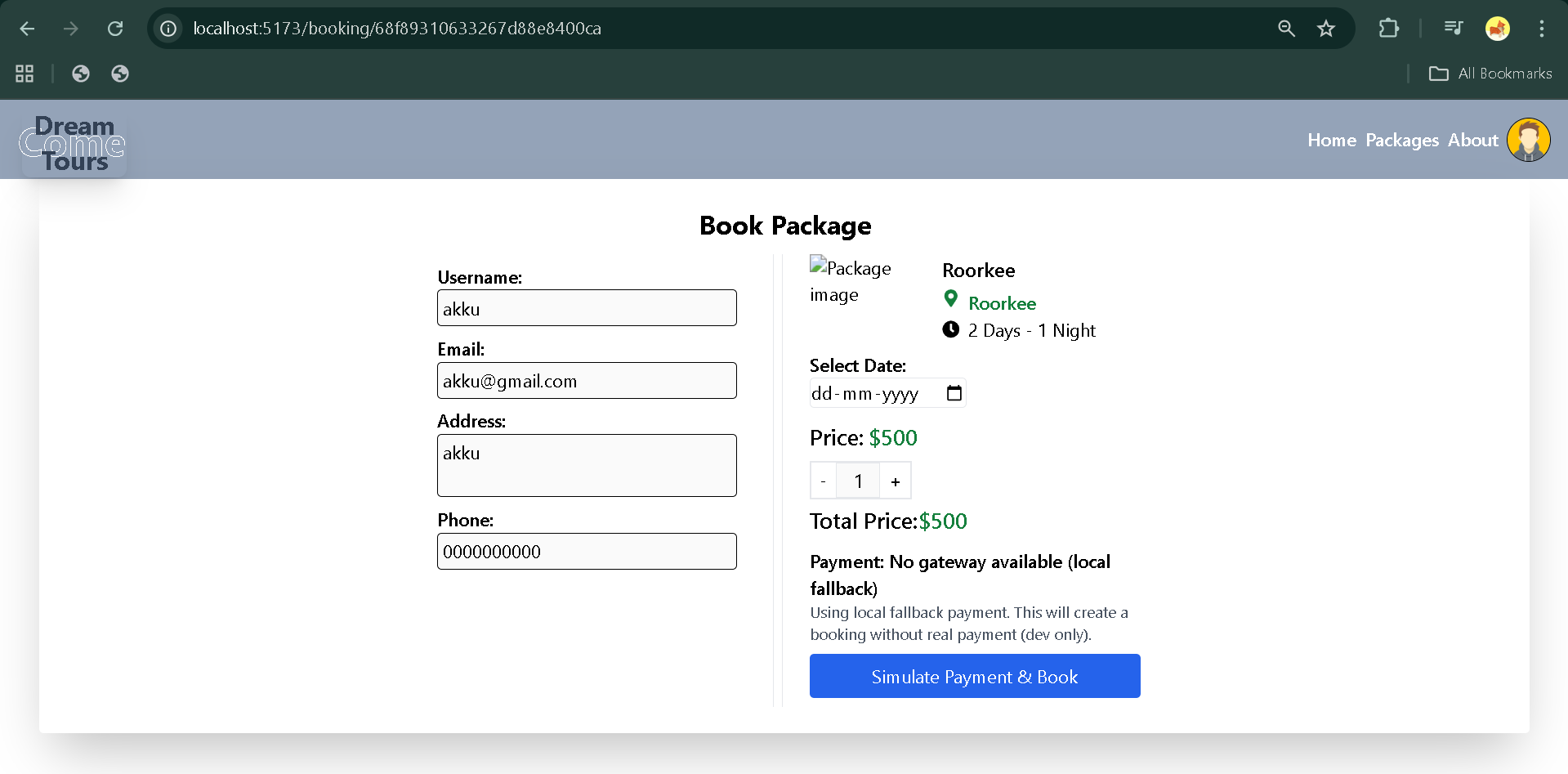
- Registered users can book tour packages.
- Booking details are stored in MongoDB for record keeping.
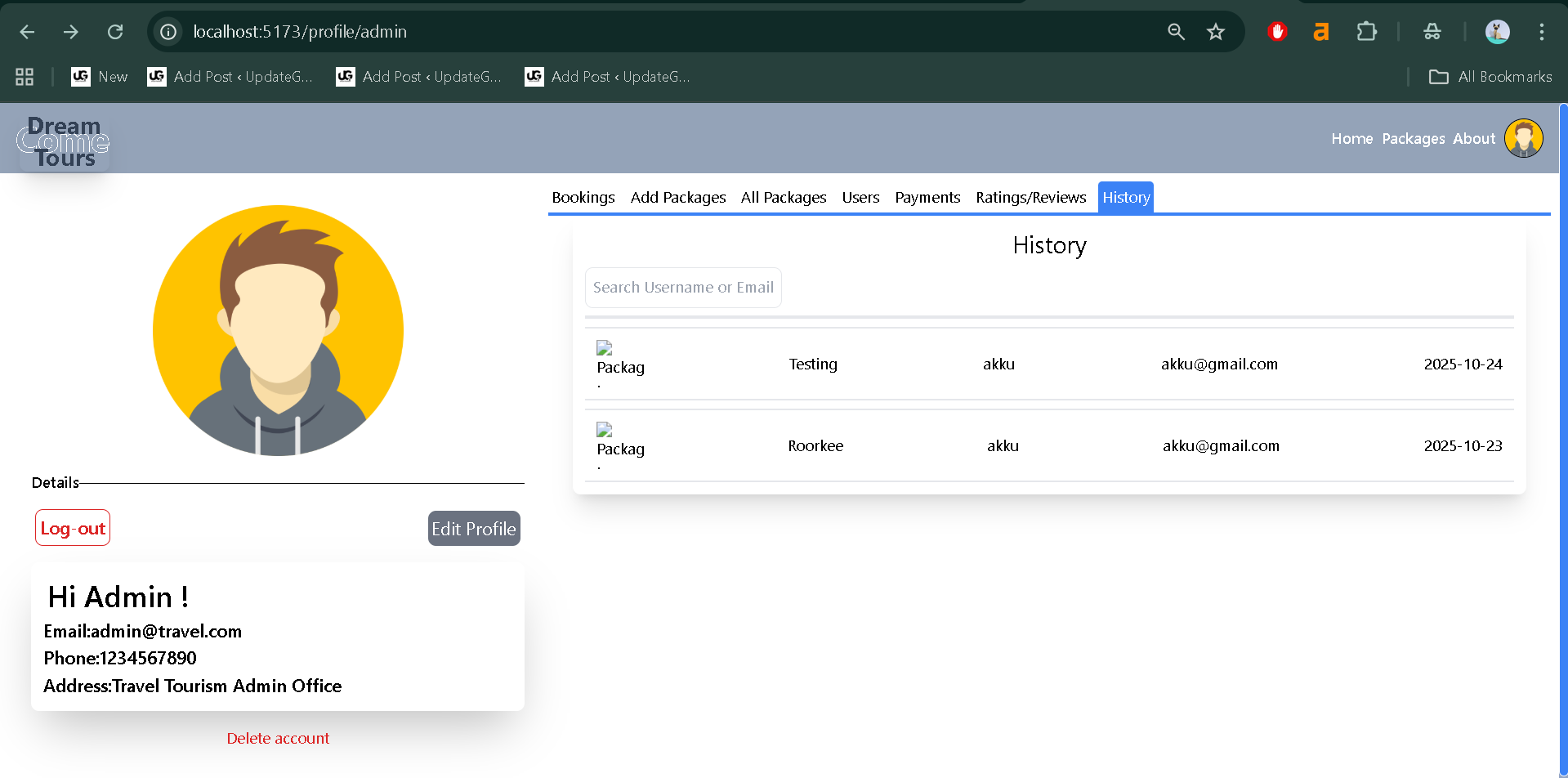
- Each user can view their booking history.
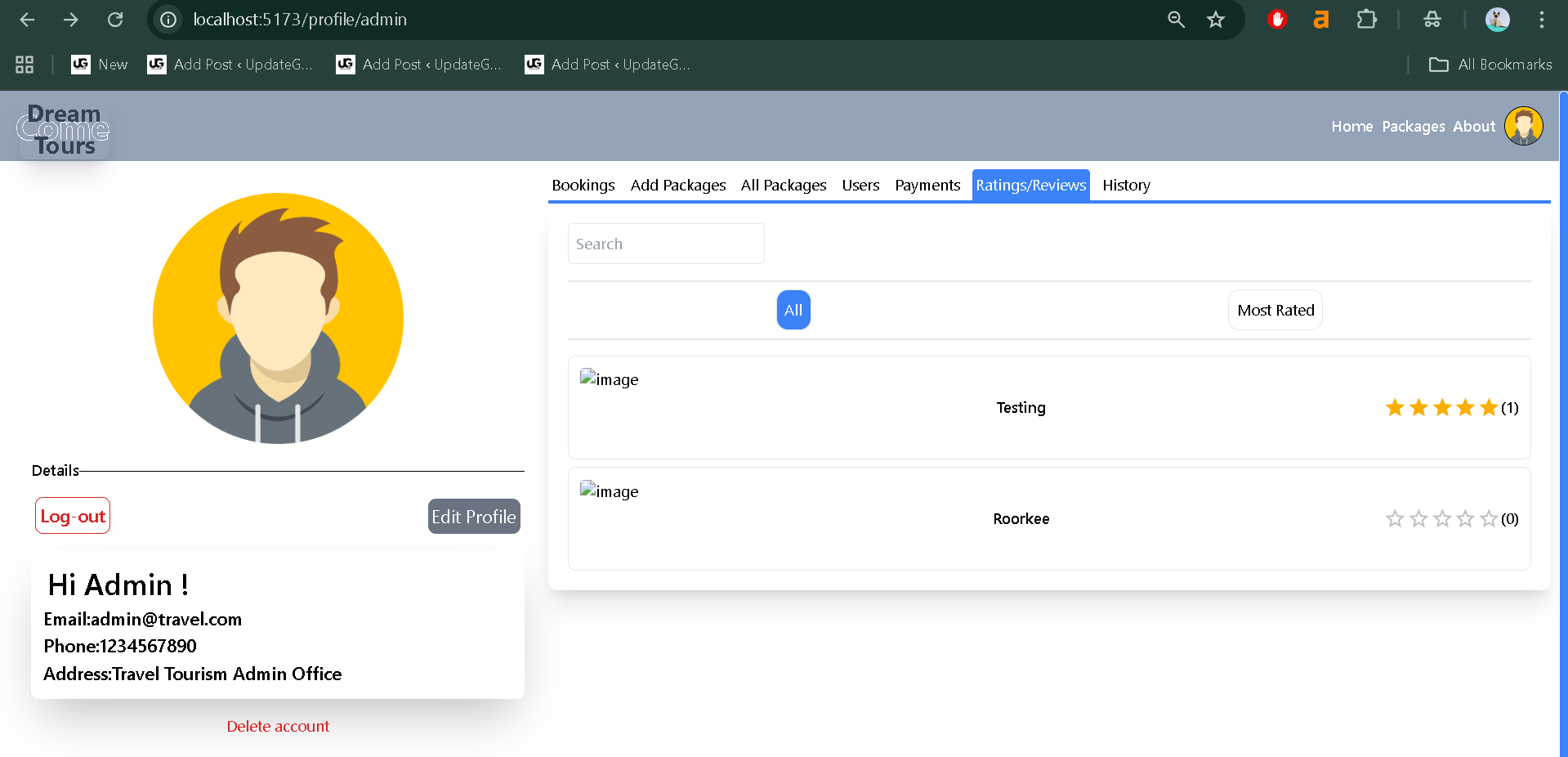
- Ratings and Reviews
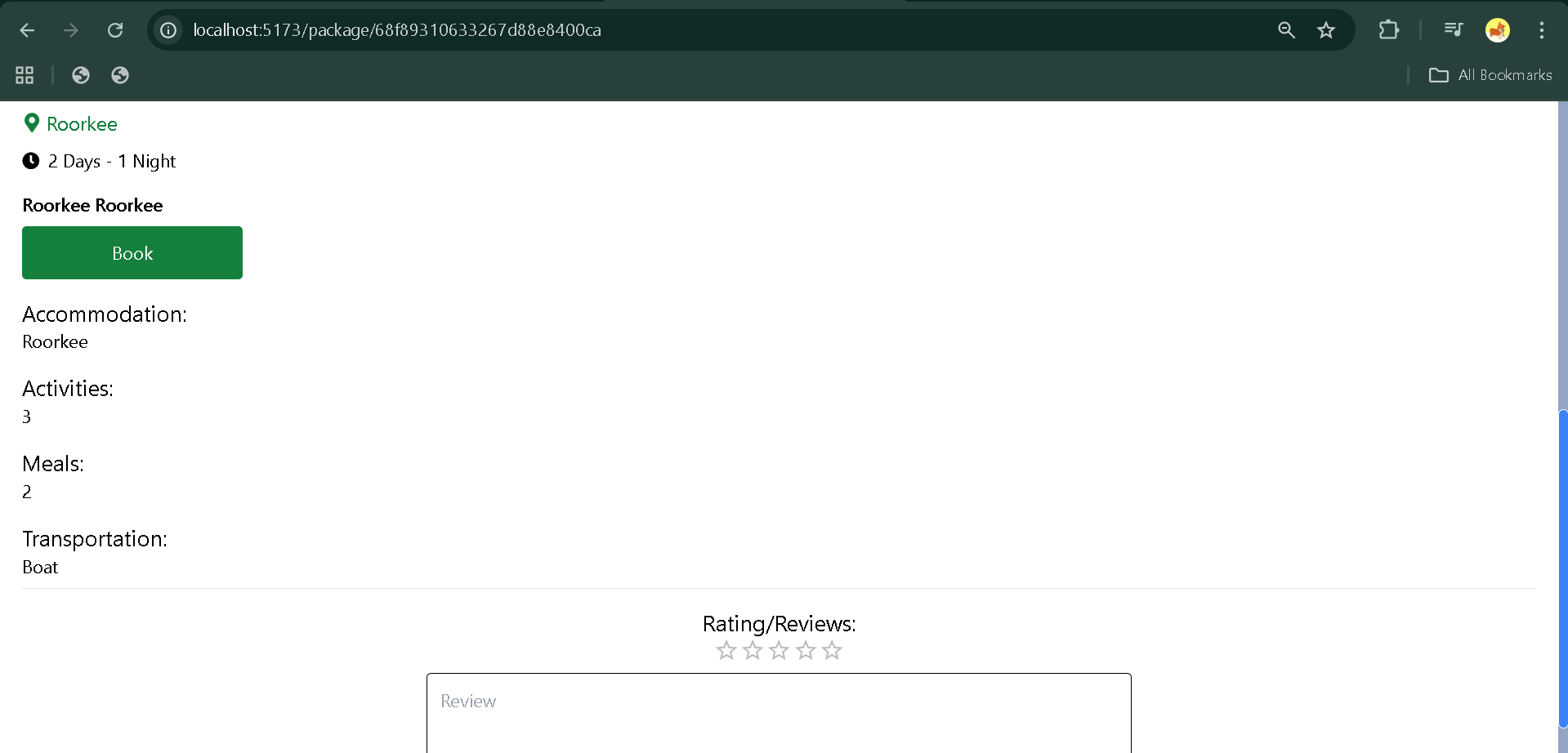
- Users can rate and review the tour packages after completion.
- Reviews help in improving travel experiences and guide other users.
- User Management (Admin Side)
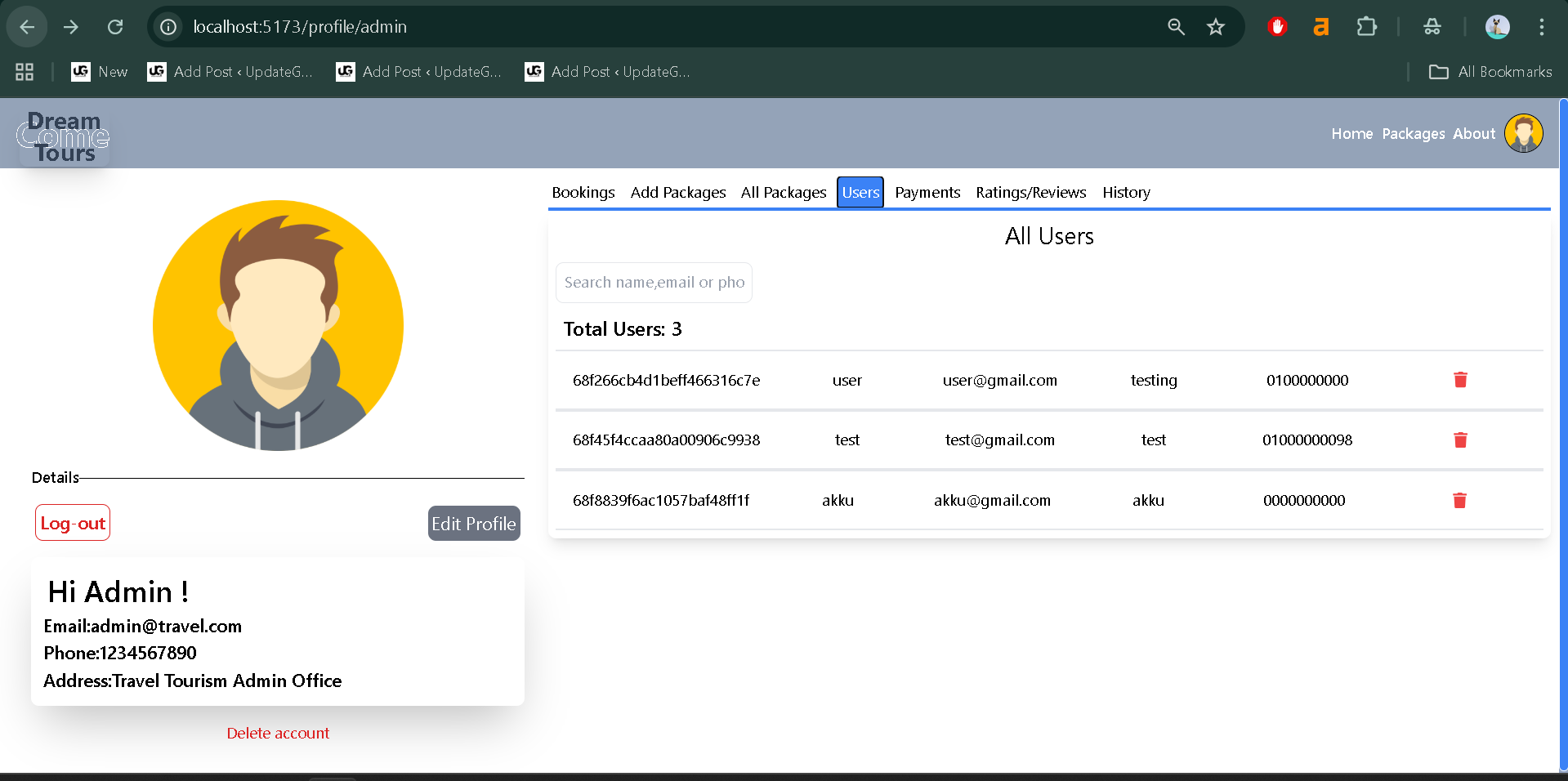
- Admin can manage registered users.
- Ability to delete inactive or duplicate accounts.
- Control over tour packages and bookings.
- Responsive Frontend Interface
- Built using React.js with reusable components.
- Clean and user-friendly UI.
- Dynamic rendering of content using API integration.
- API Integration (Backend)
- RESTful APIs built using Express.js.
- API endpoints for authentication, booking, ratings, and packages.
- Connected securely to MongoDB for data persistence.
Installation Guide (For VS Code)
Follow these steps to set up and run the Travel and Tourism Management System on your local computer using Visual Studio Code.
Download New Real Time Projects :–Click here
Step 1: Extract the Project
After downloading the project files, extract them to a folder on your computer.
Step 2: Open the Folder in VS Code
Open Visual Studio Code and navigate to:
File → Open Folder → Select the extracted project folder
Step 3: Open Terminal
Once the folder is open in VS Code, open a new terminal window:
Terminal → New Terminal
Step 4: Navigate to the Backend Folder
Run the following command in the terminal:
cd backend
Step 5: Install Backend Dependencies
Install all required Node.js modules using npm:
npm install
Step 6: Setup Environment File
Inside the backend folder, create a .env file and add the following environment variables:
PORT=5000
MONGO_URI=your_mongodb_connection_string
JWT_SECRET=your_secret_key
Step 7: Start the Backend Server
Run the following command:
npm start
If everything is set up correctly, you should see a message like:
Server is running on port 5000
Step 8: Setup the Frontend
Now open another terminal and navigate to the client folder:
cd ../client
Step 9: Install Frontend Dependencies
Run:
npm install
Step 10: Run the Frontend
Start the frontend using:
npm start
This will launch the application in your browser at:
http://localhost:3000
Usage
Best Final Year Project For JAVA :- Click Here
The project includes two main roles: User and Admin. Each role has specific access and permissions within the system.
1. User Role
- Registration/Login:
Users can register with their email and password. Once logged in, they can explore tour packages and view details. - Book Tours:
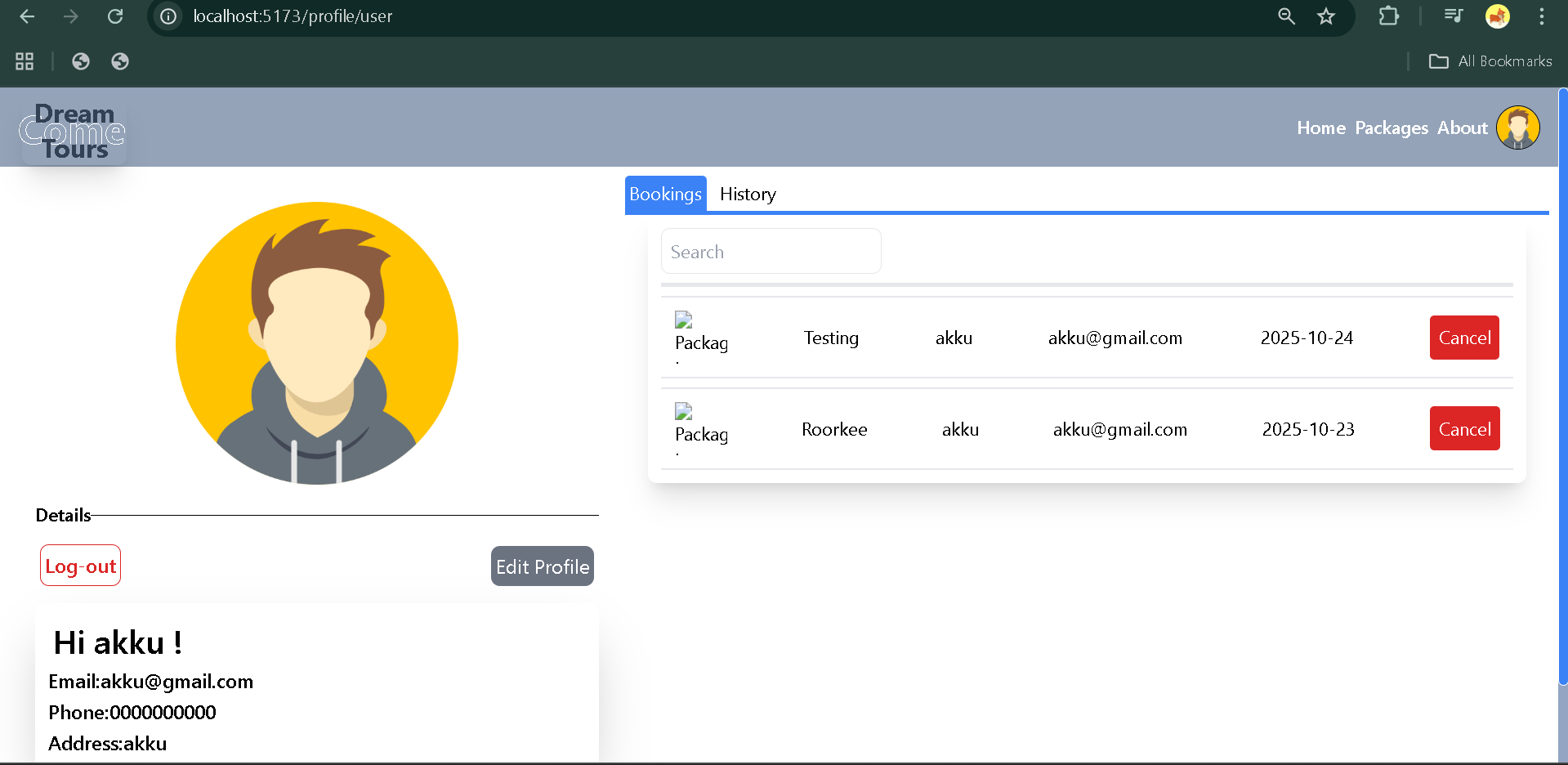
Authenticated users can book any available package and view their bookings in their account dashboard. - Provide Ratings and Reviews:
After completing a trip, users can rate the service and write reviews. - View Booking History:
Users can track their previous and upcoming bookings conveniently.
2. Admin Role
- Manage Packages:
Admins can add, edit, or delete tour packages from the system. - Manage Users:
Admins have access to view and manage registered users. - Monitor Bookings:
Admins can view all bookings made by users, including customer details and package information. - Moderate Reviews:
Admins can check and manage user reviews to maintain platform integrity.
Best Final Year Project For SPRINGBOOT:–Click Here
Technical Overview
This project follows the MERN architecture, which means the system is divided into four layers that communicate seamlessly:
- MongoDB: Acts as the database for storing user details, packages, bookings, and reviews.
- Express.js: Provides the backend framework to handle API routes and middleware.
- React.js: Handles the frontend, rendering dynamic and responsive UI components.
- Node.js: Manages the server-side logic and runs the Express APIs.
Folder Structure (Simplified)
Travel and Tourism Management System MERN
│
├── backend/
│   ├── controllers/
│   ├── models/
│   ├── routes/
│   ├── index.js
│
├── client/
│   ├── src/
│   ├── public/
│
└── package.json
Each folder serves a specific purpose, such as controllers handling logic, models defining data structure, and routes defining API endpoints.
Best Final Year Project For JSP :- Click Here
Why This Project is Useful for Students
This project is an ideal learning resource for students because it integrates both frontend and backend development within one real-world application.
Here’s why it stands out:
- Practical Learning:
It goes beyond theoretical concepts by providing actual implementation of REST APIs, authentication, and CRUD operations. - Real-World Relevance:
Travel and tourism management systems are widely used in industries, so students gain skills that are directly applicable to real projects. - Hands-On Full Stack Practice:
Students can learn how to handle frontend (React) and backend (Node + Express) simultaneously, improving their understanding of data flow. - Database Management:
Students get to learn how MongoDB stores and retrieves data efficiently and securely. - Enhances Career Readiness:
Understanding a full MERN stack project prepares students for internships, freelancing, and full-time software development roles.
Real-Life Application
In real-world terms, this project can be scaled into a full travel booking platform where travel agencies can manage packages, and customers can make bookings and payments online.
While the current system focuses on bookings and reviews, it can easily be extended with features like payment integration, advanced filtering, and real-time chat support.
We have Best projects Available in all languages:–Click Here
By building and running this project, students can understand the structure of professional-grade applications and how various components interact seamlessly to create a complete digital experience.
tourism management system, travel agency management system, travel management system project, travel management system project in java, mern travel system, next js management system, tour management in mern, tours and travels wordpress theme, university library management system, nextjs university management system, travel and tour, travel management in java, travel management project, tour and travel website template, how to create a tours and travel website, tour and travel website, tour and travels website travel website using mern stack github tourism management system project github online tourism management system project in php source code github tourism management system project source code tourism management system project in html tourism management system project pdf tourism management system website localhost tourism management system php travel and tourism management system mern stack travel and tourism management system mern github travel and tourism management system mern stack github travel and tourism management system mern tutorial travel and tourism management system mern example
🎓 Need Complete Final Year Project?
Get Source Code + Report + PPT + Viva Questions (Instant Access)
🛒 Visit UpdateGadh Store →