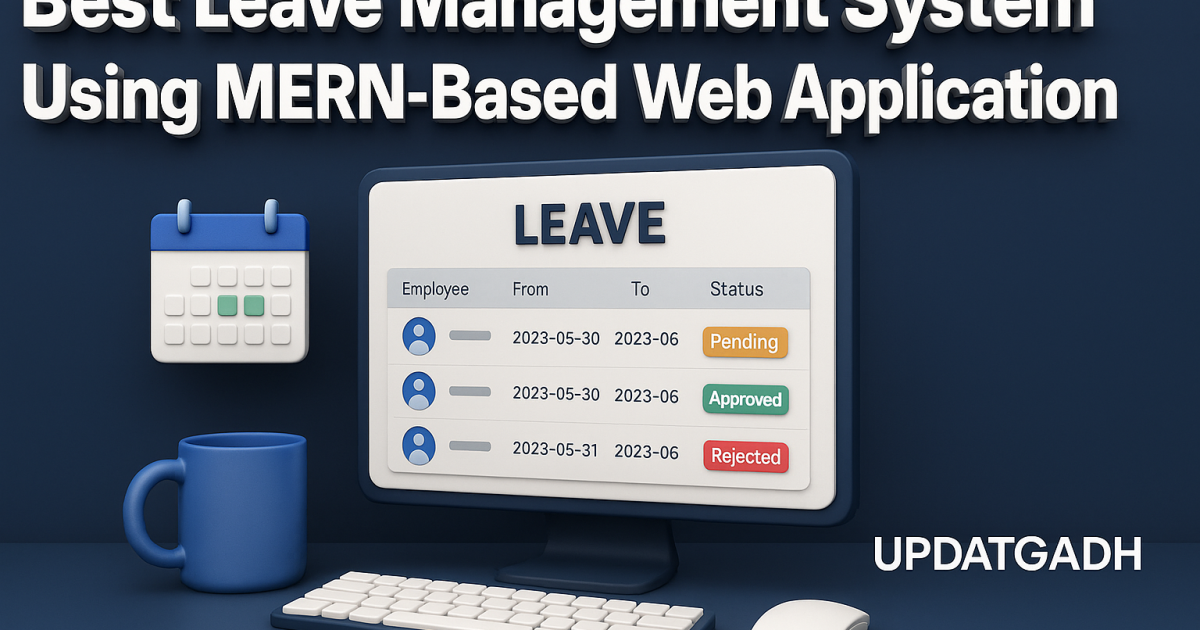
leave Management System
The leave Management System is a practical and structured web application designed to simplify daily HR operations inside an organization. I worked on this project as a student, and while exploring and running it step-by-step, I understood how real-world companies manage employee data, authentication, leave records, and profile management through a unified digital platform. The complete system is built using the MERN stack (MongoDB, Express.js, React, Node.js) and enhanced with Ant Design and React-Bootstrap for its user interface. For visualization, the project uses Chart.js, which displays employee statistics in a clean and interactive format.
The purpose behind building this project is simple: to create a functional tool that allows organizations to maintain employee information digitally instead of relying on manual paperwork. As a student, working on this system helps develop a strong understanding of CRUD operations, backend validations, API handling, role-based access, protected routes, image uploading, authentication using JWT, and structured component management in React. These concepts are essential for anyone aiming to advance in full-stack development.
Best Final Year Project For Data Science :–Click Here
Overview
| Detail | Description |
|---|---|
| Project Name | leave Management System |
| Language/s Used | JavaScript, React.js, Node.js |
| Database | MongoDB |
| Type | MERN-Based Web Application |
Project Description
This project is built to handle employee-related activities in an organization from a centralized dashboard. It provides separate functionalities for normal users and the super admin. The normal user can view and update personal details, upload their profile picture, apply for leave, and check leave history. On the other side, the super admin has extended access: they can create new employees, edit employee data, view all leave applications, approve or reject leave requests, and monitor the system using a dashboard.
All employee records and leave entries are saved securely in MongoDB. The backend is powered by Node.js and Express.js, handling server-side logic, validation, and API routing. The project also uses middleware for authentication and file uploads. The frontend is built using React to create a smooth, component-based UI, supported by Ant Design and React-Bootstrap for layouts, tables, forms, and modals.
Best Advanced Python Projects:-Click Here
Available Features
1. Authentication
- Login using username and password.
- Only the super admin can access the signup page.
- Super admin can create new users by entering:
- Name
- Password
- Date of Joining
- Position
- Aadhar Number
- PAN Number
2. Profile Management
- Users can edit their username and password.
- Users can upload a profile picture.
- Normal users can edit only their own profile.
- Super admin can edit employee details of all users.
3. Leave Management
- Normal users can apply for leave.
- Normal users can view their complete leave history.
- Super admin can view leave requests of all employees.
- Super admin can approve or reject leave applications.
4. Employee Management (For Super Admin)
- Super admin can access a list of all employees.
- Super admin can edit employee details.
- Normal users can view and update only their own profiles.
5. Dashboard
- Shows relevant employee data.
- Displays who is on leave today.
- Shows total employee count.
- Displays designation-wise distribution.
- Includes Chart.js visualization.
Installation Guide (VS Code Setup)
Below are the exact steps I followed to run this project on VS Code.
Step 1: Install Requirements
Make sure the following are installed:
- Node.js
- MongoDB
- VS Code
Step 2: Extract the Project Folder
Extract leave Management System.zip and open the main project folder in VS Code.
File > Open Folder > leave Management System
Step 3: Backend Setup
Open a terminal inside VS Code and run:
Download New Real Time Projects :–Click here
cd backend
npm install
npm start
If the project uses environment variables, create an .env file and include required values such as:
MONGO_URL=your_connection_string
JWT_SECRET=your_secret
PORT=5000
Step 4: Frontend Setup
Open a second terminal inside VS Code and run:
cd frontend
npm install
npm start
React will start on:
http://localhost:3000
Step 5: Application Usage
Once both servers (backend and frontend) are running, access the application through your browser.
Usage Guide (Role-Based Functionality)
This section explains how each role operates inside the system, strictly according to the ZIP project.
1. Super Admin Usage
The super admin is designed to control and monitor the entire EMS workflow.
Super Admin Can:
- Log in using admin credentials.
- Create new employee accounts using the sign-up form.
- Edit details of any employee.
- View all employees in a list format.
- Access dashboard insights.
- Check who is on leave today.
- View all leave applications submitted by users.
- Approve or reject leave requests.
This role gives complete control over employee and leave management.
Best Final Year Project For JAVA :- Click Here
2. Normal User Usage
Normal users represent standard employees of the organization.
Normal User Can:
- Log in using personal credentials.
- Update their username and password.
- Upload or change their profile picture.
- Apply for leave by submitting a leave request form.
- View complete leave history.
- Edit only their own profile.
Normal users cannot see or edit other employee data.
Student Perspective and Real-Life Application
Working on this Employee Management System as a student helped me clearly understand the structure of a full-stack MERN project. Every part of this application teaches something important:
- How authentication works using JWT.
- How to build separate APIs for users, leaves, and profiles.
- How to secure routes using middleware.
- How file uploads (profile pictures) are handled.
- How frontend and backend communicate through API requests.
- How role-based access is implemented in real software.
- How dashboards and charts are created using Chart.js.
- How React components, pages, and context are organized professionally.
Best Final Year Project For SPRINGBOOT:–Click Here
Best Final Year Project For JSP :- Click Here
We have Best projects Available in all languages:–Click Here
EMS is a real-life concept used by small companies, schools, and organizations to record employee workflows. Building this as a project gives hands-on industry experience and strengthens portfolio quality for internships and job applications.
leave management system project leave management system github leave management system mern stack github employee leave management system mern stack github leave management system spring boot github leave management system project using java leave management system php github
leave management system er diagram leave management system using mern github leave management system using mern stack github leave management system using mern stack leave management system using mern stack example
employee management system using mern, employee management system using react js, employee management system using reactjs, employee management system, employee management system in react, employee task management system, employee management system react, employee management system in react js, employee management system next js, employee attendance management system, employee management system project, employee management system next.js, node express employee management system employee management system using mern based web application github employee management system using mern based web application example employee management system using mern based web application node js
🎓 Need Complete Final Year Project?
Get Source Code + Report + PPT + Viva Questions (Instant Access)
🛒 Visit UpdateGadh Store →